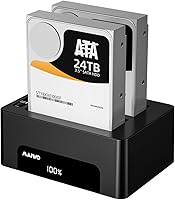
MAIWO Dual-Bay Hard Drive Docking Station

Overview
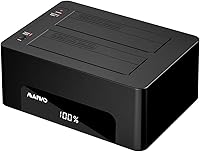
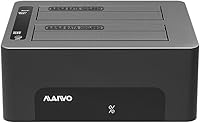
The MAIWO Dual-Bay Hard Drive Docking Station sits in a practical sweet spot for anyone who needs to clone or access SATA drives without spending heavily. Its offline clone capability is the real draw here — you can duplicate one drive to another by pressing a single button, no computer required. It handles both 2.5-inch and 3.5-inch SATA HDDs and SSDs interchangeably, which removes the headache of owning separate docks for different drive formats. With a 48TB total capacity ceiling, it covers most home and small-office needs comfortably. Just know that USB 3.0, while reliable, is not the fastest interface available today.
Features & Benefits
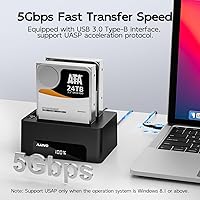
The offline clone function works as advertised — press the clone button, watch four LED indicators tick through 25, 50, 75, and 100 percent, then walk away. Keep in mind this is a sector-by-sector copy, so the target drive must match or exceed the source drive's size. The USB 3.0 connection with UASP support delivers up to 5Gbps, which handles most transfer tasks well, though cloning a multi-terabyte HDD will still take several hours. Each bay handles drives up to 24TB independently, and the dedicated 12V 4A power supply keeps everything stable — no underpowering dropouts. Setup is driver-free and takes under a minute.
Best For
This drive dock is a natural fit for IT technicians and home users who clone drives regularly — whether that's migrating an OS to a new SSD, creating a bootable backup, or decommissioning old drives in bulk. If you're upgrading a laptop and want to copy everything over without wrestling with software, this docking station handles it without fuss. Small businesses that need to format or transfer data across multiple drives without monopolizing a workstation will also find it useful. And if you're juggling a mix of older spinning HDDs alongside newer SSDs, this dual-bay cloner accepts both without adapters or workarounds.
User Feedback
Buyers generally praise how reliably the offline clone completes on the first try — a common gripe with cheaper docks is failed or corrupted copies, and most users report that's not an issue here. On the downside, cloning a large HDD — think 4TB or 8TB — can stretch into many hours, which is a USB 3.0 reality, not a defect. A handful of users have flagged occasional compatibility hiccups with drives above 8TB, so verifying your specific drive model beforehand is wise. The ABS plastic chassis feels lightweight but holds up fine for regular use; it is not built for heavy daily punishment. LED progress indicators are clear enough to trust during an unattended overnight clone.
Pros
- Offline clone works reliably out of the box with no software installation or computer connection required.
- LED progress indicators at four stages make it easy to monitor a clone and walk away confidently.
- Supports both 2.5-inch and 3.5-inch SATA drives interchangeably, covering most legacy and modern drive formats.
- The dedicated 12V 4A power supply keeps drives stable, avoiding the drop-outs common with bus-powered alternatives.
- Driver-free setup works across Windows, macOS, and Linux without any configuration headaches.
- Each bay handles drives up to 24TB, so the dock remains relevant as drive capacities grow.
- Compact enough to store easily when not in use, without permanently occupying desk real estate.
- UASP support provides a meaningful speed boost over standard USB 3.0 bulk transfer mode when the host supports it.
- At this price point, getting offline clone functionality represents genuinely strong value for occasional to moderate use.
Cons
- Cloning large HDDs takes many hours due to the USB 3.0 bandwidth ceiling — plan around it, not through it.
- Sector-by-sector cloning means the target drive must be at least as large as the source, which catches some buyers off guard.
- Plastic chassis feels lightweight and is unlikely to hold up well under heavy, repeated daily professional use.
- Some users report compatibility hiccups with specific high-capacity drives above 8TB, so edge cases exist.
- No support for NVMe or M.2 SSDs limits usefulness as more users transition away from SATA-based storage.
- Only four LED progress points offer limited granularity — you cannot tell how much time remains during a long clone.
- No included software means there is no option for selective file cloning or partition-level control if you need it.
- The external power adapter adds cable clutter and is one more component to lose or replace if it fails.
Ratings
The scores below for the MAIWO Dual-Bay Hard Drive Docking Station were generated by our AI engine after analyzing verified global buyer reviews, with spam, incentivized submissions, and bot activity actively filtered out before any scoring was applied. Each category reflects a genuine synthesis of what real users praised and where they ran into friction — nothing is glossed over. Whether this drive dock earns a spot on your desk or falls short of your needs, the ratings below give you the full picture.
Offline Clone Reliability
Value for Money
Transfer Speed
Drive Compatibility
Ease of Setup
Build Quality
LED Progress Indicators
Power Stability
Clone Speed
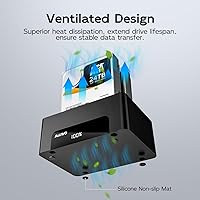
Thermal Management
Portability
Multi-OS Support
Suitable for:
The MAIWO Dual-Bay Hard Drive Docking Station is a strong match for anyone who clones drives with any regularity — IT support techs refreshing office machines, home users migrating to a larger SSD, or small business owners archiving data without tying up a workstation. Because the offline clone requires no software and runs entirely on its own, it's genuinely useful for people who aren't particularly technical and just want a reliable point-and-click solution. The broad compatibility with both 2.5-inch and 3.5-inch SATA HDDs and SSDs means you're unlikely to hit a wall with your existing drive collection. Anyone working through a backlog of old drives — formatting, auditing, or repurposing them — will appreciate having two bays and a stable dedicated power supply rather than juggling a single-bay dock repeatedly. The compact footprint also makes it easy to stash in a drawer between uses rather than permanently occupying desk space.
Not suitable for:
Buyers who need speed above all else should look elsewhere, because USB 3.0 at 5Gbps is a real ceiling, and cloning or transferring data on drives larger than 2TB will test your patience. This docking station is not designed for NVMe or M.2 drives — it handles SATA only, so anyone working primarily with modern PCIe-based SSDs will find it incompatible with their hardware. Users who need simultaneous network-attached access or RAID functionality won't find those features here; it's a straightforward dock, not a mini NAS. A handful of buyers have reported inconsistent results with certain drives at very high capacities, so if you're routinely working with 10TB or larger drives, it's worth verifying compatibility before committing. The ABS plastic build also means this is not the right tool for a high-volume professional environment where the dock gets handled constantly throughout a workday.
Specifications
- Interface: Connects to a host computer via USB 3.0, delivering up to 5Gbps throughput with UASP support for faster burst transfers.
- Backward Compatibility: Fully backward compatible with USB 2.0 and USB 1.1 ports, though transfer speeds will be limited by the host port's capability.
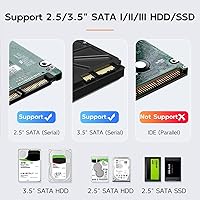
- Drive Compatibility: Accepts both 2.5-inch and 3.5-inch SATA HDDs and SSDs interchangeably across its two bays without adapters.
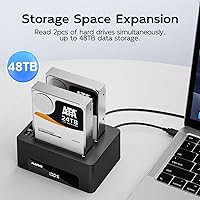
- Max Capacity: Each bay supports drives up to 24TB, for a combined maximum accessible capacity of 48TB across both slots.
- Offline Clone: A dedicated clone button triggers a full sector-by-sector disk duplication without requiring a connected computer or any software.
- Clone Indicators: Four LED lights mark clone progress at 25%, 50%, 75%, and 100% completion, allowing confident unattended operation.
- Power Supply: Includes a dedicated 12V 4A external power adapter that provides stable, consistent power to both bays simultaneously.
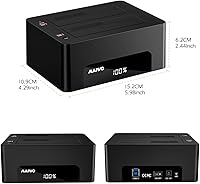
- Dimensions: The enclosure measures 6 x 4 x 2.5 inches, keeping the desk footprint compact enough for easy storage when not in use.
- Weight: The unit weighs 2.05 pounds including the enclosure, making it light enough to move between workstations without difficulty.
- Material: The chassis is constructed from high-strength ABS plastic, which keeps the unit lightweight while offering basic everyday durability.
- OS Support: Compatible with Windows 98 through Windows 10, macOS, and Linux without requiring any driver installation.
- Driver Requirement: No drivers or software installation are needed; the dock is recognized immediately as a standard USB storage device by the host system.
- Supported Devices: Accommodates a maximum of two SATA drives simultaneously, one per bay, with each bay operating independently.
- Device Compatibility: Works with desktops, laptops, Macs, smart TVs, gaming consoles, routers, and smartphones with OTG support.
- Brand: Manufactured and sold by MAIWO, a brand specializing in storage peripherals and connectivity accessories.
Related Reviews
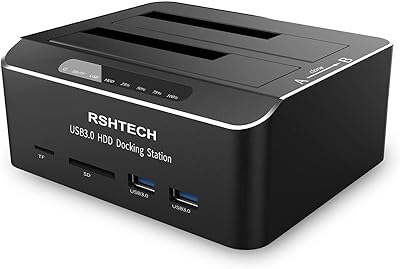
RSHTECH RSH-DS02 Dual Bay Hard Drive Dock
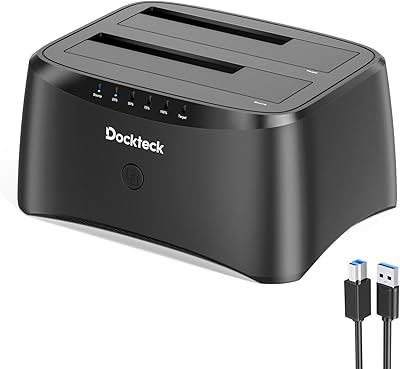
dockteck Dual Bay Hard Drive Docking Station
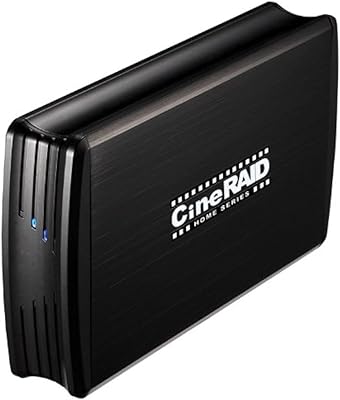
CineRAID CR-H212 Dual-Bay 2.5″ RAID Enclosure
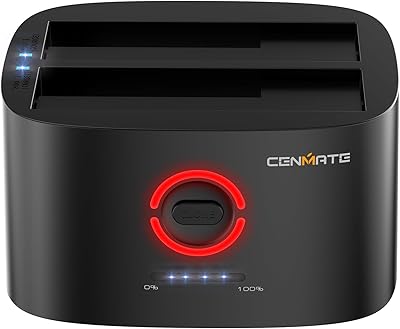
Cenmate 2-Bay Hard Drive Docking Station

StarTech SDOCK2U33EB Dual-Bay Hard Drive Docking Station

WAVLINK WL-ST334UA Dual-Bay USB 3.0 Hard Drive Docking Station
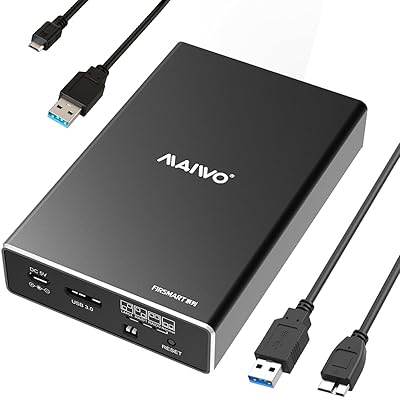
MAIWO K25272 Dual Bay Hard Drive RAID Enclosure 16TB
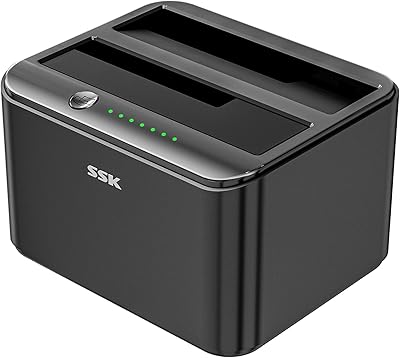
SSK DK103 Dual Bay Hard Drive Dock
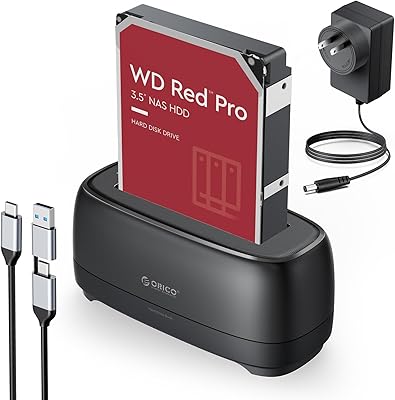
ORICO DD18C3 Hard Drive Docking Station