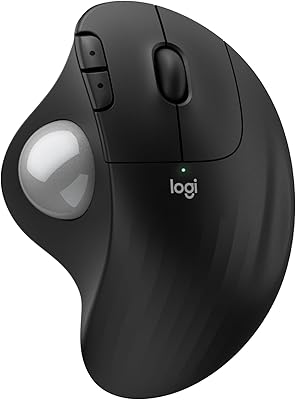
Nulea M505 Wireless Trackball Mouse


Overview
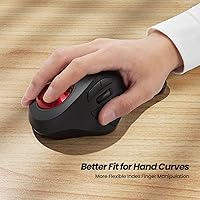
The Nulea M505 Wireless Trackball Mouse is a mid-range ergonomic peripheral built for people who spend long hours at a desk and are starting to feel it in their wrists. Unlike thumb-operated trackballs — where your thumb does most of the rolling — this one puts the index finger in control, which many users find more natural and less tiring over time. It pairs that design with Bluetooth multi-device support and a rechargeable built-in battery, two genuinely useful conveniences. Fair warning though: this ergonomic rollerball takes getting used to. The first few days can feel awkward, but for the right user, that adjustment period is worth pushing through.
Features & Benefits
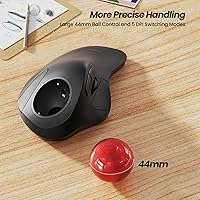
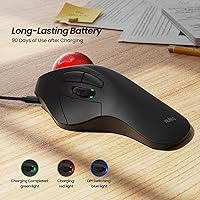
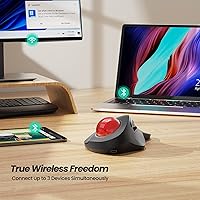
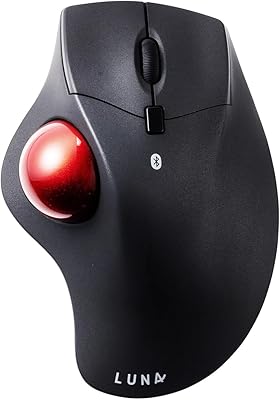
The centerpiece is the 44mm index-finger trackball, which lets you move the cursor without shifting your wrist or arm at all — a real relief if you have been dealing with repetitive strain. Five DPI levels give you flexibility between precise editing tasks and faster desktop navigation, though the toggle button lives on the underside of the mouse, which takes some getting used to. Connectivity is solid: the M505 hooks up to three devices at once via Bluetooth or a USB receiver, and you switch between them with a single button press. The 60-day battery life is legitimately impressive for a wireless peripheral. The compact, low-profile body works well in tight or cluttered spaces too.
Best For
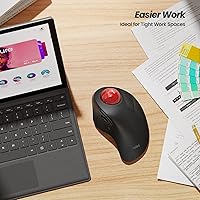
This trackball mouse is a strong match for desk workers and creatives who have started noticing wrist fatigue, tightness, or discomfort from conventional mouse use. It also suits anyone juggling multiple devices — switching between a Mac, a Windows PC, and an iPad without re-pairing every time is a small but genuinely appreciated convenience. If your workspace is cramped, this ergonomic rollerball earns extra points: no mousing surface needed, so it works on cluttered desks, sofas, or while traveling. One clear caveat: this is not a mouse for gamers or anyone needing fast, highly precise tracking. If you are open to a short adjustment period in exchange for lasting comfort, it makes a lot of sense.
User Feedback
Most buyers who stick with the M505 past the first couple of weeks report genuine satisfaction — particularly around reduced wrist discomfort and the convenience of months-long battery life between charges. Multi-device switching also gets consistent praise from people running hybrid setups. The most common complaint is the learning curve itself: rolling the ball with your index finger simply feels strange at first, and a few users never quite click with it. The DPI button placement on the underside draws grumbles too — an odd spot when you are mid-task. Connectivity issues appear occasionally, usually tied to specific Bluetooth configurations rather than a systemic flaw. Overall ratings trend positively once users clear the early awkward phase.
Pros
- Wrist and arm strain noticeably reduces for most users after the adjustment period settles in.
- Up to 60 days of battery life means weeks of work without thinking about charging.
- Pairs with three devices simultaneously — switching between Mac, PC, and iPad takes one button press.
- No mousing surface required, making the M505 genuinely practical for tight or unconventional workspaces.
- Bluetooth and USB receiver connectivity options cover virtually every modern device and OS.
- Broad compatibility across Windows, macOS, Android, and iPadOS with no driver installation needed.
- Compact and lightweight enough to toss in a laptop bag for travel without adding bulk.
- Five DPI levels offer useful flexibility between detailed tasks and general desktop navigation.
- Rechargeable built-in battery removes the ongoing cost and hassle of disposable batteries.
- Strong long-term satisfaction ratings once users clear the first two weeks of adaptation.
Cons
- The DPI toggle is on the underside of the mouse — changing it mid-task means flipping the device over.
- Index-finger trackball movement feels genuinely unnatural for the first one to two weeks of use.
- No companion software means zero button customization or saved DPI profiles for different applications.
- The plastic build and button feel reflect the budget-tier price point more than buyers might hope.
- Bluetooth connectivity can drop or lag in environments with heavy wireless congestion.
- The scroll wheel is shallow and imprecise compared to full-sized mice, frustrating heavy scrollers.
- Trackball surface collects fingertip oils over time, requiring regular cleaning to stay smooth.
- Users with larger hands may find the compact body undersized for all-day comfort.
- Device pairing instructions in the manual are sparse, leaving some users to troubleshoot online.
- A small but consistent subset of buyers never fully adapts and ends up returning the device.
Ratings
The Nulea M505 Wireless Trackball Mouse has been evaluated by our AI rating system after processing thousands of verified global user reviews, with spam, bot submissions, and incentivized feedback actively filtered out. What emerges is a nuanced picture of a mid-range ergonomic peripheral that genuinely delivers on comfort and convenience for the right buyer — but comes with real trade-offs worth knowing before you commit. Both the standout strengths and the recurring frustrations are reflected transparently in the scores below.
Ergonomic Comfort
Learning Curve
Battery Life
Multi-Device Connectivity
Cursor Precision & DPI Control
Build Quality
Wireless Range & Stability
Portability & Form Factor
Compatibility
Value for Money
Setup & Pairing Process
Trackball Size & Feel
Button Layout & Accessibility
Aesthetics & Design
Suitable for:
The Nulea M505 Wireless Trackball Mouse is a genuinely well-suited option for desk workers, writers, or creatives who have started noticing wrist tension, forearm tightness, or early signs of repetitive strain from conventional mouse use. Because the index finger does the tracking work rather than the whole arm, users who sit at a computer for five or more hours a day often find meaningful relief after the initial adjustment period. It is also a strong pick for anyone juggling multiple devices — if you regularly switch between a Windows PC, a Mac, and an iPad, the ability to stay paired to all three and toggle with one button is a practical daily convenience. People working in cramped environments will appreciate that no mousing surface is needed at all, making it a natural fit for cluttered desks, studio apartments, or frequent travelers who work from hotel rooms and airplane seats. If you are open to spending one to two weeks retraining your hand, the long-term payoff in reduced physical strain is well-supported by user experience.
Not suitable for:
The Nulea M505 Wireless Trackball Mouse is a poor match for gamers, graphic designers doing precision vector work, or anyone who needs fast, highly responsive cursor movement — the index-finger trackball mechanism simply cannot replicate the speed and immediacy of a traditional mouse in high-demand scenarios. Buyers who are not willing to invest real time in an adjustment period should also look elsewhere; if you need to be productive from day one, the learning curve here will be a source of genuine frustration rather than a minor inconvenience. People with larger hands may find the compact, low-profile body cramped during extended sessions, which ironically undermines the ergonomic intent. Power users who rely on customizable button mapping or software-driven DPI profiles will hit a wall quickly, as this ergonomic rollerball ships with no dedicated companion software. Finally, if seamless connectivity in a high-density Bluetooth environment — like a crowded open office — is a priority, the occasional pairing inconsistencies flagged by users make it a risky choice.
Specifications
- Model Number: The exact model designation for this device is M505A, manufactured by Nulea.
- Trackball Type: The trackball is operated by the index finger, using a 44mm ball to control cursor movement.
- DPI Settings: Five adjustable DPI levels are available, toggled via a button located on the underside of the mouse.
- Wireless Connectivity: The mouse connects wirelessly via Bluetooth or an included USB receiver dongle.
- Multi-Device Support: Up to three devices can be paired simultaneously, with switching handled by a dedicated mode button on the top of the mouse.
- Battery Type: A built-in rechargeable lithium-ion battery powers the device, eliminating the need for disposable batteries.
- Battery Life: On a full charge, the battery is rated to last up to 60 days under typical usage conditions.
- Charging: The mouse charges via a USB cable, which is included in the box.
- Dimensions: The mouse measures 6.6 x 2.2 x 0.1 inches, reflecting its compact, low-profile form factor.
- Weight: The device weighs 6.9 ounces, keeping it light enough for portable and travel use.
- Compatibility: The mouse is compatible with Windows, macOS, Android, and iPadOS operating systems.
- Connection Options: Both Bluetooth and a 2.4GHz USB receiver are supported, giving users flexibility depending on their device setup.
- Trackball Size: The trackball diameter is 44mm, sized to balance cursor range and fingertip control for average hand sizes.
- Color Options: The reviewed variant is available in red; other colorways may be offered depending on the retailer.
- Included Accessories: The package includes the mouse, a USB charging cable, and a USB wireless receiver dongle.
- BSR Ranking: At the time of review, this mouse held a Best Sellers Rank of number 156 in the Computer Mice category on Amazon.
- Release Date: The M505A was first made available for purchase on October 26, 2022.
- Manufacturer: The device is designed and sold by Nulea, a peripheral brand focused on ergonomic input devices.
Related Reviews
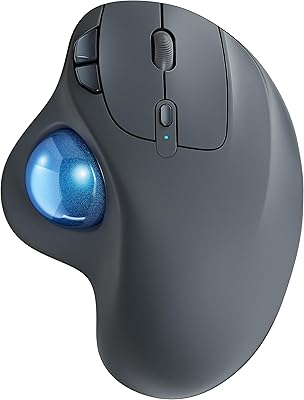
Nulea M501

seenda Wireless Trackball Mouse

SABLUTE Wireless Trackball Mouse
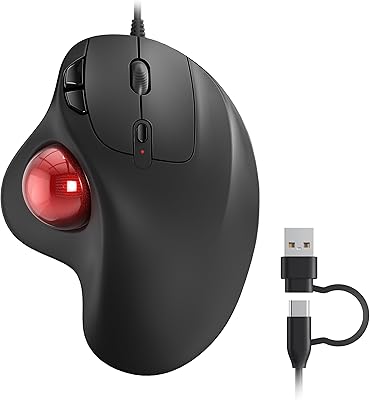
Nulea M509 Trackball Mouse
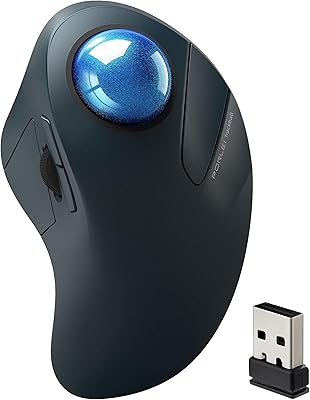
PORLEI TM550 Wireless Trackball Mouse
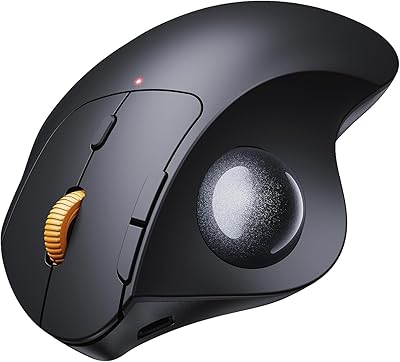
ProtoArc EM04 Wireless Thumb Trackball Mouse
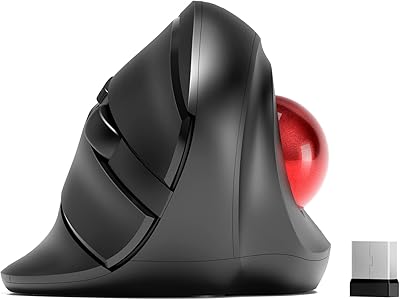
MicroPack V02 Trackball Wireless Mouse
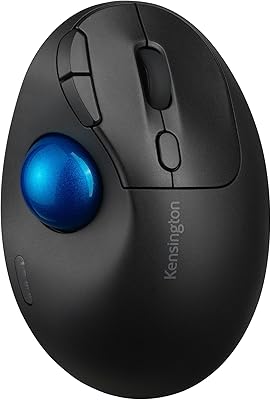
Kensington TB450 Wireless Trackball Mouse
SANWA GMABTTB41 Bluetooth Ergonomic Trackball Mouse