Overview
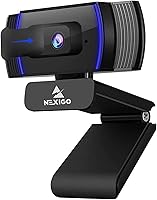
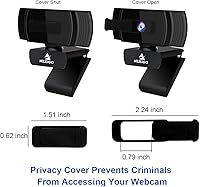
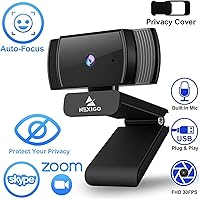
The NexiGo N930AF Webcam has held a spot near the top of Amazon's webcam rankings since its 2020 launch — which says something real about how well it has aged in a crowded market. Sitting firmly in the mid-range tier, it targets remote workers, students, and casual streamers who want autofocus without paying premium camera prices. It folds flat for easy transport, clips onto virtually any monitor or laptop, and ships with a 6.5 ft USB cable that gives you genuine desk flexibility. The built-in physical privacy cover is a thoughtful inclusion at this price point — something you genuinely don't always find on competing models.
Features & Benefits
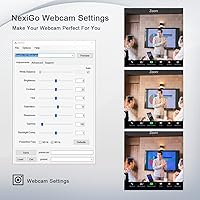
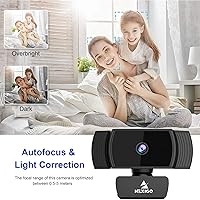
The autofocus works reliably at distances as close as 7 cm, which matters if you lean toward your screen during calls or work at an unusually close desk setup. Video output lands at 1080p and 30fps — solid for conferencing, though if you are streaming fast-moving content, the frame rate is standard rather than exceptional. The 74° field of view frames you naturally without the fisheye distortion common in some wide-angle competitors. The built-in microphone handles ambient noise reasonably well, cutting down on fan hum and room echo, though it won't replace a standalone mic for podcast-quality audio. The optional companion software lets you fine-tune exposure, white balance, and focus settings if you want deeper control.
Best For
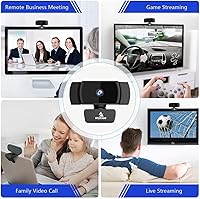
This NexiGo camera is a natural fit for anyone tired of looking blurry on their laptop's built-in camera during daily calls. Remote workers and students will appreciate the autofocus most — it adjusts on the fly without requiring you to stay locked in one spot. The foldable body and long cable also make it a practical pick for people who switch between workspaces or travel regularly. Budget-conscious streamers who need something functional right out of the box will find it delivers without a complicated setup. And if you keep your camera covered when not in use, the physical lens cover feels like a genuine convenience rather than an afterthought.
User Feedback
Across a large pool of verified reviews, this webcam earns consistent praise for how quickly buyers get from unboxing to a working camera — most report being up and running within a minute. Image clarity and autofocus responsiveness are frequently cited as standout strengths. On the critical side, a recurring concern is performance in dim lighting; the low-light correction helps but doesn't fully compensate in darker rooms. Some users also note the microphone picks up keyboard clatter more than they'd like. A handful of long-term owners have raised questions about build durability with extended daily use. Still, the 4.4-star average across a substantial review base suggests most buyers consider the value here to be fair.
Pros
- Autofocus responds quickly and reliably, even when you shift positions mid-call.
- Physical privacy cover provides real peace of mind, not just a software toggle.
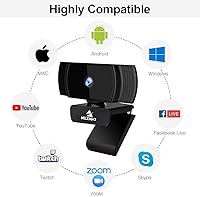
- Plug-and-play setup works across Windows, Mac, Linux, and Chrome OS with zero driver fuss.
- The 6.5 ft cable is long enough to reach floor-level USB ports or tower desktops comfortably.
- 74-degree field of view frames a solo speaker naturally without distortion at the edges.
- Foldable design makes it practical for hot-deskers and people who travel with their work setup.
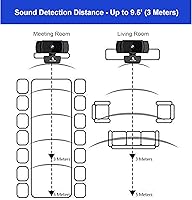
- Built-in noise cancellation handles constant background sounds like fans and HVAC hum well enough for calls.
- Optional companion software gives manual control over exposure and white balance for users who want it.
- Broad OS and platform compatibility, including Linux and Nintendo Switch 2, is rare at this price tier.
- Strong long-term sales rank signals a product that has genuinely held up in a competitive category.
Cons
- Low-light performance degrades noticeably in dim rooms, producing visible noise and exposure issues.
- Mechanical keyboard users will find key clatter bleeds through the built-in microphone more than expected.
- The fixed USB-A cable cannot be swapped out if damaged, making a minor failure a full replacement scenario.
- USB-C-only laptop users need a separate adapter not included in the box.
- The hinge and clip mechanism can loosen with daily folding over months of extended use.
- Companion software feels dated and is unavailable entirely for Linux and Chrome OS users.
- 30fps output shows motion blur in fast-moving scenes, limiting appeal for high-energy streaming.
- The plastic housing picks up surface scratches faster than the price point might lead buyers to expect.
- No tripod adapter is included, requiring an additional purchase for standalone desk mounting.
- Color accuracy shifts warm under artificial lighting, which may require manual correction via the software.
Ratings
The NexiGo N930AF Webcam scores below are generated by AI after analyzing thousands of verified global buyer reviews, with spam, bot submissions, and incentivized feedback actively filtered out. The result is an honest, balanced snapshot of where this webcam genuinely delivers and where real users have run into friction. Both the standout strengths and the recurring pain points are reflected transparently in every category score.
Autofocus Performance
Video Quality
Low-Light Performance
Built-in Microphone
Ease of Setup
Build Quality & Durability
Privacy Cover
Field of View
Cable Length & Connectivity
Compatibility & OS Support
Mounting & Portability
Companion Software
Value for Money
Suitable for:
The NexiGo N930AF Webcam is a strong fit for anyone whose current setup is a blurry, tinny-sounding built-in laptop camera and who wants a meaningful upgrade without a steep investment. Remote workers spending hours each week on Zoom or Teams calls will appreciate the autofocus most — it quietly does its job in the background while you move naturally, without the awkward frozen-frame look of fixed-focus alternatives. Students attending online lectures or virtual office hours will notice the difference in both how they appear on screen and how clearly their voice comes through during class participation. It also suits people who move between workspaces frequently: the folding body, long cable, and universal clip make it genuinely easy to pack up and deploy on a different monitor without any reinstallation headaches. Privacy-minded users who want a tangible, physical barrier over the lens when not in use will find the built-in cover a reassuring and practical feature rather than a gimmick.
Not suitable for:
The NexiGo N930AF Webcam hits a ceiling fairly quickly for anyone pushing it beyond everyday video calling. Content creators who stream fast-paced gaming footage or high-motion video will find that 30fps is workable but not competitive with cameras that offer 60fps output, and the low-light performance becomes a visible weakness the moment room lighting drops below comfortable desk-lamp levels. Podcasters or anyone recording voice-forward content should know upfront that the built-in microphone, while useful for calls, is not a substitute for a dedicated USB or XLR microphone — background noise and keyboard clatter bleed through more than audio-focused buyers will accept. Users on USB-C-only laptops will need a separate adapter since the cable is USB-A and non-detachable. And if long-term durability is a top priority — for instance, a camera mounted and used in a fixed studio setup for years — the plastic build and hinge mechanism may not inspire the same confidence as more robustly constructed options at a higher price.
Specifications
- Resolution: Captures video at 1080p Full HD (1920x1080) using a 2MP CMOS sensor.
- Frame Rate: Records and streams at up to 30fps, suitable for video conferencing and standard content recording.
- Focus System: Autofocus with a minimum working distance of 7 cm; manual focus lock is also available via the companion software.
- Field of View: 74-degree horizontal field of view frames a single subject naturally without significant edge distortion.
- Microphone: Single built-in noise-canceling microphone designed to reduce ambient background sounds during calls and recordings.
- Connection: USB-A plug-and-play connection requires no additional drivers on supported operating systems.
- Cable Length: Attached USB cable measures 6.5 ft (2 meters), fixed and non-detachable from the camera body.
- Privacy Cover: Physical sliding lens cover is built into the housing to block the camera when not in use.
- Mounting: Flexible clip mount attaches to monitors, laptop lids, or flat surfaces; also compatible with standard tripod setups.
- Dimensions: Camera body measures 10.01 x 5.69 x 5.11 inches when unfolded and weighs 6.7 ounces.
- OS Support: Compatible with Windows XP through 11, macOS 10.6 and later, Linux 2.6.24+, Chrome OS 29.0.1547+, and Ubuntu 10.04+.
- Platform Support: Also compatible with Nintendo Switch 2, making it one of the few webcams in its class to support that platform.
- Companion Software: Optional NexiGo webcam app supports Windows 7/8/10/11 and macOS 10.13 or later for manual adjustment of exposure, white balance, and focus.
- Special Features: Includes built-in low-light correction processing and a foldable body design for portability.
- Aperture: Maximum aperture of f/2, which aids light intake in moderate lighting conditions.
- Color: Available in black with a matte plastic finish on the main housing.
- Warranty: NexiGo typically provides a 12-month manufacturer warranty; buyers should confirm current terms at point of purchase.
Related Reviews
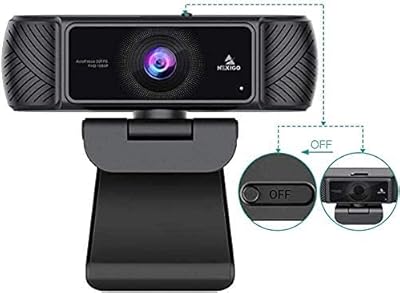
NexiGo N680 1080P Webcam
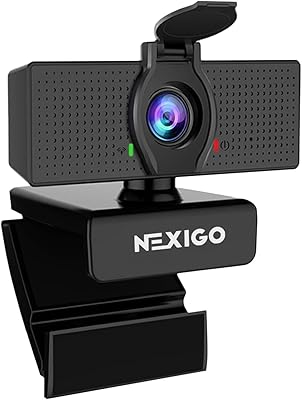
NexiGo N60 1080P Webcam
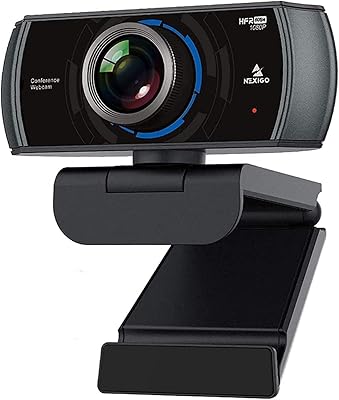
NexiGo N980P
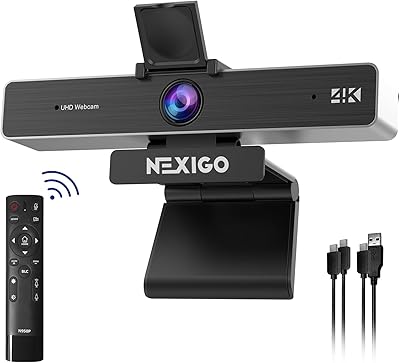
NexiGo N950P Gen 2 4K Webcam
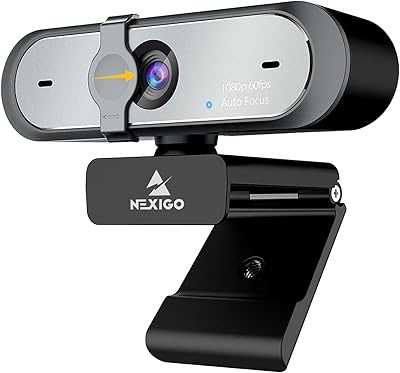
NexiGo N660P
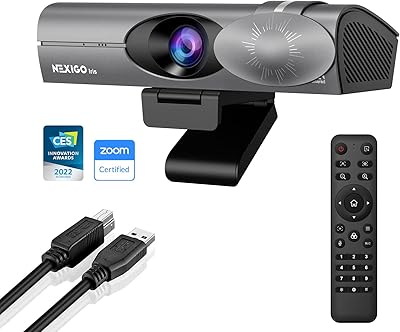
NexiGo Iris 4K AI Webcam

HuddleCamHD HC-WEBCAM-94
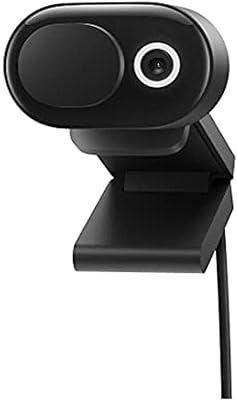
Microsoft Modern Webcam
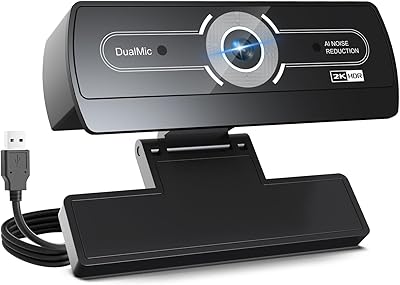
XOCLON 2K Webcam
