Overview
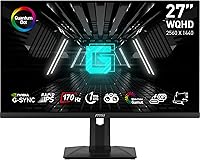
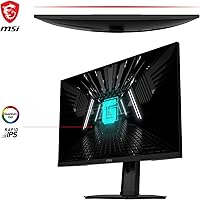
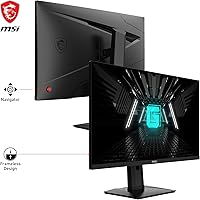
The MSI G274QPF-QD 27″ Gaming Monitor is a versatile display that caters to gamers seeking high-performance visuals. This 27-inch monitor delivers a crisp QHD resolution of 2560 x 1440, ensuring detailed and clear graphics for an immersive gaming experience. With a smooth 170Hz refresh rate and FreeSync Premium support, it minimizes screen tearing and stuttering, providing a seamless and fluid experience. Whether you’re playing fast-paced games or enjoying high-quality media, this MSI gaming monitor delivers both style and performance in a sleek, ergonomic design.
Features & Benefits
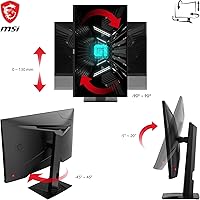
The MSI G274QPF-QD boasts several standout features, starting with a 1ms fast response time that significantly reduces motion blur and input lag. The monitor’s IPS panel ensures vibrant colors and wide viewing angles, enhancing the overall visual experience. It also supports HDR400, improving contrast and detail in darker and brighter scenes. For comfort, the adjustable stand offers tilt and height adjustments, allowing users to find the optimal viewing position. These features make it an excellent choice for both casual and competitive gamers looking for a reliable, high-performance display.
Best For
This MSI gaming monitor is perfect for gamers who demand smooth, lag-free gameplay with no compromises. Its 170Hz refresh rate and 1ms response time make it a top choice for competitive gamers who need every frame to count. The color accuracy and wide viewing angles provided by the IPS panel also make it ideal for creative professionals and content creators who prioritize visual clarity. Whether you’re into fast-paced shooters or detailed strategy games, this monitor delivers a high-quality experience for a wide range of users.
User Feedback
Many users have praised this MSI monitor for its smooth performance and lack of screen tearing, especially in fast-paced games. The color accuracy straight out of the box has also received positive remarks, making it an attractive option for those who don’t want to spend too much time on calibration. However, some users have mentioned that the stand could be more stable, with a few reporting limited adjustability in certain angles. Despite these minor issues, the overall feedback is largely positive, particularly for its value in the competitive gaming space.
Pros
- This 27-inch display offers a sharp 2560 x 1440 QHD resolution, providing crisp, detailed visuals for both gaming and content creation.
- The 170Hz refresh rate ensures ultra-smooth gameplay, making it ideal for fast-paced competitive gaming.
- FreeSync Premium support effectively eliminates screen tearing and stuttering, providing a seamless gaming experience.
- With a 1ms response time, this monitor minimizes motion blur and input lag, which is crucial for high-level competitive play.
- IPS technology delivers vibrant, accurate colors and wide viewing angles, making it great for creative work and entertainment.
- The adjustable stand allows users to customize the viewing angle, promoting ergonomic comfort during extended gaming sessions.
Cons
- Some users have reported that the stand’s adjustability range could be more expansive for optimal ergonomic use.
- A few users experienced issues with color calibration out of the box, requiring manual adjustments for better accuracy.
- The monitor lacks swivel and portrait mode capabilities, limiting flexibility for some users who need those features.
- While the build quality is solid, a few users have noted that the stand feels somewhat less stable compared to other monitors.
- The price may be a concern for budget-conscious gamers, as it sits on the higher end compared to similar monitors with lower specs.
- There are occasional reports of ghosting in fast-moving scenes, especially when using lower-end graphic cards.
Ratings
The MSI G274QPF-QD 27″ Gaming Monitor has been reviewed by users worldwide across various platforms and languages. After filtering out spam, incentivized, and duplicate reviews, the analysis reflects genuine user experiences, highlighting both strengths and common pain points. Overall, this monitor has garnered high praise for its smooth gaming performance and color accuracy, though a few minor issues have been noted regarding stand stability and limited adjustability.
Performance for Gaming
Color Accuracy
Build Quality
Response Time
Design & Ergonomics
HDR Quality
Stand Adjustability
Connectivity Options
User-Friendliness
FreeSync Performance
Price & Value for Money
Overall Satisfaction
Suitable for:
The MSI G274QPF-QD 27″ Gaming Monitor is well-suited for gamers who demand high performance and smooth gameplay. With its 170Hz refresh rate and 1ms response time, it delivers fast and responsive action, making it a top choice for competitive players who need every advantage in titles that require precision. This monitor’s vibrant IPS panel and color accuracy also make it a good fit for content creators or those who appreciate sharp visuals during media consumption. Additionally, users who value ergonomic features will appreciate the adjustable stand, which offers customizable viewing angles for comfortable long sessions. Overall, this display is ideal for anyone who prioritizes performance and visual quality, from casual gamers to serious eSports enthusiasts.
Not suitable for:
However, this monitor may not be the best choice for users who need a high degree of flexibility in stand adjustability. While it offers tilt and height adjustments, some users have reported that the range of motion could be more expansive, making it less suitable for those with very specific ergonomic needs. Additionally, professional gamers or users who demand ultra-precise color calibration might find the factory settings insufficient, requiring manual adjustments. Those on tight budgets may also find the price slightly higher compared to other displays with similar specs. Lastly, individuals who rely on swivel or portrait mode functionality might find this model lacking in that regard.
Specifications
- Screen Size: The monitor features a 27-inch display, offering an immersive viewing experience ideal for gaming and multimedia.
- Resolution: The screen has a QHD resolution of 2560 x 1440, providing sharp and detailed visuals.
- Refresh Rate: It supports a high 170Hz refresh rate, ensuring ultra-smooth gameplay with minimal motion blur.
- Response Time: With a fast 1ms response time, this monitor minimizes motion blur and input lag for competitive gaming.
- Panel Type: The monitor uses an IPS panel, delivering accurate color reproduction and wide viewing angles.
- FreeSync Support: This monitor is equipped with FreeSync Premium, reducing screen tearing and stuttering for smoother gameplay.
- HDR Support: HDR400 support enhances contrast and color depth, providing better visibility in dark and bright scenes.
- Adjustable Stand: The stand offers height adjustment and tilt functionality for ergonomic comfort and customizable viewing angles.
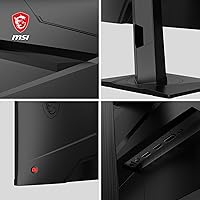
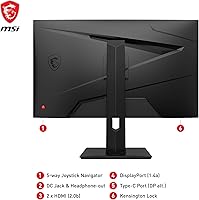
- Connectivity: It features multiple connectivity options, including HDMI, DisplayPort, and USB-C, for flexible device compatibility.
- Color: The monitor has a sleek black finish, fitting well with most setups and decor.
- Dimensions: The monitor's dimensions are approximately 24.2 x 16.7 x 9.1 inches, with the stand included.
- Weight: The total weight of the monitor is around 11.5 lbs, including the stand, making it moderately easy to move.
- Tilt Range: The monitor offers a tilt adjustment range, allowing users to find the most comfortable viewing angle.
- VESA Mount Compatibility: The monitor is VESA mount compatible, enabling easy wall or arm mounting for space-saving setups.
- Brightness: The peak brightness reaches 400 nits, providing good visibility in bright environments.
- Power Consumption: The monitor consumes around 30-40 watts of power, depending on usage settings.
- Viewing Angle: Thanks to its IPS panel, the monitor offers wide 178-degree horizontal and vertical viewing angles.
- Speakers: The monitor includes built-in speakers, but users may prefer external speakers for higher sound quality.
- Warranty: The MSI G274QPF-QD comes with a standard 3-year warranty, covering defects and hardware issues.
Related Reviews
MSI MAG 271QPX 27-inch QD-OLED Gaming Monitor
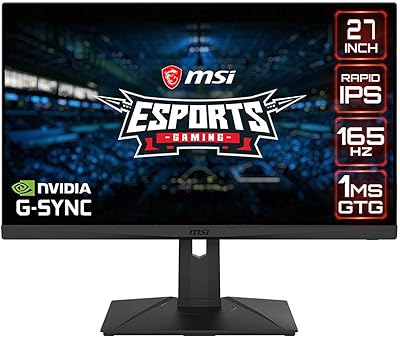
MSI G273QPF 27-inch QHD Gaming Monitor
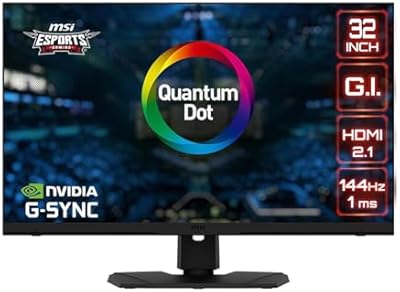
MSI MPG321UR QD 32-inch Gaming Monitor
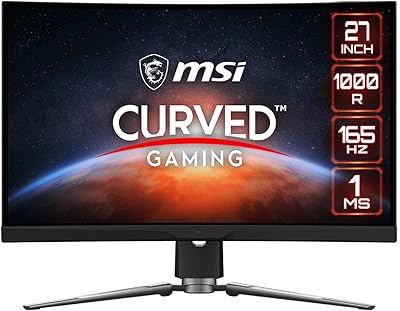
MSI MPG ARTYMIS 273CQR 27-inch Gaming Monitor
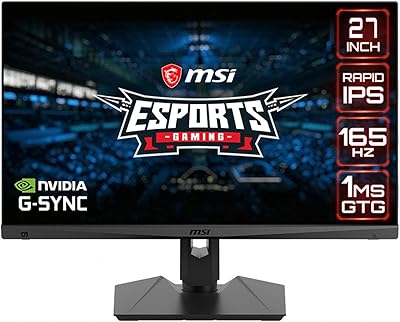
MSI Optix MAG274QRF 27-inch QHD Gaming Monitor
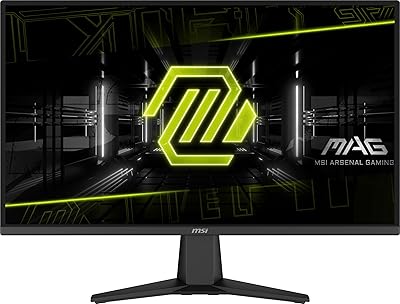
MSI MAG 275QF 27-inch Gaming Monitor
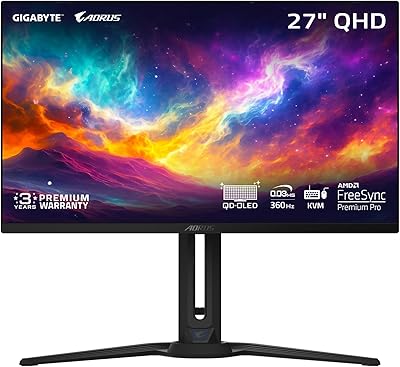
GIGABYTE AORUS FO27Q3 27-inch QD-OLED Monitor
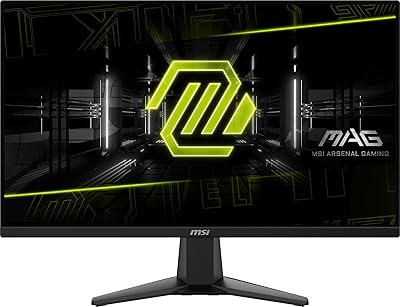
MSI MAG 275F 27″ Gaming Monitor
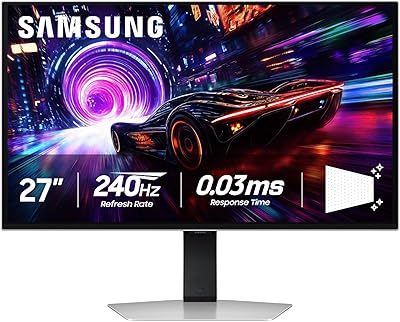
Samsung Odyssey G81SF 27-inch Gaming Monitor