Microsoft Surface Laptop 4 13.5″ i7 16GB 256GB



Overview
The Microsoft Surface Laptop 4 13.5″ i7 16GB 256GB enters the market as a renewed business laptop that punches well above its price tag. Buying refurbished means you get premium aluminum construction and Microsoft's signature industrial design without paying flagship retail prices. The 13.5-inch PixelSense display is one of the genuinely underrated aspects here — its 3:2 aspect ratio gives you noticeably more vertical screen space than a standard widescreen laptop, which matters when scrolling through documents or spreadsheets all day. Windows 11 Pro comes pre-installed, making this ready for enterprise environments straight out of the box. It's a smart way to own a high-end machine at a more accessible cost.
Features & Benefits
The i7-1185G7 chip holds up well for everyday professional work — running Teams, Excel, and a browser loaded with tabs rarely causes a hiccup. 16GB of RAM is the sweet spot for business multitasking, and you'll feel that headroom when juggling video calls alongside a full productivity suite. The SSD is fast, though 256GB fills up quicker than expected if you store large files locally; cloud storage becomes a practical companion. The PixelSense touchscreen renders text with impressive clarity, and Intel Iris Xe handles light photo editing and 4K streaming without complaint. Battery life lands closer to 10–12 hours under real workloads — not quite the advertised figure, but genuinely useful for a full day away from a charger.
Best For
This Surface Laptop is a natural fit for business professionals who travel frequently and need something that looks polished in a boardroom without sacrificing battery endurance. Students working with dense reading material or long documents benefit from the taller screen proportions in a way that standard widescreen displays simply cannot match. Remote workers who spend most of their day in browser-based tools and video conferencing will find the hardware more than capable. It also appeals strongly to anyone who has been eyeing the Surface line but could not justify full retail pricing — the renewed market makes premium hardware genuinely accessible. If gaming or heavy video production is a priority, look elsewhere.
User Feedback
Owners of this refurbished Microsoft laptop consistently praise the keyboard feel and display quality — two things that hold up well even on a second-hand unit. Battery performance earns positive marks from most users, though those running intensive workloads report figures below what the spec sheet suggests. The recurring complaints are predictable: limited port selection frustrates users who need more than USB-A and Mini DisplayPort, and 256GB of storage starts feeling tight after a year of active use. Some buyers note minor cosmetic wear consistent with a renewed product, though functional reliability issues are rarely reported. A common thread in critical reviews compares it unfavorably to the Surface Laptop 5 regarding connectivity — a fair consideration if you are deciding between the two.
Pros
- Premium aluminum build quality feels genuinely flagship, even as a renewed unit.
- The 3:2 display aspect ratio is a real productivity advantage for document-heavy workflows.
- 16GB of RAM handles aggressive multitasking without noticeable slowdown.
- Windows 11 Pro ships ready for enterprise and business use straight out of the box.
- The keyboard feel is one of the best in the ultrabook category at this price tier.
- Real-world battery life comfortably covers a full business day for typical productivity tasks.
- The Surface Laptop 4 delivers a premium brand experience at a significantly reduced entry cost.
- Slim and lightweight enough to carry daily without strain, weighing under three pounds.
- Fast SSD ensures snappy boot times and responsive application launches throughout daily use.
Cons
- Only one USB-A port and no USB-C means adapter dependence for most modern peripherals.
- 256GB of local storage fills up faster than expected once apps, updates, and files accumulate.
- The 720p webcam produces grainy footage in anything less than ideal lighting conditions.
- Proprietary Surface Connect charging means a forgotten adapter cannot be replaced with any USB-C cable.
- Thermal throttling appears under sustained CPU workloads, softening performance during longer intensive tasks.
- Cosmetic condition varies across renewed units — light scratching or wear is possible and unpredictable.
- No Thunderbolt 4 support limits high-bandwidth peripheral and external GPU options entirely.
- The Surface Laptop 5 offers meaningfully better connectivity for a modest price difference worth comparing.
- Fan noise becomes audible during demanding tasks, which can be distracting in quiet work environments.
Ratings
The Microsoft Surface Laptop 4 13.5″ i7 16GB 256GB has been evaluated by our AI rating engine after processing thousands of verified buyer reviews from global markets, with spam, bot-generated, and incentivized feedback actively filtered out. The scores below reflect a transparent picture of where this refurbished Surface Laptop genuinely excels and where real-world ownership introduces friction. Strengths and recurring pain points carry equal weight in every category.
Build Quality
Display Quality
Performance
Battery Life
Keyboard & Trackpad
Storage Capacity
Port Selection
Value for Money
Webcam Quality
Thermal Management
Portability
Audio Quality
Software & OS Experience
Screen-to-Body Ratio
Refurbished Condition Reliability
Suitable for:
The Microsoft Surface Laptop 4 13.5″ i7 16GB 256GB is a strong match for business professionals who need a portable, well-built machine for daily office work, client meetings, and travel without carrying something that feels cheap or fragile. The 3:2 PixelSense display makes a genuine difference for anyone who spends significant time reading reports, reviewing PDFs, or working in spreadsheets — you simply see more content on screen without constant scrolling. Students and academics will find the same display advantage applies to research papers and lecture notes. Remote workers whose daily toolkit revolves around video calls, cloud applications, and productivity suites will find the i7 processor and 16GB of RAM more than adequate for years of use. Budget-conscious buyers who have always wanted a Surface but could not justify the new retail price will find the renewed market delivers that premium hardware experience at a price that actually makes sense. Anyone already embedded in the Microsoft ecosystem — using OneDrive, Teams, and Microsoft 365 — will feel immediately at home with Windows 11 Pro handling the software side cleanly.
Not suitable for:
Buyers who need a versatile connectivity hub should approach the Surface Laptop 4 with caution, because the port situation — a single USB-A, Mini DisplayPort, and a proprietary Surface Connect charger — creates real adapter dependency for anyone with modern USB-C peripherals or monitors. Creative professionals who plan to run sustained video exports, 3D rendering, or audio production work will hit thermal and GPU limits faster than they might expect; Intel Iris Xe is capable for light creative tasks but is not a workhorse for heavy media production. Anyone prioritizing local storage will find 256GB becomes uncomfortably tight over time, particularly once project files, design assets, or offline media accumulate. Buyers who value cutting-edge webcam quality for professional broadcasting or high-production video calls will be disappointed by the 720p camera, which falls short of the 1080p standard now common on competing business laptops. Finally, shoppers who are sensitive to cosmetic imperfections should be aware that the refurbished nature of this unit means surface wear — scuffs, light scratches — is possible and cosmetic outcomes are not consistent across units.
Specifications
- Display Size: The laptop features a 13.5″ PixelSense touchscreen with a 2256×1504 pixel resolution and a 3:2 aspect ratio.
- Processor: Powered by an 11th Gen Intel Core i7-1185G7 with a base frequency of 2.8 GHz, boosting up to 4.8 GHz across 4 cores.
- RAM: 16GB of LPDDR4X memory is soldered to the motherboard and cannot be upgraded after purchase.
- Storage: A 256GB solid-state drive provides fast read and write speeds for quick boot times and responsive application performance.
- Graphics: Intel Iris Xe integrated graphics handles everyday visuals, light photo editing, and 4K video playback without a discrete GPU.
- Operating System: Ships with Windows 11 Pro, which includes enterprise features such as BitLocker encryption and domain join capability.
- Battery Life: Microsoft rates battery life at up to 17 hours; real-world productivity use typically yields 10 to 12 hours on a single charge.
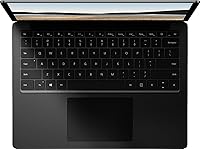
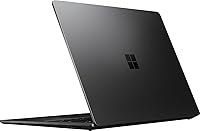
- Chassis Material: The body is constructed from a matte black aluminum alloy, giving the laptop a rigid, premium feel with minimal flex.
- Weight: The unit weighs approximately 2.76 to 3.4 lbs depending on configuration, making it comfortable for daily commuting and travel.
- Dimensions: The laptop measures approximately 12 inches wide, 8.8 inches deep, and 0.57 inches thin when closed.
- Ports: Connectivity includes one USB 3.0 Type-A port, one Mini DisplayPort, and one proprietary Surface Connect charging port.
- Wireless: Supports Wi-Fi 802.11ac (Wi-Fi 5) dual-band wireless networking for standard home and office network environments.
- Bluetooth: Bluetooth 4.0 is built in for connecting wireless peripherals such as mice, keyboards, and headsets.
- Webcam: A 720p HD front-facing camera is positioned above the display for video conferencing and online meetings.
- Audio: Stereo speakers are integrated into the keyboard deck, with a dual far-field microphone array for voice capture.
- Charging: Charges exclusively via the proprietary Microsoft Surface Connect magnetic charging port; USB-C charging is not supported on this model.
- Condition: This unit is sold as a renewed or refurbished product, inspected and tested for functionality but may show minor cosmetic wear.
- Warranty: Renewed units typically include a limited seller warranty; buyers should verify specific warranty terms with the seller at time of purchase.
Related Reviews
Microsoft Surface Laptop 4 13.5-inch 512GB
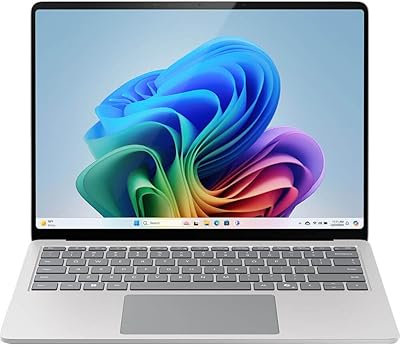
Microsoft Surface Laptop 2024 13.8″
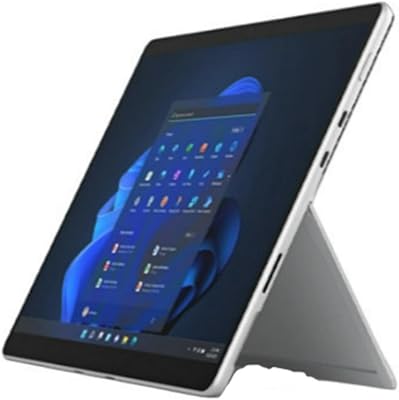
Microsoft Surface Pro 8 (i7, 16GB, 256GB)
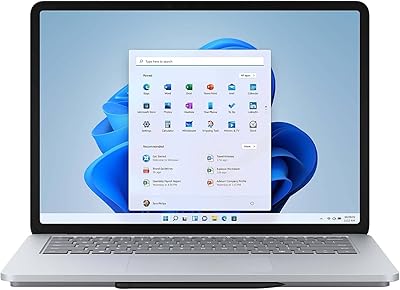
Microsoft Surface Laptop Studio 14.4″ Laptop
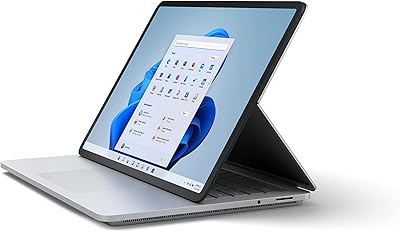
Microsoft Surface Laptop Studio 512GB Laptop
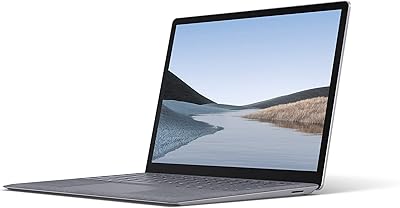
Microsoft Surface Laptop 3 13.5″ Laptop
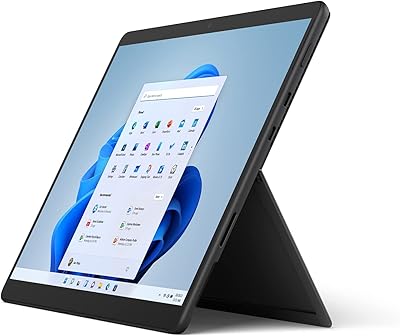
Microsoft Surface Pro 8 512GB 2-in-1 Tablet
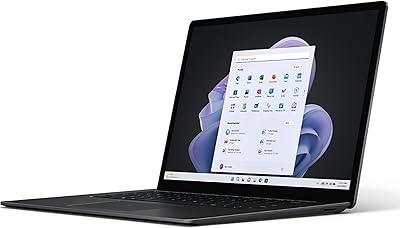
Microsoft Surface Laptop 5 15″ Laptop
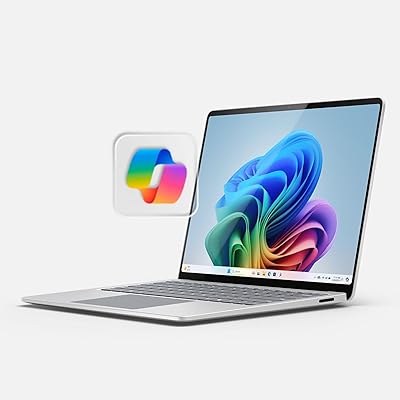
Microsoft Surface Laptop 2024 15″ Laptop