
Overview
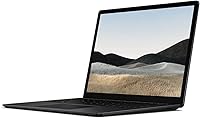
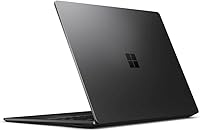
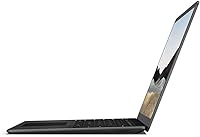
The Microsoft Surface Laptop 4 13.5-inch 512GB sits in an interesting spot — premium enough in look and feel to turn heads, yet priced firmly in mid-range territory where professionals and students actually shop. The matte black aluminum chassis is understated and genuinely solid, and the PixelSense touchscreen is one of the better displays you will find on a Windows laptop at this price. Under the hood, the 11th Gen Intel Core i5 paired with 8GB of RAM and a 512GB SSD handles the daily workload comfortably. Just know going in: this is a productivity-focused machine, not a performance rig for video editing or gaming.
Features & Benefits
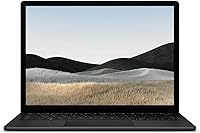
The 3:2 aspect ratio on the PixelSense display is one of those things you appreciate quickly — that extra vertical real estate makes a real difference when reading long documents or browsing the web. Audio is a genuine bright spot: the Omnisonic speakers with Dolby Atmos punch well above their size, and the dual Studio Mics do a solid job filtering out ambient noise on calls. Wi-Fi 6 support keeps connectivity future-proof, and the integrated Intel Iris Xe graphics handle light photo work and smooth video conferencing without issue. Battery life reaches around 11.5 hours under ideal conditions — real-world mixed use typically lands a bit lower.
Best For
This Surface Laptop 4 is a natural fit for remote and hybrid workers who spend most of their day in video calls, browser tabs, and Office applications — the display and microphone quality alone make it easy to recommend for that crowd. College students will find it equally capable: light, easy to carry at under 3 pounds, and comfortable for hours of typing. If you are already in the Microsoft 365 ecosystem, the integration feels natural rather than forced. It also suits anyone who wants occasional touchscreen use without carrying a heavier convertible. Less ideal for designers or developers who regularly push past the 8GB RAM ceiling.
User Feedback
Buyers rate Microsoft's 13.5-inch Surface highly overall, with most praise landing on the keyboard and display — reviewers consistently describe the typing experience as one of the best in class, and screen clarity earns frequent mentions. The slim build quality also draws genuinely positive reactions. On the critical side, the port situation frustrates many: there is no USB-A port, and charging relies on Microsoft's proprietary Surface Connect cable rather than USB-C. The non-upgradeable 8GB RAM is a recurring concern for anyone planning to use this machine long-term. A handful of buyers also noted friction during the Windows 11 upgrade process.
Pros
- The 3:2 PixelSense display is genuinely one of the sharpest and most usable screens in this price range.
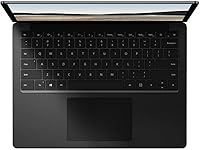
- Keyboard feel is consistently praised by real buyers — typing for long stretches never feels like a chore.
- At under 3 pounds, this Surface Laptop 4 is easy to carry through a full day without fatigue.
- Built-in noise-reducing Studio Mics make a real, noticeable difference on video calls.
- Wi-Fi 6 support keeps the machine relevant as wireless infrastructure continues to improve.
- The matte black aluminum build feels premium and holds up well to everyday handling.
- Dolby Atmos audio is genuinely above average for a laptop — media consumption is a pleasant experience.
- 512GB of SSD storage hits a practical sweet spot for most users without requiring constant cloud offloading.
- Touchscreen input works reliably and adds flexibility for note-taking or casual sketching with a compatible stylus.
- Boots quickly and handles everyday multitasking without hesitation under normal workloads.
Cons
- 8GB of RAM is soldered in place — there is no upgrade path if your needs grow over time.
- Charging relies on a proprietary Surface Connect cable, not USB-C, which is an inconvenient dependency.
- No USB-A port means most existing peripherals require a hub or adapter right out of the box.
- Real-world battery life under mixed use tends to fall noticeably short of the manufacturer's stated figure.
- The 720p front camera is adequate but visibly behind competing laptops now shipping with 1080p webcams.
- Windows 10 Home comes pre-installed; some buyers have reported friction during the Windows 11 upgrade process.
- Integrated graphics rule out any serious creative rendering, light gaming beyond casual titles, or GPU-accelerated workflows.
- No Thunderbolt 4 support limits high-speed peripheral and external display options compared to similarly priced competitors.
- The slim chassis generates noticeable warmth under sustained CPU load, which can be uncomfortable on a lap.
- No SD card slot makes this a poor fit for photographers or content creators who regularly transfer media files.
Ratings
Our AI-generated scores for the Microsoft Surface Laptop 4 13.5-inch 512GB were built by analyzing thousands of verified global buyer reviews, with spam, bot-submitted, and incentivized feedback actively filtered out before any scoring was applied. The ratings below reflect a transparent picture of where this mid-range Windows laptop genuinely excels and where real users have run into frustration. Both the highlights and the honest shortcomings are represented equally in every category.
Display Quality
Build Quality
Keyboard & Trackpad
Performance
Battery Life
Port Selection
Audio Quality
Microphone Quality
Webcam Quality
Portability
Touchscreen
Value for Money
Software & OS Experience
Graphics & Visual Output
Thermal Management
Suitable for:
The Microsoft Surface Laptop 4 13.5-inch 512GB is a strong match for professionals who work primarily in browser tabs, Office applications, and video conferencing — people who need a reliable, well-built machine that does not slow them down during a busy workday. Remote and hybrid workers in particular will appreciate the noise-reducing microphones and sharp display, which make a meaningful difference in back-to-back calls. College students will find it an equally practical companion: at under 3 pounds it is easy to carry between classes, the keyboard is genuinely comfortable for long writing sessions, and 512GB of storage gives enough room for years of coursework without constant file management. Anyone already invested in the Microsoft 365 ecosystem will feel right at home, since the Surface hardware and Windows integration work together without the usual friction of third-party devices. It also suits upgraders stepping up from an older Surface or a budget laptop who want noticeably better display quality and responsiveness without moving into premium pricing territory.
Not suitable for:
The Microsoft Surface Laptop 4 13.5-inch 512GB is not the right tool for buyers who need sustained performance headroom. The 8GB of RAM is soldered to the motherboard — it cannot be upgraded later — which means anyone who regularly runs virtual machines, edits high-resolution video, or juggles dozens of browser tabs alongside heavy applications will start feeling the constraint sooner than they would like. Gamers should look elsewhere entirely; the integrated Intel Iris Xe graphics are adequate for casual use but nowhere near capable enough for modern titles. Creative professionals doing serious photo or audio work will also find the lack of a discrete GPU limiting. Port selection is another genuine friction point: there is no USB-A port on this machine, and it charges through Microsoft's proprietary Surface Connect rather than the now-universal USB-C, which can be an annoying dependency for travelers. If raw connectivity and future-proofing matter to you, this is a trade-off worth thinking through carefully before buying.
Specifications
- Display: 13.5-inch PixelSense touchscreen with a 2256 x 1504 pixel resolution and a 3:2 aspect ratio, supporting pen input.
- Processor: 11th Gen Intel Core i5 running at 1.5 GHz with 4 cores, designed for responsive everyday computing.
- RAM: 8GB LPDDR4 memory at 2400 MHz, soldered directly to the motherboard with no upgrade option available.
- Storage: 512GB solid-state drive offering fast read and write speeds for quick boot times and responsive file access.
- Graphics: Intel Iris Xe integrated graphics share system memory and handle everyday tasks, light photo editing, and video playback.
- Battery Life: Rated at up to 11.5 hours by the manufacturer; real-world mixed use typically delivers somewhat less depending on workload.
- Weight: The laptop weighs 2.89 pounds, making it comfortable to carry in a bag throughout a full day.
- Dimensions: Physical footprint measures 9.95 x 13.39 x 2.06 inches, keeping the overall profile slim and desk-friendly.
- Wireless: Wi-Fi 6 (802.11ax) is supported for faster, lower-latency wireless connectivity on compatible routers and networks.
- Camera: A 720p HD front-facing camera is built in for video calls, with adequate low-light performance for typical indoor conditions.
- Audio: Omnisonic speakers with Dolby Atmos support deliver rich, room-filling sound quality that outperforms most laptops in this price range.
- Microphone: Dual far-field Studio Mics with background noise reduction are built in, optimized for clear voice pickup during calls.
- Operating System: Ships with Windows 10 Home pre-installed; eligible for a free upgrade to Windows 11 through Microsoft's standard update process.
- Ports: Connectivity includes one USB-A 3.1, one USB-C, a 3.5mm headphone jack, and a proprietary Surface Connect port for charging.
- Charging: The laptop charges via Microsoft's proprietary Surface Connect magnetic cable, which is included in the box.
- Color & Build: Available in Matte Black with an aluminum chassis construction that feels solid and resists everyday scratches and fingerprints reasonably well.
- Voltage: The included power adapter operates at 15 volts, and one lithium-ion battery pack comes included with the unit.
- Warranty: Microsoft covers this hardware with a standard one-year limited warranty against manufacturing defects from the date of purchase.
Related Reviews
Microsoft Surface Laptop 4 13.5″ i7 16GB 256GB
Microsoft Surface Laptop 3 13.5″ Laptop
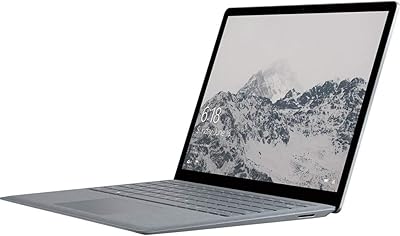
Microsoft Surface Laptop 1769 128GB
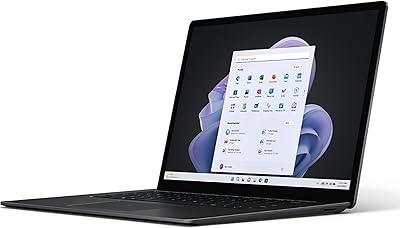
Microsoft Surface Laptop 5 15″ Laptop
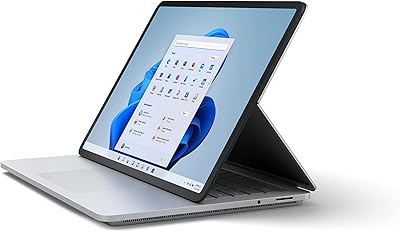
Microsoft Surface Laptop Studio 512GB Laptop
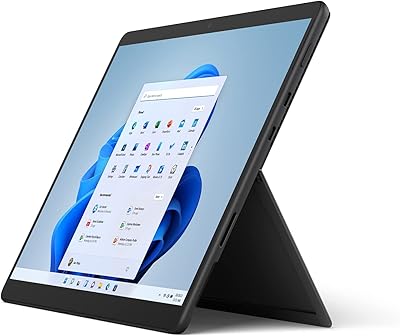
Microsoft Surface Pro 8 512GB 2-in-1 Tablet
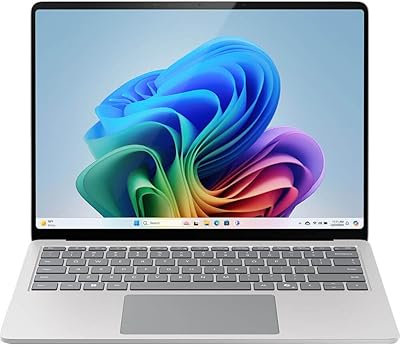
Microsoft Surface Laptop 2024 13.8″
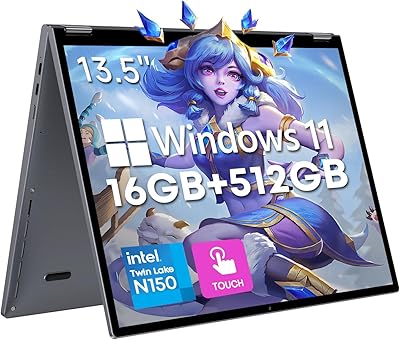
CHUWI FreeBook 13.4″ 16GB/512GB
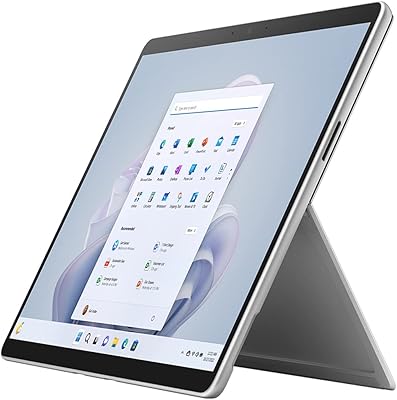
Microsoft Surface Pro 9 1TB 2-in-1 Tablet