Microsoft Bluetooth Mouse


Overview
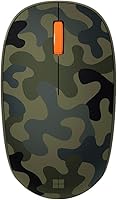
The Microsoft Bluetooth Mouse is one of those quiet success stories in the peripheral market — a compact, no-fuss wireless mouse that has held its ground since its 2021 launch and still sits near the top of the computer mice rankings. What sets it apart isn't any single flashy spec but rather a thoughtful combination of practical choices: no USB dongle to misplace, an ambidextrous shape that works for both left- and right-handed users, and a Forest Camo finish that actually looks good on a desk. For a mid-range pick, it covers a lot of ground.
Features & Benefits
Pairing happens over Bluetooth Low Energy — no receiver to plug in, no driver installation dance. It works with BLE 4.0 through 5.0, which covers virtually every modern laptop and desktop, Mac or PC. The optical sensor tracks reliably on most desk surfaces, so a mousepad is optional. Where this Bluetooth mouse really impresses, though, is battery life: a single AA battery reportedly lasts up to a year, and since it ships with one included, you are ready out of the box. At 78 grams, it barely registers in a bag, and the three-button layout — left click, right click, scroll wheel — keeps the experience clean and clutter-free.
Best For
This wireless mouse is a natural fit for remote workers and students who move between locations and hate dealing with tangled cables or lost dongles. If you split your time between a MacBook and a Windows machine, it pairs with both without drama — that cross-platform compatibility is more useful than it sounds in daily practice. The ambidextrous design is a genuine plus for left-handed users, who are often overlooked at this price point. That said, if you need programmable buttons, adjustable DPI, or anything close to precision gaming performance, this is not the right tool. It is built for focused, low-fuss productivity work.
User Feedback
Among the 12,000-plus ratings this Bluetooth mouse has collected, a few themes come up consistently. Build quality gets high marks — people are genuinely surprised by how solid it feels for the money. Battery longevity is the other recurring standout, with plenty of buyers reporting they forgot they even needed to change the battery. On the critical side, users with larger hands flag that extended sessions can get uncomfortable; the compact profile is a trade-off, not a universal fit. Initial pairing occasionally takes a few extra steps, though reconnecting after that is rarely an issue. A handful of reviewers also want more precision control or custom DPI settings — fair feedback for power users, though likely a non-issue for the audience this mouse is designed for.
Pros
- No USB dongle needed, keeping laptop ports free for other accessories.
- Battery life routinely reaches close to a year on a single AA cell.
- Works natively on both macOS and Windows without installing any drivers.
- Genuinely ambidextrous shape — one of few at this price point that works well left-handed.
- Compact and light enough to toss in a bag without adding noticeable weight.
- Build quality feels noticeably solid and premium relative to what you pay.
- Forest Camo finish stands out in a sea of generic black peripherals.
- Bluetooth Low Energy pairing is stable and reconnects quickly after the first setup.
- Included AA battery means it is ready to use straight out of the box.
Cons
- No DPI adjustment limits usefulness for design, editing, or any precision-heavy task.
- Zero button customization — no software, no remapping, no macro support whatsoever.
- Compact size causes noticeable hand fatigue during long desktop sessions.
- First-time Bluetooth pairing can be finicky, especially on older hardware or Windows 8.1.
- No silent click option, which matters in quiet shared workspaces or libraries.
- Scroll wheel lacks horizontal tilt, making wide spreadsheet navigation more cumbersome.
- No battery indicator means the first sign of a dying battery is a stuttering cursor.
- Switching between two paired devices requires manual re-pairing rather than a button toggle.
- Matte finish picks up fingerprints readily and shows surface scuffs over time.
Ratings
The Microsoft Bluetooth Mouse scores here reflect an AI-driven analysis of thousands of verified global buyer reviews, with spam, bot activity, and incentivized feedback actively filtered out to ensure the numbers mean something real. Across categories ranging from day-to-day comfort to long-term reliability, both the genuine strengths and the recurring frustrations are factored in — nothing is glossed over. The result is a transparent snapshot of how this wireless mouse actually performs in the hands of real people, across a wide range of work styles and environments.
Battery Life
Connectivity & Pairing
Comfort & Ergonomics
Portability
Build Quality
Tracking & Precision
Ease of Setup
Design & Aesthetics
Cross-Platform Compatibility
Value for Money
Click Feel & Button Response
Weight & Balance
Software & Customization
Scroll Wheel Performance
Suitable for:
The Microsoft Bluetooth Mouse is a strong match for anyone who values simplicity, portability, and low-maintenance daily use over advanced features. Remote workers and students who move between home, office, or campus will appreciate that it connects over Bluetooth without occupying a USB port — a genuine quality-of-life improvement on thin laptops with limited connectivity. Left-handed users, who are often forced into awkward compromises at this price tier, will find the ambidextrous shape one of the few genuinely inclusive options available. If you split your time between a Mac and a Windows machine, this wireless mouse transitions between both without any software installation or driver headaches. It also suits anyone who has grown tired of replacing rechargeable peripherals — a single AA battery lasting close to a year is a low-stress proposition that many buyers find more practical than a charging cable in their bag.
Not suitable for:
The Microsoft Bluetooth Mouse will disappoint buyers who need more from their mouse than basic point-and-click productivity. Graphic designers, video editors, and anyone doing fine cursor work will quickly run into the ceiling of the optical sensor, which offers no DPI adjustment and falls short when precision really matters. Power users who rely on programmable side buttons for browser navigation, application shortcuts, or macro workflows will find the three-button layout a constant frustration — there is simply no way to expand it. Users with larger hands or those who work eight-plus hours a day at a desk should also think carefully; the compact profile lacks the palm support that makes extended sessions comfortable, and fatigue tends to set in sooner than it would with a full-size ergonomic mouse. Finally, anyone expecting the kind of customization — button remapping, scroll speed tuning, per-app profiles — that companion software provides will find this Bluetooth mouse completely bare in that department.
Specifications
- Brand: Manufactured and sold by Microsoft under model number 8KX-00003.
- Connectivity: Connects via Bluetooth Low Energy, compatible with BLE versions 4.0, 4.1, 4.2, and 5.0.
- Sensor Type: Uses an optical movement detection sensor for cursor tracking across most standard desk surfaces.
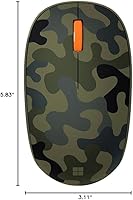
- Dimensions: Measures 100.4 x 58.2 x 38.3 mm, making it a compact peripheral suited for travel and smaller workspaces.
- Weight: Weighs 78g including the pre-installed AA alkaline battery.
- Button Count: Features three buttons: left click, right click, and a clickable scroll wheel acting as a middle button.
- Hand Orientation: Symmetrical ambidextrous design accommodates both right-handed and left-handed users equally.
- Battery Type: Powered by one AA alkaline battery, which is included in the box at time of purchase.
- Battery Life: Rated for up to 12 months of use on a single AA battery under typical daily productivity workloads.
- Compatible OS: Officially supported on Windows 10, Windows 8.1, and macOS; no additional driver installation is required.
- Color Variant: This variant is finished in Forest Camo; an Arctic Camo colorway is also available in the same product line.
- Wireless Range: Operates over a standard Bluetooth Low Energy range, typically reliable up to approximately 10 meters from the paired device.
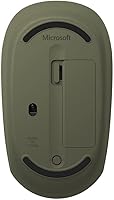
- Power Source: Battery-powered only; there is no wired mode and no built-in rechargeable battery or USB charging port.
- Platform Support: Compatible with laptops, desktops, and tablets that include native Bluetooth 4.0 or higher support.
- Average Rating: Holds a 4.5 out of 5 star average based on over 12,656 verified ratings on Amazon globally.
- BSR Ranking: Ranked number 332 in the Computer Mice category on Amazon, reflecting sustained long-term sales performance.
- Release Date: First made available for purchase on March 25, 2021.
- Dongle Required: No USB receiver or dongle is required; the mouse pairs entirely over the device's built-in Bluetooth radio.
Related Reviews
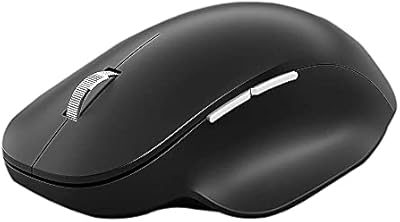
Microsoft Bluetooth Ergonomic Mouse
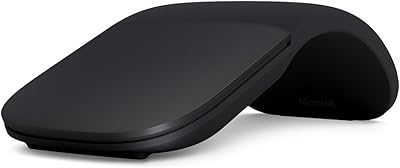
Microsoft Arc Mouse
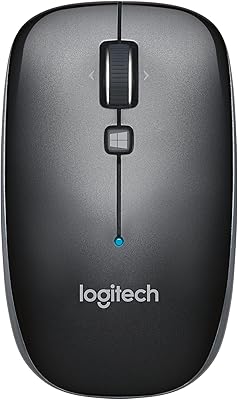
Logitech M557 Bluetooth Mouse
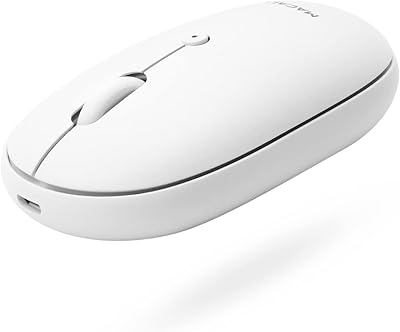
Macally Wireless Bluetooth Mouse
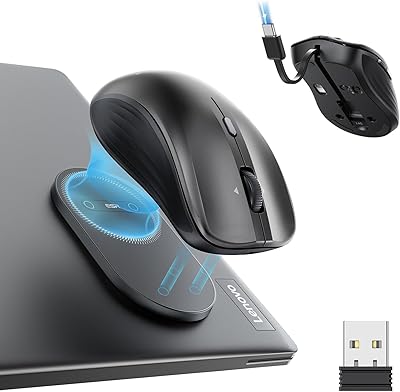
ESR MagMouse Rechargeable Wireless Mouse
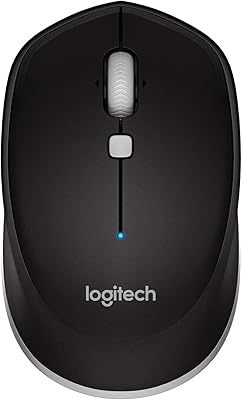
Logitech M535 Bluetooth Mouse
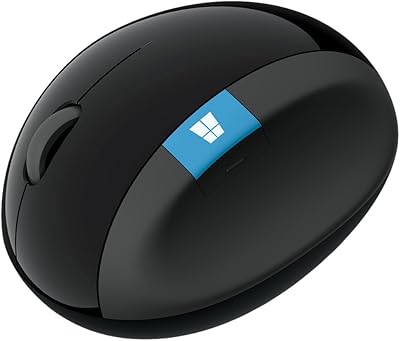
Microsoft Sculpt Ergonomic Mouse
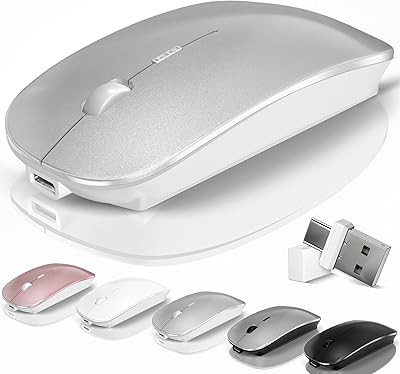
Kovess 4-Mode Silent Wireless Mouse
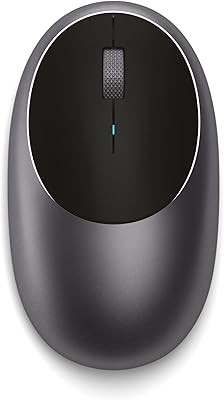
Satechi M1 Wireless Bluetooth Mouse