Overview
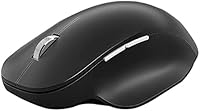
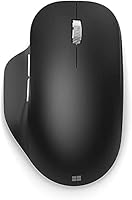
The Microsoft Bluetooth Ergonomic Mouse sits in the mid-range of Microsoft's peripheral lineup — not their most basic offering, but well clear of overpriced territory. Designed specifically for right-handed users, it prioritizes natural hand and wrist positioning through hours of desk work rather than chasing raw performance numbers. The build quality feels notably solid: smooth finishes, quality plastics, and a shape that clearly involved real ergonomic thinking. It also comes in Peach, Pastel Blue, and Glacier if matte black isn't your style — a small touch that shows some attention to aesthetics beyond pure function.
Features & Benefits
The soft thumb rest is the standout feature — it cradles your thumb naturally and takes the edge off lateral wrist tension during long sessions. Pairing via Bluetooth means no USB dongle occupying your ports, and it works across Windows, Mac, and Chrome OS without fuss. The machined aluminum scroll wheel is a genuine pleasure to use: precise, weighty, and tactilely satisfying in a way cheaper wheels simply aren't. Three customizable buttons add real utility for power users who want app-specific shortcuts. Battery life is rated up to 15 months on two AAA batteries, and the Teflon base glides cleanly across most desk surfaces.
Best For
This ergonomic mouse was built for right-handed users — worth stating upfront since the sculpted shape offers zero advantage to left-handers. It fits especially well in remote work and home office setups where all-day comfort matters more than gaming precision. If you regularly switch between a laptop and a desktop, the Bluetooth-only connection keeps your desk clean without needing a separate receiver per machine. People dealing with early wrist fatigue will find the shape supportive, though it's a comfort-focused design, not a medical solution. Those who prefer a dongle-based connection for rock-solid latency may want to look elsewhere.
User Feedback
Among verified buyers, thumb rest comfort and scroll wheel quality are the most consistently praised aspects — both stand out within minutes of first use. Battery life holds up well in practice, with many users reporting well over a year before needing fresh cells. On the critical side, users with smaller hands note the mouse body runs large, making the customizable buttons a bit of a stretch. A handful of reviewers flag occasional Bluetooth reconnection delays on certain systems. Overall, the consensus is that the comfort-to-price balance lands favorably against competing ergonomic options — not flawless, but a reliable daily driver for most desk workers.
Pros
- The sculpted thumb rest noticeably reduces lateral wrist strain during long work sessions.
- No USB dongle needed — pure Bluetooth keeps your ports free and your desk tidy.
- Battery life is genuinely impressive, often lasting well beyond a year on two AAA cells.
- The machined aluminum scroll wheel feels precise and satisfying compared to typical plastic alternatives.
- Works across Windows, macOS, and Chrome OS without driver headaches or setup friction.
- Three customizable buttons add real productivity value for users with app-specific workflows.
- The Teflon base glides smoothly on most surfaces, including bare desks, without needing a mouse pad.
- Build quality feels solid and premium relative to what you pay at this price tier.
- Available in four color options, so it does not look out of place on a styled desk setup.
- Batteries are included in the box, so it is ready to use immediately out of packaging.
Cons
- The right-hand-only shape is a hard dealbreaker for left-handed users — there is no workaround.
- Users with small hands may find the body too wide and the button placement awkward to reach.
- Bluetooth connectivity can occasionally stutter or require reconnection on some systems and older hardware.
- No option for a USB receiver means users in Bluetooth-unfriendly environments have no fallback.
- The optical sensor is adequate for office use but falls short of the precision serious creative or gaming tasks demand.
- At this price point, the three customizable buttons feel limited compared to competing ergonomic mice offering more.
- No dedicated DPI adjustment button, which can be an inconvenience for users who switch surfaces regularly.
- Heavier than some competing wireless mice, which may be noticeable during extended use for sensitive users.
Ratings
The scores below for the Microsoft Bluetooth Ergonomic Mouse were generated by our AI after analyzing thousands of verified global buyer reviews, with spam, bot submissions, and incentivized feedback actively filtered out. Each category reflects the honest balance of what real users praised and where they ran into frustration — nothing is glossed over.
Ergonomic Comfort
Build Quality
Scroll Wheel
Battery Life
Bluetooth Connectivity
Hand Size Fit
Button Customization
Tracking Performance
Value for Money
Cross-Platform Compatibility
Portability
Desk Glide
Setup Experience
Suitable for:
The Microsoft Bluetooth Ergonomic Mouse is a strong pick for right-handed desk workers who spend long hours at a computer and want a mouse that feels comfortable well into the afternoon. Remote workers and home office setups benefit most, particularly those who value a clean, cable-free desk without the compromise of a USB dongle taking up a port. It pairs well with multi-device workflows — if you regularly move between a laptop and a desktop, the Bluetooth connection keeps things simple. Users who are starting to notice mild wrist fatigue during extended work sessions will appreciate the sculpted shape and thumb rest, which encourage a more natural hand position without requiring any dramatic adjustments. The cross-platform compatibility also makes it a practical choice for anyone running a mixed Mac and Windows environment.
Not suitable for:
Buyers with small hands should approach this mouse cautiously — the body is sized for medium to large hands, and reaching the customizable buttons comfortably can be a genuine stretch for some users. Left-handed users should skip it entirely, as the sculpted ergonomic shape is designed specifically for right-hand use and provides no benefit when used in the opposite hand. If you need ultra-reliable, zero-latency input — for gaming, graphic design work that demands pixel-precision, or any environment where a Bluetooth dropout would be disruptive — the Microsoft Bluetooth Ergonomic Mouse is not the right tool, and a wired or dedicated-receiver wireless mouse would serve better. It is also worth noting that users on older systems with inconsistent Bluetooth stacks have reported occasional reconnection hiccups, which can be frustrating during focused work.
Specifications
- Connectivity: Connects via Bluetooth only — no USB dongle or receiver required.
- Compatible OS: Works with Windows, macOS, and Chrome OS on any Bluetooth-enabled device.
- Battery Type: Powered by 2 AAA batteries, which are included in the box.
- Battery Life: Rated for up to 15 months of use on a single set of batteries under typical conditions.
- Weight: Weighs 3.986 oz including batteries, making it lightweight enough for all-day use.
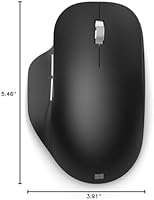
- Dimensions: Measures 4.65 x 3.00 x 1.67 in, sized for medium to large right hands.
- Scroll Wheel: Features a machined aluminum scroll wheel designed for precise, consistent navigation.
- Mouse Base: Fitted with Teflon feet for smooth gliding across a variety of desk surfaces.
- Buttons: Includes 3 customizable buttons that can be mapped to app-specific functions via Microsoft Mouse and Keyboard Center software.
- Tracking: Uses an optical sensor suitable for everyday productivity and office use.
- Hand Orientation: Designed exclusively for right-handed users with a sculpted ergonomic shape.
- Thumb Rest: Features a soft, padded thumb rest intended to promote a more natural lateral wrist position.
- Color Options: Available in four finishes: Matte Black, Peach, Pastel Blue, and Glacier.
- Model Number: Official Microsoft model number is 222-00001.
- Release Date: First made available in September 2020.
- Build Material: Constructed with durable plastic housing and premium-finish surfaces with no exposed seams.
- Included Items: Package includes the mouse and 2 AAA batteries; no separate receiver or charging cable is needed.
- Software Support: Button customization is handled through the free Microsoft Mouse and Keyboard Center application.
Related Reviews
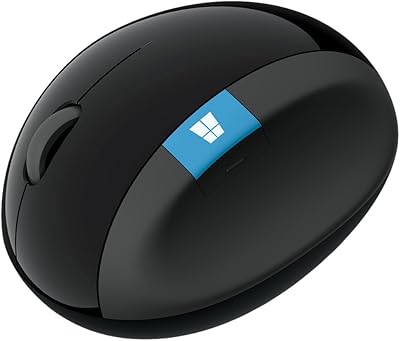
Microsoft Sculpt Ergonomic Mouse
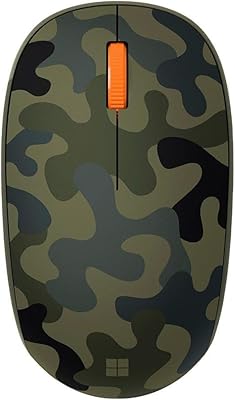
Microsoft Bluetooth Mouse
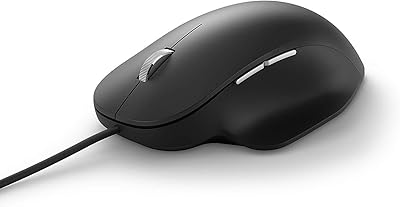
Microsoft Ergonomic Wired Mouse
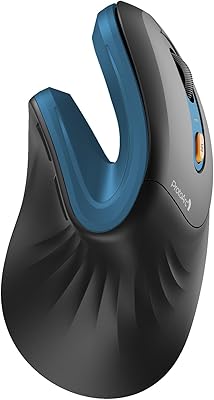
ProtoArc EM11 NL Ergonomic Vertical Wireless Mouse
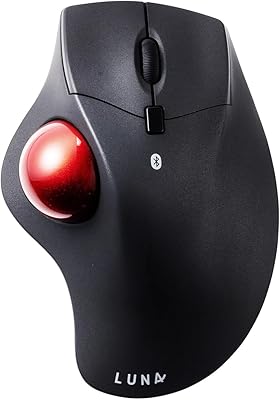
SANWA GMABTTB41 Bluetooth Ergonomic Trackball Mouse
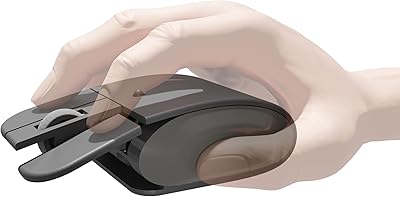
Elasto M4 Ergonomic Wireless Mouse
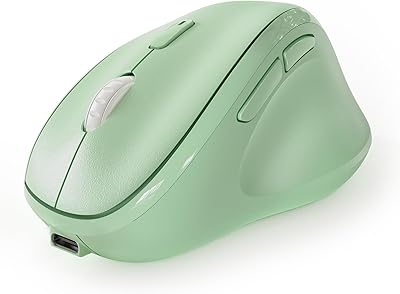
Micropack MP-V01B Vertical Wireless Mouse
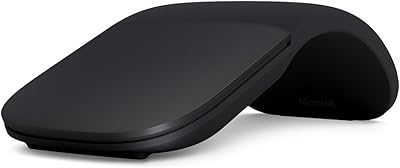
Microsoft Arc Mouse
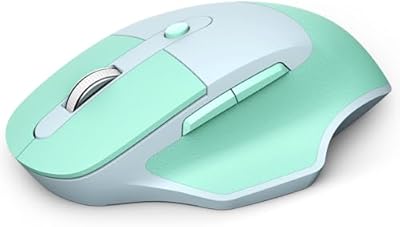
MOFII Wireless Ergonomic Mouse