


Overview
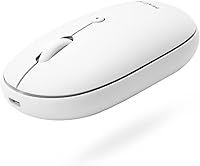
The Macally Wireless Bluetooth Mouse is a compact, ergonomic device designed to offer a quiet, efficient experience across multiple platforms. Whether you're working on a Mac, Windows PC, iPad, or Android device, this wireless mouse is designed to keep your workspace neat and free from clutter. It features a rechargeable battery that can last up to two months with average use, making it an excellent choice for those who value both convenience and performance. This mouse aims to improve your productivity without the distractions of noisy clicks or tangled cords.
Features & Benefits
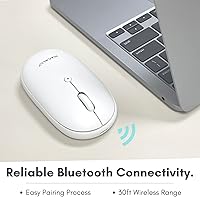
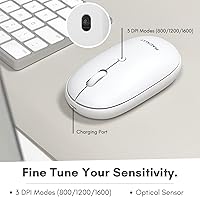
This wireless mouse offers several practical features to enhance your workflow. The silent silicone membrane buttons reduce click noise by up to 90%, making it ideal for quiet environments. Thanks to Bluetooth 5.0, the mouse connects easily and works within a 30-foot range, ensuring a stable connection without the hassle of cables. The adjustable DPI settings (800/1200/1600) provide customizable precision for different tasks, from browsing to graphic design. Additionally, its ergonomic design is comfortable for both left- and right-handed users, offering a comfortable grip for long hours of use.
Best For
The Macally Bluetooth mouse is a great fit for anyone who needs a quiet, efficient device for work or study. It works seamlessly with a wide range of devices, making it perfect for users who switch between a Mac, PC, iPad, or Android. If you value long battery life and prefer a device that doesn't require constant recharging, this mouse is a solid choice. Its compact size and ergonomic design make it a practical option for people on the go, or those who prefer a minimalist setup without sacrificing comfort.
User Feedback
Many users have praised the smooth, quiet clicking experience of this wireless mouse, which is a standout feature for those who work in shared or quiet spaces. The comfortable grip and portability have also been appreciated, making it easy to carry for people who work remotely or travel frequently. However, a few users have reported occasional Bluetooth connectivity issues, especially with certain devices. Despite this, most users find it to be a reliable and efficient tool for everyday tasks like browsing, office work, and light creative projects.
Pros
- The <b>silent button</b> design reduces click noise by up to 90%, making it ideal for quiet work environments.
- Bluetooth 5.0 connectivity with a range of up to 30 feet makes it perfect for users who prefer wireless freedom.
- Compatible with a wide range of devices, including <b>Mac</b>, Windows PC, iPad, and Android.
- Long-lasting battery life—up to 2 months on a single charge—eliminates frequent recharging concerns.
- The <b>ergonomic design</b> is comfortable for both left- and right-handed users, providing a versatile solution.
- Its compact and lightweight design makes it easy to carry around for professionals on the go.
Cons
- Some users experience occasional Bluetooth connectivity drops, especially when switching between devices.
- The mouse may feel too small for users with larger hands or those who prefer a more substantial grip.
- DPI adjustment options (800/1200/1600) may not be precise enough for gamers or users requiring high-accuracy control.
- The mouse's plastic build, while lightweight, may feel less durable for long-term use or heavy-duty tasks.
- Certain older devices or operating systems may face compatibility issues with the Bluetooth connection.
- Some users report that the <b>compact design</b> may not be as comfortable for extended use during long hours.
Ratings
After analyzing authentic user feedback from multiple platforms and languages, the scores for this product reflect a comprehensive view of both its strengths and potential pain points. Reviews were filtered to exclude spam, bots, and incentivized content, ensuring only high-quality, verified opinions informed the results. The overall feedback highlights this mouse's quiet operation, ergonomic design, and cross-device compatibility, while also acknowledging occasional connectivity issues that some users have encountered.
Quiet Operation
Battery Life
Comfort and Ergonomics
Bluetooth Connectivity
Cross-Device Compatibility
Build Quality
Ease of Use
Design and Aesthetics
Portability
Value for Money
DPI Adjustability
Customer Support
Suitable for:
The Macally Wireless Bluetooth Mouse is ideal for users who need a quiet, efficient mouse for work or study. It’s a great choice for people who value a peaceful environment, such as those in open office spaces, libraries, or shared workspaces, thanks to its <b>90% noise reduction</b> on click sounds. This wireless mouse is also perfect for people who switch between multiple devices, including Mac, Windows, iPad, and Android, making it a versatile option for both personal and professional use. Those who appreciate long battery life will also benefit, as the rechargeable design offers up to <b>two months of use</b> on a single charge, reducing the need for frequent recharging in daily tasks.
Not suitable for:
However, this wireless mouse may not be the best fit for users who need a more substantial, tactile feel or additional buttons for advanced functions. Its compact, ergonomic design is comfortable for most, but it may feel too small for users with larger hands or those who prefer a bulkier mouse. Additionally, while the Bluetooth connectivity generally works well, there are occasional complaints about connection drops, particularly for users who frequently switch between devices or use older operating systems. Those who rely on precise, customizable DPI settings for tasks like gaming may also find this mouse lacking, as the DPI adjustment options may not be as sensitive as required for high-performance gaming.
Specifications
- Connectivity: Supports Bluetooth 5.0 for reliable wireless connection with compatible devices.
- Compatibility: Works with Mac, Windows PC, iPad, and Android devices.
- Battery: Equipped with a 300mAh rechargeable battery providing up to 2 months of usage.
- Range: Bluetooth connectivity has a range of up to 30 feet, offering flexibility and freedom of movement.
- DPI Settings: Offers three adjustable DPI settings: 800, 1200, and 1600, allowing for customized cursor control.
- Button Type: Uses silent silicone membrane buttons to reduce click noise by up to 90%.
- Design: Ergonomic design that accommodates both left- and right-handed users for comfort during extended use.
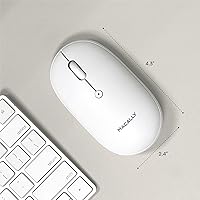
- Dimensions: Measures 6.5 x 4 x 1.45 inches, making it compact and portable for easy use on the go.
- Weight: Weighs 4.5 ounces, offering a lightweight and comfortable feel in hand.
- On/Off Switch: Includes an on/off switch to conserve battery when not in use.
- Color: The mouse is available in a clean white color, matching most setups.
- Warranty: Comes with up to a 2-year warranty, ensuring long-term reliability.
- Charging Port: Charges via a standard micro-USB port, allowing for quick and easy recharging.
- Portability: Compact size and lightweight design make it ideal for travel and portable use.
- Material: Constructed with durable materials designed to withstand daily wear and tear.
- Silent Operation: Silent click mechanism ensures a quiet work environment, ideal for office and study use.
- Bluetooth Pairing: Easy Bluetooth pairing process for seamless connection to your devices without the need for additional software.
Related Reviews
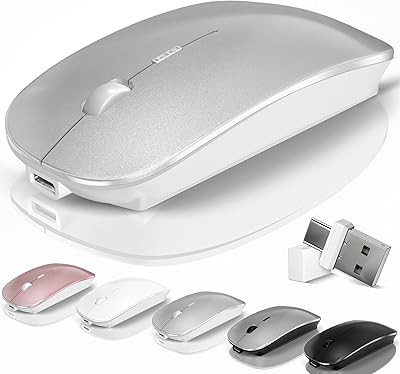
Kovess 4-Mode Silent Wireless Mouse
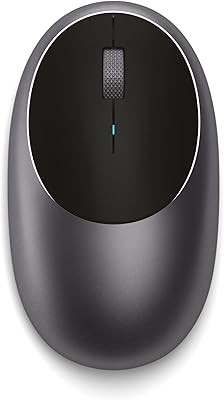
Satechi M1 Wireless Bluetooth Mouse
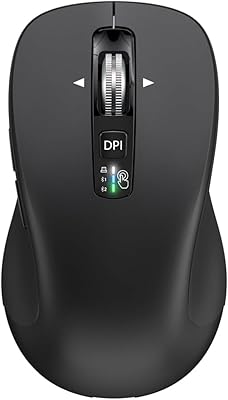
CITLLA L360
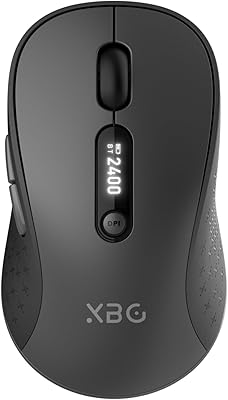
XBG B15 Pro
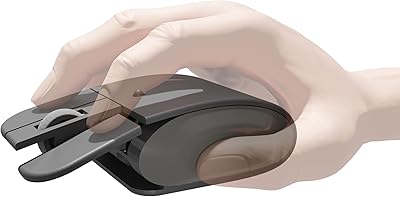
Elasto M4 Ergonomic Wireless Mouse
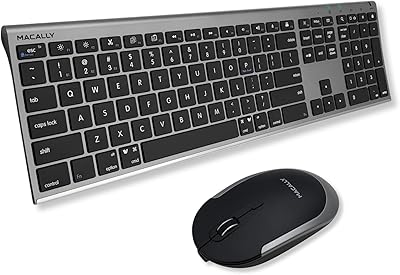
Macally Premium Bluetooth Keyboard and Mouse Combo
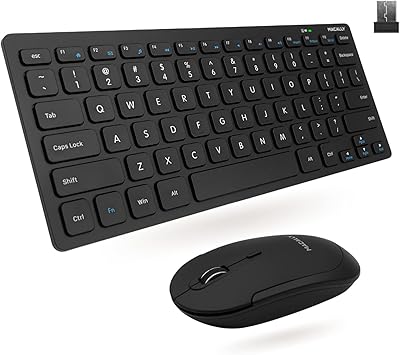
Macally RFCOMPACTKEYCB Wireless Keyboard and Mouse Combo
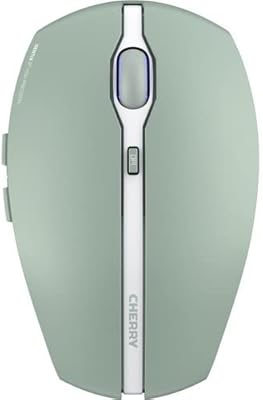
Cherry GENTIX BT Wireless Mouse
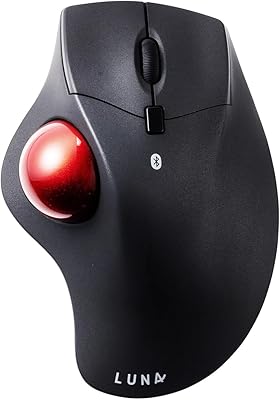
SANWA GMABTTB41 Bluetooth Ergonomic Trackball Mouse
