
Overview
The Microsoft Arc Mouse has carved out a genuine niche among travel-focused pointing devices — and it has stayed relevant for years, which says something. While plenty of portable mice come and go, this foldable Bluetooth mouse continues to rack up tens of thousands of ratings with a score that hovers near the top of its category. It targets professionals who move constantly and need gear that earns its place in a slim bag. Notably, it works across both Windows and Mac, so cross-platform users don't have to compromise or carry separate accessories for different machines.
Features & Benefits
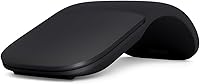
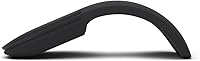
The defining trick here is the snap-flat design: press the mouse flat and it's thin enough to slide into a jacket pocket; curve it open and it takes on a usable arc shape under your palm. No USB dongle needed — it connects over Bluetooth 4.0, which matters when your laptop has two ports and both are already occupied. The touch scroll plane replaces a traditional wheel with a flat surface that handles both vertical and horizontal scrolling through gestures, a genuinely different experience once you adjust. Battery life stretches up to six months on two AAA cells, and at under three ounces it barely registers in a bag.
Best For
This arc mouse is a natural fit for anyone who travels frequently and refuses to lug bulky peripherals. Business travelers, remote workers hopping between coffee shops and conference rooms, and people who split time between a MacBook and a Windows machine will all find it practical. It also suits minimalist desk setups where a traditional mouse feels visually heavy or spatially wasteful. That said, it's worth being clear: this is a travel companion and a light-use mouse, not an all-day workstation tool. If you're doing eight hours of intensive work daily, extended session comfort may become a real limitation.
User Feedback
Buyers consistently praise the build quality and the snap mechanism — most agree it feels like a considered design choice rather than a gimmick. The Bluetooth pairing experience gets positive marks across Windows and Mac, though a small number of users report occasional reconnection hiccups depending on their OS version. The scroll plane is the most divisive element: some love it after a short adjustment period, others never fully warm to it. On battery life, real-world results are mixed — many reach the six-month estimate, but heavier users report falling short. Ergonomics for long sessions come up repeatedly as a limitation worth considering before buying.
Pros
- The snap-flat design genuinely solves a packing problem — it fits in a jacket pocket without bulk or awkwardness.
- No USB dongle means one less thing occupying a port on a slim laptop.
- Bluetooth pairing on both Windows and Mac works quickly, with no driver installation required.
- At under three ounces with batteries, it is one of the lightest full-featured mice available for travel.
- The touch scroll plane handles horizontal scrolling naturally, which is useful for wide spreadsheets and timelines.
- Battery life holds up well under moderate use, often approaching the six-month estimate.
- Build quality feels premium — the materials and snap mechanism hold up through months of regular travel.
- Works across Windows 10, 8.1, 11, and macOS without needing separate software setups for each platform.
- Wireless range is reliable at typical working distances, with no noticeable signal drop in standard office conditions.
Cons
- The scroll plane has a steep learning curve — some users never fully adapt to it after weeks of trying.
- Wrist and finger fatigue becomes noticeable during long work sessions due to limited ergonomic support.
- No multi-device pairing memory means re-pairing manually when switching between a work and personal laptop.
- Heavy daily users report battery life falling well short of the stated six-month estimate.
- No adjustable DPI or sensitivity settings, limiting flexibility for different screen sizes or workflows.
- The snap hinge can lose firmness over time, making the curved position feel slightly unstable.
- Users with larger hands often find the compact size forces an uncomfortable finger position during extended use.
- Fingerprints and smudges show readily on the black finish, requiring frequent wiping to keep it looking clean.
Ratings
The Microsoft Arc Mouse earns its reputation as one of the most thoughtfully designed travel mice on the market, and the scores below reflect exactly that — strengths and shortcomings alike. These ratings were generated by AI after analyzing thousands of verified global user reviews, with spam, bot activity, and incentivized feedback actively filtered out. The result is an honest picture of where this foldable Bluetooth mouse genuinely delivers and where it asks for real compromise.
Portability & Form Factor
Build Quality
Scroll Plane Experience
Bluetooth Connectivity
Ergonomics & Comfort
Battery Life
Cursor Precision & Tracking
Wireless Range
Mac Compatibility
Setup & Pairing Ease
Value for Money
Size & Weight
Design & Aesthetics
Suitable for:
The Microsoft Arc Mouse was built for a specific kind of user, and for that user it delivers remarkably well. If you travel frequently for work — flights, hotel rooms, client offices — the snap-flat design solves a genuine packing problem that bulkier mice simply cannot. It pairs over Bluetooth without occupying a USB port, which matters enormously on modern thin laptops where every port is already spoken for. Cross-platform professionals who split time between a MacBook and a Windows machine will find it one of the few mice that handles both without driver headaches or behavior quirks. It also suits anyone building a clean, minimal desk setup where visual clutter is genuinely unwanted. Light-to-moderate daily users — a few hours of email, documents, and web browsing — will find the comfort level perfectly adequate for their needs.
Not suitable for:
The Microsoft Arc Mouse asks for real compromise in a few specific areas, and buyers should be clear-eyed about them before committing. Anyone who spends six or more hours a day at a desk doing intensive work — data entry, creative production, detailed editing — will likely find the ergonomics too limited for sustained comfort; the arc shape simply does not provide the lateral wrist support that long sessions demand. The touch scroll plane, while clever, has a real learning curve, and users who are deeply accustomed to a tactile scroll wheel may find the adjustment frustrating enough to abandon the mouse entirely. Those who regularly switch between two paired devices will also run into friction, since there is no multi-device memory built in. Gamers, graphic designers, and anyone who needs adjustable DPI sensitivity should look elsewhere from the start. Finally, buyers who prefer USB-C rechargeable devices over disposable batteries may find the AAA battery format feels out of step with their other gear at this price level.
Specifications
- Brand: Manufactured by Microsoft under the Surface Accessories line.
- Model: Arc Mouse, model number ELG-00001.
- Color: Available in Black for this variant.
- Dimensions: Measures 5.18 x 2.17 x 0.56 inches when collapsed flat for travel.
- Weight: Weighs 2.9 oz including the two AAA batteries.
- Connectivity: Uses Bluetooth 4.0 wireless technology with no USB dongle or receiver required.
- Wireless Range: Operates up to 32.8 ft in open areas and approximately 16.4 ft in typical office environments.
- Tracking: Uses optical tracking technology suitable for most standard desk and fabric surfaces.
- Scroll Mechanism: Features a full touch scroll plane that supports both vertical and horizontal scrolling via finger gestures.
- Battery Type: Powered by 2 AAA alkaline batteries, included in the box.
- Battery Life: Rated for up to 6 months of use under standard conditions.
- Form Factor: Snap-flat collapsible design curves into an ergonomic arc shape during use and flattens for storage or travel.
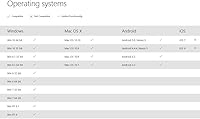
- OS Compatibility: Compatible with Windows 11, 10, 8.1, and 8, as well as macOS without additional drivers for basic use.
- Bluetooth Requirement: The host device must support Bluetooth 4.0 or higher for pairing.
- Disk Space: Requires 150MB of available storage if downloading optional Microsoft Mouse and Keyboard Center software on Windows.
- Power Source: Battery powered; no wired or USB-C charging option is available on this model.
- Discontinued: This product is confirmed as not discontinued by the manufacturer as of the latest available listing data.
- First Available: Originally introduced to the market in December 2011, with this model variant released subsequently.
Related Reviews
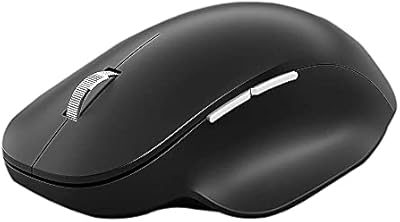
Microsoft Bluetooth Ergonomic Mouse
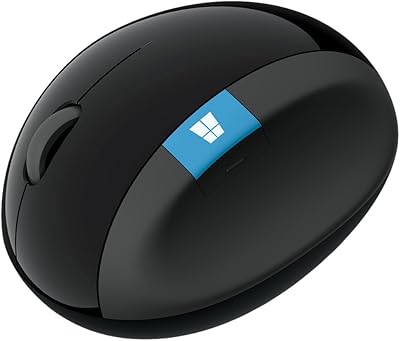
Microsoft Sculpt Ergonomic Mouse
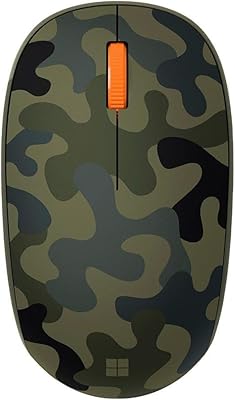
Microsoft Bluetooth Mouse
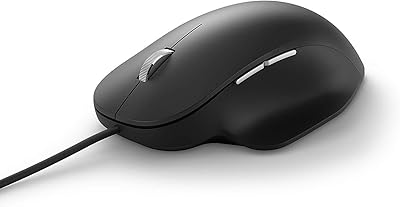
Microsoft Ergonomic Wired Mouse
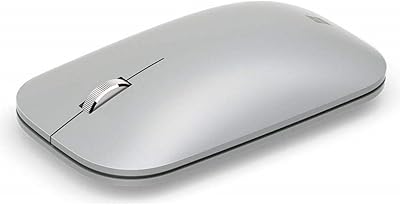
Microsoft Surface Mobile Mouse
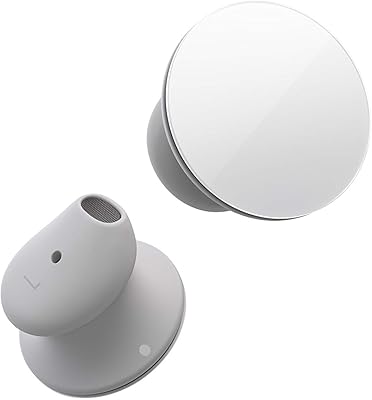
Microsoft Surface Earbuds
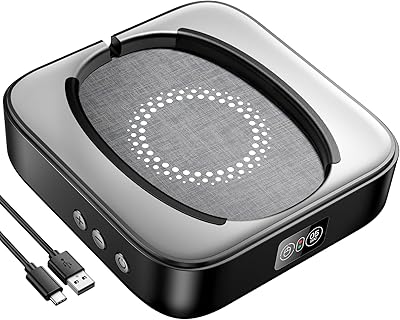
Meatanty Mechanical Mouse Jiggler
Microsoft LifeCam Cinema
Microsoft Modern Webcam