

Overview
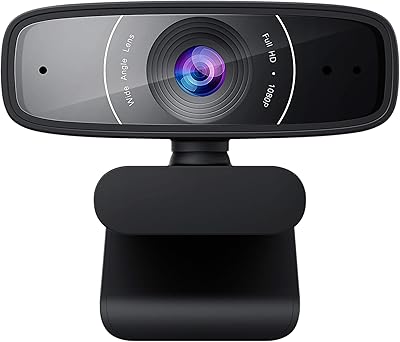
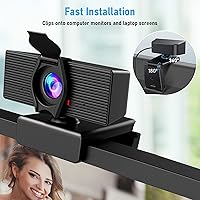
The LITEPRO C70 1080P HD Webcam entered a crowded budget webcam market back in 2020 and has maintained a steady presence ever since, sitting around the top 600 in its category — that kind of staying power usually signals something worth considering. This webcam targets remote workers, students, and casual streamers who want reliable 1080p video without a complicated setup. Plug it into a USB port and you are ready in under a minute. The physical privacy cover is a small but genuinely useful feature at this price tier. It clips securely onto monitors, laptops, or flat surfaces, making it an easy fit for most home office arrangements.
Features & Benefits
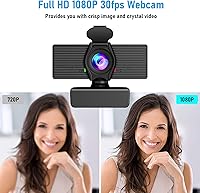
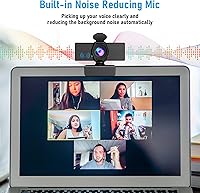
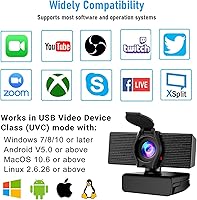
The video output is driven by a 6-layer glass lens with H.264 compression, delivering 1080p footage at a steady 30 frames per second — enough to keep your image sharp during calls without turning blocky under pressure. The auto low-light correction adjusts brightness and color temperature quietly in the background, which is genuinely helpful for anyone whose home office lacks good natural light. A 110-degree field of view is wider than most budget-tier alternatives, useful for presentations or when a second person joins your frame. The built-in microphone handles basic noise filtering, cutting down on keyboard clicks and ambient hum, while USB connectivity covers Windows, macOS, Android, and Smart TVs without any driver installation.
Best For
This budget-friendly camera earns its place for anyone stepping up from a blurry built-in laptop camera without wanting to spend heavily on the upgrade. It makes the most sense for remote workers and students who log several hours a week on video calls and need something dependable but uncomplicated. People working in dim rooms or basements will get real mileage from the automatic brightness adjustment. Casual streamers looking for a solid starting point before investing in dedicated gear will find it capable enough for the basics. It is less well-suited for creators who require precise color accuracy, shallow depth-of-field control, or studio-grade audio — those demands call for a higher-tier setup.
User Feedback
Buyers consistently highlight the easy plug-and-play setup and the noticeable clarity improvement over built-in laptop cameras, with many specifically crediting the privacy cover as something they actually use daily rather than ignore. The wide-angle lens earns praise for presentations, though some users note visible edge distortion when positioned very close to the camera. The built-in microphone draws the most criticism — it performs acceptably in quiet spaces, but buyers in noisier environments often find it falls short compared to even a basic standalone mic. Long-term durability comes up occasionally, with a handful of reviewers reporting wear on the clip mechanism after extended use. Overall, this webcam tends to deliver on expectations for buyers who understand what they are getting at this price point.
Pros
- Setup takes under a minute with no drivers or software required — just plug in and start your call.
- 1080p video at 30fps delivers a noticeable and immediate upgrade over most built-in laptop cameras.
- The physical sliding privacy cover is a practical security feature rarely found at this price point.
- Automatic low-light correction helps in dim rooms without requiring any manual adjustments.
- The 110-degree field of view is wide enough to include a whiteboard or a second person in the frame.
- Broad compatibility covers Zoom, Teams, Skype, OBS, and most other major platforms out of the box.
- Works across Windows, macOS, Android, and Smart TVs via standard USB — no platform headaches.
- Compact and lightweight enough to clip on and off monitors or laptop screens without hassle.
- The built-in noise-reduction microphone handles quiet environments well enough to skip a separate mic.
- Sustained strong sales rankings since 2020 suggest reliable real-world performance for everyday use.
Cons
- The built-in microphone struggles noticeably in louder or reverberant spaces, often requiring a separate mic.
- Fixed focal length means no autofocus — positioning matters more than it should for a modern webcam.
- Edge distortion is visible at the outer edges of the 110-degree field of view, especially in close shots.
- Plastic construction feels lightweight in a way that raises questions about durability over a year or more.
- The clip mechanism shows wear with extended use, which can affect how securely it grips thicker monitors.
- No software companion means you cannot manually adjust exposure, white balance, or zoom digitally.
- Maxes out at 30fps with no option for 60fps, which limits usefulness for fast-motion content or gaming.
- Color accuracy is decent but not calibrated — skin tones can shift depending on ambient lighting conditions.
- Not a realistic option for 4K screen sharing, detailed product reviews, or broadcast-quality streaming.
Ratings
The scores below reflect an AI-driven analysis of verified global user reviews for the LITEPRO C70 1080P HD Webcam, with spam, bot-generated, and incentivized feedback actively filtered out to ensure accuracy. Each category is scored based on real buyer sentiment across a wide range of use cases — from daily remote work to casual streaming — capturing both the genuine strengths and the recurring frustrations that actual owners report. Nothing is glossed over: where this webcam earns its place, the scores show it, and where it falls short, that is reflected just as plainly.
Video Quality
Low-Light Performance
Microphone Quality
Ease of Setup
Privacy Cover
Field of View
Build Quality
Compatibility
Value for Money
Mount & Stability
Platform Performance
Long-Term Durability
Suitable for:
The LITEPRO C70 1080P HD Webcam is a practical fit for anyone whose current camera situation is a blurry, washed-out built-in laptop lens and who wants a meaningful upgrade without committing serious money to the problem. Remote workers who spend their days on Zoom or Teams calls will find the 1080p output and automatic low-light adjustment genuinely useful, especially in home offices where lighting is inconsistent or poor. Students attending online classes benefit from the wide 110-degree field of view and the no-fuss USB setup — there are no drivers to wrestle with, no software to configure, just plug in and go. The physical privacy cover is a thoughtful touch for privacy-conscious users who leave the camera attached to their monitor all day. Casual streamers or content creators just starting out will also find this webcam capable enough to get going without overspending on gear they may outgrow.
Not suitable for:
The LITEPRO C70 1080P HD Webcam is not the right tool for anyone whose work depends on accurate color reproduction, smooth autofocus tracking, or professional-grade audio capture. Content creators producing polished YouTube videos, product reviewers, or anyone who appears regularly on camera for a brand or business will quickly hit the ceiling of what this camera can deliver — the image quality is solid for its tier, but it lacks the dynamic range and processing refinement of mid-range or premium webcams. The built-in microphone is a real limitation in noisy environments; if you work near an HVAC unit, a busy street, or a shared space, you will likely need a separate microphone. Users who need 60fps for smoother motion, 4K resolution for sharp screen-sharing or high-end streaming, or precise manual exposure controls should look further up the price ladder. The clip mount and plastic build also suggest this is not designed for heavy daily travel or rough handling over the long term.
Specifications
- Resolution: Records and streams video at 1080p Full HD, delivered at a steady 30 frames per second.
- Lens: Features a 6-layer glass lens construction designed to reduce chromatic aberration and improve overall image sharpness.
- Field of View: Captures a 110-degree ultra-wide angle, making it suitable for presentations or fitting more than one person in frame.
- Video Compression: Uses H.264 encoding to compress video efficiently, reducing bandwidth demand during live calls and recording.
- Sensor Type: Equipped with a CMOS image sensor that supports the camera's automatic low-light brightness and color adjustment.
- Microphone: Includes a single built-in microphone with noise-reduction processing to filter out ambient background sounds during calls.
- Privacy Cover: A physical sliding cover is built into the front of the camera body, blocking the lens when the camera is not in use.
- Connection: Connects via standard USB and operates on a true plug-and-play basis, requiring no driver installation on supported operating systems.
- Dimensions: Measures 3.9 x 3.3 x 2.2 inches, making it compact enough to sit unobtrusively on top of most monitors or laptop screens.
- Weight: Weighs 4.2 ounces, light enough that the clip mount holds it securely without putting strain on the monitor bezel.
- Mount Type: Ships with a built-in adjustable clip mount compatible with flat-panel monitors, laptop lids, and other flat horizontal or vertical surfaces.
- OS Compatibility: Supports Windows 7, 8, and 10, macOS, Android 5.0 and higher, and select Smart TVs with USB input.
- Software Support: Works out of the box with Zoom, Microsoft Teams, Skype, OBS Studio, Facebook, YouTube, and most other major conferencing and streaming platforms.
- Low-Light Feature: Automatic low-light correction adjusts exposure and color temperature in real time without requiring any manual settings from the user.
- Model Number: Manufactured under the model designation C70 by LITEPRO, first made available in May 2020.
- Focal Length: Uses a fixed focal length lens, meaning there is no autofocus mechanism — the camera relies on its wide depth of field instead.
Related Reviews
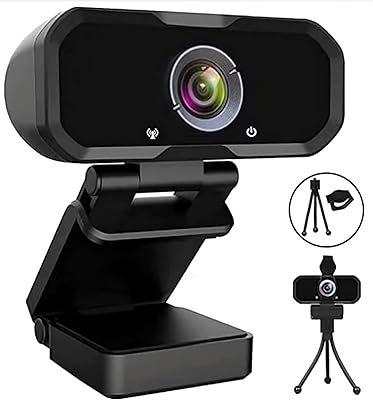
Svcouok pT011 1080p Webcam
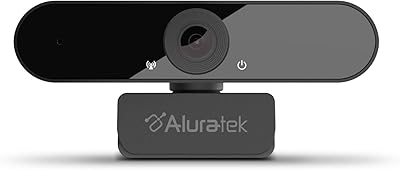
Aluratek AWC03F 1080p Webcam
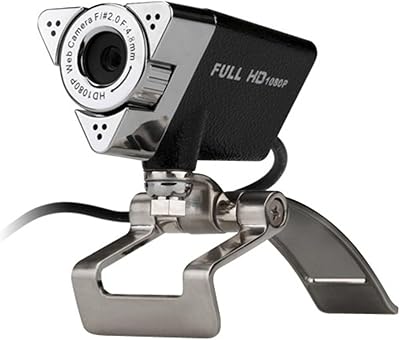
Aluratek AWC01F HD 1080p Webcam
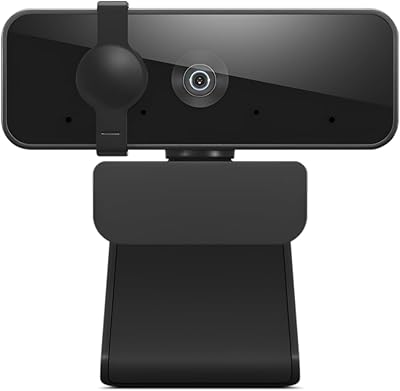
Lenovo Essential FHD Webcam
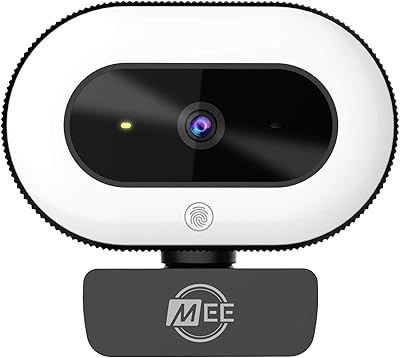
MEE audio CL8A
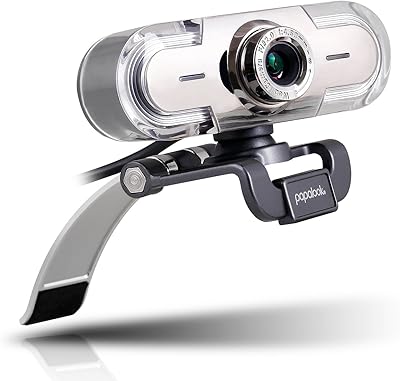
papalook PA452 1080p Webcam
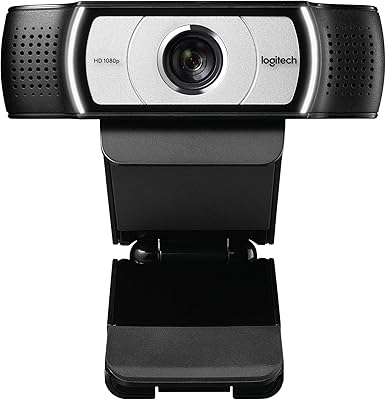
Logitech C930e
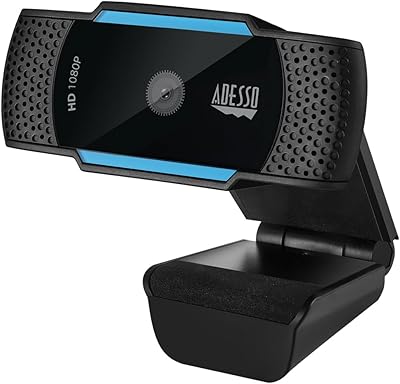
Adesso Cybertrack H5 1080p Autofocus Webcam
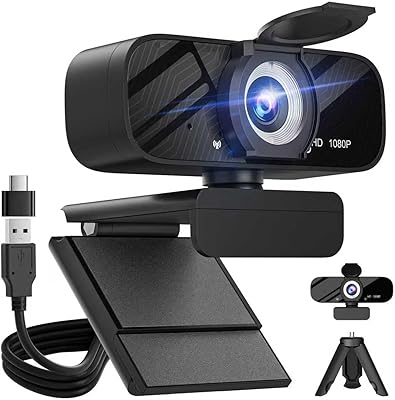
Gohero TW-07 1080p Webcam