




Overview
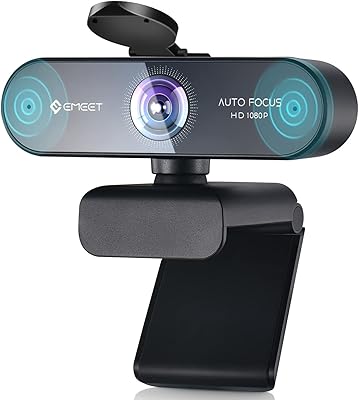
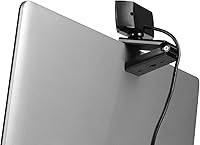
The Aluratek AWC03F 1080p Webcam arrived in late 2020 as a straightforward answer to a real problem: built-in laptop cameras are genuinely bad, and most people know it. This webcam targets the budget end of the spectrum without pretending otherwise — it weighs just 6.6 oz, clips onto any monitor with an adjustable mount, and connects via USB with no drivers required. What makes it worth a look is the broad OS support. Windows, macOS, Linux, Android, Chrome OS — it covers them all, which is rarer than you might expect at this price point. Value for money is the whole pitch here, and it largely delivers.
Features & Benefits
The core appeal starts with the 1080p CMOS sensor, which produces noticeably sharper video than typical built-in cameras — a real improvement that colleagues will notice on a call. The 90-degree field of view is generous enough to capture a full background without needing to physically reposition anything. Autofocus handles the job quietly in normal lighting, keeping faces crisp without manual input. There is also a built-in omnidirectional microphone that picks up voice clearly enough for meetings, plus low-light correction that helps when working in a dim room. The included privacy lens cap is a small but appreciated touch for anyone who takes security seriously.
Best For
This webcam makes the most sense for anyone still relying on a built-in laptop camera — the jump in video quality is immediately noticeable. Remote workers who need a solid, no-fuss daily upgrade will find it fits that role well. Students on a tight budget get a similar story: clear enough video for online classes without overspending. It also works reliably for Linux and Chrome OS users, where finding a plug-and-play webcam with broad compatibility can be a real headache. Casual streamers at the very start of their journey will find it functional, though anyone serious about production quality will eventually want more manual control.
User Feedback
Across nearly 370 ratings and a 4.2 out of 5 average, the Aluratek AWC03F earns its score mainly through easy setup and solid image quality for the tier. Plug it in and it works — that simplicity gets consistent praise. The 1080p picture quality is widely appreciated as a genuine step up from laptop defaults. Where opinions split is the microphone: it handles calls adequately, but anyone expecting cleaner audio may be disappointed. Autofocus also draws criticism in dim conditions, where it can hesitate noticeably. A few buyers find the clip feels lightweight. Hardware consistency is occasionally flagged, so keeping the return window in mind is a reasonable precaution.
Pros
- Dramatically better video than a typical built-in laptop camera, with a noticeable difference that is visible to everyone on the call.
- Works immediately on Windows, macOS, Linux, Android, and Chrome OS with zero driver installation needed.
- The 90-degree field of view is wide enough for a natural, open framing without repositioning your desk setup.
- Autofocus handles everyday well-lit calls reliably, keeping your face sharp without any manual input.
- The included physical lens cap provides hardware-level privacy, which most competitors in this bracket omit.
- Low-light correction keeps the image usable in moderately dim rooms rather than going completely dark.
- At well under fifty dollars, the value-to-performance ratio is genuinely difficult to argue with for basic daily use.
- Setup takes under a minute — plug in, and it is ready without any software, accounts, or configuration screens.
- Compact and light enough that it barely registers on top of a monitor and is easy to pack for travel.
Cons
- Autofocus hunts and blurs visibly in dim lighting, which becomes a recurring distraction during evening or low-light calls.
- The built-in microphone lets background noise bleed through in anything other than a quiet, controlled room.
- No manual controls whatsoever — exposure, brightness, contrast, and zoom are all fixed with no adjustment options.
- The adjustable clip feels lightweight and can develop looseness over time with repeated repositioning.
- Some buyers report unit-to-unit inconsistency, meaning the quality you receive is not always predictable.
- Image quality degrades meaningfully in mixed or artificial lighting, falling well short of mid-range webcams.
- The USB cable is permanently attached, so any cable damage means replacing the entire unit.
- Not suitable for serious streaming setups — most creators find themselves outgrowing it faster than expected.
Ratings
The Aluratek AWC03F 1080p Webcam has been put through its paces by our AI rating system, which analyzed verified buyer reviews from multiple global markets while actively filtering out incentivized, bot-generated, and spam submissions. What follows reflects a genuine picture of where this budget webcam earns its keep — and where it falls short — so you can make an informed call before buying.
Video Clarity
Autofocus Performance
Microphone Quality
Ease of Setup
OS Compatibility
Low-Light Performance
Build Quality
Mount & Stability
Field of View
Privacy Features
Value for Money
Cable Management
Streaming Suitability
Long-Term Reliability
Suitable for:
The Aluratek AWC03F 1080p Webcam is a practical choice for anyone whose primary frustration is the poor video quality of a built-in laptop camera — which, honestly, covers a large portion of the remote workforce. If you spend your days on Zoom or Teams calls and want colleagues to actually see you clearly without spending serious money, this webcam fills that gap without overcomplicating things. Students attending online classes will find it more than adequate for looking presentable on screen while keeping costs low. It is also a genuinely strong pick for Linux and Chrome OS users, where plug-and-play compatibility at this price is far from guaranteed with competing options. Casual streamers who are just testing the waters and do not yet want to commit to a full production setup will find it a reasonable starting point. Anyone who values physical privacy controls will also appreciate the included lens cap, which is a thoughtful feature that many rivals at this level skip entirely.
Not suitable for:
The Aluratek AWC03F 1080p Webcam has clear limits that make it the wrong call for certain buyers, and it is worth being honest about that upfront. If you work from a dimly lit home office or tend to take evening calls under lamp lighting, the autofocus inconsistency and reduced image quality in low light will likely frustrate you on a regular basis. Content creators who are even a few months into building a streaming or recording setup will almost certainly find the lack of manual exposure and focus controls too restrictive — there is simply no way to fine-tune the image. The microphone, while passable for quiet environments, is not reliable enough for anyone recording voiceovers, conducting interviews, or working in a noisy household. Buyers who need a long-term, durable peripheral should also factor in the occasional hardware consistency reports from reviewers, as unit-to-unit quality does not appear entirely uniform. And if your monitor has an ultra-thin bezel or you need a rock-solid mounting solution, the clip may leave you underwhelmed.
Specifications
- Resolution: Records and streams at Full HD 1080p, with a maximum output of 1920 x 1080 pixels.
- Sensor: Uses a CMOS image sensor to capture video with reasonable detail and color accuracy in good lighting conditions.
- Field of View: Offers a 90-degree field of view, wide enough to capture a natural frame including some background space behind the subject.
- Focus Type: Features autofocus, which adjusts focus automatically based on the subject's distance from the lens without any manual input.
- Low-Light Correction: Includes built-in low-light correction to help maintain a usable image in dim environments, though performance drops in very dark conditions.
- Microphone: Equipped with a built-in omnidirectional microphone intended to capture voice clearly while reducing ambient background noise.
- Privacy Cap: Comes with a physical lens cap that physically blocks the camera sensor, providing hardware-level privacy when the webcam is not in use.
- Connectivity: Connects via a permanently attached USB cable — no wireless option is available, and no USB hub or adapter is included.
- OS Support: Compatible with Windows, macOS, Linux, Android, and Chrome OS, functioning as a plug-and-play device across all supported platforms.
- Driver Requirement: Requires no driver installation on any supported operating system — the webcam is recognized automatically upon connection.
- Weight: Weighs 6.6 oz, making it lightweight enough to sit comfortably on a monitor without putting stress on the clip or bezel.
- Dimensions: Measures 4.25 x 2.5 inches, giving it a compact footprint that fits neatly on top of most monitors and laptop screens.
- Mount Type: Features an adjustable clip-style mount designed to attach to monitor bezels and laptop screen tops with a flexible tilt range.
- Video Format: Captures and outputs video in MPEG format, which is standard for USB webcams used in conferencing and streaming applications.
- Audio Format: Supports AAC and MP3 audio formats, with possible support for WAV (PCM) depending on the host system and application used.
- Maximum Aperture: Has a maximum aperture of f/2.8, which allows a reasonable amount of light in but is not optimized for very low-light environments.
- Hardware Platform: Designed for use with Mac, PC, and laptop hardware, and also functions with Android devices and Chromebooks via USB connection.
- Rear Resolution: Listed rear webcam resolution is 2 MP, which corresponds to the effective resolution output of the sensor in standard use.
Related Reviews
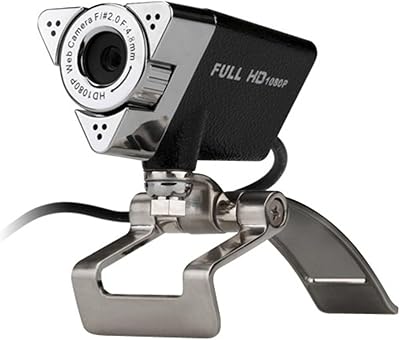
Aluratek AWC01F HD 1080p Webcam

HuddleCamHD HC-WEBCAM-94


ZIQIAN 1080P USB-C Webcam
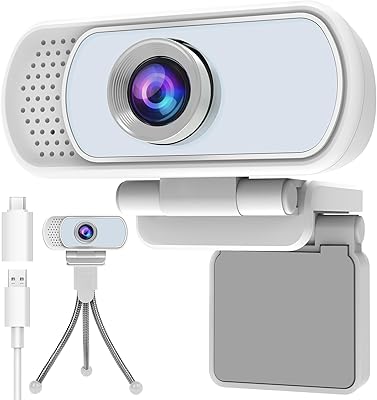
Hrayzan WN5 1080p USB Webcam
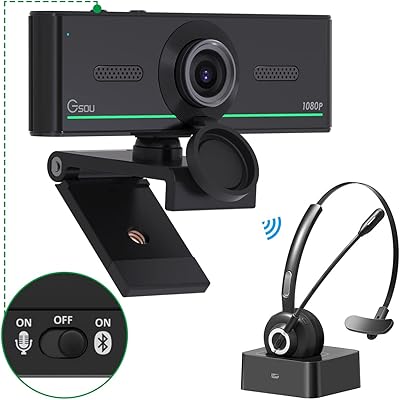
Gsou 1080P Webcam W20
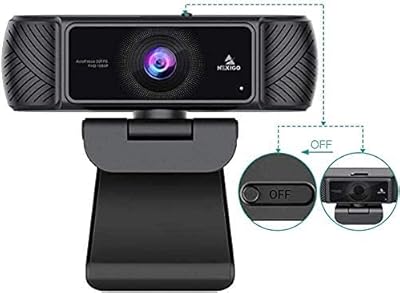
NexiGo N680 1080P Webcam
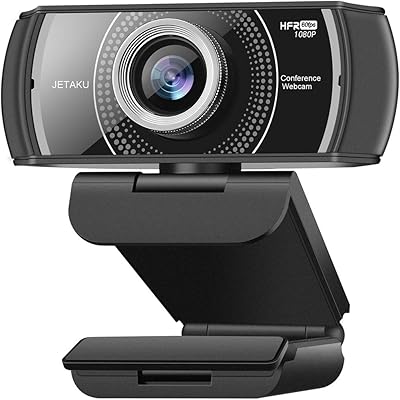
JETAKu XZC-920phro Webcam 1080P 60FPS
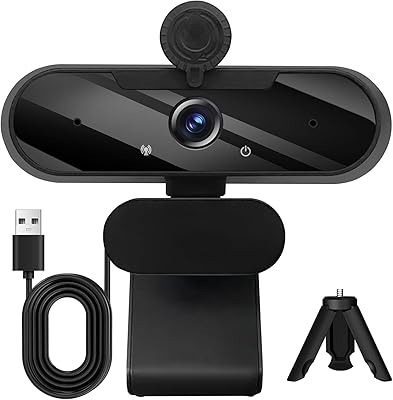
MTORED TWC-25 1080p Webcam