

Overview
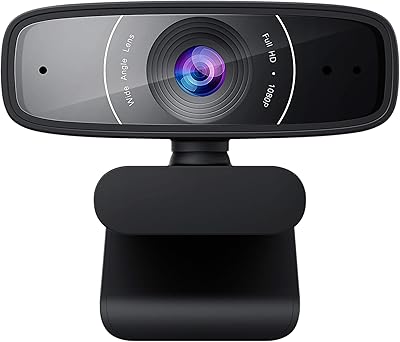
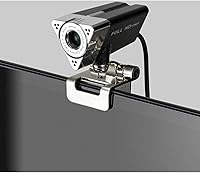
The Aluratek AWC01F HD 1080p Webcam is a no-frills, budget-conscious option that arrived in 2020 and has quietly built a solid following among cost-aware buyers. At around $28, it connects via USB with zero driver headaches — just plug it in and you're live. Weighing only 4 ounces, it's light enough to clip onto any monitor without strain. It works across Windows and macOS, plays nicely with Zoom, Teams, and Skype, and includes a privacy lens cap — a small but genuinely useful touch for anyone who values a physical barrier over a software toggle.
Features & Benefits
Shooting at 1920x1080 at 30fps, this budget 1080p webcam delivers video that's noticeably sharper than most built-in laptop cameras. The 90-degree field of view is wide enough to show your workspace without rearranging your setup. Auto low-light correction does a reasonable job of brightening dim scenes, though it won't replace proper lighting entirely. The built-in omnidirectional microphone handles the basics — your voice comes through clearly in quiet rooms. A standard tripod mount adds placement flexibility beyond the monitor clip, which is a welcome bonus at this price point.
Best For
This Aluratek webcam makes the most sense for remote workers, students, and anyone stepping up from a grainy built-in camera without wanting to spend $100 or more. It's well-suited to home office use where quick setup and solid compatibility matter more than cutting-edge specs. Casual streamers or first-time content creators will find it more than adequate for getting started. The wide field of view also makes it practical for small desk setups or compact meeting spaces. If you need auto-focus or top-tier audio, look elsewhere — but for straightforward, reliable video calls, it covers the bases well.
User Feedback
Among 369 ratings averaging 4.2 out of 5, the AWC01F earns consistent praise for its easy setup experience and the noticeable image quality improvement over integrated cameras. Buyers appreciate the value, especially for casual video calls. That said, recurring complaints point to the microphone — in noisy or echoey environments it picks up too much background sound, and many users suggest pairing it with a dedicated mic for anything serious. A few reviewers also flag that manual focus feels limiting compared to auto-focus options at similar prices. Build quality is generally described as acceptable, not exceptional, for the price.
Pros
- Plug-and-play USB setup works instantly on both Windows and macOS — no drivers, no hassle.
- Full 1080p at 1920x1080 is a meaningful, visible upgrade over built-in laptop cameras.
- The 90-degree field of view covers wide desk setups without needing to reposition anything.
- Auto low-light correction gives usable image quality in moderately dim rooms.
- Physical privacy lens cap offers real peace of mind, not just a software toggle.
- Standard tripod mount thread opens up flexible placement options beyond the monitor clip.
- At roughly $28, this Aluratek webcam delivers solid value for basic remote work needs.
- Lightweight at 4 ounces — easy to pack and move between workspaces or locations.
- Works reliably with Zoom, Teams, Skype, OBS, and most major streaming platforms out of the box.
Cons
- Built-in microphone struggles significantly in noisy or echoey environments.
- Manual focus cannot adjust automatically if you shift position during a call.
- No companion software means zero control over brightness, contrast, or white balance.
- Low-light performance degrades noticeably in genuinely dark rooms despite auto-correction.
- The monitor clip can loosen over time, especially on slim or ultraslim display bezels.
- Fixed, non-detachable cable complicates desk cable management and storage.
- The small lens cap is easy to misplace and not tethered when removed.
- Image color can appear slightly washed out under certain artificial lighting conditions.
- Competing webcams at a similar price now offer auto-focus, making this feel dated.
- 30fps cap means video looks less fluid compared to 60fps models during fast movement.
Ratings
The Aluratek AWC01F HD 1080p Webcam scores here are generated by AI after analyzing verified buyer reviews from across major global platforms, with spam, bot activity, and incentivized feedback actively filtered out. This Aluratek webcam sits in a crowded budget segment, and the scores below reflect both where it genuinely delivers and where real users have run into limitations — nothing glossed over.
Video Quality
Low-Light Performance
Microphone Quality
Ease of Setup
Value for Money
Build Quality
Field of View
Focus & Sharpness
Compatibility
Cable & Connectivity
Tripod Compatibility
Privacy Features
Size & Portability
Suitable for:
The Aluratek AWC01F HD 1080p Webcam is a strong fit for anyone who needs a dependable, no-fuss upgrade from a built-in laptop camera without stretching a tight budget. Remote workers attending daily video calls on Zoom or Teams will find the 1080p image a genuine improvement over the grainy default camera most laptops ship with. Students joining online classes or study groups benefit from the wide 90-degree field of view and the zero-setup USB connection — there's nothing to install and nothing to configure. First-time streamers or hobby bloggers who want to test the waters before committing to pricier gear will get more than enough quality to get started. It's also a sensible pick for shared home office desks or small meeting spaces where portability and quick swappability between machines are more important than cutting-edge specs.
Not suitable for:
Buyers with more demanding requirements will quickly feel the limitations of this budget 1080p webcam. Content creators who need crisp, professional-grade visuals for YouTube, Twitch, or client-facing presentations will find the image quality — particularly in mixed or low lighting — falls short of what the competition offers at slightly higher price points. The manual focus is a real constraint for anyone who moves frequently during a call or shifts between close-up and mid-range framing, since there's no automatic adjustment to compensate. Anyone relying on the built-in microphone for podcast recording, interviews, or noisy home environments will likely be frustrated — it picks up background noise too readily to serve as a primary audio source. The Aluratek AWC01F HD 1080p Webcam also lacks companion software for fine-tuning exposure, white balance, or zoom, so users who want granular control over their image output should look elsewhere. In short, if your use case goes beyond straightforward video calls and casual streaming, this webcam's feature set may leave you wanting more.
Specifications
- Resolution: Captures video at full HD 1920x1080 pixels, delivering a sharp and detailed image suitable for video calls and casual streaming.
- Frame Rate: Records and streams at 30 frames per second, providing smooth motion for standard video conferencing and online broadcasting.
- Field of View: Features a 90-degree wide-angle lens that captures a broad view of the user's environment without requiring camera repositioning.
- Focus Type: Uses manual focus, which is set by rotating the lens ring and remains fixed at the chosen focal distance during use.
- Sensor: Equipped with a 2.0-megapixel image sensor that handles standard lighting conditions adequately for its price class.
- Microphone: Includes a single built-in omnidirectional microphone designed to capture audio from multiple directions around the camera.
- Low-Light Correction: Auto low-light correction is enabled by default, automatically adjusting image brightness when ambient lighting conditions are poor.
- Privacy Cap: Ships with a physical snap-on lens cap that blocks the camera view entirely when the webcam is not in use.
- Connection Type: Connects via a fixed USB-A cable, compatible with standard USB ports on desktop PCs, laptops, and USB hubs.
- Tripod Mount: Features a standard 1/4-inch tripod mount thread on the base, allowing attachment to most consumer and prosumer tripods.
- Weight: Weighs approximately 4 ounces, making it lightweight enough for easy transport between work locations.
- Dimensions: Measures 9.1 x 9.1 x 9.1 inches in retail packaging; the camera unit itself is compact enough to sit unobtrusively on a monitor.
- OS Compatibility: Fully compatible with Windows and macOS operating systems without requiring any additional driver installation.
- Supported Platforms: Works with major video and streaming platforms including Zoom, Microsoft Teams, Skype, Google Meet, YouTube, Twitch, and Facebook Live.
- Model Number: Sold under the model designation AWC01F, which identifies this specific variant within Aluratek's webcam product line.
- Noise Cancellation: The built-in microphone does not include dedicated hardware noise cancellation; background noise suppression relies on software from the host application.
- Video Format: Outputs standard USB Video Class (UVC) video, which is compatible with virtually all video conferencing and streaming applications.
- Mount Type: Includes an adjustable monitor clip on the base that fits over the top edge of most standard flat-panel displays and laptop screens.
- Date Released: First made available for purchase in April 2020, positioning it as a product of the early remote-work era.
- Manufacturer: Designed and sold by Aluratek, a consumer electronics brand based in the United States known for budget-friendly peripherals.
Related Reviews
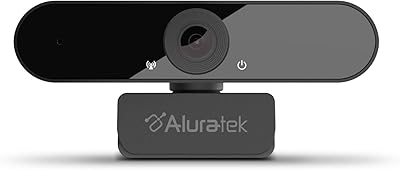
Aluratek AWC03F 1080p Webcam
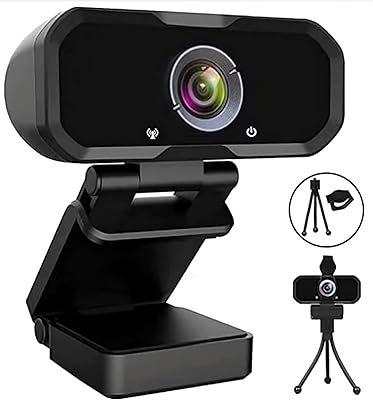
Svcouok pT011 1080p Webcam
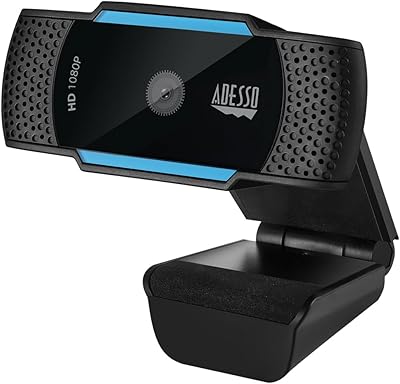
Adesso Cybertrack H5 1080p Autofocus Webcam
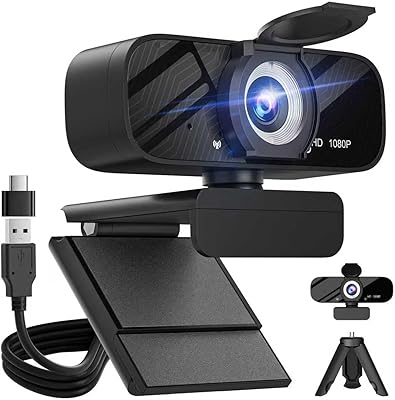
Gohero TW-07 1080p Webcam
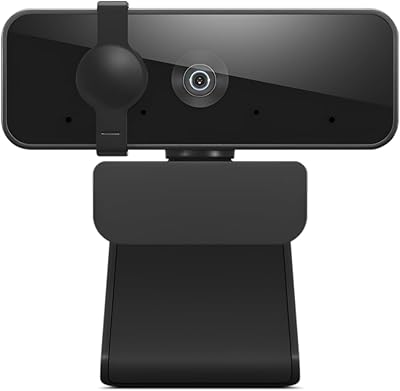
Lenovo Essential FHD Webcam
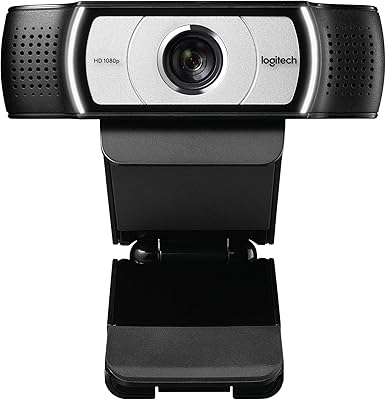
Logitech C930e
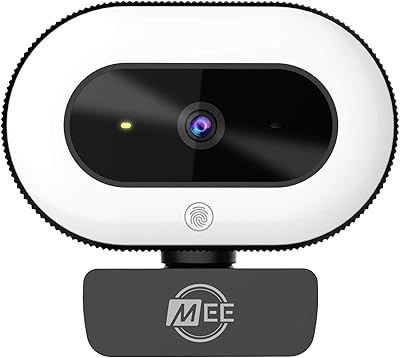
MEE audio CL8A
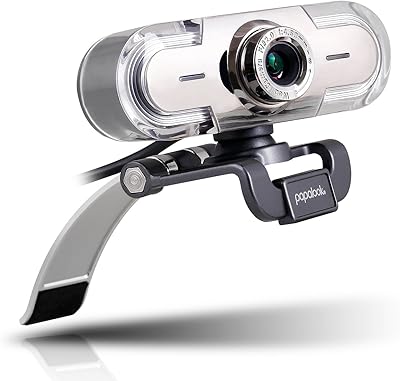
papalook PA452 1080p Webcam
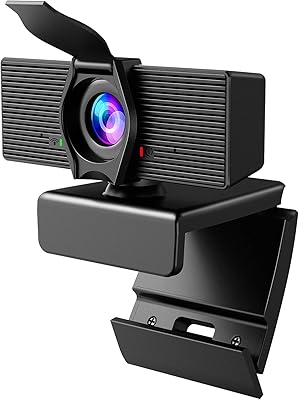
LITEPRO C70 1080P HD Webcam