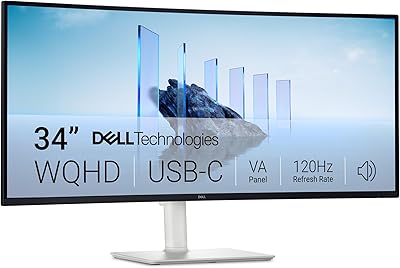
LG 34SR60QC-W 34-inch Curved Smart Monitor
Overview
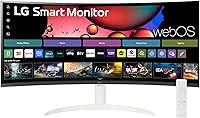
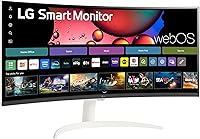
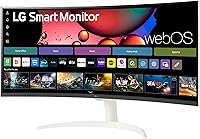
The LG 34SR60QC-W 34-inch Curved Smart Monitor occupies an interesting space — it's built for people who want a capable work display and a standalone streaming device without buying two separate screens. That white finish alone separates it from the sea of black gaming panels cluttering most desks. This is a mid-range display aimed squarely at remote workers, home office upgraders, and casual streamers who want flexibility without complexity. The real differentiator is built-in webOS, which transforms this into something more than a monitor. Don't come in expecting a hardcore gaming rig — this is a versatile smart screen, first and foremost.
Features & Benefits
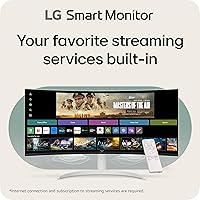
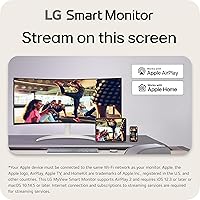
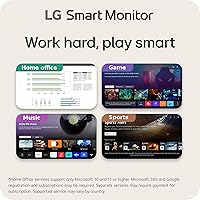
At 34 inches with a QHD 3440x1440 resolution and a gentle 1800R curve, the 34-inch curved display wraps your field of view in a way a flat panel simply cannot. The 21:9 aspect ratio gives you noticeably more horizontal space — genuinely useful when juggling spreadsheets or comparing documents side by side. On the entertainment side, webOS23 comes loaded with Netflix, Prime Video, Disney+, Apple TV, HBO Max, and over 300 free LG Channels, so you're never hunting for content. Add AirPlay2, Bluetooth, and Screen Share, and connecting your iPhone or MacBook takes seconds. The 100Hz refresh and HDR10 round out a solid, well-balanced panel.
Best For
This LG smart monitor hits its sweet spot with remote and hybrid workers who want one screen that handles everything — morning video calls, afternoon deep work, and an episode of something after hours, all without a secondary device nearby. Mac and iPhone users get particular value from the native AirPlay2 integration; mirroring or extending your display takes only a few taps. It also suits smaller apartments where dedicating separate space to both a TV and a monitor feels wasteful. Casual gamers will appreciate the immersive ultrawide view, though if competitive framerates are your priority, this ultrawide smart screen is probably not your first call.
User Feedback
Across 159 ratings averaging 4.4 stars, buyers are broadly satisfied, and two themes surface repeatedly: picture quality earns consistent praise, and the plug-and-play nature of webOS genuinely surprises people who didn't expect a monitor to function so independently. The white colorway also gets frequent callouts from buyers wanting a desk setup that doesn't resemble a gaming rig. On the critical side, a handful of reviewers note the panel can struggle in very bright, sunlit rooms — brightness headroom is not this display's strong suit. Competitive gamers occasionally flag the 100Hz ceiling as a real limitation, which is a fair point. For most other buyers, it reads as a well-rounded purchase.
Pros
- Built-in webOS23 means you can stream Netflix, Disney+, or Prime Video without plugging in any external device.
- The 34-inch ultrawide panel delivers noticeably more screen space than a standard monitor, making multitasking feel genuinely comfortable.
- AirPlay2 support makes this LG smart monitor an excellent companion for anyone deep in the Apple ecosystem.
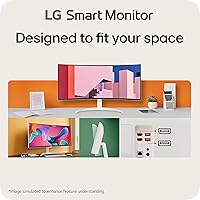
- The white colorway is a practical aesthetic choice that blends into modern, minimal home office setups.
- HDR10 and 99% sRGB coverage produce colors that look vibrant without feeling oversaturated or artificially boosted.
- Setup is straightforward — webOS is intuitive out of the box, and most buyers report being up and running quickly.
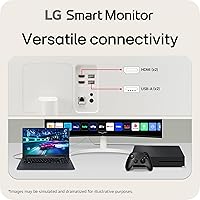
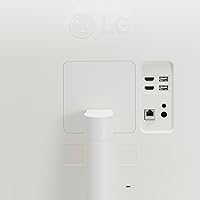
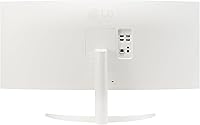
- Dual HDMI ports and three USB ports provide enough connectivity for a laptop, a console, and peripherals simultaneously.
- The 1800R curve adds genuine depth to widescreen content without the distortion that more aggressive curves can introduce.
- Built-in speakers mean casual viewers do not need to budget separately for external audio.
- At its price point, the combination of smart features, ultrawide real estate, and wireless connectivity represents solid overall value.
Cons
- The 100Hz refresh rate will frustrate competitive gamers who have grown accustomed to 144Hz or faster panels.
- Peak brightness is modest, and the screen can look washed out in rooms with strong natural light or direct sun exposure.
- No USB-C or Thunderbolt port limits single-cable connectivity options for modern laptops that rely on that standard.
- The built-in speakers are serviceable but thin-sounding; anyone who cares about audio quality will still need external speakers.
- At 13.45 pounds, the display is not particularly light, and the stand offers limited ergonomic adjustability out of the box.
- The 34-inch size, while great at desk distance, is too small to function comfortably as a primary TV in a living room setting.
- webOS app availability, while broad, does not match a dedicated smart TV — some niche streaming apps or regional services may be missing.
- No VESA mount compatibility confirmation in standard specs may complicate aftermarket arm upgrades for buyers who prefer that setup.
Ratings
Our AI-driven rating system analyzed verified buyer reviews for the LG 34SR60QC-W 34-inch Curved Smart Monitor from across multiple global markets, filtering out incentivized submissions and bot patterns to surface what real owners actually experience day to day. The scores below reflect both the genuine strengths that keep buyers satisfied and the friction points that surface repeatedly in critical feedback — nothing is glossed over.
Picture Quality
Smart Platform (webOS)
Wireless Connectivity
Ultrawide Screen Experience
Value for Money
Build Quality & Design
Refresh Rate & Gaming
Setup & Ease of Use
Brightness & Glare Handling
Port Selection
Built-in Audio
Multitasking Performance
Color Accuracy
Streaming Experience
Suitable for:
The LG 34SR60QC-W 34-inch Curved Smart Monitor is a genuinely strong fit for remote and hybrid workers who want one screen that handles both productivity and personal time without extra hardware cluttering the desk. If your workday involves juggling multiple windows, documents, or browser tabs simultaneously, the 34-inch ultrawide panel gives you the horizontal breathing room that a standard 16:9 display simply cannot. Mac and iPhone users will find the native AirPlay2 integration particularly practical — mirroring or extending your display happens in seconds without dongles or third-party apps. It also makes real sense for people living in smaller spaces where running a separate TV alongside a monitor feels redundant; this ultrawide smart screen covers both roles convincingly. Cord-cutters who have already dropped cable but still want easy access to major streaming platforms will appreciate having Netflix, Prime Video, Disney+, and more available directly on the display, no streaming stick required.
Not suitable for:
The LG 34SR60QC-W 34-inch Curved Smart Monitor is a harder sell for anyone whose primary use case is competitive gaming. The 100Hz refresh rate is perfectly adequate for casual play, but if you are accustomed to 144Hz or higher and rely on that responsiveness in fast-paced titles, this panel will feel like a step down. Professional creatives who need factory-calibrated color accuracy or wide color gamut coverage beyond sRGB — such as video editors targeting DCI-P3 workflows — should look at purpose-built content creation monitors instead. The display also has limited peak brightness, which means buyers who work in sun-filled rooms with direct light hitting the screen may find the image washed out during daylight hours. Anyone expecting a true TV replacement in a large living room should also be realistic: at 34 inches, it works well at desk distance but may feel undersized when viewed from a sofa across a room.
Specifications
- Screen Size: The panel measures 34 inches diagonally, delivering a wide viewing area suited to both productivity and entertainment use.
- Resolution: Native resolution is 3440x1440 QHD UltraWide, offering noticeably sharper detail than a standard 1080p or 1440p 16:9 display.
- Aspect Ratio: The 21:9 aspect ratio provides approximately 34% more horizontal screen space compared to a conventional 16:9 monitor.
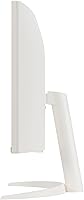
- Panel Curve: The display uses a 1800R curvature, which gently wraps the screen around your field of view without introducing significant edge distortion.
- Refresh Rate: The maximum refresh rate is 100Hz, suitable for everyday tasks, video playback, and casual gaming at smooth frame rates.
- HDR Support: HDR10 is supported, allowing compatible content to display a broader range of contrast and highlight detail than standard dynamic range.
- Color Gamut: The panel covers 99% of the sRGB color space, making it appropriate for general productivity and consumer media consumption.
- Operating System: webOS23 is built in, providing direct access to streaming platforms and smart features without requiring a connected PC or external device.
- Smart Apps: Pre-installed streaming apps include Netflix, Prime Video, Disney+, Apple TV, and HBO Max, plus over 300 free LG Channels.
- Wireless: Wireless connectivity includes AirPlay2, Screen Share, and Bluetooth, enabling cable-free mirroring and audio pairing from compatible devices.
- Ports: Physical connectivity includes two HDMI ports and three USB ports, covering the majority of standard peripherals and video sources.
- Audio: Built-in speakers are included, providing basic audio output without the need for external speakers in casual listening scenarios.
- Smart Control: The LG ThinQ App allows users to control and configure the display remotely via a paired smartphone.
- Color Finish: The monitor is available in White, a less common colorway that suits minimal and modern home office desk aesthetics.
- Weight: The unit weighs 13.45 pounds with the stand attached, which is typical for a curved ultrawide display in this size class.
- Dimensions: Overall dimensions with stand are approximately 31.85 inches wide, 19.03 inches tall, and 8.79 inches deep.
Related Reviews
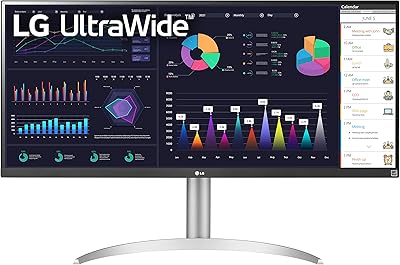
LG 34WQ650-W 34-inch UltraWide Monitor
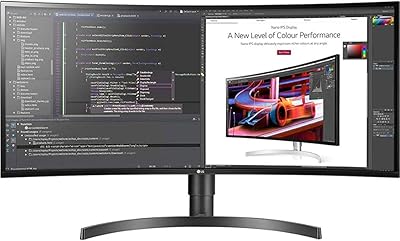
LG 34BL85C-B 34-inch UltraWide Curved Monitor
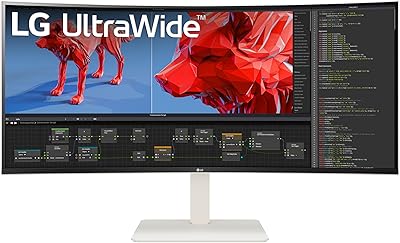
LG 38WR85QC-W 38-inch Curved UltraWide Monitor
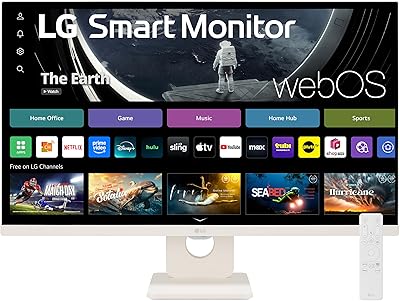
LG 27SR50F-W 27-Inch Smart Monitor
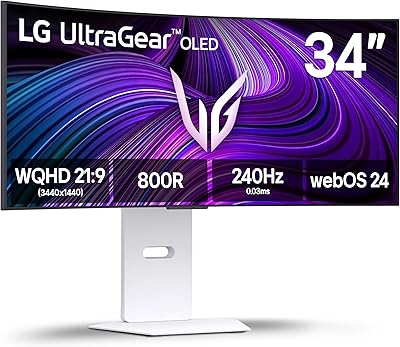
LG 34GX90SA-W 34-inch OLED Curved Gaming Monitor
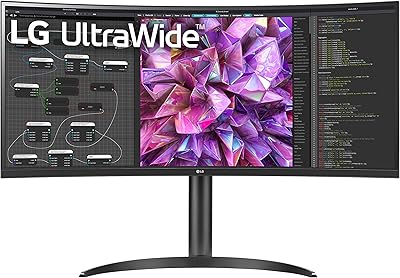
LG 34WQ73A-B 34-Inch UltraWide QHD Monitor
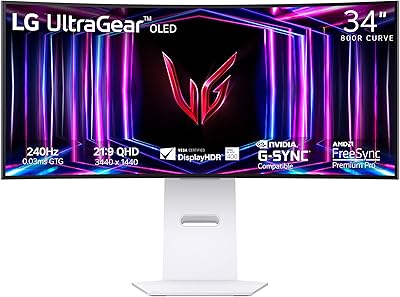
LG 34GS95QE 34-inch OLED Curved Gaming Monitor
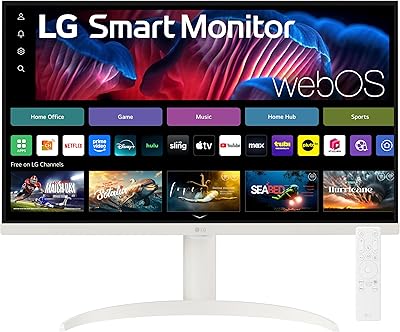
LG 27SR75U-W 27-inch 4K Smart Monitor

Alienware AW3425DWM 34-inch Curved Gaming Monitor