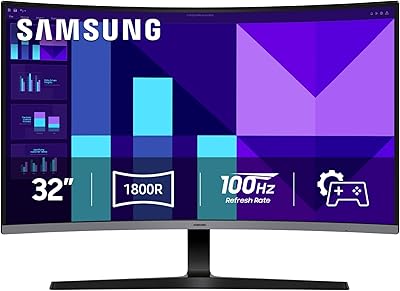
LG 32MR50C-B 32-Inch Curved Monitor


Overview
The LG 32MR50C-B 32-Inch Curved Monitor sits in a sweet spot for anyone who wants a large, immersive screen without paying premium prices. At 32 inches with an 1800R curvature, the panel wraps your field of view just enough to make spreadsheets and movies feel more engaging than a flat screen would. The VA panel punches above its weight in contrast and color depth, making dark scenes look genuinely rich. That said, the glossy screen surface is worth thinking about — in a room with strong overhead lighting or windows behind you, reflections can get distracting. This is a solid pick for everyday use, but demanding professionals or pixel-density purists should look elsewhere.
Features & Benefits
The 100Hz refresh rate makes a noticeable difference when scrolling through long documents or playing casual games — things just look and feel smoother compared to the standard 60Hz most budget monitors ship with. AMD FreeSync works quietly in the background to keep screen tearing in check, which helps even on mid-range graphics cards. The Black Stabilizer is a practical feature for gamers: it lifts the shadows in dark environments so enemies hiding in corners actually become visible. Reader Mode shifts the color temperature to cut blue light during long work sessions, a small but welcome addition. The tilt-adjustable stand is fine, though the lack of height adjustment means you may need a monitor riser to get comfortable.
Best For
This curved LG monitor makes the most sense for home office workers who want a large, comfortable display without overspending. Writers, students, and remote workers who spend the bulk of their day reading or managing multiple windows will appreciate both the screen real estate and the curvature that makes the edges easier on the eyes. Casual gamers who play story-driven or slower-paced titles will get enough performance from the 100Hz panel without needing to spend more. One honest caveat: at 1080p on a 32-inch screen, the pixel density is noticeably lower than on a 27-inch display, so if crisp text matters for detailed design work, this may not be the right fit.
User Feedback
With a 4.6-star rating across over 600 reviews, buyers are clearly satisfied with the 32MR50C-B overall. The most consistent praise centers on value for screen size — people are often pleasantly surprised by how much display they get for the price. Color vibrancy and easy out-of-box setup also come up frequently as positives. On the critical side, the stand is a recurring frustration: the fixed-height base forces some buyers to improvise with risers or books. A handful of reviewers note the glossy surface picks up glare in brighter rooms. Build quality generally draws neutral-to-positive comments, though a few buyers mention the plastic chassis feels lightweight. Overall, the feedback reflects a monitor that delivers on its core promise without pretending to be something it is not.
Pros
- Exceptional screen size for the price — 32 inches at this budget tier is genuinely hard to beat.
- The 1800R curve reduces edge distortion and makes wide content feel more natural to view.
- VA panel delivers deep blacks and strong contrast, especially noticeable during movies and dark game scenes.
- 100Hz refresh rate is a clear improvement over standard 60Hz for everyday scrolling and casual gaming.
- AMD FreeSync keeps screen tearing in check without requiring a high-end graphics card.
- Black Stabilizer visibly brightens shadowed areas in games, giving a practical advantage in darker environments.
- Reader Mode reduces blue light effectively, making long work or study sessions easier on the eyes.
- Out-of-box color calibration is solid enough for most everyday users without manual adjustment.
- OnScreen Control software saves time by letting you manage display settings directly from your desktop.
- Quick, tool-free assembly means the 32MR50C-B is ready to use within minutes of opening the box.
Cons
- No height adjustment on the stand forces many users to rely on a separate riser for comfortable positioning.
- Single HDMI port limits flexibility for users who regularly switch between two or more source devices.
- Glossy panel surface picks up reflections aggressively in bright rooms or near windows.
- 1080p resolution on a 32-inch screen produces noticeably lower pixel density than smaller FHD displays.
- Plastic build feels lightweight and budget-grade relative to the monitor's physical size.
- Physical OSD buttons are stiff and awkwardly positioned, making manual adjustments needlessly fiddly.
- No DisplayPort connection is a recurring frustration for users running multi-device desktop setups.
- OnScreen Control software occasionally fails to launch correctly depending on system configuration.
- Cable management along the stand is minimal, which can leave desks looking cluttered.
- Color temperature skews slightly warm by default, which some users find fatiguing during extended sessions.
Ratings
Our scores for the LG 32MR50C-B 32-Inch Curved Monitor were generated by AI after systematically analyzing thousands of verified global user reviews, with spam, bot activity, and incentivized feedback actively filtered out. The result is an honest, balanced picture of where this curved VA display genuinely delivers and where real buyers have run into friction. Both the strengths that keep repeat customers recommending it and the recurring frustrations that temper enthusiasm are reflected transparently in every score below.
Value for Money
Picture Quality
Refresh Rate & Motion Handling
Ergonomics & Stand
Curvature & Immersion
Glare & Reflections
Gaming Features
Eye Comfort & Long Sessions
Software & Controls
Build Quality & Materials
Connectivity
Setup & Assembly
Color Accuracy Out of Box
Desk Footprint & Sizing
Suitable for:
The LG 32MR50C-B 32-Inch Curved Monitor is a strong match for home office workers, students, and remote professionals who want a large, comfortable screen without stretching their budget into premium territory. If you spend most of your day writing, managing spreadsheets, or juggling multiple browser windows, the 32-inch curved panel gives you genuine breathing room that a smaller display simply cannot replicate at this price. Casual gamers who play story-driven, open-world, or slower-paced titles will also find the 100Hz refresh rate and Black Stabilizer more than adequate for an enjoyable experience. The Reader Mode makes long reading sessions noticeably less tiring, which is a real practical benefit for anyone who logs extended hours in front of a screen. Budget-conscious buyers upgrading from a 24-inch or older 60Hz flat monitor will likely find this curved LG monitor a meaningful step up in both comfort and visual impact.
Not suitable for:
The LG 32MR50C-B 32-Inch Curved Monitor is not the right tool for everyone, and being honest about that matters. At 1080p across a 32-inch panel, the pixel density is lower than what you get on a smaller FHD display, which means text and fine detail can look noticeably soft — a real issue for graphic designers, photographers, or anyone doing precision visual work. Competitive gamers who rely on fast response times and refresh rates above 100Hz will find this monitor limiting compared to purpose-built gaming displays. The single HDMI port is a friction point for users who need to switch between multiple devices regularly, and the fixed-height stand means buyers who care about ergonomic positioning will almost certainly need to purchase a separate riser or arm. Finally, if your workspace gets strong natural light or overhead glare, the glossy panel surface will work against you in ways that a matte-finish monitor would not.
Specifications
- Screen Size: The panel measures 32 inches diagonally, providing a wide viewing area suited for multitasking and immersive media consumption.
- Panel Type: This monitor uses a VA (Vertical Alignment) panel, which delivers stronger contrast ratios and deeper blacks compared to typical IPS panels at this price tier.
- Resolution: Native resolution is 1920x1080 (Full HD), which covers everyday productivity and casual gaming but results in a lower pixel density than smaller FHD displays.
- Refresh Rate: The panel refreshes at 100Hz, offering smoother motion handling than standard 60Hz monitors for both casual gaming and fast document scrolling.
- Curvature: The screen has an 1800R curvature radius, meaning the panel curves gently to follow the natural arc of human vision at typical desk viewing distances.
- Aspect Ratio: The display uses a standard 16:9 widescreen aspect ratio, compatible with the vast majority of video content, applications, and operating systems.
- Screen Surface: The panel features a glossy screen surface, which enhances color vibrancy in controlled lighting but is prone to visible reflections in bright rooms.
- Adaptive Sync: AMD FreeSync is supported, dynamically synchronizing the monitor's refresh rate with compatible GPU output to reduce screen tearing and stuttering.
- Connectivity: The monitor provides one HDMI port for video input; no DisplayPort or USB-C connection is included on this model.
- Stand Adjustment: The included stand supports tilt adjustment only; height, swivel, and pivot adjustments are not available without a third-party VESA mount.
- VESA Compatibility: The monitor supports VESA wall or arm mounting, allowing users to replace the stock stand with an aftermarket ergonomic arm for greater positional flexibility.
- Dimensions: With the stand attached, the monitor measures approximately 27.9 inches wide, 20.2 inches tall, and 9.2 inches deep.
- Weight: The full unit including the stand weighs 11.3 pounds, making it manageable for a single person to position and reposition on a desk.
- Blue Light Reduction: Reader Mode is available as a software-selectable preset that shifts the color temperature to reduce blue light output during extended reading or work sessions.
- Dark Scene Enhancement: Black Stabilizer is a built-in feature that selectively brightens shadow areas in dark scenes without overexposing brighter regions of the image.
- Display Software: LG OnScreen Control is compatible software that allows users to adjust monitor settings, split screen layouts, and manage input sources directly from a connected computer.
- Color Depth: The panel supports 8-bit color depth, covering the sRGB color space adequately for general productivity and casual media use.
- First Available: This model was first listed for sale in November 2023, making it a relatively recent release within LG's budget curved monitor lineup.
Related Reviews
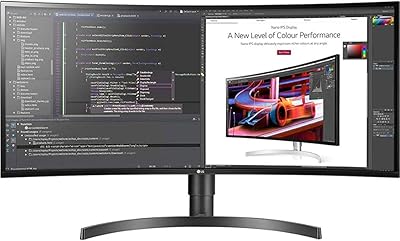
LG 34BL85C-B 34-inch UltraWide Curved Monitor
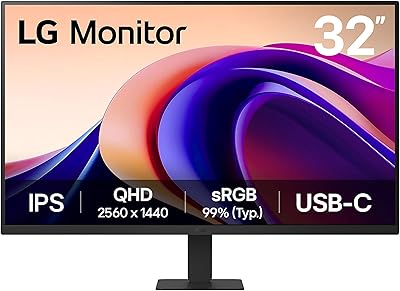
LG 32U631A-B 32-inch QHD Monitor
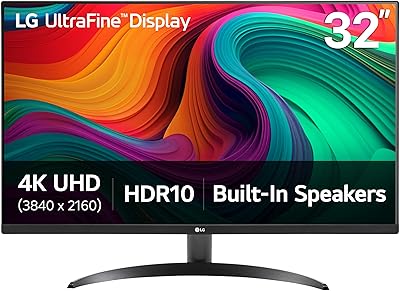
LG 32UR500K-B 32-inch 4K UHD Monitor
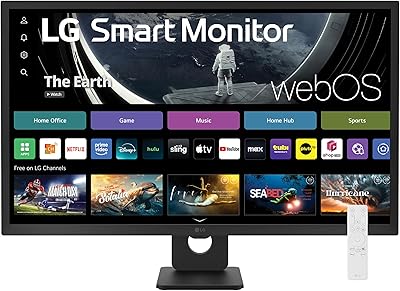
LG 32SR50F-B 32-inch Smart Monitor
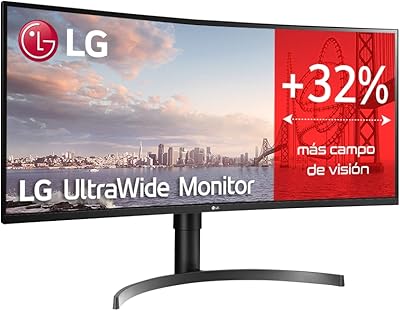
LG 35WN65C-B 35-inch Curved UltraWide QHD Monitor
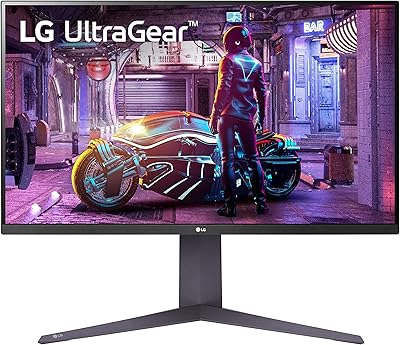
LG 32GQ750-B 32-inch 4K Gaming Monitor
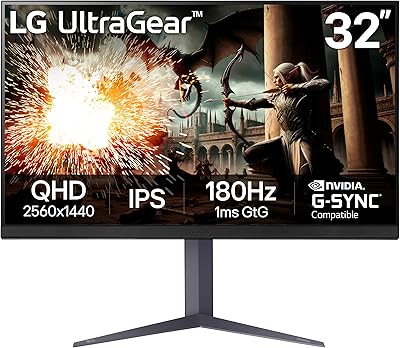
LG UltraGear 32″ QHD Gaming Monitor
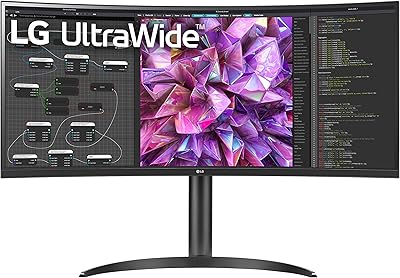
LG 34WQ73A-B 34-Inch UltraWide QHD Monitor
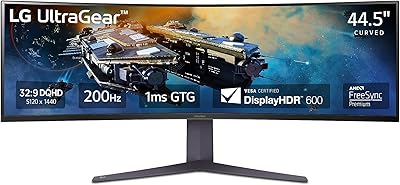
LG 45GR65DC-B 45-Inch Curved Ultrawide Gaming Monitor