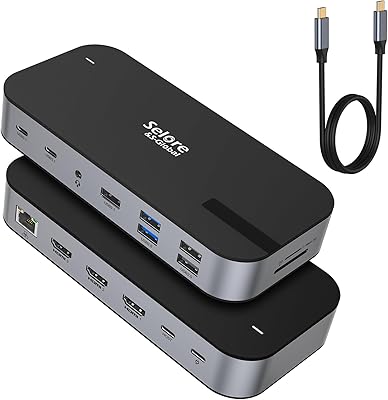
j5create USB-C Triple Monitor Docking Station JCD543

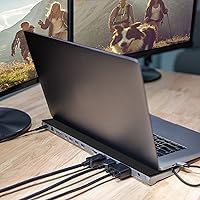
Overview
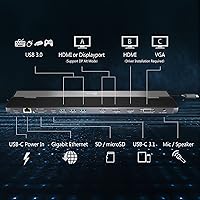
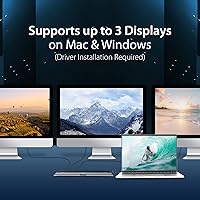
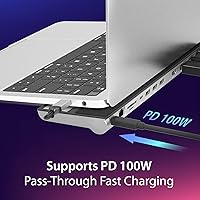
The j5create USB-C Triple Monitor Docking Station JCD543 offers a compact solution for users looking to expand their workspace with multiple displays. This USB-C hub allows users to connect up to three monitors through HDMI, DisplayPort, and VGA, making it ideal for anyone needing a versatile setup. Additionally, the station delivers 100W Power Delivery to charge your laptop while using peripherals. It’s a practical tool for boosting productivity, particularly in home offices or multi-tasking environments.
Features & Benefits
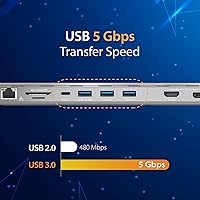
This docking station offers seamless triple display support, allowing for more efficient multitasking across three monitors. Whether you’re using HDMI or DisplayPort, the station supports up to 4K resolution for a sharp and clear visual experience. The Gigabit Ethernet port ensures fast, stable internet connections, and multiple USB 3.0 ports provide easy access to peripherals like keyboards, mice, and storage devices. With SD and microSD card slots, file transfers are quick and convenient, making this hub an all-in-one solution for your workspace.
Best For
The USB-C docking station is perfect for laptop users who need to connect to multiple monitors. Professionals who require fast data transfer and a reliable internet connection will find it especially useful. It’s an excellent choice for content creators, programmers, and anyone needing to streamline their workflow across multiple screens. Both Windows and MacBook owners can benefit from the extra ports and expanded connectivity, making it a versatile addition to any setup.
User Feedback
Users generally appreciate the ease of setup and the reliable performance of the docking station across multiple monitors. The 100W Power Delivery feature is also a favorite, as it allows for laptop charging without the need for additional adapters. Some users have noted occasional compatibility issues with older systems, so it’s important to ensure your device supports the necessary connections. Additionally, while most users find the cooling stand a helpful feature for device longevity, a few have mentioned that the design could be bulkier for more compact setups.
Pros
- Supports up to three monitors for an efficient multi-tasking setup.
- 4K resolution via HDMI and DisplayPort provides sharp visuals for work and entertainment.
- Gigabit Ethernet port ensures stable and fast internet connection for uninterrupted work.
- 100W Power Delivery allows for simultaneous laptop charging while using peripherals.
- Multiple USB 3.0 ports are convenient for connecting various devices and charging them.
- Cooling stand helps improve device longevity by preventing overheating during extended use.
Cons
- Compatibility issues with older systems may require additional setup or software.
- The device is relatively large, taking up more desk space than some users prefer.
- Some users experienced occasional heat buildup, especially during high-demand tasks.
- Does not support USB-C charging for non-USB-C laptops.
- Requires a USB-C port for full functionality, which may not be available on all devices.
- Some buyers report that the adapter’s stability may fluctuate on older macOS versions.
Ratings
After analyzing verified user reviews worldwide, including feedback from multiple languages and platforms, we've compiled a comprehensive score for this product. Our ratings reflect a balance of both strengths and pain points based on authentic user experiences, with spam, bot, and incentivized reviews filtered out to ensure high-quality insights. The scores are based on the overall performance, compatibility, and usability of this USB-C docking station, providing an honest and reliable guide for potential buyers.
Setup & Installation
Display Performance
Build Quality
Port Availability & Functionality
Power Delivery
Compatibility
Ethernet Performance
Size & Portability
Cooling System Effectiveness
Long-Term Durability
Overall Value for Money
Customer Support Experience
Suitable for:
The j5create USB-C Triple Monitor Docking Station JCD543 is ideal for laptop users who need multiple monitor outputs, such as professionals working in creative fields or those with large, data-intensive tasks. Its ability to support up to three displays via HDMI, DisplayPort, and VGA makes it an excellent choice for content creators, programmers, and designers who require multitasking across several screens. Users who need a reliable, high-speed Ethernet connection for stable internet access will also benefit from the gigabit Ethernet port. Additionally, those looking for a docking station with fast charging capabilities will appreciate the 100W Power Delivery feature, which allows for laptop charging while connecting peripherals. Whether for enhancing workspace productivity at home or in the office, this docking station is a solid choice for anyone needing a comprehensive connectivity solution for their laptop.
Not suitable for:
While this docking station offers great functionality for many, it may not be the best option for users with older laptops or systems. Some buyers have noted compatibility issues, particularly with older operating systems, which may require additional setup or software installation. Additionally, users with limited desk space may find the device’s size and number of ports to be cumbersome, as it could take up more space than preferred. Those seeking a minimalist, ultra-compact dock may also find this model too bulky for their needs. Lastly, while the cooling system is effective for most users, those running demanding applications or using it for long hours may experience heat buildup, which could impact long-term durability in certain high-performance setups.
Specifications
- Display Outputs: Supports HDMI, DisplayPort, and VGA for up to three monitors.
- Resolution: Supports up to 4K resolution via HDMI and DisplayPort.
- Power Delivery: Provides 100W Power Delivery to charge laptops while using peripherals.
- Ethernet: Equipped with a Gigabit Ethernet port for stable, high-speed internet.
- USB Ports: Includes three USB 3.0 ports for data transfer and peripheral connectivity.
- Card Slots: Features SD and microSD card slots for quick file transfers.
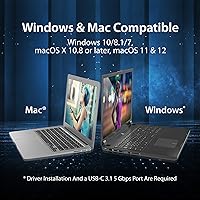
- Compatibility: Compatible with both Windows and macOS laptops via USB-C.
- Cooling Stand: Includes a cooling stand to improve device longevity and prevent overheating.
- Dimensions: Measures 14.09″L x 3.48″W x 1.1″H, offering a compact form factor.
- Weight: Weighs 11 ounces, making it lightweight and portable.
- Power Source: Powered through the USB-C connection to the laptop.
- HDMI Support: Supports dual 4K display output via HDMI for improved multitasking.
- VGA Support: VGA port allows connection to older monitors or projectors.
- Display Support: Can handle up to three external displays simultaneously for increased workspace.
- USB-C Port: Requires a USB-C port with DisplayPort Alternate Mode for full functionality.
- System Requirements: Windows 10/8/7, macOS 10.10 or later, and a USB-C port with DP Alt Mode.
- Video Output Modes: Supports mirror or extend modes for multi-monitor configurations.
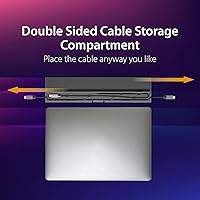
- Cable Length: Includes a USB-C cable of approximately 3 feet for easy connectivity.
- Warranty: Comes with a limited warranty for additional peace of mind.
Related Reviews

LIONWEI Triple Monitor USB-C Docking Station
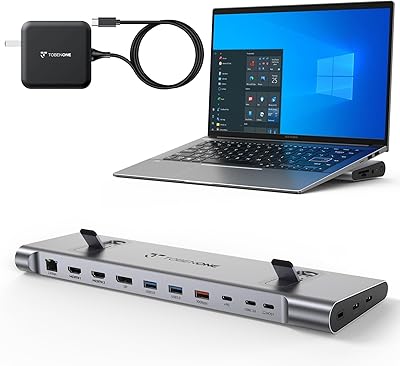
TobenONE UDS041W USB-C Triple Monitor Docking Station

StarTech DK31C3HDPD USB-C USB-A Docking Station
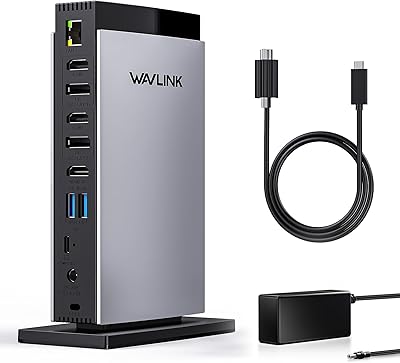
WAVLINK UG69DK13 Triple Monitor USB-C Docking Station
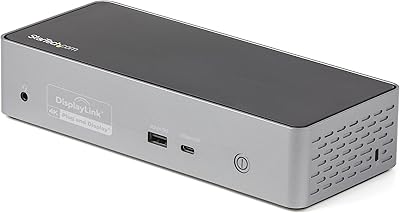
StarTech DK31C4DPPD Quad Monitor USB-C Dock
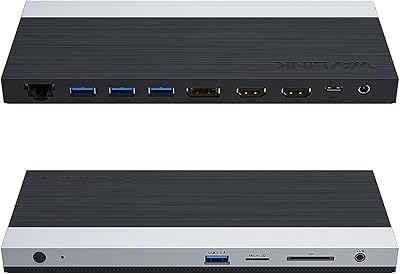
WAVLINK UMD05 USB-C Triple Display Docking Station
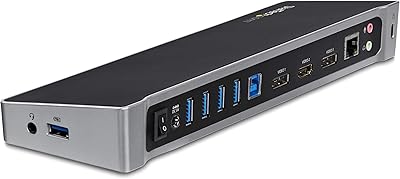
StarTech.com Triple Monitor USB 3.0 Docking Station
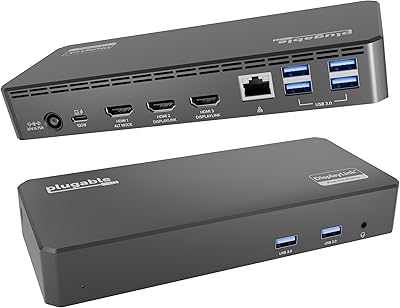
Plugable UD-3900PDZ USB-C Triple Display Docking Station
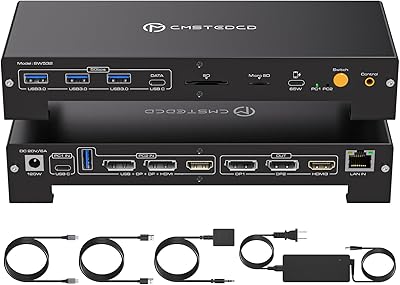
CMSTEDCD SW532 KVM Docking Station