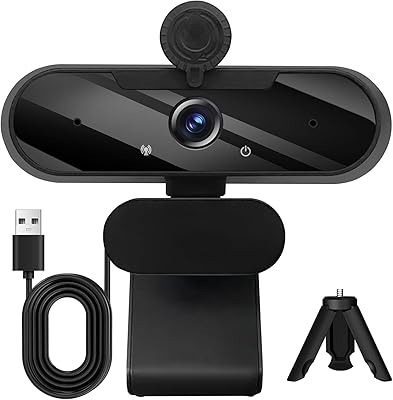
ISKOVI C28 1080P Webcam

Overview
The ISKOVI C28 1080P Webcam is a plug-and-play option that arrived in early 2025, positioning itself as a practical choice for home office setups and casual streaming without demanding a steep learning curve. What separates this webcam from bare-bones competitors at a similar price is the bundle: you get both a physical privacy cover and a detachable tripod included out of the box. That kind of package tends to appeal to remote workers, students, and new streamers who want everything ready without buying extras separately. It is a solid all-rounder — not a prosumer tool, not 4K — but it covers the everyday bases well.
Features & Benefits
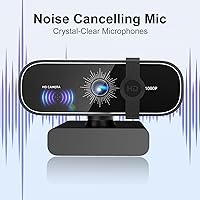
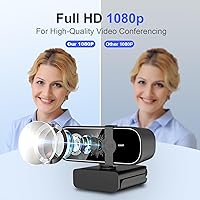
The C28 delivers full HD video through a six-layer anti-glare lens, which translates to noticeably sharper image quality compared to most built-in laptop cameras. The automatic low-light correction handles exposure and color on the fly, so you do not look washed out or underlit even when working in a dim room. The built-in omnidirectional microphone picks up voice reasonably well at close range and filters out a fair amount of ambient noise — useful for calls, though not a replacement for a dedicated microphone if audio quality is critical. USB connectivity means no driver installation, and compatibility spans Windows, macOS, Linux, and most major conferencing apps right away.
Best For
This plug-and-play camera makes the most sense for remote workers who jump on video calls daily and need a reliable step up from a laptop's built-in camera without overspending. Beginner streamers or YouTubers who want decent 1080p footage without configuring software or buying a separate mic stand will find the bundled tripod and microphone genuinely convenient. The auto exposure adjustment is particularly handy for people whose home office lighting changes throughout the day. Privacy-conscious users will appreciate having a physical lens cover rather than relying on software toggles. Anyone who frequently switches between workspaces — a home desk, a coffee shop, a client site — will also find the compact, lightweight build easy to carry.
User Feedback
Buyers consistently highlight the easy setup experience — plugging in and getting a sharp picture in under a minute is a common observation, especially among users switching from aging built-in cameras. The low-light performance draws genuine praise in typical home environments, though results in very dark rooms are more mixed. On the critical side, some users note the tripod feels less stable than expected, and the microphone has a limited effective range — sitting more than a couple of feet away noticeably reduces clarity. A handful of reviewers mention minor autofocus hesitation. Since the C28 launched only in early 2025, long-term durability remains an open question, though early impressions of build quality are generally positive.
Pros
- Plug-and-play setup works instantly across Windows, macOS, and Linux with zero driver hassle.
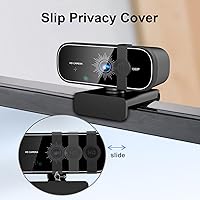
- Physical privacy cover gives tangible, reliable lens blocking that software toggles cannot match.
- Noticeable image quality upgrade over built-in laptop cameras for everyday video calls.
- Automatic low-light adjustment handles typical dim home office conditions without manual tweaking.
- Includes both a detachable tripod and a monitor clip, covering most desk setup scenarios.
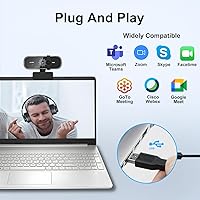
- Broad app compatibility covers Zoom, Google Meet, Skype, FaceTime, and OBS without configuration.
- Lightweight and compact enough to carry daily without adding meaningful weight to a laptop bag.
- The C28 arrives as a complete bundle, removing the need to buy accessories separately.
- Generous USB cable length accommodates most desk and monitor arm configurations comfortably.
Cons
- Microphone pickup range is limited — audio quality drops noticeably beyond close sitting distance.
- Tripod stability is underwhelming; it tips easily on uneven surfaces or when steeply angled.
- No companion app means zero manual control over color, exposure, or field of view adjustments.
- Autofocus hesitates when subjects move or shift position, causing brief but visible refocus lag.
- Fixed, non-detachable USB cable means a single point of failure for the entire unit.
- Plastic housing feels hollow and the monitor clip hinge shows early wear with repeated repositioning.
- USB-C connectivity is absent, requiring an adapter on newer laptops that lack full-size USB ports.
- Low-light correction can over-brighten or distort skin tones under warm ambient lighting.
- Long-term durability is unproven given the product only entered the market in early 2025.
Ratings
The ISKOVI C28 1080P Webcam has been evaluated by our AI system after processing verified global buyer reviews, with spam, bot activity, and incentivized feedback actively filtered out. Scores reflect a balanced picture — genuine strengths are recognized alongside recurring frustrations that real users encountered in day-to-day use. Nothing has been smoothed over to look better than it is.
Video Clarity
Low-Light Performance
Microphone Quality
Ease of Setup
Privacy Cover
Tripod & Mounting Flexibility
Build Quality & Materials
Compatibility
Autofocus Performance
Value for Money
Portability
App & Software Integration
Cable & Connectivity
Streaming & Content Creation Use
Suitable for:
The ISKOVI C28 1080P Webcam is a practical fit for remote workers, students, and anyone who spends a meaningful chunk of their day on video calls and wants a reliable step up from a laptop's built-in camera without a complicated setup process. If your primary use case is Zoom meetings, Google Meet check-ins, or Skype calls from a home office or shared workspace, this camera covers that ground confidently. The bundled tripod and physical privacy cover make it especially appealing for users who want a complete, ready-to-use package rather than piecing together accessories separately. Beginner streamers or casual content creators who want 1080p video without diving into manual camera settings or driver configurations will find the plug-and-play nature a genuine convenience. It also suits people who frequently move between locations — a home desk, a client office, a co-working space — since the lightweight build makes it easy to drop in a bag and go.
Not suitable for:
The ISKOVI C28 1080P Webcam is not the right tool for buyers who need professional-grade video or audio quality. Serious content creators, podcasters, or streamers who require precise manual control over exposure, white balance, or field of view will find the lack of any companion software frustrating fairly quickly. The built-in microphone, while functional at close range, is not a substitute for a dedicated USB or XLR microphone — if audio quality is central to your workflow, plan on budgeting for a separate mic regardless. Users who work in very dark environments should also temper expectations; the automatic low-light correction helps, but it has a ceiling, and it cannot compensate for a poorly lit room the way dedicated lighting or a higher-end sensor can. Buyers who need 4K resolution, a wide-angle field of view, or advanced autofocus tracking for dynamic on-camera movement will need to look at purpose-built cameras in a higher tier. Finally, since this model only launched in early 2025, anyone prioritizing proven long-term durability may want to wait for more extended ownership data before committing.
Specifications
- Resolution: Captures full HD video at 1920×1080 pixels, delivering sharp and detailed image quality suitable for professional video calls and casual streaming.
- Image Sensor: Uses a CMOS sensor, the standard technology in consumer webcams, which offers reliable performance under typical indoor lighting conditions.
- Lens: Features a six-layer anti-glare optical lens designed to reduce reflections and maintain color accuracy across a range of lighting environments.
- Aperture: Fixed aperture of f/2.25 allows adequate light intake for well-lit and moderately dim indoor settings without manual adjustment.
- Focal Length: Fixed focal length of 2.76mm provides a standard field of view appropriate for single-person framing at typical desk distances.
- Video Format: Records and streams in M-JPEG format, which is widely supported across major conferencing platforms and video capture software.
- Microphone: Built-in omnidirectional noise-cancelling microphone captures voice from multiple directions while reducing ambient background noise at close range.
- Connectivity: Connects via a standard USB-A port with no driver installation required, supporting plug-and-play operation across compatible devices.
- OS Compatibility: Compatible with Windows 7, 10, and 11, macOS 10.10 and later, Linux, and Android TV 7.0 and later.
- App Compatibility: Works out of the box with Zoom, FaceTime, Google Meet, Skype, YouTube, and most other major conferencing and streaming applications.
- Privacy Cover: Includes a physical sliding lens cover that mechanically blocks the camera when not in use, independent of any software or operating system.
- Mounting Options: Ships with both a detachable tripod stand for desk placement and a built-in clip for direct attachment to a laptop or monitor bezel.
- Low-Light Correction: Automatic low-light correction adjusts exposure and applies color boost in real time to improve visibility in dim or unevenly lit environments.
- Weight: Weighs approximately 6.3 ounces, making it light enough to carry in a laptop bag without adding noticeable bulk.
- Package Dimensions: Packaged in a compact box measuring 4.49 × 3.43 × 2.54 inches, suitable for storage in a desk drawer or travel pouch.
- Color: Available in black, with a matte finish that blends unobtrusively into most monitor and desk setups.
- Launch Date: First made available in February 2025, making it a relatively recent product with limited long-term field durability data at the time of this review.
Related Reviews

HuddleCamHD HC-WEBCAM-94


ZIQIAN 1080P USB-C Webcam
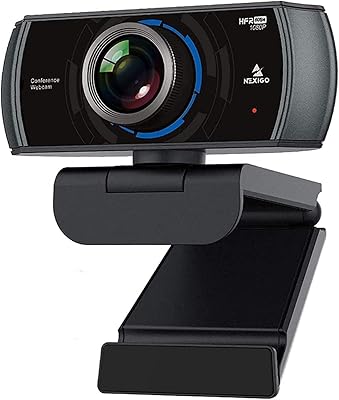
NexiGo N980P
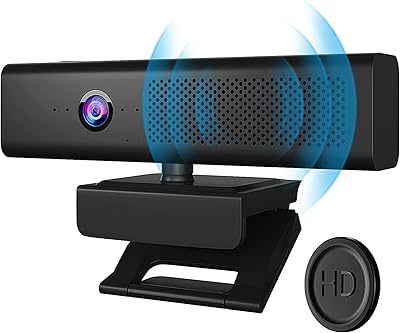
Maciebelle CP008
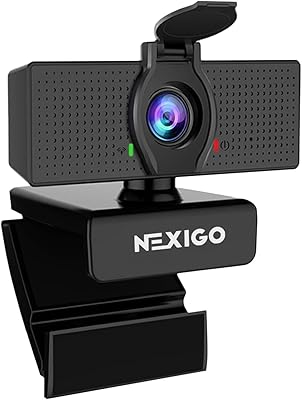
NexiGo N60 1080P Webcam
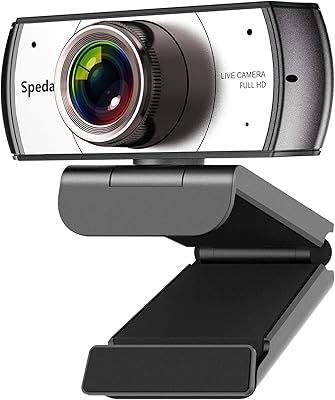
Spedal 920 Pro
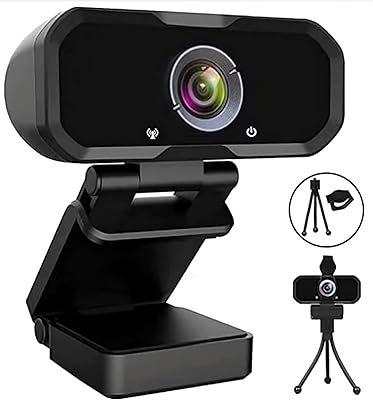
Svcouok pT011 1080p Webcam
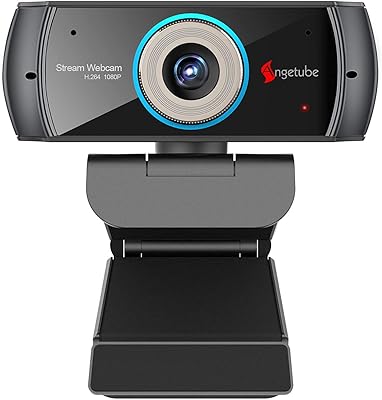
Angetube PC 1080P Webcam