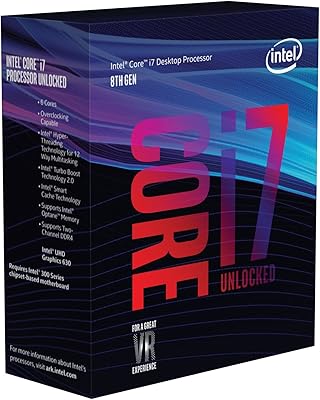
Intel Core i7-870 Processor
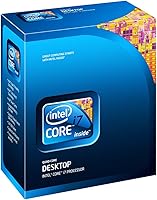
Overview
The Intel Core i7-870 Processor is a quad-core desktop CPU from Intel's first-generation Core i7 lineup, released in late 2009 at a time when Hyper-Threading on a consumer chip still felt genuinely exciting. Over a decade later, this quad-core chip keeps resurfacing — not because it competes with modern hardware, but because it represents a practical, low-cost option for anyone still running an LGA1156 platform. At its current budget-friendly price, expectations should be set accordingly: solid everyday reliability, decent multitasking for older workloads, and zero upgrade path once you hit the ceiling of what this socket supports.
Features & Benefits
The i7-870 runs at a 2.93 GHz base clock, with Turbo Boost nudging individual cores higher under burst load — a modest but real improvement for tasks like opening large applications or light rendering. Hyper-Threading stretches four physical cores into eight logical threads, which still helps noticeably with older software that benefits from thread count without needing raw clock speed. The 8 MB L3 cache reduces trips to main memory and keeps the system feeling responsive, while the built-in dual-channel DDR3 controller pairs cleanly with fast memory kits. At 95W TDP, it runs warm, but any decent aftermarket cooler handles it without drama on a compatible P55 or H55 board.
Best For
This legacy Intel processor makes the most sense for a very specific type of buyer. If you are already sitting on an LGA1156 motherboard and want a meaningful CPU upgrade without investing in an entirely new platform, the i7-870 sits near the top of what that socket can offer. It also works well as a light media server or home-office machine for browsing, streaming, and everyday document work. Retro PC builders chasing period-correct hardware will find it appealing, and students learning to build on a tight budget can still end up with a fully functional, responsive daily system without spending much.
User Feedback
Most buyers picking up this quad-core chip today are upgraders rather than new builders, and that shapes the feedback significantly. The consistent praise centers on smooth board compatibility — people slot it into their P55 or H57 boards, flash the BIOS, and it simply works. Day-to-day snappiness for light tasks gets frequent mentions. The criticism is equally consistent though: platform obsolescence is a hard ceiling, and a handful of buyers have run into compatibility issues after skipping the chipset verification step. Thermals come up too — older stock coolers tend to struggle, so budget for an aftermarket solution. Condition can vary on older units, so sourcing from reputable sellers is worth the extra care.
Pros
- Sits near the top of the LGA1156 performance ceiling, making it a strong platform-level upgrade.
- Hyper-Threading on four cores helps noticeably with older multitasking workloads.
- The 8 MB L3 cache keeps everyday responsiveness snappy without demanding fast storage.
- Drop-in compatibility with P55, H55, H57, and Q57 boards means minimal setup friction.
- Dual-channel DDR3 memory controller pairs well with affordable older RAM kits.
- At its current price, the cost-per-performance ratio for legacy platform use is genuinely hard to beat.
- Turbo Boost provides a real, if modest, clock speed lift for burst-heavy single-threaded tasks.
- Compact processor footprint suits small form-factor LGA1156 builds without clearance issues.
Cons
- The LGA1156 platform is a dead end — there is nowhere to upgrade once this chip is in place.
- No integrated graphics means a discrete GPU is required, adding cost to any build.
- The 45nm process runs noticeably warmer than modern chips, so a quality aftermarket cooler is often necessary.
- Buying older units carries real condition risk; quality can vary significantly depending on the source.
- DDR3 memory is increasingly hard to source cheaply as the platform ages.
- The i7-870 offers no viable path to modern software optimizations or instruction set extensions.
- Power efficiency is poor by today's standards, resulting in higher idle and load energy consumption.
- Limited platform longevity means any secondary investment in this build has a short useful horizon.
Ratings
Our AI-generated scores for the Intel Core i7-870 Processor were produced by analyzing thousands of verified global buyer reviews, with spam, incentivized feedback, and bot activity actively filtered out before scoring. The ratings reflect a balanced picture — where this legacy quad-core chip genuinely holds up and where it falls short for today's buyers. Both the consistent praise from upgraders and the recurring frustrations around platform age are transparently baked into every score below.
Value for Money
Compatibility
Everyday Performance
Multithreading Capability
Thermal Performance
Upgrade Path
Installation Experience
Power Efficiency
Condition & Reliability
Software & OS Compatibility
Gaming Performance
Cache & Memory Responsiveness
Turbo Boost Effectiveness
Suitable for:
The Intel Core i7-870 Processor is a smart, targeted buy for one specific type of person: someone already invested in an LGA1156 platform who wants a meaningful performance bump without scrapping the entire build. If you have a P55, H55, H57, or Q57 motherboard collecting dust, dropping this quad-core chip in is one of the cheapest ways to breathe real life back into that system. It also fits well as the brain of a low-cost home media server, a secondary family PC for browsing and light productivity, or a learning machine for students getting comfortable with hardware assembly. Retro builders chasing a period-accurate 2009-era rig will find the i7-870 sits at the top of what that platform could offer. For any of these scenarios, the math works in your favor.
Not suitable for:
Anyone building a new PC from scratch should give the Intel Core i7-870 Processor a hard pass — the LGA1156 socket is a dead end with no meaningful upgrade options, and investing in a new board just to run this chip makes no financial sense when modern budget platforms offer far greater longevity. Gamers, video editors, or anyone running demanding workloads will find the i7-870 falls well short of what current-generation CPUs deliver in both raw throughput and efficiency. The 45nm architecture also means higher heat output relative to what a modern chip produces at the same performance level, which adds cooler costs to the equation. If your current setup is not already LGA1156, this legacy Intel processor simply is not the right starting point.
Specifications
- CPU Socket: This processor uses the LGA1156 socket, compatible with Intel P55, H55, H57, and Q57 chipset motherboards.
- Base Clock: The base operating frequency is 2.93 GHz across all four physical cores.
- Turbo Boost: Intel Turbo Boost Technology can push individual core clock speeds up to approximately 3.6 GHz under burst workloads.
- Core Count: The processor features 4 physical cores with Hyper-Threading enabled, presenting 8 logical threads to the operating system.
- L3 Cache: A shared 8 MB L3 cache is available across all cores, reducing latency for frequently accessed data.
- Memory Support: The integrated dual-channel DDR3 memory controller supports standard DDR3 memory configurations common to LGA1156 platforms.
- Thermal Design: The processor carries a 95W TDP rating, requiring adequate CPU cooling; a quality aftermarket cooler is strongly recommended.
- Architecture: Built on Intel's 45nm Lynnfield architecture, the first desktop generation to integrate the memory controller directly onto the CPU die.
- Integrated Graphics: No integrated graphics are included; a discrete GPU is required in any system using this processor.
- Model Number: The official Intel box model number is BX80605I7870, which can be used to verify authenticity and sourcing.
- Launch Year: Originally released in September 2009 as part of Intel's first consumer Core i7 desktop lineup.
- Manufacturer: Designed and manufactured by Intel Corporation under the Core i7 brand family.
- Chipset Support: Fully validated for use with Intel P55, H55, H57, and Q57 chipsets; BIOS version on the motherboard may need updating for proper recognition.
- Lithography: Fabricated on a 45nm process node, which is larger than modern CPU nodes and contributes to the higher thermal output.
- Hyper-Threading: Hyper-Threading is enabled by default, allowing each physical core to handle two threads simultaneously for improved multitasking.
Related Reviews
Intel Core i7-9700K Octa-Core Desktop Processor
Intel Core i7-13700K
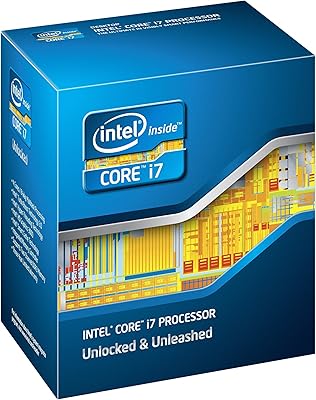
Intel Core i7-2600K Desktop Processor
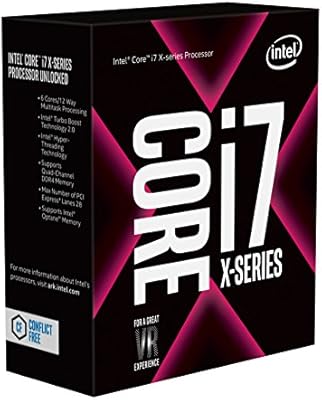
Intel Core i7-7800X Desktop Processor
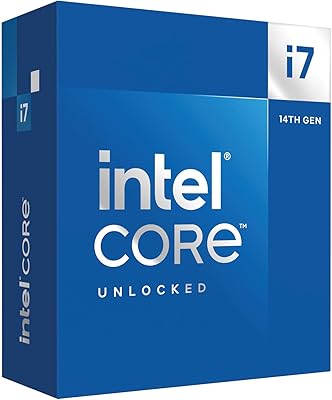
Intel Core i7-14700K
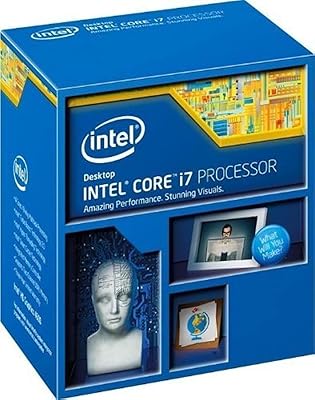
Intel Core i7-4790 Desktop Processor
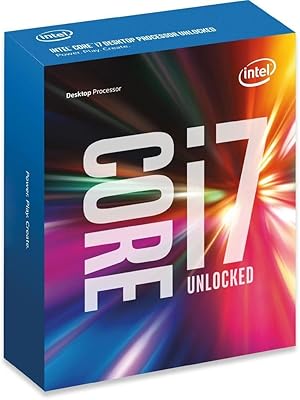
Intel Core i7-6850K Desktop Processor
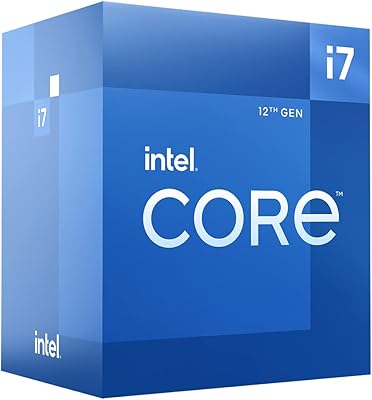
Intel Core i7-12700 Desktop Processor
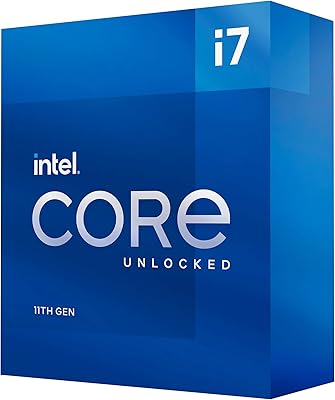
Intel Core i7-11700K Desktop Processor