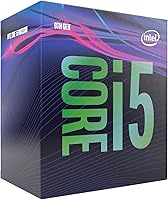
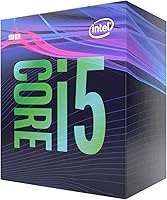
Intel Core i5-9500 Desktop Processor
Overview
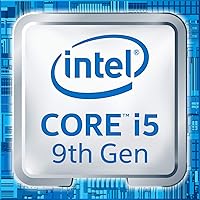
The Intel Core i5-9500 Desktop Processor sits in a comfortable spot within Intel's 9th-gen Coffee Lake lineup — capable enough for real work, priced for builders who don't want to overspend. It runs on the LGA1151 socket with Intel's 300-series chipsets, which means it drops into a wide range of existing boards, though a BIOS update may be required on older hardware. When it launched in 2019, the i5-9500 faced stiff competition from AMD's Ryzen 5 chips, and that comparison still holds today. For buyers already invested in an Intel platform, this Coffee Lake chip remains a practical mid-range choice rather than a legacy purchase.
Features & Benefits
Six cores and six threads sounds straightforward on paper, but it translates to real multitasking headroom for most everyday users — spreadsheets, browser tabs, and video calls running simultaneously without a hitch. The 3.0 GHz base clock is modest, but the chip regularly reaches 4.4 GHz under boost, which makes a noticeable difference in tasks like photo editing or light video rendering. At 65W TDP, it runs cool enough for compact builds without demanding an expensive cooler. Intel Optane Memory support adds a storage acceleration option if you're on a mechanical drive. The UHD 630 integrated graphics handle basic display output, but anyone serious about gaming will still need a dedicated GPU. Overclocking is off the table — the multiplier is locked.
Best For
The i5-9500 is a strong fit for home office builds where single-core responsiveness matters more than raw thread count — think fast browser performance, crisp application launches, and stable video conferencing. Paired with a discrete GPU on a B365 or Z390 board, it handles 1080p gaming reliably. It's also a smart pick for anyone already running an LGA1151 system who wants a meaningful CPU upgrade without replacing the entire platform. Low power draw makes it workable in small form-factor cases or HTPCs. If you prioritize a proven, stable Intel ecosystem over chasing the latest architecture, this Coffee Lake chip fits that profile well.
User Feedback
Owners of the i5-9500 consistently point to day-to-day reliability as its biggest strength — the chip runs cool, stays consistent under sustained load, and drops into most 300-series boards without drama. That said, the lack of hyperthreading comes up often among users who've pushed it harder, particularly those doing streaming or content creation alongside gaming. A handful of buyers flagged that older motherboards needed a BIOS flash before the chip was recognized — not a dealbreaker, but something worth planning ahead for. Those switching from AMD noted that platform familiarity drove their decision as much as specs did. Boost clock consistency earns specific praise, and most agree it handles productivity workloads well above expectations.
Pros
- Boosts up to 4.4 GHz consistently, making everyday tasks and gaming feel snappy and responsive.
- Six cores handle typical home office and productivity workloads without breaking a sweat.
- 65W TDP keeps temperatures low, even with budget air coolers or in compact cases.
- Drop-in compatibility with a wide range of 300-series motherboards makes upgrading straightforward.
- The i5-9500 pairs well with a mid-range GPU for solid 1080p gaming performance.
- Integrated UHD 630 graphics provide a reliable fallback for display output during builds or GPU-free setups.
- Intel Optane Memory support can meaningfully improve storage responsiveness on mechanical hard drive setups.
- Platform maturity means stable driver support and broad compatibility with existing Intel ecosystem components.
- Runs cool and quiet under sustained load, which real users consistently highlight as a standout trait.
Cons
- No hyperthreading means the chip falls behind similarly priced AMD Ryzen rivals in multi-threaded workloads.
- The locked multiplier rules out any overclocking headroom, even on a Z390 board.
- Some older 300-series motherboards require a BIOS update before the chip is recognized — easy to miss during builds.
- As a 2019 platform, LGA1151 has no upgrade path within the socket beyond this generation.
- Simultaneous streaming and gaming can expose thread-count limitations more quickly than users expect.
- The integrated UHD 630 GPU is not viable for gaming and needs a discrete card for anything beyond basic display use.
- Buyers starting fresh builds may find current-generation alternatives offer better long-term value per dollar.
- DDR4 memory support tops out at 3000 MHz officially, which can limit performance in memory-sensitive workloads.
Ratings
Our AI rating system analyzed verified global user reviews for the Intel Core i5-9500 Desktop Processor, actively filtering out incentivized, duplicate, and bot-generated submissions to ensure the scores below reflect genuine buyer experiences. Each category score transparently captures both what real users praised and where they ran into frustration — nothing is glossed over.
Everyday Performance
Gaming Capability
Thermal Management
Multi-threaded Workloads
Platform Compatibility
Value for Money
Integrated Graphics
Overclocking Potential
Boost Clock Consistency
Installation Experience
Memory Performance
Longevity & Futureproofing
Noise Levels
Driver & Software Stability
Suitable for:
The Intel Core i5-9500 Desktop Processor is a practical, no-nonsense choice for builders who need reliable everyday performance without overspending on cores they'll rarely use. Home office users handling spreadsheets, video calls, and browser-heavy workflows will find this 9th-gen i5 more than capable, especially given how well its single-core boost speed handles common productivity apps. Gamers on a budget who plan to pair it with a mid-range discrete GPU can comfortably target 1080p gaming without the CPU becoming a bottleneck. It's also a compelling option for anyone already running an LGA1151 board — if you want a meaningful performance jump without scrapping your existing platform, this Coffee Lake chip is one of the cleanest drop-in upgrades available. Small form-factor builders and HTPC enthusiasts will appreciate the 65W power envelope, which keeps thermals manageable even in tighter chassis with modest cooling setups.
Not suitable for:
Buyers who do a lot of video editing, 3D rendering, or run heavily threaded software will quickly feel the ceiling with the i5-9500, since its six threads — no hyperthreading — leave it trailing hyperthreaded competitors in those workloads. Content creators who also game and want one chip to handle both simultaneously without compromise should look at options with higher thread counts. The Intel Core i5-9500 Desktop Processor is also a poor fit for anyone hoping to squeeze extra performance through overclocking — the multiplier is locked, full stop. If you're starting a brand-new build from scratch rather than upgrading an existing system, investing in a more current platform often makes more long-term financial sense than buying into a socket that Intel has since moved past. And buyers cross-shopping with AMD's Ryzen 5 lineup should know that similarly priced Ryzen chips from the same era offered simultaneous multithreading, which gives them a real edge in multitasking-heavy environments.
Specifications
- Architecture: Built on Intel's 9th-generation Coffee Lake architecture using a 14nm manufacturing process.
- Cores / Threads: Features 6 physical cores and 6 threads with no hyperthreading support.
- Base Clock: Operates at a base frequency of 3.0 GHz under standard load conditions.
- Boost Clock: Reaches up to 4.4 GHz via Intel Turbo Boost 2.0 during single-core intensive tasks.
- CPU Socket: Uses the LGA1151 socket, compatible with Intel 300-series chipset motherboards including B360, B365, H370, and Z390.
- TDP: Rated at 65W thermal design power, suitable for standard air coolers and compact chassis builds.
- Memory Support: Supports dual-channel DDR4 memory at speeds up to 3000 MHz officially.
- Integrated Graphics: Includes Intel UHD Graphics 630 with a base frequency of 350 MHz and a boost up to 1100 MHz.
- Optane Support: Compatible with Intel Optane Memory modules for accelerated storage responsiveness on supported platforms.
- Cache: Equipped with 9MB of Intel Smart Cache (L3) shared across all six cores.
- Overclocking: The multiplier is locked, meaning clock speeds cannot be manually increased beyond Intel Turbo Boost limits.
- PCIe Version: Supports PCIe 3.0 lanes for discrete GPU and NVMe SSD connectivity.
- Max Memory: Supports up to 128GB of DDR4 RAM across two memory channels.
- Instruction Sets: Supports SSE4.1, SSE4.2, AVX2, and Intel 64 instruction set extensions.
- Model Number: Official Intel model identifier is BX80684I59500, reflecting the boxed retail version.
- Launch Year: First made available to consumers in May 2019 as part of Intel's 9th-gen desktop lineup.
- Package Weight: The retail box unit weighs approximately 3.53 oz, inclusive of the bundled cooler.
- Virtualization: Supports Intel Virtualization Technology (VT-x) for running virtual machines and containers.
- ECC Support: Does not support ECC (Error-Correcting Code) memory, making it unsuitable for server or workstation-grade reliability tasks.
- BIOS Requirement: Some 300-series motherboards manufactured before late 2018 may require a BIOS update prior to installation for full compatibility.
Related Reviews

Intel Core i5-13400F Raptor Lake Desktop Processor

Intel Core i5-8600 Desktop Processor
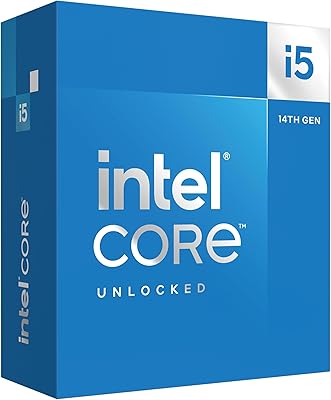
Intel Core i5-14600K 14th Gen Desktop Processor
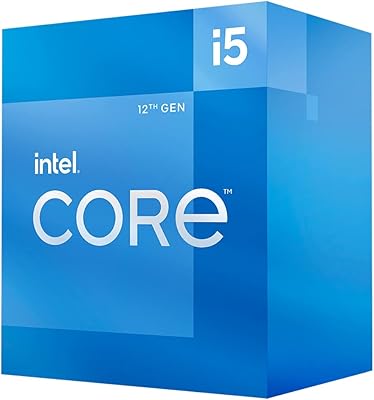
Intel Core i5-12400 Desktop Processor
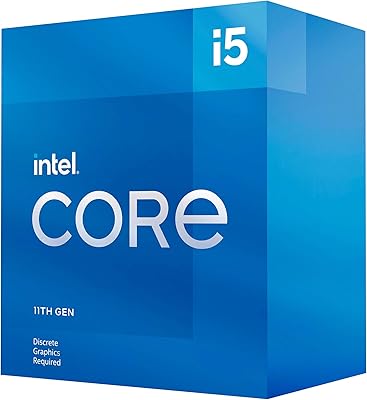
Intel Core i5-11400F Desktop Processor
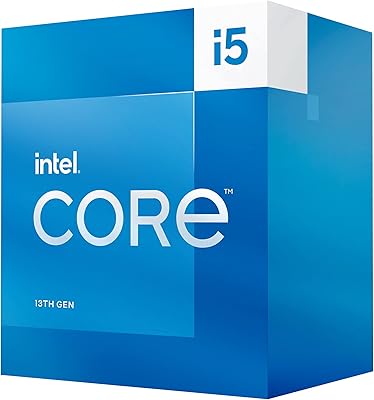
Intel Core i5-13500 Desktop Processor
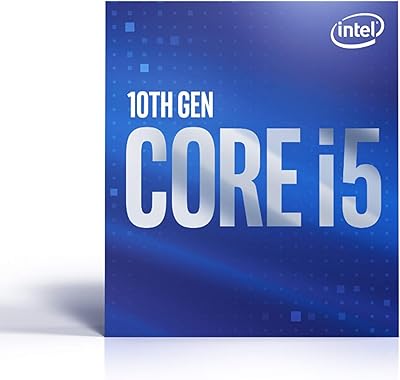
Intel Core i5-10500 Desktop Processor
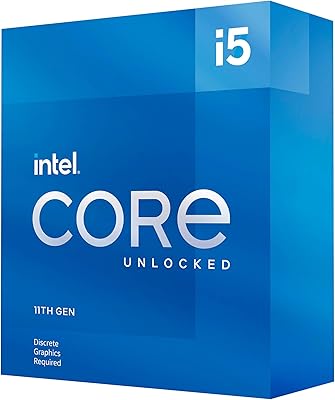
Intel Core i5-11600KF Desktop Processor
Intel Core i5-9600KF Desktop Processor