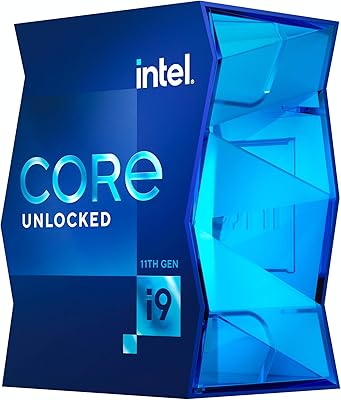
Intel Core i7-7700K Desktop Processor

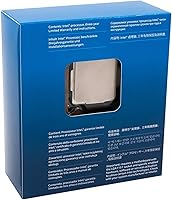
Overview
The Intel Core i7-7700K Desktop Processor was Intel's top unlocked Kaby Lake chip at launch, built for enthusiasts who wanted strong clock speeds and overclocking headroom from a mainstream platform. It fits the LGA 1151 socket, works with 100 and 200-series motherboards, and pairs with DDR4 memory — a combination that still holds up well in used and refurbished builds today. What separates it from locked siblings is its unlocked multiplier, which made it a favorite among builders who wanted to push past the 4.2 GHz base and 4.5 GHz boost without complicated adjustments. At this stage, the value lives firmly in the secondary market.
Features & Benefits
Four cores and eight threads via Hyper-Threading keep this Kaby Lake chip responsive across multiple open applications, and the architecture strongly favors lightly-threaded tasks — exactly where most gaming engines spend their time. The 8 MB Smart Cache keeps frequently accessed data close to the cores, reducing memory latency that hurts frame consistency. Overclock it with a quality cooler on a Z170 or Z270 board and pushing past 4.7 GHz is realistic for many samples, though results vary by chip and cooling setup. AVX2 instruction support adds real utility for encoding and compression. The integrated HD Graphics 630 handles basic display output but offers nothing meaningful for gaming.
Best For
This unlocked Intel processor makes the most sense in a few specific scenarios. Gamers on a Z270 or Z170 platform who want high single-core performance without switching sockets will find it a logical choice. Overclockers appreciate the years of community benchmarks and guides that make it one of the better-documented chips to tune. Budget builders can extract real value picking one up used, pairing it with widely available LGA 1151 DDR4 boards. It also suits content creators doing occasional streaming or light editing, where steady clock speed matters more than raw core count. Anyone already on a compatible motherboard gets a clean drop-in upgrade without rebuilding anything.
User Feedback
Across more than 3,000 ratings, the i7-7700K holds a 4.6-star average — a strong result considering many buyers have run it for years rather than weeks. Consistent praise points to sustained gaming performance that holds up even against newer mid-range chips, along with a smooth DDR4 experience and approachable overclocking on Z-series boards. The recurring criticism is thermal: this chip runs hot under load, and without a capable aftermarket cooler, throttling becomes a genuine issue. No cooler ships in the box, so plan for that extra cost. A smaller number of buyers also ran into problems from pairing it with unsupported chipsets — motherboard compatibility is worth confirming carefully before buying.
Pros
- Strong out-of-the-box clock speeds make it competitive for gaming without any tuning required.
- The unlocked multiplier gives overclockers a straightforward path to meaningful performance gains.
- Eight threads via Hyper-Threading help with light multitasking and keep background tasks from affecting foreground performance.
- The 8 MB Smart Cache visibly reduces latency in single-threaded and gaming workloads.
- AVX2 and SSE4.2 instruction support adds utility for encoding, compression, and data-heavy tasks.
- Intel Optane Memory compatibility can noticeably speed up HDD-based storage setups without a full SSD investment.
- A massive library of community benchmarks and overclocking guides makes this Kaby Lake chip easy to research and configure.
- Drop-in compatibility with existing LGA 1151 Z170 and Z270 boards eliminates the need for a full platform rebuild.
- Over 3,000 long-term buyer ratings give a reliable picture of real-world durability and satisfaction.
- DDR4 support keeps memory options modern and widely available at low cost.
Cons
- No cooler is included in the box, adding an immediate extra cost to any build.
- Four cores age poorly in workloads that have shifted toward higher thread counts since this chip launched.
- The i7-7700K runs notably hot under sustained load, requiring a capable aftermarket cooler to stay stable.
- Platform longevity is limited — compatible 100 and 200-series boards are aging and increasingly hard to find new.
- Overclocking results vary significantly between individual chip samples, so the ceiling is never guaranteed.
- Integrated HD Graphics 630 is limited to basic display output and cannot handle any meaningful GPU workload.
- Buyers on non-Z series motherboards cannot access the unlocked multiplier, removing one of the chip's main selling points.
- Chipset restrictions to Intel 100 and 200 series boards trip up buyers who overlook compatibility before purchasing.
- Power consumption under an overclock climbs steeply, which can stress lower-end motherboard VRMs.
- Purchasing used or refurbished introduces uncertainty around prior thermal stress and overclocking history.
Ratings
Our scores for the Intel Core i7-7700K Desktop Processor were generated by AI after systematically analyzing thousands of verified global buyer reviews, with spam, incentivized submissions, and bot activity actively filtered out before any scoring was applied. The result is a category-by-category breakdown that reflects both where this Kaby Lake chip genuinely holds its own and where real long-term owners have consistently run into friction. No score here is softened — strengths and pain points are weighted equally.
Single-Core Performance
Gaming Performance
Overclocking Headroom
Thermal Management
Value for Money
Multithreaded Performance
Platform Compatibility
Memory Support
Integrated Graphics
Power Efficiency
Out-of-Box Experience
Community Support
Instruction Set Support
Long-Term Viability
Storage Acceleration
Suitable for:
The Intel Core i7-7700K Desktop Processor is a smart pick for a specific type of buyer: someone working within the LGA 1151 ecosystem who wants to extract strong gaming or single-threaded performance without rebuilding from scratch. If you already own a Z170 or Z270 motherboard, dropping this chip in is a straightforward upgrade that does not require a new platform, new memory, or a significant learning curve. Overclockers who enjoy tuning will find years of community documentation, tested voltage profiles, and proven cooling recommendations to draw from — it is one of the better-understood chips to work with at this price point. Budget-conscious builders sourcing used components can put together a genuinely capable mid-tier desktop around it, particularly for 1080p gaming where high single-core clock speeds still translate into real performance. Light content creators — those doing occasional video exports, streaming at moderate bitrates, or running productivity workloads alongside a game — will also find the four cores and Hyper-Threading hold up reasonably well.
Not suitable for:
Anyone building a new primary workstation from scratch should think carefully before committing to the Intel Core i7-7700K Desktop Processor in today's market, since newer platforms offer significantly more cores, better power efficiency, and longer upgrade paths for similar or lower cost. Creative professionals who routinely work with heavily multi-threaded applications — 3D rendering, large video timelines, complex audio production — will run into the four-core ceiling quickly and feel it. This chip also runs hot under sustained load, so buyers who prefer a quiet, passively managed system or are not prepared to invest in a quality aftermarket cooler will likely be frustrated. It ships without any cooling solution in the box, which adds to the total cost of ownership. Anyone who does not already own a compatible 100 or 200-series Intel board will need to factor in a supporting motherboard, and those chipsets are aging — finding a reliable new board is harder than it used to be. Finally, if your workload is entirely GPU-bound and you were hoping the integrated graphics could carry any real visual tasks, it cannot.
Specifications
- Model Number: The official Intel part number for this processor is BX80677I77700K.
- Architecture: Built on Intel's 7th Generation Kaby Lake microarchitecture using a 14nm manufacturing process.
- CPU Socket: Uses the LGA 1151 socket, requiring a compatible Intel 100 or 200 series chipset motherboard.
- Core Count: Ships with 4 physical processing cores for handling concurrent workloads.
- Thread Count: Supports 8 threads through Intel Hyper-Threading technology, allowing two threads per physical core.
- Base Clock Speed: Operates at a base frequency of 4.2 GHz under sustained multi-core load conditions.
- Turbo Frequency: Boosts up to 4.5 GHz on a single core when thermal and power headroom allow it.
- Cache: Equipped with 8 MB of Intel Smart Cache shared across all four cores to reduce memory access latency.
- Memory Support: Natively supports DDR4 SDRAM with a memory speed up to 4200 MHz when paired with an appropriate XMP kit and board.
- Compatible Chipsets: Officially compatible only with motherboards based on Intel 100 series (e.g., Z170) and 200 series (e.g., Z270) chipsets.
- Integrated Graphics: Includes Intel HD Graphics 630, suitable for basic display output and light desktop use, not intended for gaming.
- Instruction Extensions: Supports 64-bit instructions with SSE4.1, SSE4.2, and AVX2 extensions for workloads involving encoding, compression, and scientific computing.
- Multiplier: Features an unlocked clock multiplier (K-series designation), enabling overclocking through BIOS on a compatible Z-series motherboard.
- Optane Support: Supports Intel Optane Memory modules, which can be paired with an HDD to accelerate storage responsiveness.
- Cooler Included: No thermal solution is included in the retail box; a separate aftermarket cooler must be purchased and installed.
Related Reviews
Intel Core i7-12700 Desktop Processor
Intel Core i7-10700F Desktop Processor
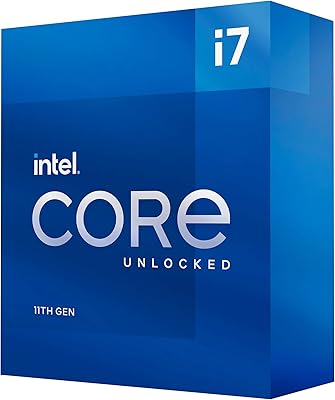
Intel Core i7-11700K Desktop Processor
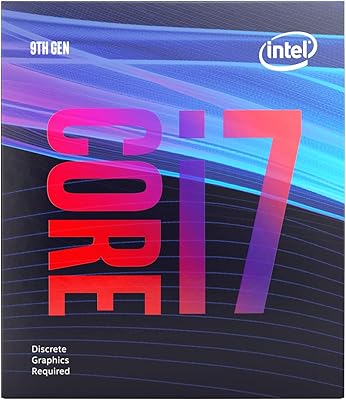
Intel Core i7-9700F Desktop Processor
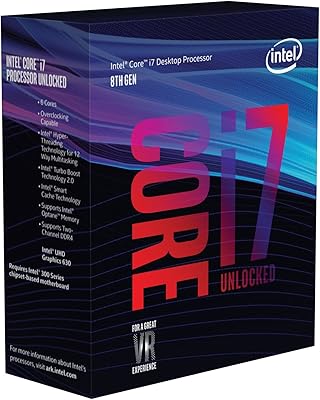
Intel Core i7-8700K Desktop Processor

Intel Core i5-13400F Raptor Lake Desktop Processor
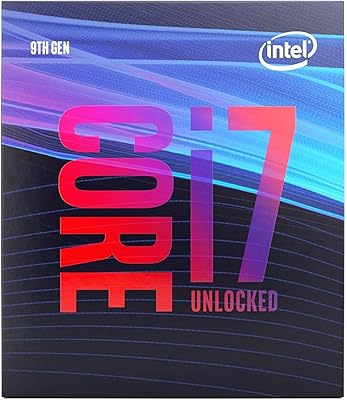
Intel Core i7-9700K Octa-Core Desktop Processor

Intel Core i5-9500 Desktop Processor

Intel Core i5-8600 Desktop Processor