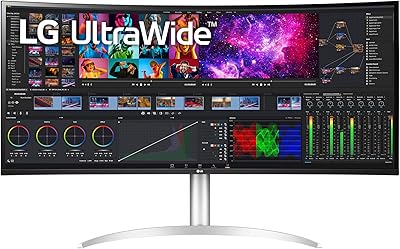
INNOCN 40C1R 40-inch WQHD Ultrawide Monitor
Overview
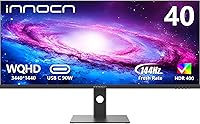
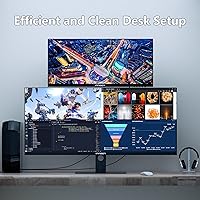
The INNOCN 40C1R 40-inch WQHD Ultrawide Monitor lands in a strange but appealing spot: it's a 40-inch curved-style panel with a 21:9 ratio, priced like it's trying to undercut the bigger-name 34-inch ultrawides while still giving you noticeably more screen to work with. Resolution lands at 3440x1440, and the 144Hz refresh rate puts it in gaming territory rather than the slower, color-obsessed monitors aimed at photo editors. That said, this isn't a panel built for studio-grade color work. It's clearly engineered around two things: fast-paced gaming and the kind of sprawling multitasking that makes a single huge display genuinely useful, which explains why it sits comfortably in the mid-range price bracket rather than competing with premium creative monitors.
Features & Benefits
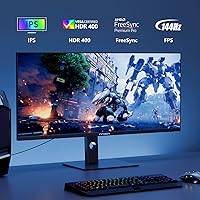
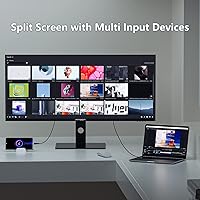
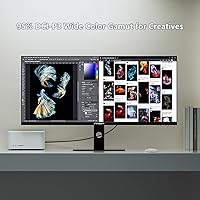
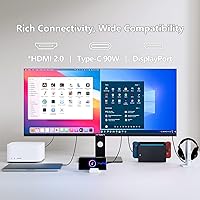
Where this ultrawide display earns its keep is in the connectivity and motion handling. Plug in over DisplayPort and you get the full 144Hz refresh rate with AMD FreeSync Premium smoothing things out, though it's worth knowing that HDMI tops out at 100Hz, not the headline number. HDR400 support and 500 nits of brightness give games and movies a noticeably punchier look, backed by 95% DCI-P3 coverage for richer color than a typical office monitor. A single USB-C cable can power and feed video from a laptop, which cuts down on cable clutter. Two HDMI ports cover console gaming duty, including PS5 and Xbox Series, while the built-in PBP/PIP split-screen mode and a fully adjustable stand round out a setup that's genuinely flexible for both work and play.
Best For
The INNOCN monitor makes the most sense for gamers who want a wraparound field of view without paying premium prices for a curved 34-inch alternative. Anyone juggling spreadsheets, browser tabs, and a document editor at the same time will appreciate the extra horizontal space, especially with split-screen tools doing some of the organizing for you. It also doubles nicely as a one-screen hub for console players bouncing between a PS5, an Xbox, and a gaming PC, since the port selection covers all three without an HDMI switcher. On the other hand, photographers, video editors, or anyone needing certified color precision for client work should look elsewhere, since this is built more for size and speed than for color-critical accuracy.
User Feedback
Real-world reactions to this 40-inch screen tend to follow a pattern. The size is the first thing people mention, and almost always positively, since stepping up from a standard 16:9 display makes everything from spreadsheets to open-world games feel noticeably more immersive. Where opinions split is around the physical footprint: the stand takes up real desk space and the panel itself is heavy enough that a flimsy desk isn't going to cut it. A handful of buyers have also mentioned that out-of-box color looked slightly off despite the included calibration report, suggesting some unit-to-unit variation is worth expecting. Cable management gets occasional complaints too, simply because a panel this wide makes reaching the rear ports a bit more awkward than on smaller monitors.
Pros
- Massive 40-inch ultrawide canvas makes multitasking and split-screen work genuinely more efficient
- 144Hz refresh rate over DisplayPort delivers smooth, tear-free motion for fast-paced games
- HDR400 and 500 nits brightness add noticeable punch to games and video content
- Single USB-C cable can power a laptop and carry video at the same time
- Two HDMI ports plus DisplayPort let multiple consoles stay connected simultaneously
- Tilt, swivel, and height-adjustable stand make it easy to dial in a comfortable setup
- Priced well below many 34-inch ultrawide competitors despite offering more screen
- Built-in PBP/PIP mode adds real productivity value for research-heavy or editing workflows
Cons
- Full 144Hz refresh rate is DisplayPort-only; HDMI caps out at 100Hz
- Large stand footprint eats up significant desk space
- At over 34 pounds, this 40-inch screen needs a sturdy desk to support it
- Out-of-box color calibration has been inconsistent for some buyers despite included reports
- Rear port placement can make cable routing fiddly on a panel this wide
- Color accuracy claims are manufacturer-reported, not independently verified
- Not ideal for color-critical professional editing despite the wide color gamut spec
- Single USB-C port limits options if you need multiple host devices connected that way
Ratings
Our scores for the INNOCN 40C1R 40-inch WQHD Ultrawide Monitor are generated by AI after analyzing thousands of verified buyer reviews from around the world, with spam, bots, and incentivized feedback filtered out before scoring. The goal is a transparent breakdown that reflects both what owners love about this ultrawide display and where it tends to fall short in daily use.
Screen Size & Immersion
Gaming Performance
Color Accuracy
Brightness & HDR
Build Quality & Stand
Connectivity & Ports
Multitasking & Productivity
Console Compatibility
Value for Money
Cable Management
Adjustability & Ergonomics
Certifications & Eye Comfort
Suitable for:
The INNOCN 40C1R 40-inch WQHD Ultrawide Monitor makes the most sense for gamers and multitaskers who want a dramatic upgrade in screen real estate without paying flagship prices. If you split your time between spreadsheets, browser research, and a writing document, the extra horizontal width genuinely cuts down on alt-tabbing, especially with the split-screen tools handling the layout for you. Console gamers who own more than one system will appreciate having PS5, Xbox, and PC all connected at once, switching between them without juggling an HDMI switch. It's also a solid fit for anyone who wants 144Hz gaming smoothness but doesn't want to spend premium-brand money to get it. Remote workers who feel boxed in by a standard 16:9 display will likely notice the difference within the first day of use.
Not suitable for:
This isn't the right choice for photographers, video editors, or designers who need certified, consistent color accuracy for client-facing work, since the calibration claims come from the manufacturer rather than independent testing. Anyone working in a tight space should think twice, too, as the INNOCN 40C1R 40-inch WQHD Ultrawide Monitor has a sizable footprint and a stand that demands a genuinely sturdy desk. Buyers expecting console-friendly 144Hz performance over HDMI will be disappointed, since that full refresh rate is locked to DisplayPort only. If pixel-perfect color matching out of the box is non-negotiable for your workflow, the unit-to-unit variation some buyers have reported could be a dealbreaker. It's also not ideal for minimalist setups, given the cable routing gets a bit more involved on a panel this wide.
Specifications
- Screen Size: The display measures 40 inches diagonally with a 21:9 ultrawide aspect ratio.
- Resolution: Native resolution is 3440 x 1440 pixels, commonly referred to as WQHD.
- Panel Type: It uses an ADS (Advanced Super Dimension Switch) panel with a flat screen surface.
- Refresh Rate: The panel reaches 144Hz over DisplayPort and 100Hz when connected via HDMI.
- Adaptive Sync: AMD FreeSync Premium is supported to reduce screen tearing and stuttering during gameplay.
- HDR Support: The monitor is HDR400 certified for expanded brightness and contrast in compatible content.
- Brightness: Peak brightness reaches 500 nits under standard operating conditions.
- Color Gamut: Color coverage reaches 95% of the DCI-P3 color space.
- Contrast Ratio: The panel has a rated static contrast ratio of 1200:1.
- Connectivity: Ports include one DisplayPort, one USB-C, two HDMI inputs, and one 3.5mm audio jack.
- USB-C Function: The USB-C port supports video input, allowing single-cable connection from compatible laptops and mobile devices.
- Split-Screen Mode: Built-in PBP/PIP functionality allows two input sources to be displayed simultaneously.
- Stand Adjustability: The included stand supports tilt, swivel, and height adjustment.
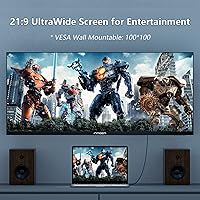
- Mounting: The monitor is VESA mount compatible for use with third-party wall or arm mounts.
- Color Calibration: Each unit ships with a manufacturer-provided color calibration report citing Delta-E under 2.
- Certifications: The display carries TUV Rheinland certification for low blue light emission.
- Power Input: The monitor operates on 220 volts and includes a US power adapter.
- Weight: The monitor weighs approximately 34.6 pounds (15.7 kg).
- Dimensions: Product dimensions are 11.42 x 38.98 x 23.23 inches as listed by the manufacturer.
Related Reviews
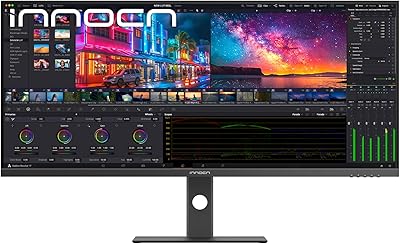
INNOCN 40C1U 40-inch Ultrawide Monitor
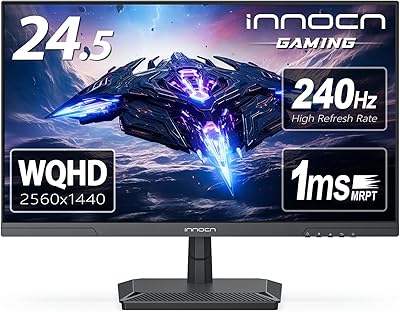
INNOCN 25G2S 24.5″ Gaming Monitor
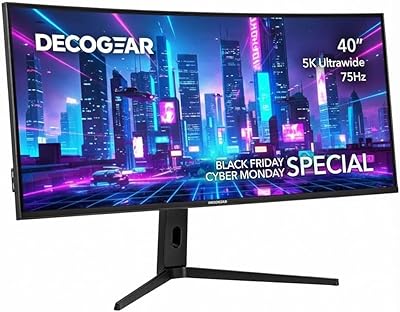
Deco Gear VIEW401 40″ Ultrawide Monitor
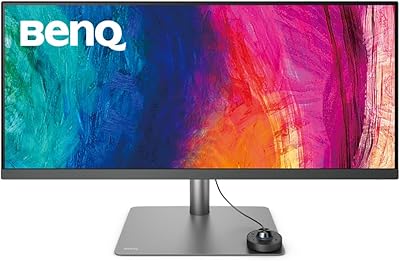
BenQ PD3420Q 34-inch Ultrawide Monitor
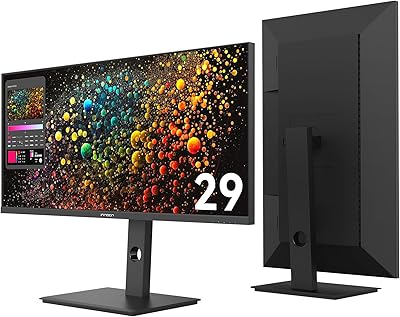
INNOCN 29B2F-P 29″ Ultrawide Monitor
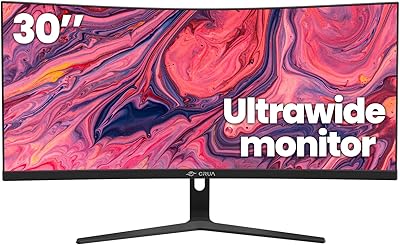
CRUA CR300ZA 30-Inch Ultrawide Curved Monitor
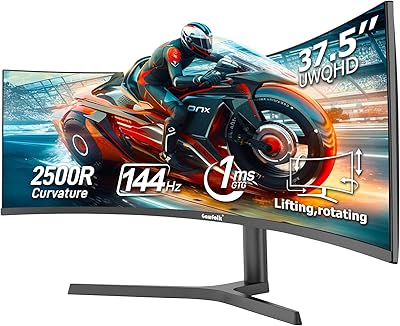
Gawfolk GF400A 38-Inch Ultrawide Gaming Monitor
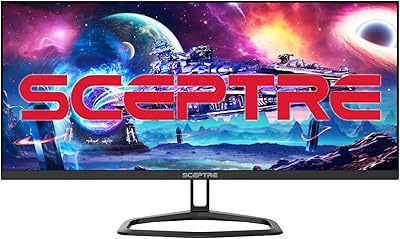
Sceptre E305B-FU200T 30-inch Ultrawide Monitor
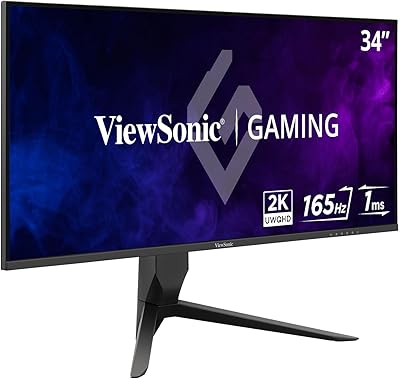
ViewSonic VX3418-2K 34-Inch Ultrawide Gaming Monitor