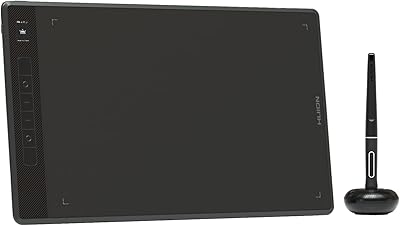
HUION Inspiroy H1161 Graphics Drawing Tablet
Overview
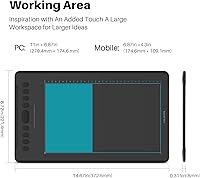
The HUION Inspiroy H1161 Graphics Drawing Tablet is Huion's answer to artists who want serious working space without a serious price tag. At 11 by 6.88 inches of active drawing area, this Huion tablet gives you room to actually move your arm — not just your wrist — which makes a real difference during long illustration sessions. It works across Windows, Mac, Android, and Linux, which is broader compatibility than many rivals at this tier. Stacked against options like the Wacom Intuos or XP-Pen equivalents, the H1161 holds its ground well. That said, a few limitations exist, particularly for mobile users, so it rewards buyers who know exactly what they need.
Features & Benefits
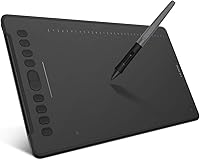
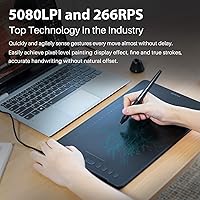
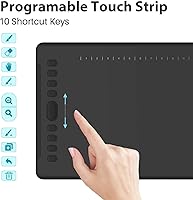
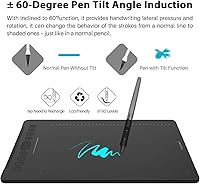
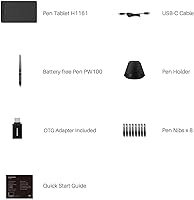
The PW100 is a battery-free stylus, which sounds minor until you realize you have never once had to stop mid-sketch to charge it. With 8192 levels of pressure and 60-degree tilt support, it reads light washes and hard lines with real accuracy. Strokes register at 266 reports per second, so there is no visible lag even during fast, gestural drawing. The 5080 LPI resolution handles fine linework cleanly. Beyond the pen, this drawing tablet comes loaded with 10 physical shortcut keys, a touch strip, and 16 programmable soft keys — enough to keep your hands on the canvas rather than hunting through menus. It connects via USB-C and plays well with Photoshop, Krita, SAI, and Clip Studio Paint right out of the box.
Best For
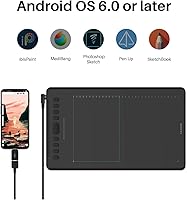
This Huion tablet is a natural fit for digital illustrators and concept artists who need real estate on the drawing surface without spending a fortune. Design and animation students will find it reliable enough for daily coursework, and the shortcut key setup speeds up repetitive tasks once configured. Teachers and remote workers who annotate PDFs or write equations on screen will also get solid use out of it. Android users can draw on the go, though an OTG adapter is required — and it is worth noting upfront that Samsung Galaxy devices outside the Note series do not display a cursor, which is a genuine dealbreaker for some. For anyone moving from paper to digital, the large surface and forgiving pen feel make this an approachable starting point.
User Feedback
Most buyers highlight the large working surface and the sturdy, no-flex build as the tablet's strongest points, with many noting the stylus feels precise and responsive from the very first stroke. Setting up the drivers is straightforward on Mac and Linux, and the customizable shortcut keys are praised consistently once artists settle into their layout. Where things get less smooth: driver instability on Windows is a recurring complaint, with some users reporting the need to reinstall after OS updates. The Samsung cursor issue has also caught a few Android users off guard. On the positive side, long-term owners report that pen accuracy holds up well with no noticeable drift — a reassuring sign for anyone planning to rely on this as their primary drawing tool.
Pros
- The 11 by 6.88-inch active area gives your arm real room to move, reducing wrist fatigue during long sessions.
- The battery-free PW100 stylus never needs charging, so creative flow is never interrupted at a critical moment.
- 8192 levels of pressure sensitivity translate subtle hand movements into accurate line weight changes in supported apps.
- 60-degree tilt support makes shading and brush angle control feel genuinely natural rather than approximated.
- Works reliably across Mac, Windows, Linux, and Android without needing platform-specific hardware.
- The 10 physical shortcut keys and touch strip meaningfully cut down on menu navigation once configured to your workflow.
- Long-term users consistently report stable pen accuracy with no drift developing over months of regular use.
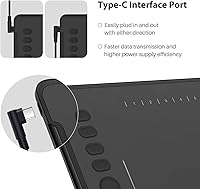
- USB-C connectivity keeps the setup clean and compatible with modern laptops and monitors.
- Driver installation on Mac and Linux is quick and straightforward, with most users drawing within minutes of unboxing.
- At its price point, the H1161 delivers a feature set that competes well against options costing significantly more.
Cons
- Windows driver stability is inconsistent — some users need to reinstall after routine OS updates.
- The shortcut key remapping interface is less intuitive than competitors, leaving many users stuck on default layouts.
- No wireless or Bluetooth option means you are always tethered to your host device by the USB-C cable.
- Samsung Galaxy phones and tablets outside the Note series do not display a cursor, making them incompatible in practice.
- The drawing surface texture can show visible wear marks after extended heavy daily use.
- No bundled software licenses are included, so new users need to source creative applications separately.
- OTG adapter required for Android use, adding an extra accessory expense that is easy to overlook at purchase.
- The physical footprint is large enough to feel awkward on very small desks or when drawing on a lap in tight spaces.
- Pressure sensitivity at the lightest touch range can feel slightly inconsistent without manual driver curve adjustment.
- Per-application driver profiles lack the depth and polish found in Wacom's equivalent software tools.
Ratings
The HUION Inspiroy H1161 Graphics Drawing Tablet earns its place as one of the more talked-about mid-range drawing tablets online, and to cut through the noise, our AI scoring system analyzed thousands of verified global buyer reviews — actively filtering out incentivized, duplicate, and bot-generated submissions. What you see in the scores below reflects a honest synthesis of real creative workflows, from bedroom illustrators to classroom instructors. Both the genuine strengths and the recurring frustrations are represented without sugarcoating.
Active Drawing Area
Pen Performance
Battery-Free Stylus Convenience
Shortcut Keys & Touch Strip
Driver Stability
Build Quality & Durability
Compatibility & OS Support
Report Rate & Latency
Setup & Out-of-Box Experience
Value for Money
Pen Accuracy & Long-Term Consistency
Portability & Form Factor
Software Compatibility
Suitable for:
The HUION Inspiroy H1161 Graphics Drawing Tablet is a genuinely strong pick for digital illustrators and concept artists who want a large, responsive drawing surface without committing to Wacom's premium pricing. Design and animation students who need a dependable daily-use tool will find it handles everything from gesture sketching to detailed linework without complaint. Teachers and remote workers who annotate documents, write equations, or mark up PDFs on screen will also get real, practical value out of it — the large active area makes handwriting feel far more natural than cramped alternatives. Beginners making the jump from traditional media to digital will appreciate how forgiving the surface and pen feel are right from the start, lowering the intimidation factor considerably. It also suits multi-platform users well, since the H1161 works across Mac, Windows, Linux, and Android without needing separate hardware or drivers for each environment.
Not suitable for:
The HUION Inspiroy H1161 Graphics Drawing Tablet is not the right choice for everyone, and being honest about that upfront saves real frustration later. Professional illustrators or studios with zero tolerance for software hiccups should note that Windows driver stability is a documented weak point — periodic reinstallation after OS updates is a real possibility, not a rare edge case. Samsung Galaxy users outside the Note series will encounter a cursor visibility issue that makes the tablet functionally unusable on those specific Android devices, so mobile-first buyers should verify their device compatibility before purchasing. Anyone looking for a truly wireless, cable-free drawing experience will also be disappointed, since the tablet requires a constant USB-C connection with no Bluetooth option. If your workflow is minimal — basic note-taking or light annotation — there are leaner, cheaper options that would serve those narrower needs without the extra footprint or cost.
Specifications
- Active Area: The drawing surface measures 11 x 6.88 inches (279.4 x 174.6 mm), providing ample room for full arm strokes and detailed illustration work.
- Overall Dimensions: The tablet body measures 14.67 x 8.72 x 0.31 inches, keeping the profile slim enough to slide into most laptop bags without difficulty.
- Weight: The H1161 weighs 1.26 pounds, making it light enough to carry between a home studio and a classroom or co-working space without added burden.
- Pen Model: The included PW100 is a battery-free stylus that draws electromagnetic power from the tablet itself, requiring no charging or battery replacement.
- Pressure Sensitivity: The PW100 stylus supports 8192 levels of pressure sensitivity, enabling smooth transitions between thin sketch lines and heavy brush strokes within supported applications.
- Tilt Support: The stylus recognizes tilt angles up to 60 degrees, allowing natural shading and brush angle variation comparable to traditional media techniques.
- Report Rate: The tablet operates at a report rate of 266 RPS (reports per second), delivering low-latency stroke registration suitable for fast, gestural drawing.
- Resolution: The active surface resolution is 5080 LPI (lines per inch), ensuring fine detail and precise cursor positioning across the entire drawing area.
- Express Keys: The H1161 includes 10 programmable physical press keys, 1 touch strip, and 16 configurable soft keys accessible through the Huion driver interface.
- Interface: The tablet connects to host devices via a USB-C port, ensuring compatibility with most modern laptops, desktops, and Android devices with OTG support.
- Connectivity: The H1161 uses a wired USB connection exclusively — there is no Bluetooth or wireless mode available on this model.
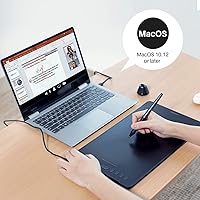
- OS Compatibility: This drawing tablet supports Android 6.0 and above, Windows 7 and above, macOS 10.12 and above, and Linux (currently Ubuntu only via .tar.xz and .deb drivers).
- Android Note: On Android, an OTG adapter is required for connection, and cursor display is not supported on Samsung Galaxy phones and tablets outside of the Note series.
- Recommended Software: Compatible creative software includes Adobe Photoshop, Illustrator, Clip Studio Paint, SAI, Krita, Corel Painter, Affinity Designer, Sketchbook, PicsArt, GIMP, and Blender, depending on platform.
- Brand & Model: The H1161 is manufactured by Shenzhen Huion Animation Technology LTD under the Huion brand, with the official model number H1161.
- Market Rank: At the time of data collection, the tablet held a Best Sellers Rank of #167 in the Computer Graphics Tablets category on Amazon.
- Release Date: The H1161 was first made available for purchase on August 5, 2019, and has since accumulated over 690 verified ratings.
- Average Rating: The tablet holds an average customer rating of 4.4 out of 5 stars based on verified global reviews across major retail platforms.
Related Reviews
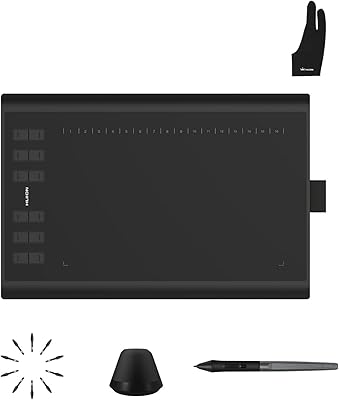
Huion Inspiroy H1060P Graphics Drawing Tablet
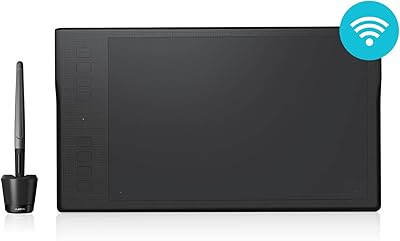
HUION Inspiroy Q11K Wireless Drawing Tablet
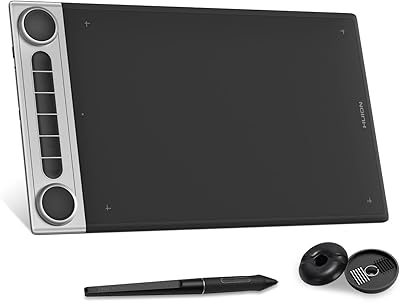
HUION Inspiroy Dial 2 Graphics Tablet
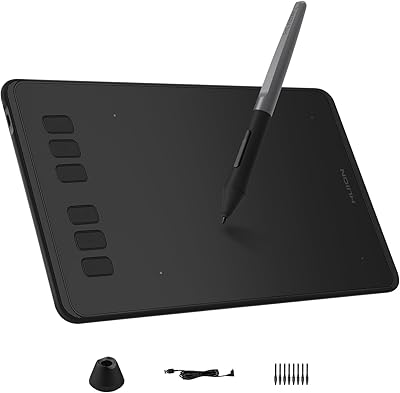
HUION Inspiroy H640P Drawing Tablet
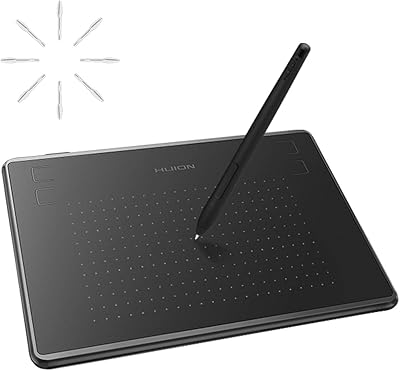
HUION Inspiroy H430P Graphics Drawing Tablet
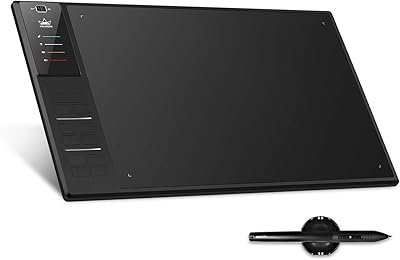
Huion WH1409 Wireless Graphic Drawing Tablet
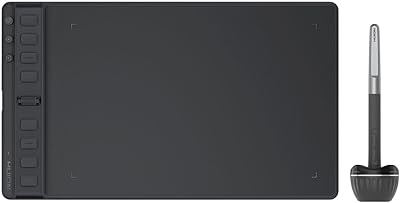
HUION Inspiroy 2 Medium Drawing Tablet
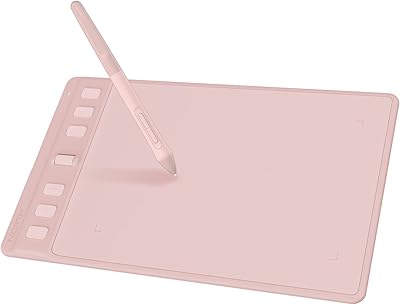
HUION Inspiroy 2 S Drawing Tablet
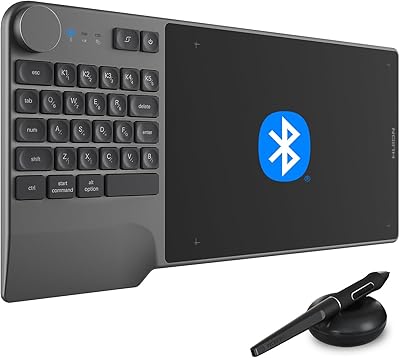
HUION Inspiroy Keydial KD200 Drawing Tablet