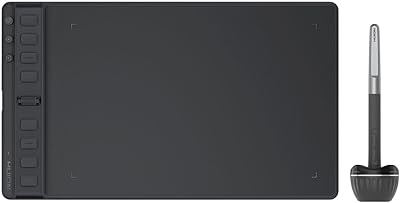
HUION Inspiroy Frego Small Wireless Drawing Tablet

Overview
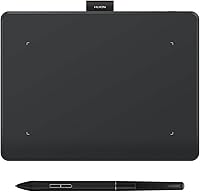
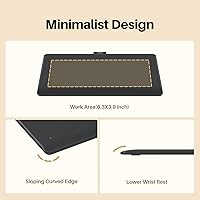
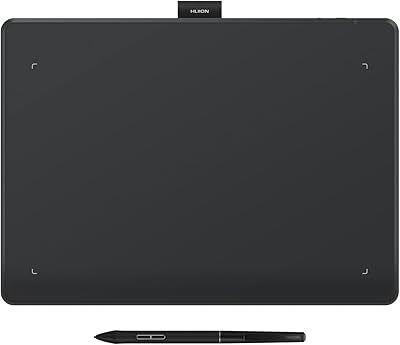
The HUION Inspiroy Frego Small Wireless Drawing Tablet is built around a simple idea: skip the screen, skip the buttons, and keep the drawing surface as clean as possible. There's no row of shortcut keys lining the edge here, just a smooth tablet body about the size of an A6 notebook page and the pen that comes with it. That makes this drawing tablet noticeably smaller than a lot of mid-range competitors, which is either a selling point or a dealbreaker depending on what you're after. What sets it apart is flexible connectivity: you can pair it over Bluetooth or USB-C, something a lot of budget tablets don't bother offering. Pricing lands in that budget-to-midrange zone, and it's clearly competing on portability and battery life rather than sheer drawing real estate.
Features & Benefits
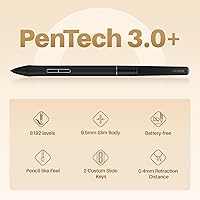
Underneath that minimal shell, this Huion tablet packs in genuinely capable hardware. The bundled PW550S pen uses Huion's PenTech 3.0+ tech, with 8192 pressure levels and 5080 LPI resolution, so line weight responds naturally whether you're laying down a light sketch line or pressing hard for shading. Two programmable buttons sit on the pen itself, letting you trigger an eraser, undo, or zoom without reaching for the keyboard. Battery life is one of its strongest traits: roughly 24 hours of drawing time from about a 2.5-hour charge. It also plays nicely across platforms, working with Windows, macOS, Linux distributions like Ubuntu, and Android, with a wired option for older setups. The sloped edges and built-in wrist rest, paired with a symmetrical shape, make it comfortable for both left- and right-handed artists.
Best For
This drawing tablet makes the most sense for beginners and hobbyists who want a clean, no-frills surface without a learning curve full of buttons and menus. It's also a strong pick for anyone who sketches or edits photos on the go, since the slim body and built-in pen holder make it easy to toss in a bag. If you regularly switch between a laptop and an Android phone or tablet for casual art apps, the cross-device support is genuinely useful here. Budget matters too: this is aimed at people who don't need a screen tablet or a sprawling active area and would rather save money. Professional illustrators chasing a bigger canvas, on-screen drawing, or heavy shortcut-key workflows will likely find it limiting rather than liberating.
User Feedback
Feedback on the Frego tablet trends positive overall, and it holds a solid average rating from people who've actually used it day to day. The praise clusters around a few themes: easy Bluetooth pairing, a setup process that doesn't require fiddling with drivers for long, and how light it feels to carry around. On the flip side, some buyers find the working surface cramped once they're deep into detailed or larger pieces, and a few mention missing the row of shortcut keys they'd grown used to on other tablets, which takes a session or two to adjust to. Battery performance gets consistent shoutouts, with reviewers happy that a quick charge covers a full day of sketching without anyone reaching for a cable mid-project.
Pros
- Pairs over Bluetooth in seconds, so there's no fumbling with cables before you start drawing.
- Battery comfortably lasts a full day of sketching, and a quick 2.5-hour charge gets you back up.
- The PenTech 3.0+ stylus feels responsive, with enough pressure sensitivity for natural line weight and shading.
- Slim enough to slip into a bag, with a built-in pen holder so the stylus doesn't get lost.
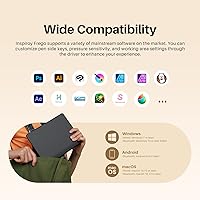
- Works across Windows, macOS, Linux, and Android, which is rare for a tablet at this price.
- Symmetrical design means left-handed artists don't have to fight an awkward default layout.
- Sloped edges and a wrist rest make longer drawing sessions noticeably easier on the hand.
- Setup is genuinely simple, which is a recurring theme in real owner feedback.
Cons
- The 6.3 x 3.9-inch active area feels tight once you move into detailed or large-scale artwork.
- No physical shortcut keys means every shortcut depends on the pen's two side buttons or software hotkeys.
- Artists switching from a tablet with onboard buttons should expect a genuine adjustment period.
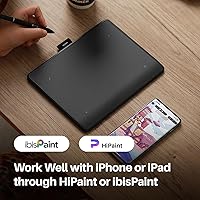
- Drawing on an iPhone or iPad depends on third-party apps like HiPaint, not native system support.
- You're paying mainly for portability and battery life here, not a bigger canvas or on-screen display.
- Heavy, professional-level illustration work will likely outgrow this tablet's small working surface fairly quickly.
Ratings
These scores for the HUION Inspiroy Frego Small Wireless Drawing Tablet were generated by AI after analyzing thousands of verified user reviews from around the world, with spam, bot activity, and incentivized feedback filtered out before any number was calculated. Each category below reflects what real owners consistently say, strengths and pain points alike, so you can see exactly where this drawing tablet excels and where it falls short before you buy. The result is a transparent, buyer-first breakdown rather than a single inflated star rating.
Active Area & Workspace Size
Pen Performance & Pressure Sensitivity
Battery Life & Charging Speed
Connectivity & Wireless Pairing
Portability & Travel Size
Ergonomics & Comfort
Shortcut Controls & Software Setup
Cross-Platform Compatibility
Mobile & Phone/Tablet Use
Value for Money
Build Quality & Materials
Beginner-Friendliness
Suitable for:
The HUION Inspiroy Frego Small Wireless Drawing Tablet works best for casual and hobbyist artists who want a clean, distraction-free surface without paying for a screen they don't need. It's a smart pick for anyone who sketches, journals digitally, or touches up photos between a laptop and an Android phone, since Bluetooth pairing makes switching devices painless. Students learning digital art will appreciate the gentle learning curve, since there's no shortcut-key layout to memorize before you can start drawing. Frequent travelers and commuters benefit from the slim, lightweight body and the long battery life, which means you can leave the charging cable at home for day trips. People upgrading from a mouse-and-keyboard workflow will find the pressure-sensitive pen a genuine improvement for line art and shading, even at this price point.
Not suitable for:
The HUION Inspiroy Frego Small Wireless Drawing Tablet isn't the right fit for professional illustrators who need a large canvas or the ability to draw directly on-screen for precision work. Anyone coming from a tablet loaded with physical shortcut keys may find the minimalist layout frustrating at first, since every shortcut has to be remapped to the two pen buttons or keyboard. Buyers planning heavy, detailed illustration work will likely run into the limits of the small 6.3 x 3.9-inch active area fairly quickly. If reliable iPad drawing through native, on-device apps is the goal, this won't fully deliver that, since iOS support depends on third-party apps such as HiPaint or ibisPaint rather than full system-level compatibility. Finally, anyone who prioritizes a large drawing surface over portability should look at bigger tablets in Huion's own lineup instead.
Specifications
- Active Area: The drawing surface measures 6.3 x 3.9 inches, roughly the size of an A6 sheet of paper.
- Connectivity: It connects either wirelessly over Bluetooth or directly through a USB-C cable.
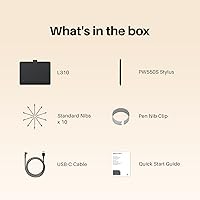
- Pen Model: The included stylus is the PW550S, built on Huion's PenTech 3.0+ technology.
- Pressure Sensitivity: The pen supports 8192 levels of pressure sensitivity for varied line weight and shading.
- Pen Resolution: Pen resolution is rated at 5080 LPI (lines per inch) for precise cursor tracking.
- Report Rate: The report rate exceeds 300 points per second, keeping pen movement responsive on screen.
- Battery Capacity: An internal 1300mAh battery powers the tablet during wireless use.
- Battery Life: A full charge provides up to 24 hours of continuous drawing time.
- Charge Time: The battery reaches a full charge in approximately 2.5 hours via USB-C.
- Pen Buttons: The pen has two programmable side buttons for shortcuts like eraser, undo, or zoom.
- Shortcut Keys: The tablet body itself has no physical shortcut keys, keeping the surface minimal and button-free.
- Ergonomics: Sloped edges and a built-in wrist rest area are designed to reduce hand and wrist fatigue.
- Design Layout: The tablet uses a symmetrical, ambidextrous shape that works equally well for left- and right-handed users.
- Pen Holder: A built-in nylon pen holder keeps the stylus secured to the tablet during travel.
- Weight: The tablet has a net weight of about 280 grams, or roughly 9.9 ounces.
- OS Support: It supports Windows, macOS, Linux (Ubuntu), Android, and select iOS apps for mobile drawing.
- Model Number: The official model number for this tablet is L310.
Related Reviews
HUION Inspiroy Frego Medium Drawing Tablet
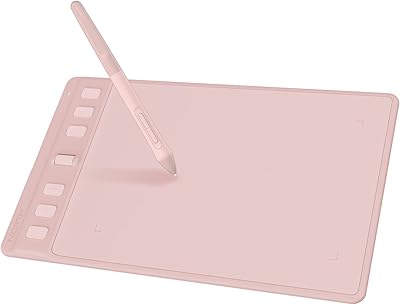
HUION Inspiroy 2 S Drawing Tablet
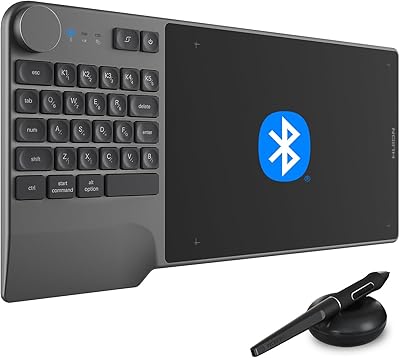
HUION Inspiroy Keydial KD200 Drawing Tablet
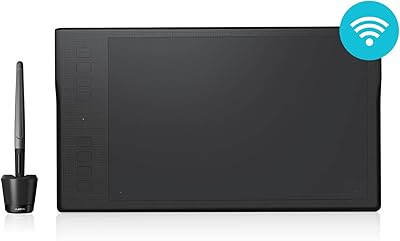
HUION Inspiroy Q11K Wireless Drawing Tablet
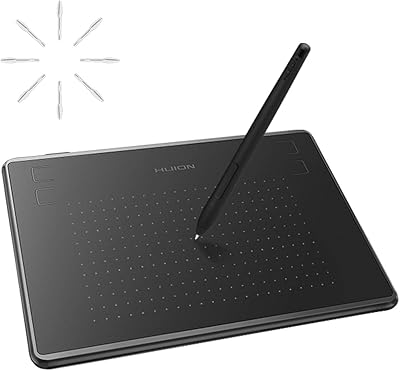
HUION Inspiroy H430P Graphics Drawing Tablet
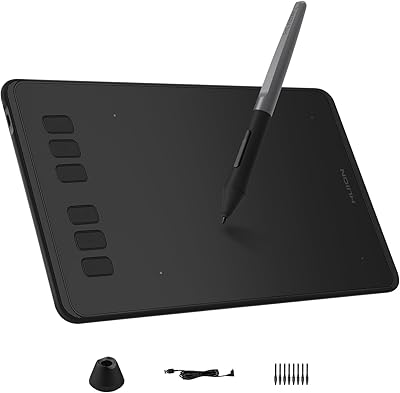
HUION Inspiroy H640P Drawing Tablet
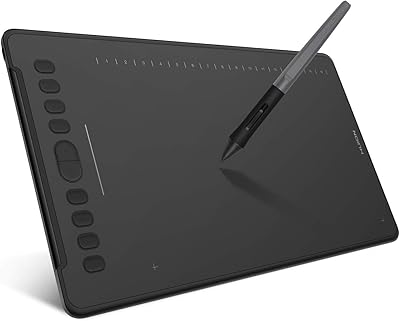
HUION Inspiroy H1161 Graphics Drawing Tablet
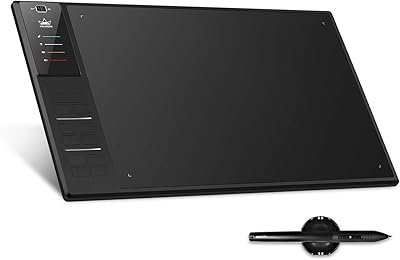
Huion WH1409 Wireless Graphic Drawing Tablet
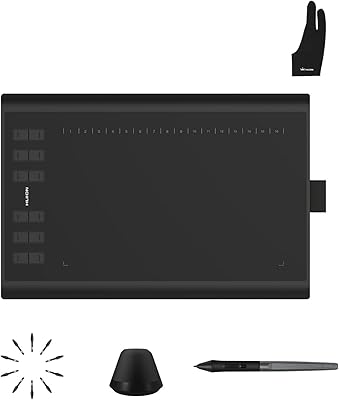
Huion Inspiroy H1060P Graphics Drawing Tablet