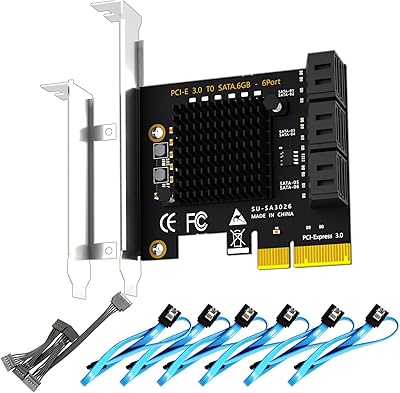
GLOTRENDS LE8202 2-Port Gigabit PCIe Network Card


Overview
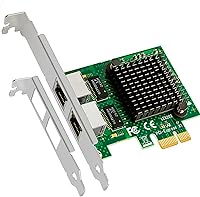
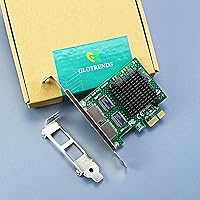
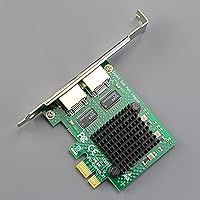
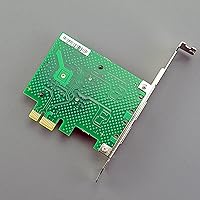
The GLOTRENDS LE8202 2-Port Gigabit PCIe Network Card is one of those unglamorous upgrades that quietly solves a real problem — your desktop only has one Ethernet port, and suddenly you need two. Built around the Realtek RTL8111H chipset, a controller with years of proven driver support across virtually every major OS, this dual-port NIC slots into a PCIe x1 lane and gets out of the way. It ships with both standard and low-profile brackets, so it fits in full towers and slim cases alike. Worth noting upfront: this is a 1Gbps card, not 2.5G or 10G — but for most home lab and NAS use cases, that is exactly what you need.
Features & Benefits
Slotting into any PCIe x1 lane, this Gigabit network card gives you two independent RJ45 ports without consuming a larger expansion slot. The Realtek RTL8111H controllers handle auto-negotiation across 10, 100, and 1000 Mbps, so you plug it in and it just works — on Windows, Linux, macOS, pfSense, OPNsense, and a long list of others. Proxmox and unRAID users get out-of-the-box driver recognition, which is genuinely useful. One caveat worth flagging: VMware ESXi 7.0 and above requires a manual driver step, so plan accordingly if you run a production VMware environment. Wake-on-LAN support rounds things out for anyone who manages machines remotely.
Best For
This dual-port NIC hits its stride in specific scenarios rather than general desktop use. If you are building a pfSense or OPNsense soft router, having two Gigabit ports on one card is exactly what you need for clean WAN and LAN separation. NAS builders benefit from a dedicated management interface that stays separate from data traffic. It also makes practical sense for anyone standing up a Proxmox or unRAID node on a budget, since NIC passthrough works without extra configuration. The included low-profile bracket means compact mini-tower builds are supported without sourcing additional hardware. Small offices needing a straightforward wired failover path will find it equally practical.
User Feedback
Buyers consistently highlight easy installation, particularly on Linux, where driver detection tends to happen automatically without any manual steps. The low-profile bracket earns specific praise from users in compact builds who noted it fit cleanly without modification. On the less positive side, the ESXi 7.0 driver requirement catches some VMware users off guard — it is not a dealbreaker, but it deserves research before purchase if that is your environment. A handful of buyers mention occasional compatibility questions with older motherboards, though these read as edge cases rather than a pattern. Overall, value perception is the standout theme: most reviewers feel this dual-port NIC delivers well beyond what its modest price would suggest.
Pros
- Dual Gigabit ports through a single PCIe x1 slot — efficient use of limited expansion real estate.
- Realtek RTL8111H is detected automatically on most Linux distros, Windows, pfSense, and OPNsense with zero driver work.
- Both full-height and low-profile brackets are included, covering a wide range of desktop and compact case builds.
- Proxmox and unRAID users get clean out-of-the-box NIC passthrough without extra configuration steps.
- Wake-on-LAN support works reliably for remote management setups and always-on home server builds.
- VLAN tagging via IEEE 802.1Q is supported, enabling proper network segmentation in pfSense and OPNsense deployments.
- Link stability in always-on roles — soft routers and NAS boxes — is consistently praised by long-term users.
- Bus-powered via PCIe slot with no external power connector required, keeping cable management clean.
- Lifetime technical support from GLOTRENDS adds reassurance for buyers who hit edge-case compatibility issues.
- Represents exceptional value for home lab and small office buyers who do not need enterprise-class hardware.
Cons
- VMware ESXi 7.0 and above requires manual driver installation — not a plug-and-play experience for VMware users.
- Strictly limited to 1Gbps — buyers who later need 2.5G or 10G throughput will need to replace this card entirely.
- No physical documentation included for edge-case platforms; buyers on unusual OSes must rely on online resources.
- Occasional link recovery issues after Windows sleep or hibernate cycles have been reported by a subset of users.
- Older motherboards with early PCIe implementations may require BIOS updates or specific slot assignments to detect the card reliably.
- No slot cover included for the unused bracket mounting position, leaving an open gap in the case after a bracket swap.
- macOS compatibility, while listed, draws inconsistent real-world feedback depending on OS version and hardware configuration.
- The Realtek chipset, while broadly supported, is not considered enterprise-grade and may not meet requirements for production server environments.
Ratings
The GLOTRENDS LE8202 2-Port Gigabit PCIe Network Card has been scored by our AI system after analyzing verified purchase reviews from buyers worldwide, with spam, bot-submitted, and incentivized feedback actively filtered out before scoring. The ratings below reflect genuine user experiences — from smooth Proxmox deployments to frustrating ESXi driver hunts — and do not shy away from the real trade-offs this dual-port NIC presents. Both its consistent strengths and its notable limitations are captured transparently across each category.
Driver Compatibility
Ease of Installation
Value for Money
OS & Platform Coverage
Build Quality
Thermal Performance
Virtualization Support
Physical Versatility
Port Reliability
Documentation & Support
Network Throughput
Package Contents
VLAN & Advanced Networking
Motherboard Compatibility
Suitable for:
The GLOTRENDS LE8202 2-Port Gigabit PCIe Network Card is purpose-built for the kind of buyer who knows exactly why they need two Ethernet ports in a single expansion slot. Home lab enthusiasts building a pfSense or OPNsense soft router are the most natural fit — WAN on one port, LAN on the other, and the whole thing running off a spare desktop without consuming two separate PCIe slots. NAS builders who want a dedicated management interface kept cleanly separate from bulk data traffic will appreciate the same dual-port logic. Proxmox and unRAID users get reliable NIC passthrough without the driver headaches that plague some competing cards, making this Gigabit network card a recurring recommendation in home virtualization communities. It also works well in small office environments where a second wired connection is needed for network segmentation or basic failover — nothing exotic, just a dependable extra port at a price that does not require budget approval.
Not suitable for:
Buyers expecting to step beyond Gigabit speeds should stop here — this dual-port NIC is a 1Gbps card, and no amount of driver tuning will change that. If your workflow involves bulk NAS transfers at 2.5G, high-bandwidth video editing over the local network, or future-proofing a build for faster switching infrastructure, you will outgrow this card quickly and regret not spending more upfront. VMware ESXi 7.0 users are another group who should pause before purchasing — driver installation on that platform is a manual process involving community-packaged VIBs and CLI work, and in a production environment that is a meaningful operational risk. Users on very old motherboards with early PCIe implementations have occasionally reported compatibility friction, so if you are running hardware from the late 2000s, some additional research is warranted before buying. Finally, anyone who needs Intel-grade NIC reliability for mission-critical server workloads will find the Realtek controller a step below what enterprise environments typically demand.
Specifications
- Chipset: Each of the two network ports is driven by its own dedicated Realtek RTL8111H controller, a mature and broadly supported chip with an established driver ecosystem across major operating systems.
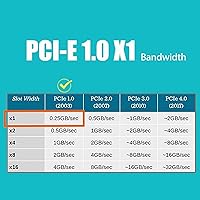
- Interface: The card uses a PCIe x1 interface compatible with PCIe 1.1 and above, and will function correctly when installed in larger x4, x8, or x16 slots operating at x1 electrical speeds.
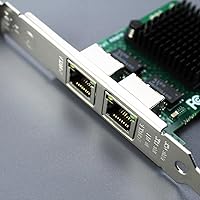
- Ports: Two independent RJ45 Gigabit Ethernet ports are provided on a single card, each capable of simultaneous full-duplex operation at up to 1000 Mbps.
- Speed: Auto-negotiation is supported across 10, 100, and 1000 Mbps, allowing the card to match the highest speed supported by the connected switch or router without manual configuration.
- Brackets: The package includes both a standard full-height bracket and a low-profile bracket, enabling installation in the full range of ATX, micro-ATX, and mini-ITX cases without purchasing additional accessories.
- Wake-on-LAN: Wake-on-LAN (WoL) is supported on both ports, including GLOTRENDS RealWoW! technology for remote system wake-up across different network segments.
- OS Support: The card is compatible with Windows, Linux (Ubuntu, Debian, CentOS, RHEL), macOS, pfSense, OPNsense, OpenWrt, and Synology DSM, with plug-and-play detection on most of these platforms.
- VM Support: Out-of-the-box compatibility is confirmed for VMware ESXi 5.x and 6.x, Proxmox, and unRAID; ESXi 7.0 and above requires manual driver installation using a community-packaged VIB.
- VLAN Support: IEEE 802.1Q VLAN tagging is supported, enabling logical network segmentation when configured through a compatible OS or firewall distribution such as pfSense or OPNsense.
- Flow Control: Full-duplex flow control per IEEE 802.3x is implemented, helping prevent packet loss during periods of sustained high-throughput traffic between connected devices.
- Data Protocols: The card complies with IEEE 802.3 (10BASE-T), IEEE 802.3u (100BASE-TX), IEEE 802.3ab (1000BASE-T), and IEEE 802.3az-2010 (Energy Efficient Ethernet) standards.
- LED Indicators: Each port has a dedicated LED that displays yellow for an active 100 Mbps link and green for a 1000 Mbps Gigabit connection, making link status easy to read at a glance.
- Power Source: The card is entirely bus-powered through the PCIe slot and requires no external power connector, keeping internal cable routing clean and simple.
- Dimensions: The card measures 5.71 x 4.92 x 0.94 inches in its retail packaging, with a net card weight of 0.24 kg (approximately 8.4 oz including brackets).
- Warranty: GLOTRENDS provides lifetime technical support for this card, including access to driver downloads and troubleshooting assistance through their support channel.
Related Reviews
ULANSeN Intel 82576 Dual-Port Gigabit Network Card
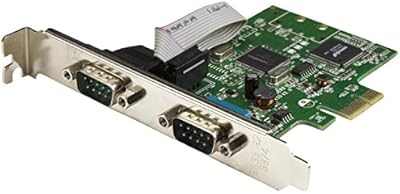
StarTech PEX2S1050 2-Port PCIe Serial Card
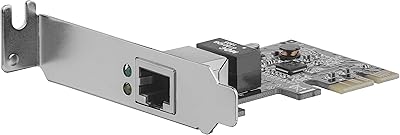
StarTech ST1000SPEX2L 1-Port PCIe Network Card
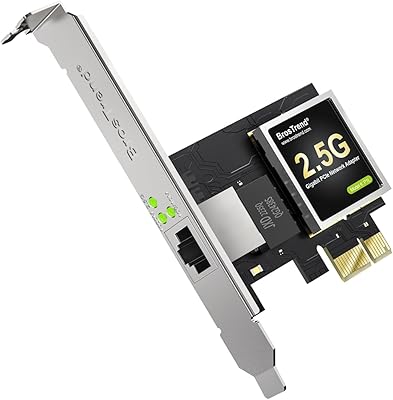
BrosTrend 2.5G Linux PCIe Network Card
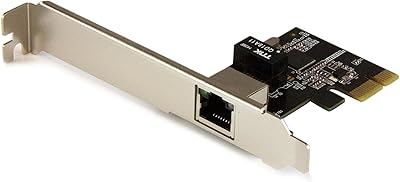
StarTech ST1000SPEXI PCIe Gigabit Network Card
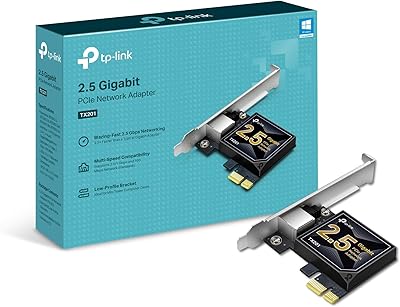
TP-Link TX201 2.5G PCIe Network Card
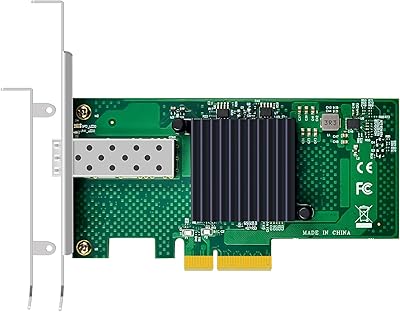
GLOTRENDS ST7315 1-Port 10GbE SFP+ Network Card
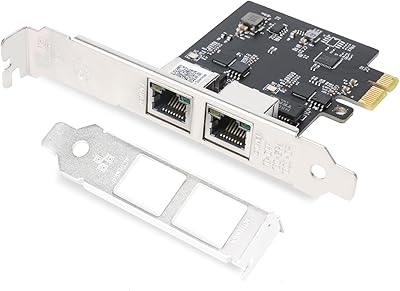
QINIYEK RTL8125B Dual-Port 2.5G PCIe NIC
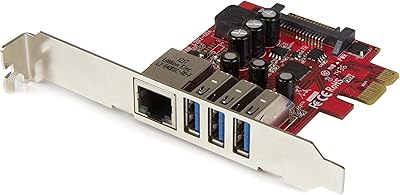
StarTech PEXUSB3S3GE USB 3.0 PCIe Card