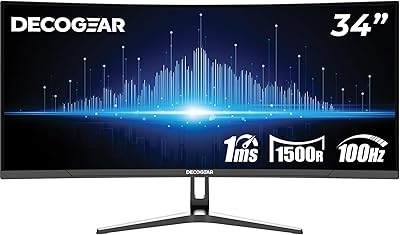
Gawfolk GF340H 34-inch Ultrawide Monitor
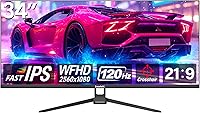
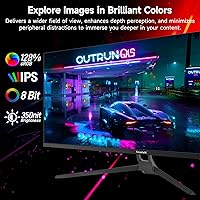
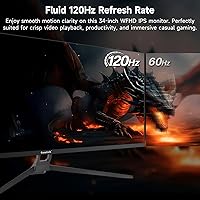









Overview
The Gawfolk GF340H 34-inch Ultrawide Monitor enters a crowded budget space with a clear pitch: give standard 1080p users a much wider view without demanding a premium price. That 21:9 flat IPS panel stretches your workspace horizontally in a way that feels immediately noticeable coming from a typical 16:9 screen. Gawfolk is a relatively new name, and that matters — you won't find decades of reliability data or a broad service network behind it. What you do get is a slim, zero-bezel design that looks genuinely clean on a desk. Go in with calibrated expectations, and the value proposition holds up reasonably well.
Features & Benefits
At 2560x1080 spread across 34 inches, the pixel density sits around 81 PPI — lower than a WQHD ultrawide, which means fine text and detail won't be razor-sharp if you sit close. That's the honest trade-off for the price. The 120Hz panel is a real, practical upgrade over 60Hz — scrolling feels fluid and fast-paced games respond with noticeably less blur, though this isn't a high-end gaming panel with adaptive sync. The IPS technology delivers solid 178-degree viewing angles and 128% sRGB coverage, which punches above its tier for color work. HDMI 2.1 and DisplayPort 1.4 handle modern devices well, and the matte screen surface manages bright room lighting without becoming a mirror.
Best For
The GF340H makes the most sense for people who spend their days juggling multiple windows — spreadsheets alongside a browser, a document next to a communication tool — where the extra horizontal real estate actually changes how you work. It's also a reasonable pick for home console or PC gamers who want a wider view at 120Hz without paying for a curved premium model. The flat panel and slim physical footprint suit desks that aren't particularly deep. If you're stepping up from a standard 27-inch 1080p monitor and haven't tried ultrawide before, this ultrawide monitor offers a low-risk entry into that format without a significant financial commitment.
User Feedback
With a 4.2-star average across nearly 2,000 ratings, Gawfolk's 34-inch display is landing well with most buyers, particularly those who highlight out-of-box color quality and how much the 21:9 format improves their daily workflow. Where things get more mixed: the stand offers only tilt adjustment with no height or swivel, which frustrates users with ergonomic needs, and at roughly 81 PPI, a handful of buyers note that text can look softer than expected up close. A few quality-control concerns — occasional backlight bleed reports and questions about long-term build durability — appear in the mix. Since this monitor only launched in mid-2025, the review pool is still growing and long-term reliability remains an open question.
Pros
- The 21:9 format delivers a genuinely wider workspace that makes multi-window productivity feel natural and less cluttered.
- 120Hz refresh rate provides smooth, fluid motion that is a clear step up from standard 60Hz displays.
- IPS panel offers wide 178-degree viewing angles with consistent color across the screen.
- 128% sRGB color coverage is impressive for a monitor at this price tier.
- HDMI 2.1 and DisplayPort 1.4 inputs ensure compatibility with modern PCs, laptops, and consoles.
- Matte screen surface keeps glare under control in bright office or living room environments.
- Zero-bezel design looks clean and modern, fitting well into minimal desk setups.
- VESA 75x75mm mount support allows easy pairing with a third-party monitor arm.
- Flat panel profile suits desks with limited depth where curved screens create awkward viewing distances.
- Strong early user reception with a 4.2-star average suggests solid out-of-box quality for the price.
Cons
- At roughly 81 PPI, text and fine detail can appear softer than expected, especially when sitting close.
- No adaptive sync support confirmed, which limits appeal for frame-rate-sensitive or competitive gamers.
- Stand ergonomics are bare minimum — tilt only, with no height, swivel, or pivot adjustment.
- No built-in speakers means you will need external audio for any sound output.
- Gawfolk is a newer brand with limited long-term reliability data and an unproven support track record.
- The review pool only dates to mid-2025, so durability beyond the first year is still an unknown.
- Some users report occasional backlight bleed, a concern worth monitoring given the budget-tier build.
- 2560x1080 resolution may feel like a step back for anyone accustomed to a WQHD or higher-res display.
Ratings
Our scores for the Gawfolk GF340H 34-inch Ultrawide Monitor are generated by AI after analyzing thousands of verified global user reviews, with spam, bot submissions, and suspected incentivized feedback actively filtered out. The result is a balanced picture that captures both what buyers genuinely appreciate and where the monitor consistently falls short. Every category below reflects patterns drawn from real-world usage, not manufacturer claims.
Value for Money
Screen Real Estate
Image Quality
Color Accuracy
Refresh Rate & Motion
Ergonomics & Stand
Build Quality
Connectivity
Glare & Reflections
Text Clarity
Gaming Performance
Setup & Installation
Brand Confidence
Suitable for:
The Gawfolk GF340H 34-inch Ultrawide Monitor is a strong fit for home office workers and students who spend long hours managing multiple windows side by side — think browser tabs, spreadsheets, and communication apps all visible at once without constant alt-tabbing. The 21:9 aspect ratio genuinely changes how a multi-tasking workflow feels, and at this price point, it's one of the more accessible ways to get there. PC and console gamers who want a noticeable refresh rate bump over a standard 60Hz display will appreciate the 120Hz panel for smoother motion in everyday titles, even if this isn't a spec-sheet powerhouse. The flat panel design and slim physical depth make it a practical choice for tighter desk setups where a curved ultrawide simply wouldn't fit. First-time ultrawide buyers who want to test the format without committing to a higher budget will find the GF340H a reasonable proving ground.
Not suitable for:
If you do close-up detail work — photo editing, fine illustration, or any task where pixel-level sharpness matters — the Gawfolk GF340H 34-inch Ultrawide Monitor is likely to disappoint. At roughly 81 PPI, the resolution spread across 34 inches is noticeably softer than a WQHD or 4K panel of similar size, and that becomes apparent quickly when reading small text or examining fine image detail. Competitive gamers who rely on adaptive sync technologies like FreeSync or G-Sync should look elsewhere, as there is no confirmation this panel supports either. The stand offers tilt only — no height adjustment, no swivel — so anyone with strict ergonomic requirements will need a separate monitor arm to compensate, adding cost and effort. Buyers who prioritize long-term brand support and warranty confidence should also weigh the fact that Gawfolk is a newer entrant with a limited track record.
Specifications
- Screen Size: The panel measures 34 inches diagonally, providing a wide horizontal workspace suited to multitasking and immersive viewing.
- Resolution: Native resolution is 2560x1080, yielding a pixel density of approximately 81 PPI across the 34-inch panel.
- Aspect Ratio: The 21:9 ultrawide aspect ratio offers roughly 30% more horizontal screen space compared to a standard 16:9 display of similar height.
- Panel Type: An IPS (In-Plane Switching) panel is used, which provides consistent color and contrast when viewed from off-center angles.
- Refresh Rate: The display runs at a native 120Hz refresh rate, delivering noticeably smoother motion than standard 60Hz monitors.
- Color Coverage: Color gamut coverage is rated at 128% sRGB, which produces vivid, saturated colors for general use and casual creative work.
- Viewing Angle: The IPS panel supports up to 178 degrees of horizontal and vertical viewing angle before color and contrast begin to shift.
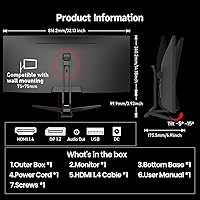
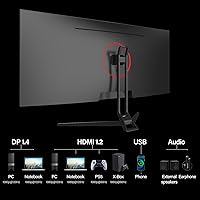
- Connectivity: Input options include one HDMI 2.1 port and one DisplayPort 1.4 port, supporting high-bandwidth signal transmission from modern source devices.
- USB Ports: One USB 3.0 port is included on the monitor for connecting peripherals or charging compatible devices.
- VESA Mount: The rear panel is compatible with 75x75mm VESA mounting patterns, supporting standard monitor arms and wall-mount brackets.
- Screen Surface: A matte anti-glare coating is applied to the screen surface, reducing reflections in well-lit office and home environments.
- Curvature: The panel is flat with no curvature, making it a practical choice for desks with limited depth or shared multi-viewer setups.
- Ergonomics: The included stand supports tilt adjustment only; height, swivel, and pivot adjustments are not available without a third-party arm.
- Built-in Audio: No built-in speakers are included, so external audio output via a separate speaker or headset is required for sound.
- Weight: The monitor weighs 14.72 pounds including the stand, which is typical for a flat 34-inch display in this class.
- Dimensions: Overall assembled dimensions measure approximately 36 inches wide, 17.7 inches tall, and 3 inches deep with the stand attached.
Related Reviews
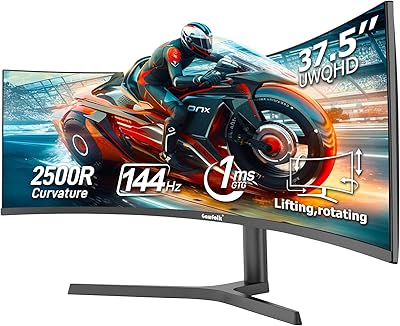
Gawfolk GF400A 38-Inch Ultrawide Gaming Monitor
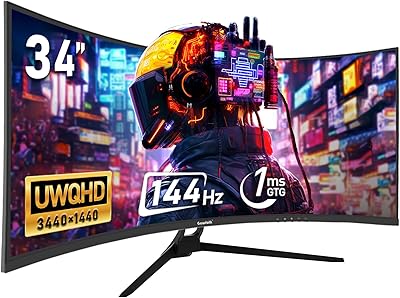
Gawfolk GF340A 34″ Ultrawide Curved Monitor
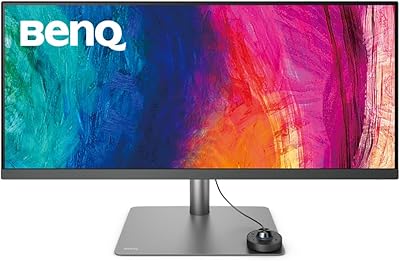
BenQ PD3420Q 34-inch Ultrawide Monitor
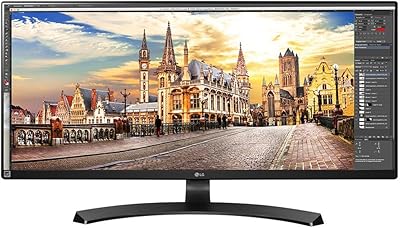
LG 34UM68-P 34-inch UltraWide Monitor
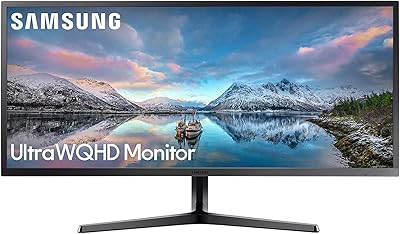
Samsung 34-Inch SJ55W Ultrawide Monitor
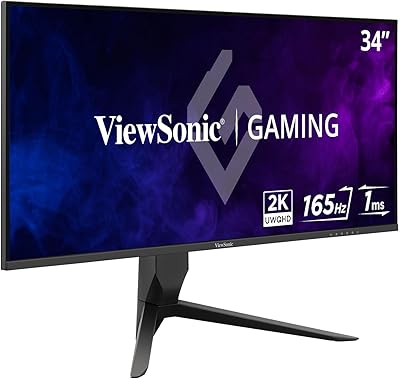
ViewSonic VX3418-2K 34-Inch Ultrawide Gaming Monitor
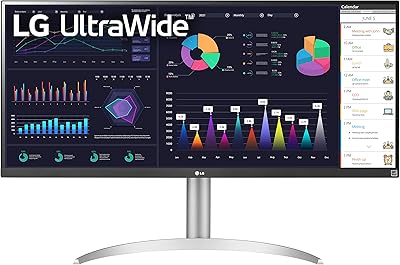
LG 34WQ650-W 34-inch UltraWide Monitor

Westinghouse 34-Inch Curved Ultrawide Gaming Monitor

Raywego Q34DB45-1 34-inch Curved Gaming Monitor