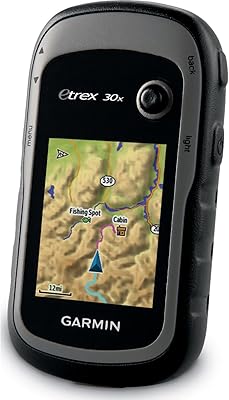
Garmin Drive 50 USA LM GPS Navigator
Overview
The Garmin Drive 50 USA LM GPS Navigator is a compact 5-inch touchscreen unit built for the kind of everyday driving most of us actually do: commutes, errands, unfamiliar neighborhoods, the occasional road trip. It comes with preloaded lifetime maps, so there is no subscription to juggle or app to keep current. Think of it as a quieter alternative to relying on your phone for directions, one that does not eat your data plan or battery while you drive. It also pulls in Foursquare points of interest, meaning restaurants, gas stations, and shops show up without extra searching. The whole setup leans toward plug-and-go simplicity, with little learning curve for anyone who just wants reliable turn-by-turn guidance.
Features & Benefits
Where this GPS navigator earns its keep is in the details that take the guesswork out of driving. Driver Alerts give a heads-up before sharp curves, school zones, posted speed changes, and known red light or speed camera locations, plus a fatigue warning on longer stretches. Garmin Real Directions is a nice touch too, guiding you toward recognizable landmarks and traffic lights rather than just rattling off street names you might miss. For trickier destinations like sprawling malls or airport terminals, Direct Access narrows down the exact entrance or area you need. Spoken turn-by-turn prompts mean you can keep your eyes on the road instead of the screen, and Bluetooth pairing adds a touch of convenience, though it leans basic rather than full smart-device territory. A suction mount and power cable round out the box for quick setup.
Best For
This dash-mounted unit makes the most sense for a specific kind of driver rather than everyone. If you would rather not burn through your phone battery navigating, having a dedicated screen solves that immediately. It is also a strong pick for road trippers heading into rural stretches or mountain routes where cell signal drops out, since the maps work offline by design. Buyers watching their budget will appreciate that there is no live traffic subscription or voice-activated search to pay extra for, just dependable point-A-to-point-B guidance. The larger touchscreen suits anyone who finds smartphone map apps fiddly or visually cluttered while driving. It also works well as a secondary option, something to toss in a rental car, hand off as a gift, or keep in a second vehicle for backup navigation.
User Feedback
Real-world impressions of this Garmin device tend to be fairly consistent on a few points. Setup gets singled out often, with most people finding the menu system intuitive enough to use within minutes of unboxing it. The battery life draws more mixed comments, since roughly an hour of unplugged runtime means it is meant to stay powered while driving rather than serve as a handheld unit. On the value side, several buyers frame the one-time cost as a fair trade-off against years of phone data use for navigation apps. There are recurring questions about how exactly the lifetime map updates get installed, which suggests the process could be clearer in the included documentation. A handful of users also mention that the screen can wash out a bit in direct sunlight, something worth keeping in mind for convertible or sun-heavy driving.
Pros
- Comes with preloaded lifetime USA map updates and no ongoing subscription fees
- Frees up your phone battery and data plan during long drives
- Driver Alerts flag sharp curves, school zones, and speed cameras in advance
- Garmin Real Directions guides using landmarks, which feels more natural than street names alone
- Direct Access makes finding specific spots in airports or malls noticeably easier
- Spoken turn-by-turn prompts let you keep your eyes on the road
- Setup and the menu system are praised as genuinely beginner-friendly
- Works offline, making it dependable in areas with weak or no cell signal
- Includes mount, power cable, and USB cable, so it is ready to use right away
Cons
- Unplugged battery life is short, lasting roughly an hour away from power
- Bluetooth support is limited and does not match full smartphone-style connectivity
- No live traffic rerouting, so it cannot dodge accidents or congestion in real time
- Lacks voice-activated search, meaning destinations must be typed in manually
- Screen visibility can suffer in direct sunlight on bright driving days
- Map coverage is limited to the USA, which is a drawback for cross-border travel
- The process for installing lifetime map updates is not always clearly explained
- Display resolution is modest compared to newer touchscreen GPS units on the market
Ratings
These scores for the Garmin Drive 50 USA LM GPS Navigator come from an AI-driven analysis of verified user reviews collected from drivers worldwide, with spam, bot activity, and incentivized feedback filtered out before scoring. The goal is a clear, honest snapshot, so both the standout strengths and the recurring frustrations are reflected exactly as real buyers describe them.
Value for Money
Ease of Setup & Use
Driver Safety Alerts
Battery Life
Map Coverage & Lifetime Updates
Navigation Accuracy & Voice Guidance
Display Quality
Sunlight Visibility
Bluetooth Connectivity
Points of Interest Data
Build Quality & Portability
Direct Access Destination Search
Overall Driving Convenience
Suitable for:
The Garmin Drive 50 USA LM GPS Navigator makes the most sense for drivers who want navigation handled by a dedicated screen rather than another app fighting for space on their phone. Road trippers heading through rural highways or mountain passes will appreciate that the maps work without cell signal, since coverage gaps are exactly when a phone-based app tends to fail. It also suits budget-conscious buyers who do not need live traffic rerouting or voice-activated search and would rather pay once than deal with ongoing data costs. Anyone who finds smartphone map apps cluttered or fussy to operate while driving will likely prefer the larger, simpler touchscreen here. It is also a smart pick as a backup unit for a second car, a rental, or as a low-maintenance gift for a less tech-savvy driver in the family.
Not suitable for:
Buyers expecting smartphone-level smart features should look elsewhere, since the Garmin Drive 50 USA LM GPS Navigator keeps Bluetooth functionality fairly basic rather than offering full call and notification support. Anyone hoping to use it unplugged for extended periods will run into trouble too, as the battery realistically lasts around an hour away from a power source. It is not built for drivers who want live traffic conditions or voice-activated destination search, both of which are common on pricier units. People who frequently travel outside the US and need broader international map coverage will also find its preloaded data too limited. Lastly, those who prioritize a sharp, glare-resistant display for bright sunlight driving may find the screen underwhelming on long sunny stretches.
Specifications
- Display Size: The screen measures 5 inches diagonally, giving a clear view of routes and street names.
- Screen Resolution: Display resolution is 480 x 272 pixels on a WQVGA color TFT panel with backlighting.
- Input Type: Navigation is controlled through a touchscreen interface rather than physical buttons.
- Dimensions: The unit measures 5.5 x 0.8 x 3.3 inches, making it compact enough for most dashboards.
- Weight: The device weighs 6.1 ounces, keeping it lightweight for suction-mount use.
- Battery Type: Power comes from a built-in rechargeable lithium-ion battery.
- Battery Life: Unplugged runtime is rated at up to 1 hour before the device needs external power.
- Connectivity: The device connects to a computer or power source via USB.
- Wireless Features: Bluetooth connectivity is included for basic phone pairing functionality.
- Map Coverage: Preloaded maps cover the United States with lifetime map update access included.
- POI Data Source: Points of interest are sourced from Foursquare, covering restaurants, shops, and similar locations.
- Voice Guidance: The navigator provides spoken turn-by-turn directions during active routing.
- Safety Alerts: Driver Alerts notify users of sharp curves, school zones, fatigue risk, and known camera locations.
- Destination Search: Direct Access helps locate specific entrances or areas within large destinations like airports and malls.
- Mounting Type: The included suction cup mount attaches the device to a vehicle windshield or dashboard.
- In the Box: Package contents include the GPS unit, suction mount, vehicle power cable, USB cable, and a quick start manual.
- Color: The device has a black exterior finish.
- Manufacturer: The product is manufactured by Garmin under model number 010-01532-0C.
Related Reviews
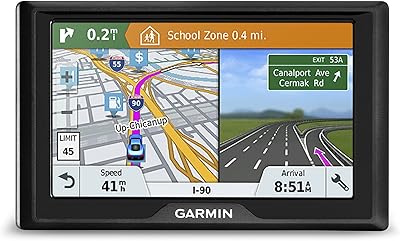
Garmin Drive 51 LMT-S GPS Navigator
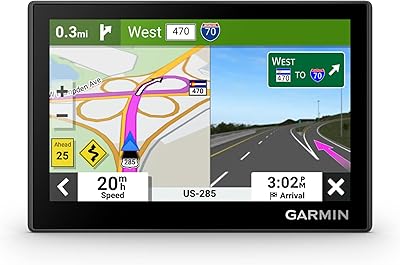
Garmin Drive 53 GPS Navigator
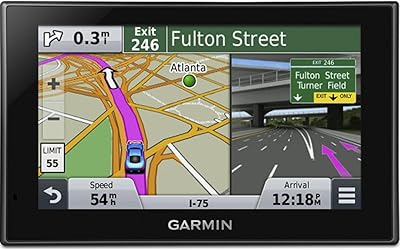
Garmin Nüvi 2539LMT GPS Navigator
Garmin GPS 18x USB Navigation Receiver
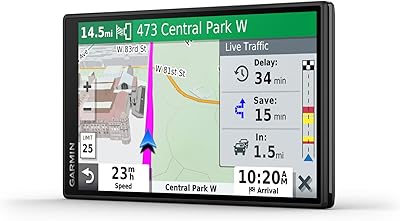
Garmin DriveSmart 55 GPS Navigator
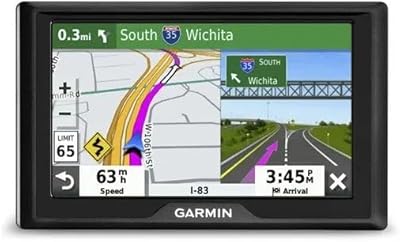
Garmin Drive 52 GPS Navigator
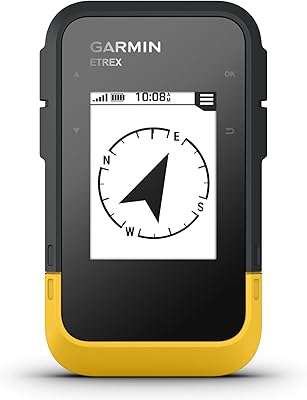
Garmin eTrex SE Handheld GPS Navigator
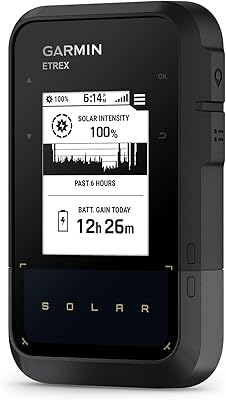
Garmin eTrex Solar Handheld GPS Navigator
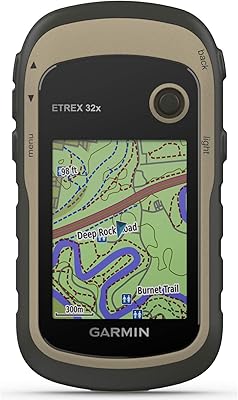
Garmin eTrex 32x Handheld GPS Navigator