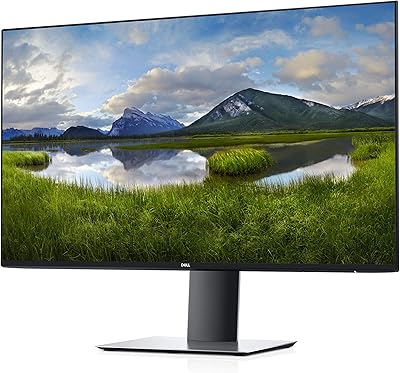
Dell UltraSharp U4025QW 40″ 5K2K Curved Monitor

Overview
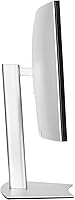
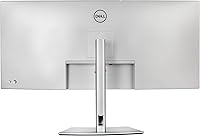
The Dell UltraSharp U4025QW 40″ 5K2K Curved Monitor offers a high-resolution, ultra-wide viewing experience designed for both productivity and immersive content consumption. With a 21:9 aspect ratio and a 39.7-inch curved screen, this monitor provides ample workspace for multitasking and creative projects. Its matte surface helps minimize glare in well-lit environments, allowing consistent visibility throughout the day. In addition, USB-C connectivity simplifies linking laptops and peripherals while providing power delivery. Overall, this Dell display balances a large format with practical features, making it a versatile choice for users who need both clarity and workspace without compromising desk ergonomics or display quality.
Features & Benefits
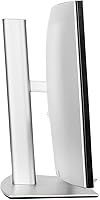
Equipped with a 5120x2160 resolution, this monitor delivers sharp, detailed images ideal for design, editing, and data-heavy tasks. The 600-nit brightness ensures that content remains visible even in bright rooms, while the 5 ms response time makes it suitable for watching movies, sports, or casual gaming. Users benefit from ergonomic adjustments including tilt, height, and swivel, which support long working sessions without discomfort. Additionally, USB-C connectivity provides streamlined data transfer and power delivery, reducing cable clutter. Overall, the UltraSharp U4025QW combines high-resolution clarity with practical functionality to enhance productivity and ease of use in professional and home office setups.
Best For
This monitor is particularly suited for content creators who require expansive high-resolution workspaces, including video editors, graphic designers, and photographers. Professionals who frequently multitask across multiple applications will also benefit from the ultra-wide screen, which allows simultaneous windows and improved workflow efficiency. Users who appreciate a curved design will find the immersive display reduces eye strain while enhancing peripheral viewing. Designers and developers needing accurate color and precise detail will find the panel's fidelity valuable. Overall, this Dell display works well for anyone seeking a versatile and large-format monitor that supports both productivity and creative tasks without compromising on comfort or visual clarity.
User Feedback
Reviewers often praise this monitor for its screen clarity and accurate color reproduction, noting that it greatly improves multitasking and content work. Many users highlight the expansive workspace as a major benefit, allowing several applications to remain visible simultaneously. Some point out that its 40″ size requires a sizable desk and careful positioning to avoid neck strain. USB-C connectivity is frequently mentioned as convenient, though a few users note that additional ports may be needed for legacy devices. Overall, buyers find the UltraSharp U4025QW reliable for productivity and creative tasks, while acknowledging that its large form factor requires thoughtful setup.
Pros
- Offers a large 40″ curved display that enhances immersive viewing experiences.
- High 5120x2160 resolution delivers crisp and detailed images for professional work.
- Matte screen minimizes glare, making it comfortable in bright office environments.
- USB-C connectivity simplifies setup with laptops and other modern devices.
- Adjustable tilt, height, and swivel options support ergonomic workstation configurations.
- Expansive 21:9 aspect ratio allows efficient multitasking across multiple windows.
- Brightness levels are sufficient for well-lit rooms, aiding visibility during daytime work.
- Color accuracy and screen clarity are highly rated by creative professionals.
- The monitor supports both entertainment and productivity use effectively.
Cons
- The large size requires significant desk space, which may not suit small offices.
- Some users find the weight cumbersome for frequent repositioning or mobility.
- Limited compatibility with older devices lacking USB-C can complicate setups.
- Curvature may feel excessive for certain tasks like coding or spreadsheet work.
- Not ideal for gamers seeking higher refresh rates beyond standard 60Hz.
- Initial setup can be complex due to the size and multiple ergonomic adjustments.
- Premium price may not justify usage for casual or basic computing needs.
- Some buyers noted occasional minor backlight uniformity issues on large panels.
Ratings
After analyzing verified user reviews from multiple countries and languages, RR-AI has compiled an objective assessment of the Dell UltraSharp U4025QW 40″ 5K2K Curved Monitor. Spam, bot-generated, incentivized, duplicated, off-topic, and exaggerated reviews were filtered out, ensuring that only authentic, high-quality feedback informed these scores. The results reflect both strengths and potential drawbacks of this device, offering buyers a well-rounded perspective across diverse use cases and platforms.
Display Clarity & Resolution
Color Accuracy
Brightness & Visibility
Response Time
Ergonomic Adjustability
Connectivity Options
Build Quality & Durability
Multitasking Efficiency
Setup & Installation
Desk Space Suitability
USB-C Functionality
Value for Money
Glare Reduction
Long-Term Reliability
Suitable for:
The Dell UltraSharp U4025QW 40″ 5K2K Curved Monitor is well-suited for professionals who need expansive workspace and high-resolution clarity. Content creators, graphic designers, and video editors can take full advantage of this monitor's sharp 5120x2160 resolution and wide 21:9 aspect ratio for detailed visual work. Multitasking across multiple applications is also easier thanks to the ultra-wide screen, making it ideal for analysts, programmers, and office professionals who manage complex workflows. Users who often work in bright rooms will benefit from the matte surface and high brightness levels. Additionally, those relying on modern laptops with USB-C connectivity will find this monitor convenient for streamlined setups.
Not suitable for:
This monitor may not be suitable for users with limited desk space, as its large curved display requires considerable room and may dominate smaller workstations. Casual users or those primarily consuming media may find the high resolution and ultra-wide layout unnecessary and potentially overwhelming. Gamers seeking ultra-fast response times might prefer monitors with specialized gaming specifications, and users with older laptops or devices lacking USB-C support may face connectivity limitations. In environments where portability or compact setups are needed, this monitor is less practical due to its size and weight.
Specifications
- Brand: Dell manufactures this monitor.
- Model: UltraSharp U4025QW is the model designation.
- Screen Size: The display measures 39.7 inches diagonally.
- Resolution: Supports 5120x2160 (5K2K) ultra-wide resolution for high detail.
- Aspect Ratio: Features a 21:9 aspect ratio suitable for multitasking and immersive viewing.
- Panel Type: Uses an LED panel with a curved form factor.
- Brightness: Rated at 600 nits for visibility in bright environments.
- Response Time: Has a 5 ms response time suitable for video and casual gaming.
- Screen Surface: Matte surface reduces glare and reflections.
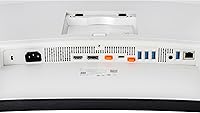
- Connectivity: Includes USB-C, DisplayPort, and HDMI connections for versatile device support.
- USB-C Features: Supports both power delivery and data transfer through USB-C.
- Ergonomics: Adjustable tilt, height, and swivel allow customized positioning.
- Weight: Weighs 41.9 pounds, requiring a stable desk surface.
- Dimensions: Measures 4.3 x 37.3 x 16.5 inches including the stand.
- Color Accuracy: Offers precise color reproduction suitable for content creation.
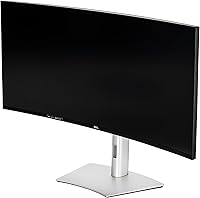
- Curvature: Curved design enhances immersive viewing across the ultra-wide screen.
- Compatibility: Compatible with PCs and laptops supporting USB-C, DisplayPort, or HDMI video output.
- Adjustable Stand: Includes a stand that allows tilt, height, and swivel adjustments for ergonomic comfort.
Related Reviews
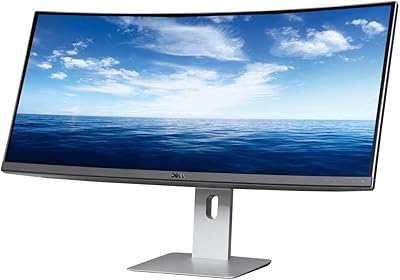
Dell U3419W Ultrasharp 34-Inch Curved IPS Monitor
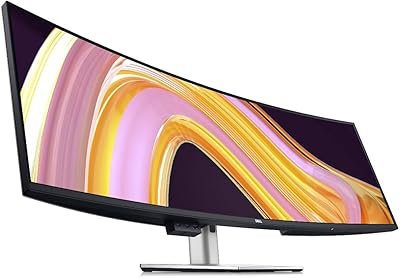
Dell UltraSharp U4924DW 49″ Curved Monitor
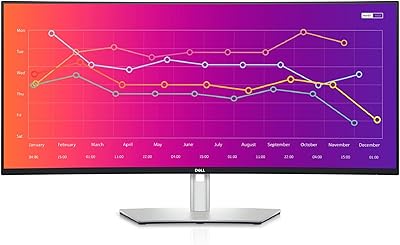
Dell UltraSharp U3821DW 38-inch Curved USB-C Hub Monitor
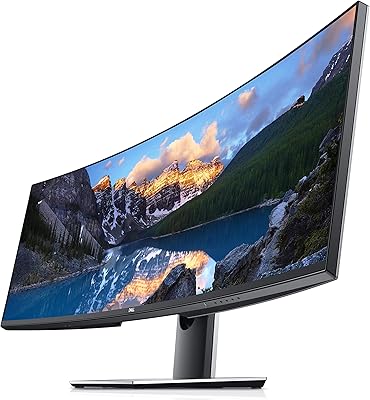
Dell UltraSharp U4919DW 49″ Ultrawide Monitor
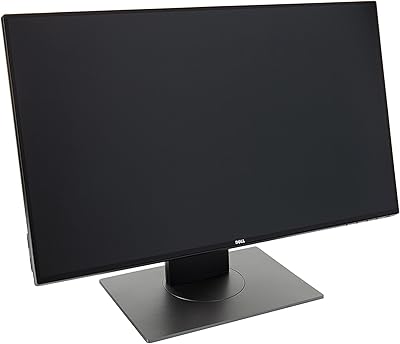
Dell UltraSharp U2417H 24-inch IPS Monitor
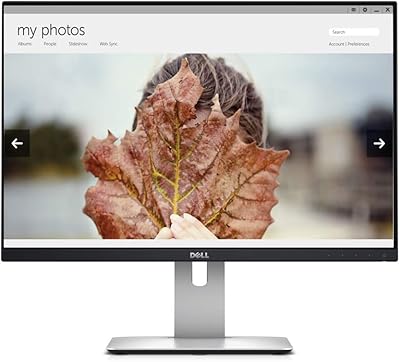
Dell UltraSharp U2415 24-inch Monitor
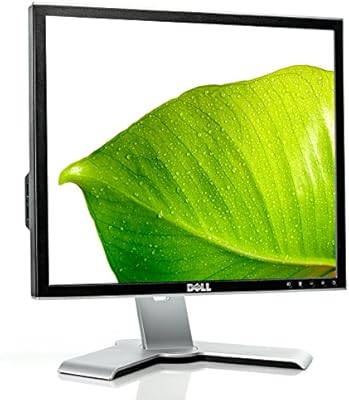
Dell 1908FP 19-Inch Flat Panel Monitor
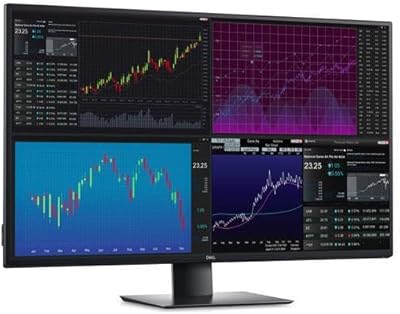
Dell UltraSharp U4320Q 43-inch 4K Monitor
Dell S3221QS 32″ 4K UHD Curved Monitor