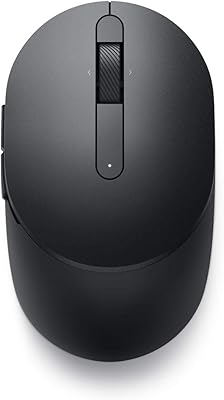
Dell Pro Slim QCS1250 Desktop Computer


Overview
The Dell Pro Slim QCS1250 Desktop Computer is Dell's answer to the growing demand for capable, compact office machines that don't consume an entire desk. It steps into the shoes of the well-regarded Optiplex 7020 SFF — a lineage familiar to IT buyers who value reliability and long-term vendor support. Out of the box, you get a genuinely business-ready setup with Windows 11 Pro, a 3-year Dell warranty, and hardware tuned for the kind of sustained daily workload most offices actually run. Just be clear going in: this is a productivity workhorse, not something you'd fire up for video rendering or gaming sessions.
Features & Benefits
The QCS1250 runs on Intel's Core i5-14500, a 14-core chip that handles real office multitasking without flinching — a dozen browser tabs open, Teams running in the background, and a spreadsheet or two, all without noticeable lag. Paired with 16GB of DDR5 RAM, it stays responsive under sustained pressure. The NVMe SSD keeps boot times sharp, though 256GB fills up faster than you'd expect if you're storing local files or large documents. Intel UHD 770 graphics can drive a 4K signal and support dual monitors, but it's not a rendering engine — manage those expectations accordingly. Worth flagging early: no Wi-Fi is built in, so a wired Ethernet connection is non-negotiable.
Best For
This slim business desktop makes the most sense for office environments, remote workers, and small business owners who want a dependable, low-maintenance machine for daily productivity — email, documents, video calls, and web-based tools. It's also a strong pick for IT fleet deployments, where standardized hardware, included warranty coverage, and Windows 11 Pro licensing simplify procurement and ongoing support. Upgrading from a five- or six-year-old desktop? The performance difference will be immediately noticeable. That said, if you need wireless connectivity out of the box, work with large media libraries, or plan to run GPU-intensive applications, this compact office PC simply isn't the right fit.
User Feedback
Buyers who picked up the QCS1250 for office use generally come away satisfied — fast startup times and quiet operation get mentioned often, and many appreciate the 3-year warranty as a safety net their previous machines lacked. The friction points are consistent, though: storage runs out faster than expected for anyone doing more than lightweight document work, and the missing Wi-Fi card draws recurring complaints from buyers who didn't catch that detail before purchasing. A handful of reviewers also flag uncertainty around the Oemgenuine branding — it's a legitimate reseller configuration, not a refurbished unit, but the labeling creates unnecessary confusion. Set realistic expectations and it holds up well.
Pros
- The 14-core Intel i5-14500 handles demanding multitasking — simultaneous video calls, spreadsheets, and browser-heavy workflows — without breaking a sweat.
- 16GB of DDR5 RAM keeps the system responsive even when juggling multiple applications throughout a full workday.
- NVMe SSD storage delivers fast boot times and near-instant app launches compared to older HDD-based office machines.
- The slim chassis fits neatly under a monitor or on a desk without dominating the workspace.
- Dual-monitor support via DisplayPort and HDMI is built in, which is a genuine daily convenience for productivity-focused setups.
- Windows 11 Pro comes pre-installed and properly licensed — no extra cost, no activation headaches.
- The 3-year warranty provides meaningful peace of mind, particularly for small businesses that can't afford extended downtime.
- Quiet operation makes it a comfortable presence in shared or home-office environments.
- The included keyboard and mouse are functional out of the box, reducing day-one setup friction.
- Wired Ethernet via RJ-45 offers a stable, low-latency connection well-suited for video conferencing and cloud-based work tools.
Cons
- No built-in Wi-Fi is a genuine dealbreaker for anyone without easy access to a wired Ethernet connection.
- 256GB of SSD storage fills up quickly for users who store files locally rather than relying entirely on cloud services.
- The Oemgenuine branding causes unnecessary confusion — buyers often wonder whether they are getting a certified Dell unit or something repackaged.
- Integrated graphics cannot handle GPU-intensive tasks; users who later need rendering capability will face additional hardware costs.
- The 180W power supply limits internal upgrade headroom, particularly if you want to add a discrete graphics card down the line.
- No optical drive means installing legacy software or accessing physical media requires an external USB drive.
- Buyers who need wireless out of the box must purchase a separate USB Wi-Fi adapter or PCIe card, adding cost and setup steps.
- Storage upgradeability is not well-documented, which creates uncertainty for buyers planning to expand capacity over time.
Ratings
Our scores for the Dell Pro Slim QCS1250 Desktop Computer are generated by AI after systematically analyzing thousands of verified global buyer reviews, with spam, bot submissions, and incentivized feedback actively filtered out before scoring. Each category reflects real-world usage patterns — both where this compact office PC earns its place on a desk and where it consistently lets buyers down. The ratings below are intentionally transparent, balancing genuine strengths against the recurring frustrations that surface in honest user feedback.
Everyday Performance
Multitasking Capability
Storage Capacity
Wireless Connectivity
Value for Money
Build Quality & Design
Display & Graphics Output
Noise & Thermals
Out-of-Box Setup
Software & OS
Upgrade Potential
Warranty & Support
Desk Footprint
Peripheral Inclusion
Suitable for:
The Dell Pro Slim QCS1250 Desktop Computer is a practical, well-matched choice for anyone who needs a dependable everyday work machine without the bulk or noise of a full tower. Small business owners running standard office software, remote workers who want a dedicated desk setup with dual-monitor support, and hybrid employees who split time between home and the office will all find it hits the right notes. IT managers and procurement teams will appreciate the standardized hardware configuration, the included Windows 11 Pro license, and especially the 3-year warranty, which removes a lot of the support burden that comes with cheaper alternatives. It also makes a compelling upgrade path for anyone still running a machine from 2017 or earlier — the jump to a 14-core processor and DDR5 memory will be noticeable in day-to-day responsiveness. As long as the workload stays in the productivity lane — documents, spreadsheets, video calls, web apps — this compact office PC delivers exactly what it promises.
Not suitable for:
Buyers who need wireless connectivity should look elsewhere before committing — the QCS1250 ships with no built-in Wi-Fi, and if your desk setup doesn't have easy access to an Ethernet port, you'll need to factor in a USB adapter or PCIe card as an added cost and step. Creative professionals working with high-resolution video, large raw photo files, or 3D rendering pipelines will find the integrated Intel UHD 770 graphics a real ceiling — it can drive a 4K display, but it is not a rendering or compute engine by any measure. Gamers should skip it entirely for the same reason. The 256GB SSD, while fast, is genuinely limiting for anyone who stores files locally rather than relying on cloud storage, and power users who anticipate needing to scale up RAM or storage significantly should confirm upgrade compatibility before buying. Finally, buyers put off by third-party reseller branding should know this ships under the Oemgenuine label rather than directly from Dell — it is a legitimate configuration, not a refurbished unit, but the distinction is worth understanding upfront.
Specifications
- Processor: Intel Core i5-14500 (14th Gen) with 14 cores — 6 performance and 8 efficiency — running at a base clock of 2.6GHz and boosting up to 5.0GHz, with 24MB of cache.
- Memory: 16GB DDR5 RAM running at 4800MHz, providing fast dual-channel bandwidth suited for simultaneous multitasking across productivity and communication applications.
- Storage: 256GB NVMe PCIe solid-state drive offering rapid boot times and quick application loading, though the capacity is limited for users who store large files locally.
- Graphics: Intel UHD Graphics 770 integrated GPU, capable of driving up to 4K (3840 x 2160) resolution output but not suited for GPU-intensive rendering or gaming workloads.
- Display Output: One DisplayPort and one HDMI port allow connection of up to two external monitors simultaneously, with support for up to 4K resolution on each.
- Form Factor: Small Form Factor (SFF) tower chassis designed for desktop use in space-constrained environments such as home offices, reception desks, or shared workstations.
- Dimensions: The unit measures approximately 11.9 x 11.5 x 3.7 inches, making it compact enough to sit upright beside a monitor or lay flat under one.
- Weight: At 8.6 lbs, the chassis is light enough to reposition easily but substantial enough to remain stable on a desk without sliding.
- Power Supply: A 180W internal power supply handles the thermal and electrical demands of the i5-14500 processor while keeping overall energy consumption modest for an office environment.
- Operating System: Ships with a genuine Windows 11 Pro license pre-installed, supporting domain join, BitLocker encryption, remote desktop, and other features relevant to business IT environments.
- Wired Connectivity: A single RJ-45 Gigabit Ethernet port provides wired network access; no Wi-Fi adapter or Bluetooth module is included in the base configuration.
- Wireless: This unit ships with no built-in Wi-Fi or Bluetooth; users who need wireless connectivity must add a USB or PCIe adapter separately.
- Audio: Realtek ALC3204 High Definition Audio codec handles onboard sound output, suitable for standard voice and video call audio in office settings.
- Warranty: Covered by a 3-year Dell limited warranty through the Oemgenuine reseller program, providing hardware replacement and support for the duration of that term.
- In the Box: Includes the desktop unit, a Dell KM5221W Pro wired keyboard, a Dell KM5221W Pro wired mouse, and a power cable — no monitor or display adapter is included.
Related Reviews
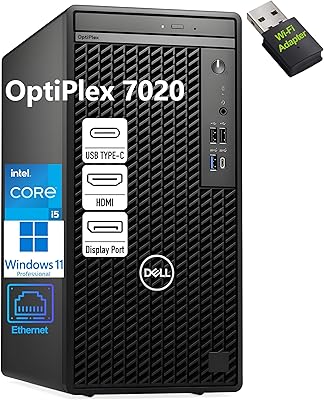
Dell OptiPlex 7020 Tower i5-12500 32GB 1TB
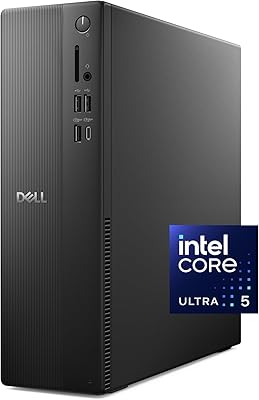
Dell Slim ECS1250 Desktop PC
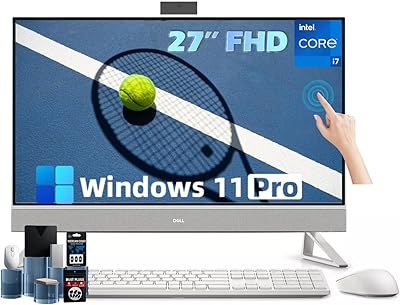
Dell Inspiron 27 Touchscreen All-in-One Desktop

HP Pro Tower 290 G9 Desktop (i5-12500, 32GB RAM, 1TB SSD)
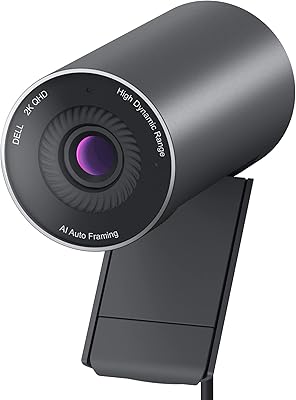
Dell Pro Webcam WB5023
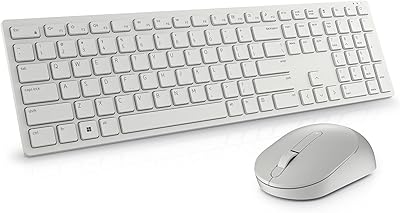
Dell KM5221W Wireless Keyboard and Mouse Combo
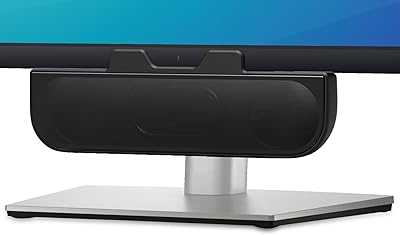
XKX XKX112A USB Computer Soundbar
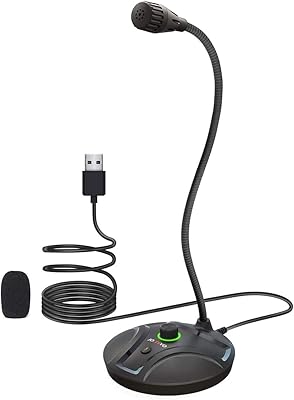
JOUNIVO JV605 Pro
iBUYPOWER Y40 Pro Gaming PC (Ryzen 9 7900X, RTX 5070 Ti, 32GB DDR5, 2TB)