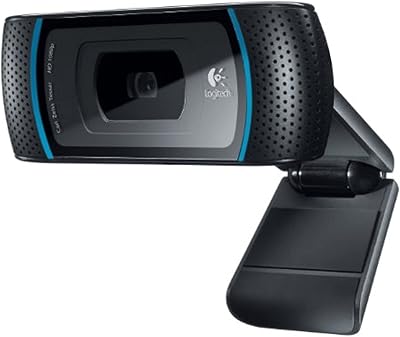
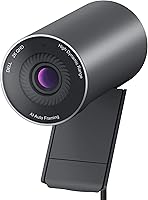
Dell Pro Webcam WB5023



Overview
The Dell Pro Webcam WB5023 sits firmly in the mid-to-premium tier of business webcams, built for remote professionals who need reliable, sharp video day after day. Unlike most office cameras that cap at 1080p, this Dell webcam steps up to 2K QHD 1440p, which makes a noticeable difference when you want to look polished on back-to-back calls. The Sony Starvis sensor is the real hardware differentiator, offering better low-light handling than you would typically expect at this price point. Setup is straightforward — plug in via USB and it works across Teams, Zoom, and most major conferencing platforms without any driver headaches. The magnetic privacy shutter is a small but genuinely practical touch for anyone mindful about camera exposure during off-hours.
Features & Benefits
The Sony Starvis CMOS sensor is what distinguishes this business-grade webcam in real-world conditions. In a dimly lit home office or a room with shifting window light, it holds up noticeably better than most cameras in its class — you are less likely to look washed out or underexposed. The f2.0 aperture pulls in enough light that many users find they can skip a ring light entirely. Video runs at up to 60fps, keeping motion fluid during presentations or conversations. The 4x digital zoom is convenient for quick reframing, though it is worth being clear this is digital rather than optical, meaning quality softens at higher zoom levels. The built-in microphone handles basic audio pickup but should be treated as a backup, not a replacement for a proper dedicated mic.
Best For
This Dell webcam is a strong fit for remote workers and hybrid professionals who spend most of their day on video calls and want something dependable without constant adjustments. Freelancers and small business owners upgrading from a grainy built-in laptop camera will notice an immediate difference in how they come across on screen. It also makes natural sense for Dell workstation users who prefer consistent peripherals across their setup. Anyone dealing with variable or poor office lighting will appreciate the low-light capability in practice. And for those who have ever been caught on camera unintentionally, the physical privacy shutter is a genuinely reassuring feature compared to webcams that depend solely on software-based lens blocking.
User Feedback
Buyers generally lean positive on this business-grade webcam, most often calling out image sharpness and natural color reproduction as the clearest wins in day-to-day use. The plug-and-play setup and immediate compatibility with Teams and Zoom are mentioned repeatedly as real conveniences. On the critical side, some users feel the digital zoom degrades too noticeably beyond the first level, and a number report the built-in microphone picks up more ambient noise than they would prefer. Mount stability draws mixed responses — most find it secure on a standard monitor, but a few note the clip can feel less confident on thinner display bezels. Compared to rivals at a similar price, the WB5023 is widely seen as competitive, though some buyers feel the low-light results do not always fully match the promise suggested by the sensor specifications.
Pros
- 2K QHD 1440p resolution delivers noticeably sharper video than standard 1080p webcams on daily calls.
- The Sony Starvis sensor handles low-light conditions well enough to skip a ring light in most home offices.
- Plug-and-play USB setup works immediately with no driver installation or configuration required.
- Microsoft Teams and Zoom certification means zero compatibility headaches across the most common conferencing platforms.
- The f2.0 aperture pulls in enough light to produce clean, natural-looking video in dim environments.
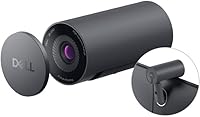
- Magnetic privacy shutter offers quick, physical lens coverage that software-only solutions simply cannot match.
- Up to 60fps keeps motion fluid during presentations and active screen-sharing sessions.
- Matte black finish looks professional on camera and resists visible smudging during regular handling.
- Dell ecosystem users benefit from tighter peripheral integration across monitors, docks, and companion software.
- Compact, lightweight design at 5.4 ounces makes repositioning or travel packing genuinely easy.
Cons
- Digital zoom degrades significantly beyond minimal magnification, making it unreliable for detailed framing needs.
- The built-in microphone picks up ambient noise and background sounds more than most users expect or want.
- Dell's companion software feels underdeveloped and has been reported as occasionally unstable during use.
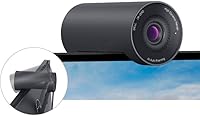
- Mount clip can feel insecure on thin or ultrawide monitor bezels, causing gradual tilt over time.
- Color output defaults to a slightly cool tone that may require manual adjustment in warmer-lit rooms.
- Plastic housing and clip mechanism feel less premium than the price point leads buyers to expect.
- Advanced camera settings are inaccessible when using the WB5023 through third-party conferencing tools.
- Low-light results, while good, do not fully match the expectations set by the Sony Starvis sensor marketing.
- No optical zoom means close-up framing relies entirely on physically repositioning the camera itself.
Ratings
The Dell Pro Webcam WB5023 earns a well-rounded but nuanced score across key performance categories, based on AI analysis of verified global buyer reviews with spam, bot, and incentivized feedback actively filtered out. Strengths in image quality and platform compatibility come through clearly, while real pain points around digital zoom and microphone performance are reflected just as honestly. The scores below represent what actual users experience day-to-day, not what the spec sheet promises.
Image Sharpness
Low-Light Performance
Video Smoothness
Color Accuracy
Aperture & Light Intake
Digital Zoom Quality
Built-In Microphone
Platform Compatibility
Setup & Ease of Use
Privacy Shutter
Build Quality
Mount & Stability
Value for Money
Compatibility with Dell Ecosystem
Suitable for:
The Dell Pro Webcam WB5023 is a strong match for remote workers and hybrid professionals who spend a significant portion of their day on video calls and need a camera that performs reliably without constant fussing. If your home office has variable lighting — a west-facing window that shifts throughout the afternoon, or a room that relies mostly on desk lamps — the Sony Starvis sensor will make a practical difference you can actually see on screen. Freelancers and small business owners upgrading from a built-in laptop camera will notice an immediate improvement in how they come across to clients, and the plug-and-play USB setup means there is no learning curve involved. IT managers deploying webcams across a Dell-centric workplace will also appreciate how cleanly this business-grade webcam integrates into existing setups. Anyone who keeps their camera mounted full-time and values a physical privacy shutter over a software toggle will find the magnetic mechanism genuinely useful in daily practice.
Not suitable for:
Buyers who need strong zoom capability for detailed product demonstrations or distance framing should look elsewhere, because the digital zoom on this Dell webcam degrades noticeably at higher magnification levels — this is not a minor caveat, it is a real functional limitation. Content creators, streamers, or anyone producing video beyond standard conferencing work will likely find the image quality ceiling too low for their needs and would be better served by a dedicated camera or higher-resolution webcam. People expecting the built-in microphone to carry their audio for professional recordings or podcasting will be disappointed; it handles quiet room backup duty adequately, but it is not a substitute for a proper external mic. If your monitor has a thin or unconventional bezel, the mount may not hold as securely as you need, which is worth considering before committing. Finally, buyers prioritizing absolute best-in-class value per dollar in the 2K webcam category will find that some competitors at a similar price point close the gap more than the WB5023's spec sheet implies.
Specifications
- Resolution: Captures video at 2K QHD 1440p, a meaningful step above standard 1080p for clearer on-screen presence during video calls.
- Sensor: Uses a Sony Starvis CMOS sensor, which is specifically designed to improve image clarity in low-light and variable lighting conditions.
- Aperture: Features an f2.0 aperture that allows more light to reach the sensor, reducing the need for supplemental desk or ring lighting.
- Frame Rate: Records and streams at up to 60fps, keeping motion fluid during presentations, demonstrations, and active video conversations.
- Focus System: Combines a fixed-focus lens with fast auto-focus adjustment to maintain sharp subjects across typical webcam operating distances.
- Digital Zoom: Supports up to 4x HD digital zoom for quick reframing, though image quality softens noticeably at higher magnification levels.
- Privacy Shutter: Equipped with a magnetic privacy shutter that physically covers the lens and snaps open or closed with a single motion.
- Microphone: Includes a built-in microphone suitable for casual backup audio pickup in quiet environments, not intended as a primary recording source.
- Connectivity: Connects via USB with plug-and-play functionality, requiring no driver installation for basic operation on Windows or Mac systems.
- Certification: Officially certified for Microsoft Teams and Zoom, ensuring out-of-the-box compatibility and optimized performance on both platforms.
- Dimensions: Measures 5.9 x 5.7 x 2.9 inches, giving it a compact footprint suitable for standard monitor or display mounting.
- Weight: Weighs 5.4 ounces, making it lightweight enough for easy repositioning or transport without adding meaningful desk clutter.
- Color: Available in matte black, which presents a professional appearance on camera and resists visible smudging from routine handling.
- Mount Type: Ships with a monitor clip mount designed for standard bezel depths, with limited compatibility on very thin or unconventional display edges.
- Model Number: Identified by the official model number WB5023, useful for warranty claims, driver lookups, and IT procurement documentation.
- Manufacturer: Designed and sold by Dell Computers, a manufacturer with established enterprise peripheral support infrastructure and warranty programs.
- Release Date: First made available in November 2022, placing it in the current generation of business-class 2K conferencing webcams.
- Platform Support: Compatible with Windows and Mac operating systems; Linux users may encounter limited official driver support through Dell channels.
Related Reviews
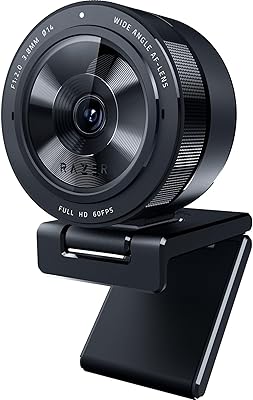
Razer Kiyo Pro Webcam
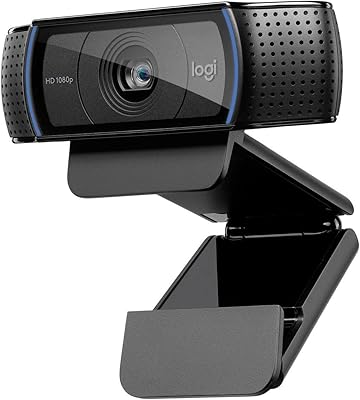
Logitech C920x HD Pro Webcam

Dell Pro Slim QCS1250 Desktop Computer
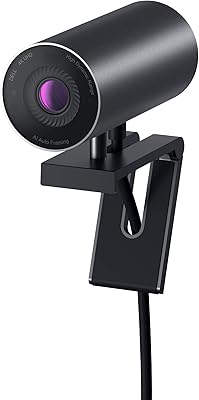
Dell UltraSharp WB7022 4K Webcam
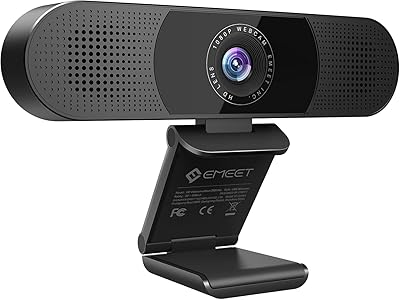
EMEET C980 PRO
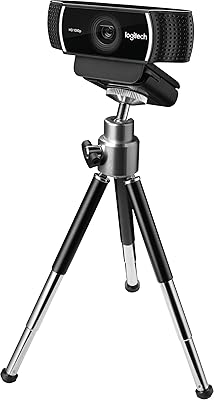
Logitech C922 Pro Stream Webcam
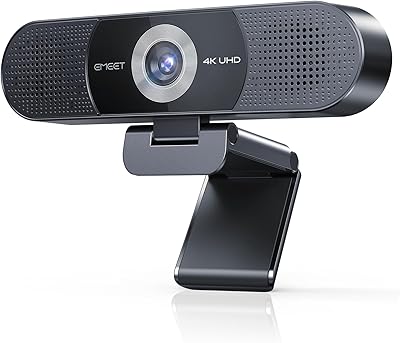
EMEET C980 Pro
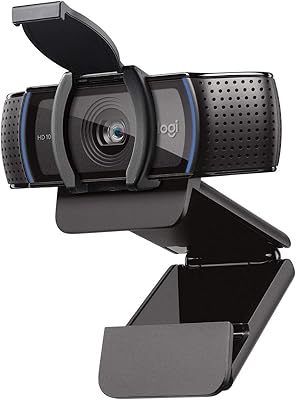
Logitech C920S HD Pro Webcam
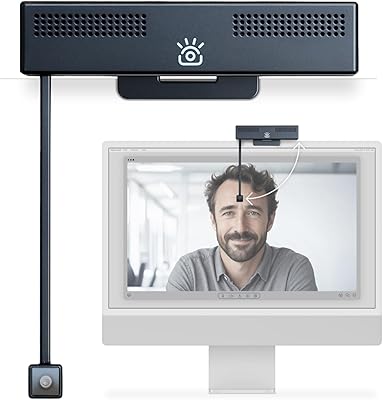
iContact Camera Pro 4K Webcam