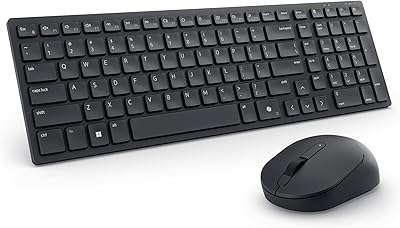
Dell MS5120W
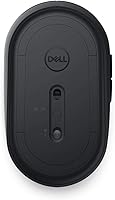
Overview
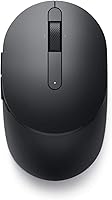
The Dell MS5120W enters a crowded mid-range market with a clear value proposition: reliable wireless connectivity across virtually any device you own. Where most mice force you to commit to either a USB dongle or Bluetooth, this Dell wireless mouse handles both — and switches between them without drama. It weighs almost nothing, slips into any laptop bag without a second thought, and works across Windows, Mac, Chrome OS, Linux, and Android. Dell's reputation for no-nonsense business peripherals sets reasonable expectations here: this isn't flashy hardware, but it's built for dependability rather than showmanship.
Features & Benefits
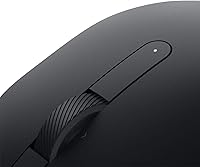
The standout here is dual-mode connectivity — you can pair via 2.4GHz USB dongle for a rock-solid, low-latency connection at your desk, then flip to Bluetooth when connecting to a tablet or a second laptop, no re-pairing required. The battery situation is genuinely impressive: we're talking the kind of longevity where you'll likely change jobs before you change the battery. The optical sensor tracks reliably on most surfaces, and the programmable shortcut buttons are a quiet productivity win for heavy browser users. Dell Peripheral Manager lets you remap those buttons to suit your workflow, which is a nice touch at this price point.
Best For
This mobile mouse makes the most sense for people who live between devices — think hot-desking at the office, working from a hotel room, then jumping to an Android tablet for a video call. If you're deep in the Dell or Microsoft ecosystem, Swift Pair and Dell Pair make connecting on Windows 10 and 11 machines almost instant, though those features won't help on Mac or Linux. IT teams will appreciate the three-year warranty with next-business-day hardware exchange, which removes real headaches from peripheral fleet management. Frequent flyers will love that it requires zero extra gear.
User Feedback
With a 4.5-star average across well over a thousand verified buyers, this Dell wireless mouse has clearly earned its place near the top of the bestseller chart in its category. Reviewers consistently praise how effortlessly it pairs and how rarely they think about the battery. That said, the honest caveats are worth noting: the compact footprint is a real drawback for users with larger hands who prefer a full-grip mouse, and the scroll wheel feedback feels a bit soft compared to pricier options. It gets the job done, but don't expect a premium tactile experience. The warranty support, however, earns genuine appreciation across the board.
Pros
- Dual 2.4GHz and Bluetooth 5.0 connectivity means one mouse covers virtually every device you own.
- Battery longevity is exceptional — most users go well over a year without needing a replacement.
- Broad OS compatibility makes this mobile mouse genuinely useful across Windows, Mac, Chrome OS, Linux, and Android.
- The Dell MS5120W ships with a three-year warranty and next-business-day unit replacement — rare at this price.
- Weighing under three ounces, it disappears into any laptop bag without adding meaningful bulk.
- Pairing is fast and frustration-free, especially on Windows 10 and 11 with Swift Pair support.
- Programmable shortcut buttons are a quiet productivity boost for heavy browser and document users.
- The optical sensor tracks reliably on standard surfaces without needing a special mat or calibration.
- Dell Peripheral Manager allows button remapping on Windows, adding flexibility without requiring third-party tools.
- A 4.5-star rating across more than 1,600 verified buyers signals consistent real-world satisfaction, not just early hype.
Cons
- The compact footprint is genuinely uncomfortable for users with larger hands during extended desk sessions.
- No ergonomic shaping — no palm contouring, thumb rest, or wrist support of any kind.
- The scroll wheel feedback feels soft and imprecise compared to competing mice at a similar price point.
- Software customization and quick-pairing features are Windows-only; Mac and Linux users get a locked-down experience.
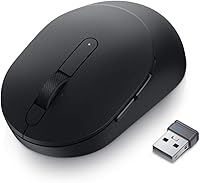
- There is no built-in storage slot for the USB dongle, making it easy to misplace during travel.
- No battery level indicator on the device itself, and the software readout is considered unreliable by many users.
- The USB dongle is USB-A only, which is an inconvenience for MacBook or modern ultrabook users with USB-C-only ports.
- Bluetooth stability issues after sleep or hibernate have been flagged by a subset of Linux users.
- Light primary click actuation leads to occasional accidental clicks, especially for users transitioning from stiffer mice.
- The matte plastic finish scratches and collects oils visibly over time, particularly with daily bag use.
Ratings
The Dell MS5120W has been put through its paces by thousands of verified buyers worldwide, and our AI-powered scoring system has analyzed that feedback in depth — actively filtering out incentivized, bot-generated, and low-signal reviews to surface what real users actually experience day to day. The scores below reflect a transparent picture of where this mobile mouse genuinely excels and where it falls short, so you can make a confident, informed decision before buying.
Wireless Connectivity
Battery Life
Ergonomics & Comfort
Tracking Performance
Build Quality & Durability
Scroll Wheel
Pairing & Setup Experience
Portability & Travel-Friendliness
Software & Customization
Cross-Platform Compatibility
Warranty & Support
Click Feel & Button Response
Value for Money
Suitable for:
The Dell MS5120W is purpose-built for professionals whose work lives span multiple devices, operating systems, and locations. If you regularly hot-desk between a shared office desktop and your personal laptop, or find yourself working from airport lounges and hotel rooms several times a month, this mouse removes a surprising amount of daily friction. The dual wireless modes mean you can be plugged into a 2.4GHz connection at your desk for maximum stability, then flip to Bluetooth on a flight with your tablet — no extra hardware, no re-pairing headaches. IT managers and corporate procurement teams will particularly appreciate the three-year warranty with next-business-day unit replacement, which turns what is usually a small administrative headache into a non-issue. Multi-OS households — where one person might use a Windows machine for work and a Mac or Android tablet for personal tasks — will also get real mileage out of this mouse's unusually broad compatibility. And if you simply want a low-maintenance peripheral that you can drop into your bag and forget about for years without worrying about charging or battery swaps, this mobile mouse is a genuinely practical choice.
Not suitable for:
The Dell MS5120W is a harder sell for anyone who spends long, uninterrupted hours at a fixed desk setup and prioritizes ergonomic comfort above all else. The compact, symmetrical shape works fine for shorter sessions, but users with larger hands will likely find it undersized and tiring after extended use — there is no palm rest contouring, no thumb shelf, and no adjustable height to speak of. Buyers coming from premium mice with high-precision sensors and refined scroll wheels will notice the step down in tactile quality fairly quickly, particularly in the scroll wheel, which feels adequate rather than confident. Graphic designers, video editors, or anyone who relies on pixel-level cursor precision will find the optical sensor limiting for their specific needs. Mac and Linux users should also know upfront that the software customization layer and the quick-pairing conveniences are Windows-exclusive, so they get a more stripped-back experience than the feature list might initially suggest. If you are chasing the absolute best performance per dollar and brand loyalty is not a factor, several competing options in this price range offer better ergonomics or more polished scroll mechanics.
Specifications
- Connectivity: Supports dual-mode wireless operation via a 2.4GHz USB-A dongle and Bluetooth 5.0, allowing the user to switch between two connection types without re-pairing.
- Sensor: Uses an optical LED sensor designed for reliable everyday tracking on standard desk surfaces and most common mouse pads.
- Battery: Powered by a single AAA battery (included in the box), rated for up to 36 months of typical use before replacement is needed.
- Weight: The mouse weighs approximately 2.56 oz, making it one of the lighter options in the mid-range wireless category.
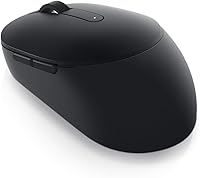
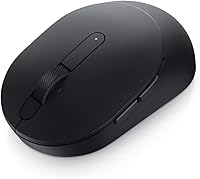
- Dimensions: Measures 4.1″ in length and 2.4″ in width, with a flat, compact profile designed for portability rather than full-palm ergonomic support.
- OS Compatibility: Officially compatible with Windows, macOS, Chrome OS, Linux, and Android operating systems for core mouse functionality.
- Special Pairing: Supports Microsoft Swift Pair and Dell Pair for near-instant wireless setup, though both features are exclusive to Windows 10 and Windows 11 devices.
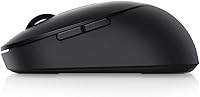
- Buttons: Features programmable shortcut buttons positioned on the side for back and forward web navigation, remappable via Dell Peripheral Manager on Windows.
- Software: Compatible with Dell Peripheral Manager, a Windows-only application that allows button remapping and centralized management of Dell keyboards and mice.
- Warranty: Backed by a three-year limited hardware warranty that includes Dell Advanced Exchange Service, shipping a replacement unit by the next business day if a defect is confirmed.
- Power Source: Battery-powered only; there is no built-in rechargeable battery and no USB charging port on the device.
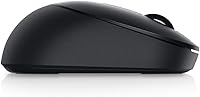
- Color: Available in Black with a matte plastic finish across the main shell and button surfaces.
- Dongle Type: The included wireless receiver uses a standard USB-A connector, which may require an adapter on devices with only USB-C ports.
- Bluetooth Version: Uses Bluetooth 5.0, which offers improved connection stability and lower energy consumption compared to older Bluetooth standards.
- Manufacturer: Designed and sold by Dell Technologies, a brand with an established track record in business-grade peripherals and enterprise hardware support.
- First Available: This model was first made available for purchase in January 2020 and has maintained consistent availability since then.
- Sales Ranking: Holds a position inside the top 120 best-selling computer mice on Amazon, reflecting sustained commercial demand over multiple years.
- User Rating: Carries a 4.5-star average rating based on over 1,600 verified customer ratings at the time of this review.
Related Reviews
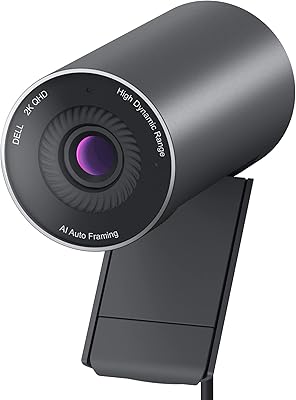
Dell Pro Webcam WB5023
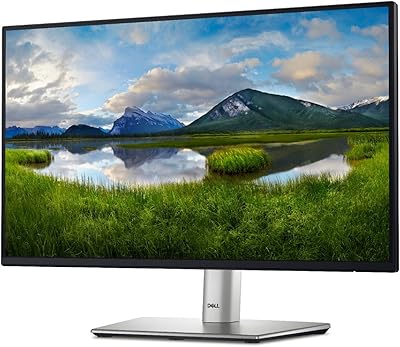
Dell P2422H 24-inch IPS Monitor
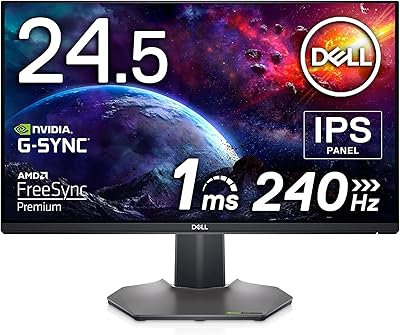
Dell S2522HG 24.5-inch Gaming Monitor
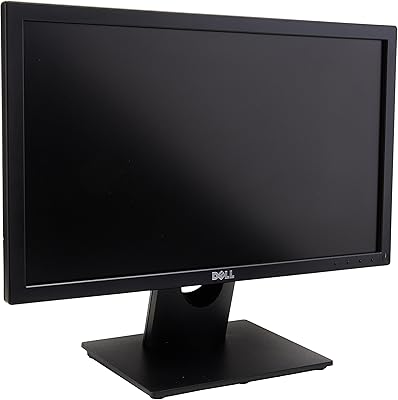
Dell E2016H 20-inch Monitor
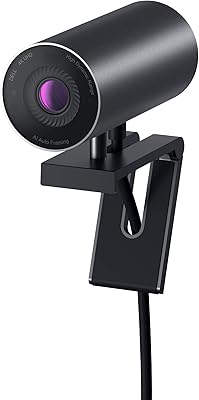
Dell UltraSharp WB7022 4K Webcam
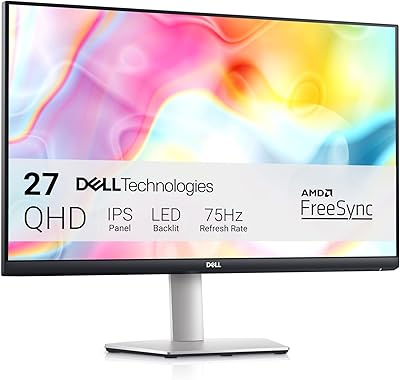
Dell S2722DC 27-inch USB-C Monitor
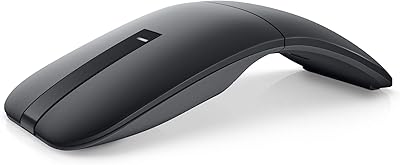
Dell MS700 Bluetooth Travel Mouse
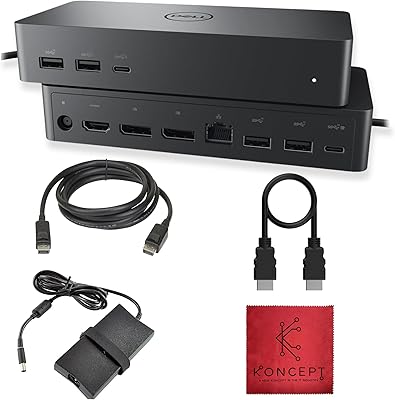
Dell UD22 Universal Docking Station
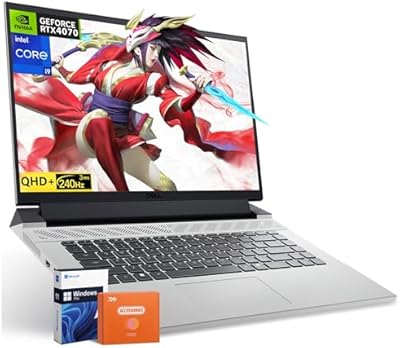
Dell G16 7630 RTX 4070 Gaming Laptop