


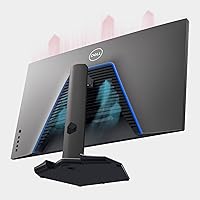
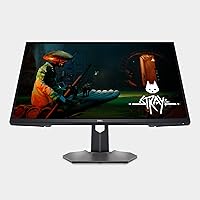

Overview
The Dell G3223Q 32-inch 4K Gaming Monitor sits in a competitive but thinly populated category: displays that combine a large screen, true 4K resolution, and a high refresh rate without forcing you to choose between them. Dell's G-series targets enthusiast PC gamers, but HDMI 2.1 support broadens the appeal considerably — PS5 and Xbox Series X owners get a genuinely capable display here, not just an afterthought port. The 3-year Advanced Exchange warranty adds real peace of mind at this price point, promising next-business-day replacement if needed. This is a serious display built for serious use — and priced to match that ambition.
Features & Benefits
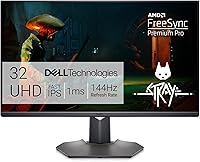
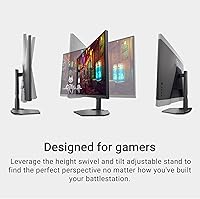
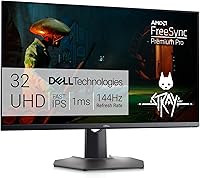
Running at 4K and 144Hz simultaneously sounds straightforward until you realize how few GPUs can sustain that in demanding titles — you'll need something in the RTX 4080 range or better to truly unlock it. For everyone else, 4K at lower frame rates still looks sharp. The 1ms response time keeps motion clean in fast-paced scenes, and dual sync support covering both NVIDIA and AMD means GPU compatibility is never a headache. DisplayHDR 600 with 95% DCI-P3 coverage produces rich, accurate colors that hold up well for gaming and casual photo editing alike. The height-adjustable, swiveling stand is sturdy and genuinely appreciated during longer sessions.
Best For
The G3223Q makes the most sense for PC gamers running top-end hardware who want 4K at high refresh rates without compromise. It's equally well-suited to PS5 or Xbox Series X owners seeking a monitor with proper HDMI 2.1 and VRR support — rather than scaling up to a TV. Creatives needing reasonable color accuracy for lighter editing work will also find it capable day-to-day. It's less ideal for budget-conscious buyers or those chasing the absolute best HDR, where OLED panels hold a clear advantage. But for a single display that handles competitive gaming, console use, and productivity, this monitor covers a lot of ground.
User Feedback
With over 4,600 ratings averaging 4.5 out of 5, this Dell 32-inch 4K gaming display has clearly earned a broad following. Buyers frequently highlight image quality and color accuracy as standout positives, along with the solid build and ergonomic stand. Console users specifically praise the HDMI 2.1 port, reporting it works exactly as expected. On the critical side, some find the on-screen display menu clunky and slow to navigate, and a handful note that out-of-box calibration can vary between units. Buyers expecting reference-grade HDR may be underwhelmed compared to OLED alternatives. Long-term owners generally report consistent backlight performance and smooth warranty experiences.
Pros
- Hitting 4K at 144Hz on a 32-inch IPS panel is still a rare and impressive combination in this category.
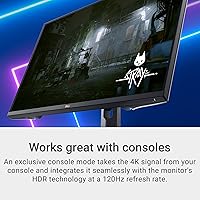
- HDMI 2.1 makes the G3223Q one of the few monitors that fully unlocks PS5 and Xbox Series X output at 4K 120Hz with VRR.
- Dual sync support across both NVIDIA and AMD means you are not locked into a single GPU ecosystem.
- DCI-P3 95% color coverage produces rich, accurate visuals that hold up well beyond gaming into everyday media consumption.
- The ergonomic stand — with height, swivel, and tilt adjustment — is sturdy and well-built, not an afterthought.
- A matte anti-glare coating keeps the screen usable in bright rooms without washing out colors.
- Dell's 3-year Advanced Exchange warranty provides next-business-day replacement, which is genuinely reassuring at this investment level.
- Over 4,600 verified ratings averaging 4.5 out of 5 suggest this monitor holds up reliably in real-world, long-term use.
- The 32-inch screen size hits a sweet spot for desk use — large enough for immersive gaming, manageable enough for close-up work.
Cons
- The on-screen display menu is widely reported as clunky and slow — basic adjustments take more effort than they should.
- Fully utilizing 4K at 144Hz demands top-tier GPU hardware that many buyers do not currently own.
- HDR performance, while certified, falls short of what OLED or premium mini-LED panels deliver in real-world dark scenes.
- Some buyers report panel-to-panel variation in out-of-box calibration, meaning color accuracy may need manual tuning.
- The price is hard to justify on specs alone if a competing panel offers similar performance for noticeably less.
- At 13.25 pounds, the monitor is on the heavier side, making repositioning or mount switching more awkward.
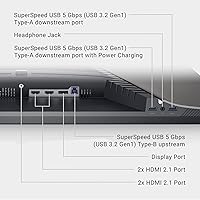
- No built-in USB hub is a minor but genuine inconvenience for desks with multiple peripherals.
- Backlight uniformity inconsistencies have been flagged in a subset of long-term owner reviews, particularly near panel edges.
Ratings
The scores below were generated by our AI system after analyzing thousands of verified global owner reviews for the Dell G3223Q 32-inch 4K Gaming Monitor, with spam, bot activity, and incentivized feedback actively filtered out to ensure accuracy. Each category reflects the honest distribution of real buyer sentiment — strengths and frustrations alike — so you can make a clear-eyed purchase decision rather than one based on curated highlights.
Image Quality
Gaming Performance
HDMI 2.1 & Console Support
HDR Performance
Color Accuracy
Build Quality
Ergonomics & Adjustability
OSD & Menu Usability
Panel Uniformity
Value for Money
Connectivity & Ports
Setup & Assembly
Warranty & Support
Suitable for:
The Dell G3223Q 32-inch 4K Gaming Monitor is purpose-built for buyers who refuse to compromise between resolution and speed, and actually have the hardware to back that up. PC gamers running an RTX 4080, RTX 4090, or a comparable AMD GPU will get the most out of this display, pushing 4K at genuinely high frame rates rather than settling for one or the other. Console players with a PS5 or Xbox Series X will also find it a strong match — the HDMI 2.1 port delivers 4K at 120Hz with variable refresh rate support, which is exactly what those consoles were designed to output. It works equally well as a dual-purpose display for anyone who spends mornings in spreadsheets and evenings in games, since the IPS panel and wide color coverage hold up for productivity and casual creative work. Buyers who value long-term ownership confidence will appreciate Dell's 3-year Advanced Exchange Service, which removes a lot of the anxiety that comes with investing in a premium monitor.
Not suitable for:
The Dell G3223Q 32-inch 4K Gaming Monitor is a harder sell for anyone whose GPU sits below the top tier — mid-range cards will struggle to push 4K at 144Hz in demanding titles, meaning a significant part of what you are paying for will go unused. Buyers chasing the most immersive HDR experience will also want to look elsewhere: DisplayHDR 600 is a solid spec, but it does not come close to the contrast depth or peak brightness you get from OLED or high-end mini-LED panels, so dark scenes in HDR content can feel flat by comparison. If price-per-inch or price-per-feature is your primary concern, competing panels from other brands can undercut the G3223Q while offering similar core specs, making it a tougher recommendation for budget-conscious shoppers. Those who frequently work in color-critical professional environments — photo retouching, print production, video grading — would be better served by a purpose-built color-accurate monitor with factory calibration and wider gamut coverage. And anyone expecting a slick, intuitive on-screen display menu will likely find the experience here frustrating.
Specifications
- Screen Size: The panel measures 32 inches diagonally, offering substantial screen real estate without requiring an unusually deep desk.
- Resolution: Native resolution is 3840x2160 (4K UHD), delivering approximately 140 pixels per inch for sharp, detailed imagery at typical desk distances.
- Refresh Rate: The display supports a maximum refresh rate of 144Hz, enabling smoother motion in fast-paced games when paired with capable hardware.
- Response Time: Rated at 1ms (GtG), the panel is tuned to minimize motion blur and ghosting in high-action scenes during gaming.
- Panel Type: Uses an IPS (In-Plane Switching) panel, which provides wider viewing angles and more consistent color accuracy compared to TN alternatives.
- HDR Support: Certified to VESA DisplayHDR 600, meaning it can sustain a peak brightness of 600 nits for HDR content with improved highlight and shadow detail.
- Color Gamut: Covers 95% of the DCI-P3 color space, making colors visibly richer and more accurate than standard sRGB panels in both gaming and media playback.
- Sync Technology: Supports both AMD FreeSync Premium Pro and NVIDIA G-SYNC Compatible, allowing variable refresh rate gameplay regardless of which GPU brand you use.
- HDMI Connectivity: Equipped with HDMI 2.1, enabling 4K at 144Hz VRR for PC and 4K at 120Hz VRR for next-gen consoles like PS5 and Xbox Series X.
- Aspect Ratio: Standard 16:9 widescreen aspect ratio, compatible with virtually all gaming, streaming, and productivity content without letterboxing or pillarboxing.
- Screen Surface: Matte anti-glare coating reduces reflections from ambient light sources, helping maintain image clarity in typical room lighting conditions.
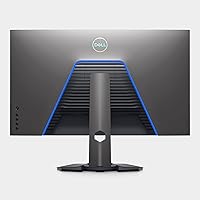
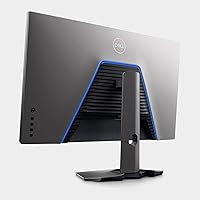
- Ergonomics: The included stand supports height adjustment, swivel, and tilt, allowing the monitor to be positioned comfortably for a wide range of users and desk setups.
- Dimensions: With stand, the monitor measures 9.72 x 28.55 x 18.07 inches (depth x width x height), fitting most standard desks without overhanging the edge.
- Weight: The full unit including stand weighs 13.25 pounds, which is average for a 32-inch display but worth noting if frequent repositioning or VESA mounting is planned.
- VESA Mounting: The panel is VESA mount compatible, allowing users to remove the included stand and attach a third-party monitor arm for more flexible positioning.
- Warranty: Covered by Dell's 3-year Advanced Exchange Service, which provides a replacement unit shipped the next business day if a warranty issue cannot be resolved remotely.
- Color: Available in black with a clean, understated industrial design that blends into most gaming and professional desk environments.
- Manufacturer: Designed and manufactured by Dell Technologies, a company with decades of experience producing commercial and consumer display hardware.
Related Reviews
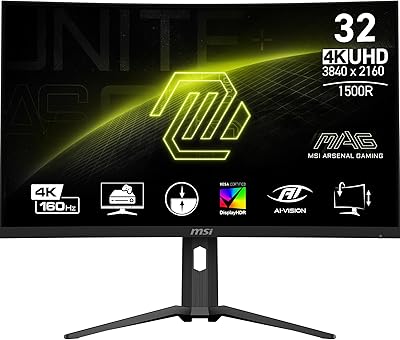
MSI MAG321CUP 32-inch 4K Gaming Monitor
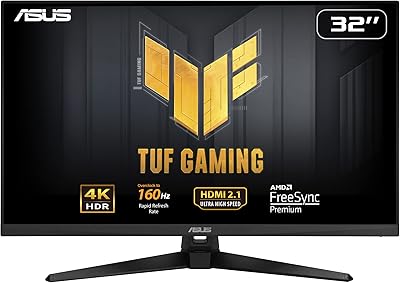
ASUS TUF Gaming VG32UQA1A 32-inch Gaming Monitor
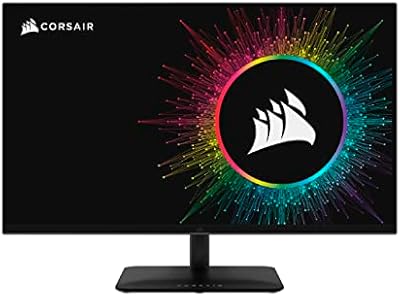
Corsair XENEON 32UHD144-A 32-inch Gaming Monitor
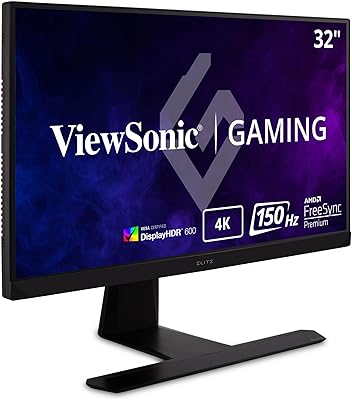
ViewSonic XG320U 32-Inch 4K Gaming Monitor
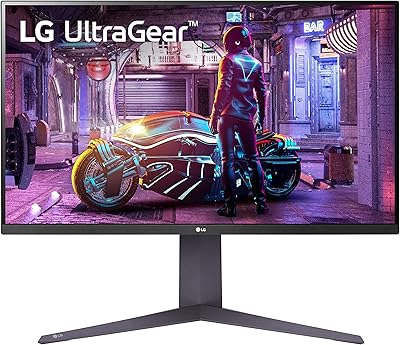
LG 32GQ750-B 32-inch 4K Gaming Monitor
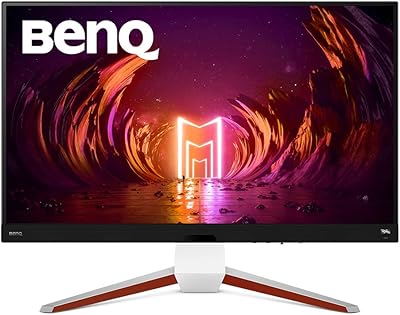
BenQ EX3210U 32-inch 4K Gaming Monitor
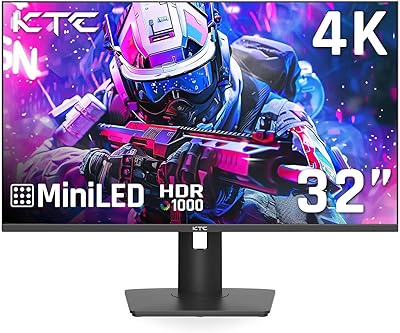
KTC M32P10 32-inch 4K Mini LED Monitor
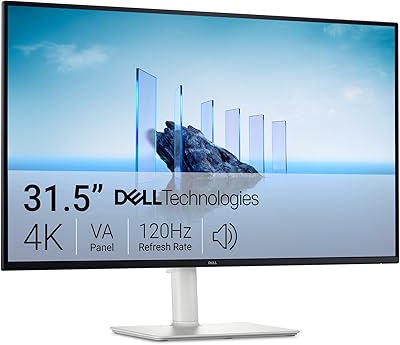
Dell S3225QS 32-inch 4K Monitor
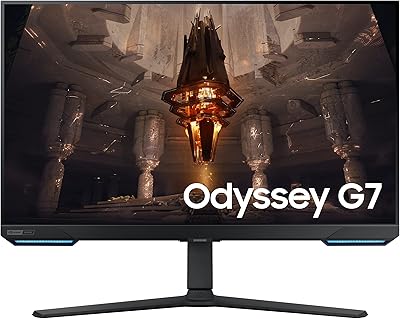
Samsung Odyssey G70B 32-inch 4K Gaming Monitor