Overview
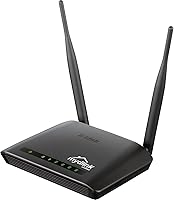
The D-Link DIR-605L N300 Wireless Router is a budget-friendly single-band unit that has been quietly doing its job since 2012 — and, somewhat surprisingly, it's still in production. This N300 router was built for medium to large homes that need dependable basic coverage without spending much. It won't win any speed contests against modern hardware, and it's honest about that. What genuinely sets the DIR-605L apart at its price point is the mydlink cloud feature, which lets you monitor your network remotely from a smartphone without buying extra gear. Compact and lightweight at under nine ounces, it sits firmly in entry-level territory — and that's perfectly fine for the right buyer.
Features & Benefits
Running on the 802.11n wireless standard, this D-Link unit tops out at 300 Mbps on the 2.4 GHz band — enough for browsing, email, and standard-definition video without issue. Four Fast Ethernet LAN ports mean you can hardwire a desktop, smart TV, or game console alongside wireless devices. Security is handled through WPA encryption and a WPS button that pairs new devices quickly, which most non-technical users will appreciate. The mydlink app adds real convenience by letting you check network status remotely from anywhere. Setup is genuinely straightforward: plug it in, press the WPS button, and you're largely done. The box includes an Ethernet cable and power adapter, so there's nothing extra to track down.
Best For
The DIR-605L is a good match for light internet users — people who browse, stream the occasional SD video, or handle email and nothing more demanding. If your household has fewer than five devices connecting at once, this router handles the load without complaint. It's also a reasonable emergency replacement when your current router dies and you need something working quickly without spending heavily. The single 2.4 GHz band is a real limitation to understand upfront: if anyone in your home streams 4K content, plays online games, or runs regular video calls, this isn't the right tool. For a small apartment or a single-floor space with modest needs, though, it covers the basics reliably.
User Feedback
With a 3.5-star average across 251 ratings, this N300 router sits in honestly divided territory. Buyers who went in with appropriate expectations tend to be satisfied — they mention easy setup and solid day-to-day connectivity for basic tasks. The complaints are consistent: range drops off noticeably in multi-floor homes, and the throughput ceiling feels tight once several devices are active simultaneously. A number of users have also flagged firmware stability issues after months of continuous use. The mydlink remote access feature earns genuine praise, though a few find the app temperamental. Overall, most frustration traces back to buyers expecting more than a budget, single-band design from 2012 can deliver — realistic expectations make a real difference here.
Pros
- Setup takes minutes thanks to WPS one-touch pairing — no manual configuration required for most users.
- Four wired LAN ports let you hardwire key devices for stable, interference-free connections.
- The mydlink app gives you genuine remote network visibility from your smartphone at no extra cost.
- Lightweight and compact, this D-Link unit tucks neatly onto a shelf or desk without taking up real estate.
- Includes all necessary cables and the power adapter in the box — nothing extra to buy on day one.
- WPA encryption with 128-bit security covers basic network protection for everyday home use.
- At its price point, the N300 router delivers reliable connectivity for light users who don't demand more.
- Simple enough for first-time router owners to get running without reading a manual.
Cons
- Signal range drops noticeably in multi-floor homes or larger spaces, leaving dead zones that frustrate users.
- The single 2.4 GHz band is prone to interference and congestion in apartments with many nearby Wi-Fi networks.
- Firmware stability issues have been reported by a number of long-term users after extended continuous use.
- 300 Mbps throughput is the hard ceiling — real-world speeds under load will be lower.
- The mydlink app, while useful, has drawn complaints about inconsistent reliability and occasional connectivity drops.
- No dual-band or 5 GHz option means there is no way to isolate bandwidth-hungry devices from lighter traffic.
- Hardware dating back to 2012 raises reasonable questions about long-term software support and security updates.
- Throughput is too limited to handle simultaneous streaming and active downloads without noticeable slowdowns.
Ratings
Our AI-generated scores for the D-Link DIR-605L N300 Wireless Router were built by analyzing verified buyer reviews from multiple global sources, with spam, bot submissions, and incentivized feedback actively filtered out before any scoring was applied. The result is an honest breakdown that reflects both what this aging budget router genuinely does well and where it consistently falls short — no softening of the rough edges, no inflating of the highlights.
Ease of Setup
Wireless Range
Throughput Speed
Value for Money
Build Quality
Firmware Stability
mydlink Remote Access
Security Features
Wired Port Performance
Heat Management
Compatibility
Long-term Reliability
Suitable for:
The D-Link DIR-605L N300 Wireless Router is a practical pick for anyone whose internet needs are genuinely modest — think checking email, light browsing, or the occasional standard-definition video stream. It works well in single-floor apartments or small offices where walls and distance aren't fighting the signal at every turn. Households with only a handful of devices, say a laptop, a phone, and maybe a smart TV, will find the performance entirely adequate. Non-technical users in particular benefit from the WPS one-button setup, which removes most of the usual installation headaches. The built-in mydlink cloud feature is a legitimate bonus for anyone who wants to keep an eye on their home network remotely without investing in more expensive hardware.
Not suitable for:
The D-Link DIR-605L N300 Wireless Router is a poor fit for anyone running a device-heavy household or expecting modern wireless performance. Its single 2.4 GHz band means it shares airspace with microwaves, cordless phones, and neighboring Wi-Fi networks, which can introduce interference and congestion that a dual-band router would sidestep entirely. Families who stream 4K video, join regular video calls, or have teenagers gaming online will quickly hit the ceiling this router was never designed to clear. Multi-floor homes are also a problem — the range limitations that show up repeatedly in user complaints are real, not edge cases. Anyone planning to keep a router for five or more years should also weigh the fact that this hardware is over a decade old and may fall behind on firmware updates or security patches before long.
Specifications
- Wireless Standard: This router uses the 802.11n (Wi-Fi 4) wireless standard, which was the mainstream specification when the unit launched and remains functional for basic connectivity tasks.
- Max Speed: Wireless throughput reaches up to 300 Mbps under ideal conditions on the 2.4 GHz band, suitable for light browsing and standard-definition streaming.
- Frequency Band: The router operates exclusively on the single 2.4 GHz ISM band, with no 5 GHz band available for high-throughput or interference-sensitive devices.
- LAN Ports: Four Fast Ethernet LAN ports are built in, each supporting speeds up to 100 Mbps for wired desktop computers, smart TVs, or other networked devices.
- WAN Port: One Fast Ethernet broadband WAN port connects the router to a cable or DSL modem, supporting standard residential internet service configurations.
- Security: Network protection is provided through WPA and WPA2 encryption with 128-bit data security, plus WPS for simplified device pairing.
- Remote Management: The mydlink cloud platform enables remote monitoring and basic network management through a companion smartphone app without requiring additional hardware.
- Antennas: Two fixed external antennas are built into the chassis and cannot be removed or upgraded, providing omnidirectional signal coverage around the unit.
- Dimensions: The router measures 4.41 x 5.98 x 1.1 inches, making it a compact desktop unit that fits easily on a shelf, desk, or modem stack.
- Weight: At 8.7 ounces, the unit is lightweight enough to reposition easily and places minimal stress on any surface or cable management setup.
- Setup Method: Initial configuration can be completed via WPS one-touch pairing or through the standard web-based administration interface accessed through a browser.
- In the Box: Each package includes the router itself, one Ethernet cable, and a power adapter, providing everything needed for a basic installation out of the box.
- Manufacturer: The DIR-605L is designed and manufactured by D-Link, a networking hardware company with broad residential and small-business product lines.
- Model Number: The official model designation is DIR-605L, which identifies this specific variant within D-Link's DIR-series router lineup.
- Availability: The router was first made available in August 2012 and is listed by the manufacturer as not discontinued, meaning it remains in active production.
Related Reviews
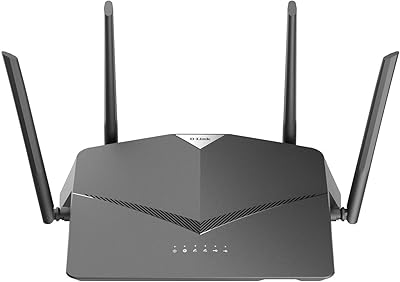
D-Link DIR-2640 AC2600 Mesh Router
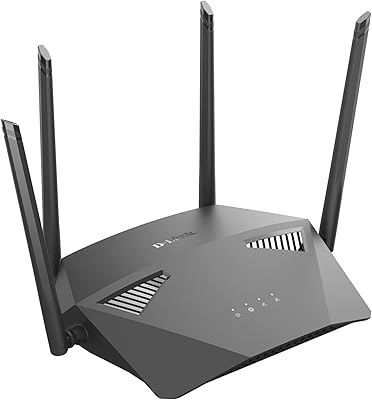
D-Link DIR-1950 AC1900 Wi-Fi Router
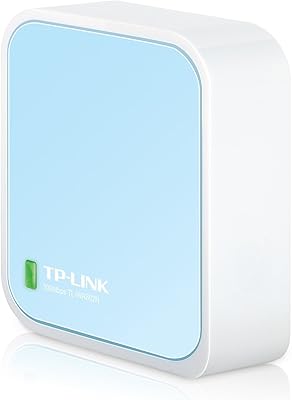
TP-Link TL-WR802N N300 Travel Router
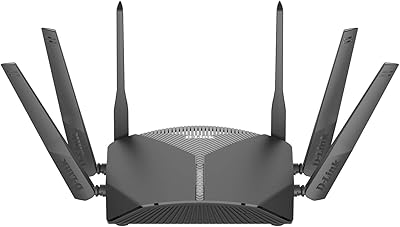
D-Link DIR-3040 AC3000 Tri-Band Router
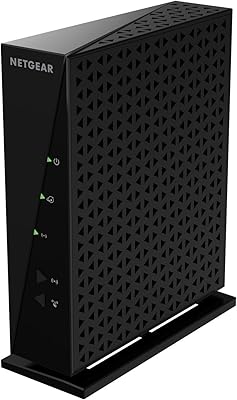
NETGEAR WNR2000 N300 Wireless Router
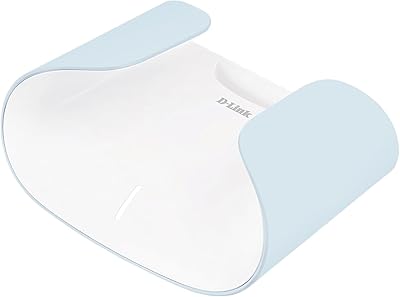
D-Link AX3000 M30 WiFi 6 Mesh Router
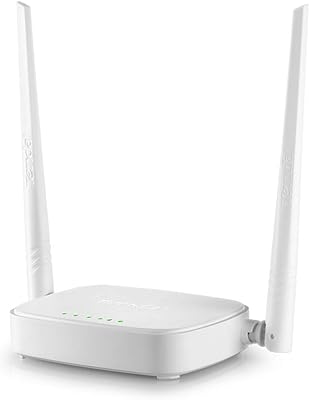
Tenda N301 N300 Wireless Router
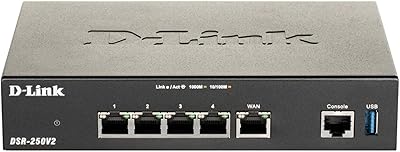
D-Link DSR-250V2 Gigabit VPN Router
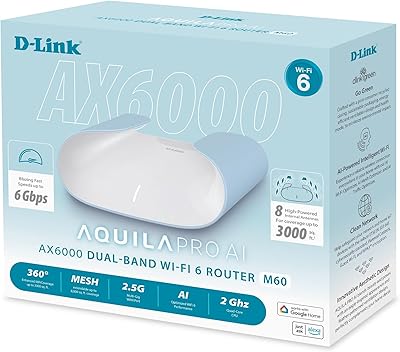
D-Link M60 AX6000 Wi-Fi 6 Mesh Router