Overview
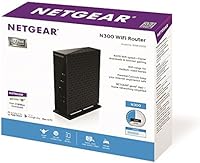
The NETGEAR WNR2000 N300 Wireless Router is an entry-level option from a brand with decades of home networking experience, and that track record shows in the overall quality. The hardware is compact and light — easy to tuck behind a modem without cluttering a shelf — and setup is genuinely painless thanks to a straightforward installation process. That said, buyers should know upfront that the 802.11n standard is aging. Compared to modern AC or Wi-Fi 6 alternatives, the WNR2000 offers more modest range and throughput. For small spaces with everyday needs, it holds its own well. The lifetime warranty included at this price point is a genuine differentiator that signals NETGEAR's confidence in the hardware.
Features & Benefits
The WNR2000 tops out at 300 Mbps on the 2.4 GHz band — enough for light browsing, email, and standard HD video on a small number of devices. Where this N300 router earns genuine praise is in usability. The NETGEAR Genie app gives you a clean visual dashboard to monitor connected devices, run diagnostics, and tweak settings without ever logging into a web-based admin panel. Per-device parental controls let you set schedules and filter content, which is a practical feature for households with kids. A handful of Ethernet ports handle wired connections for consoles or desktops, and WPA2 encryption covers the wireless security baseline. Nothing flashy, but it covers the essentials confidently.
Best For
This NETGEAR unit makes the most sense in specific scenarios rather than as a universal recommendation. It fits studio apartments and single-room setups well — environments where the signal does not need to travel far. Light users who mainly browse, stream at standard definition, or video call on a few devices will rarely feel constrained. Families with young children may also appreciate the built-in parental controls, which are simpler to configure than most alternatives at this level. It is also a solid choice as a secondary or guest-room router, where basic, dedicated connectivity is all that is needed. That said, if you need to cover a large home or handle many simultaneous devices, a more capable AC or Wi-Fi 6 router is the smarter buy.
User Feedback
Across buyer reviews, the most consistent praise centers on how quickly this N300 router gets people online — many report being connected within minutes of opening the box. Long-term reliability is another recurring positive, with some owners running this NETGEAR unit for years without a single reboot cycle. On the downside, range complaints are common in larger homes, and real-world speeds often fall noticeably short of the 300 Mbps ceiling when multiple devices are active simultaneously. A smaller number of buyers have flagged compatibility issues with certain ISP-supplied modems, so checking ahead of purchase is sensible. On balance, satisfaction is highest among users whose expectations match what the hardware is actually built to deliver.
Pros
- Setup takes only minutes — most users report being online well before finishing the installation guide.
- The NETGEAR Genie app makes network monitoring and basic diagnostics genuinely accessible to non-technical users.
- Wired Ethernet ports deliver a stable, consistent connection for desktops and gaming consoles that need it.
- Per-device parental controls let parents manage screen time and content filtering without complex configuration.
- A lifetime warranty is a rare and meaningful inclusion at an entry-level price point.
- Long-term owners consistently report stable uptime with minimal need to reboot or troubleshoot.
- WPA2 encryption provides a solid security baseline for everyday home network protection.
- NETGEAR's long-standing reputation means firmware support and community troubleshooting resources are easy to find.
- Compatible out of the box with a wide range of devices including smartphones, tablets, PCs, and consoles.
Cons
- The 802.11n standard is dated — modern AC and Wi-Fi 6 routers offer significantly better speed and range.
- Real-world throughput often drops well below the rated 300 Mbps ceiling when multiple devices are active.
- Coverage weakens considerably in larger homes, multi-floor apartments, or spaces with many interior walls.
- Some users have reported compatibility friction when pairing the WNR2000 with newer ISP-supplied modem-gateway units.
- Operating exclusively on the 2.4 GHz band makes this N300 router more vulnerable to interference from neighboring networks.
- Parental control features may require an active NETGEAR account to function — worth confirming before purchase.
- Latency spikes are a real risk during online gaming when bandwidth is being shared across other household devices.
- No USB port rules out handy extras like shared network storage or wireless printer connectivity.
Ratings
Our score for the NETGEAR WNR2000 N300 Wireless Router was generated by an AI system trained to analyze verified buyer reviews collected globally, actively filtering out incentivized, bot-generated, and low-effort feedback to surface patterns that reflect genuine real-world experience. The ratings below capture both the strengths that drive repeat purchases and the pain points that frustrated buyers wish they had known upfront. Nothing is smoothed over — if users consistently ran into a limitation, that shows in the score.
Ease of Setup
Wireless Performance
Range & Coverage
Wired Connectivity
App & Management
Parental Controls
Security
Build Quality
Value for Money
Long-term Reliability
Device Compatibility
Gaming Performance
Streaming Performance
Suitable for:
The NETGEAR WNR2000 N300 Wireless Router is a strong fit for renters in studio apartments or single-bedroom units where the router and every device it serves are within a compact, contained space. Users who spend most of their online time browsing, checking email, video calling, or streaming at standard or light HD quality will find it handles those everyday tasks without complaint. Families with young children will appreciate the built-in parental controls, which allow per-device content filtering and scheduling through the NETGEAR Genie app — no technical background required to configure them. It also makes a practical secondary router for a guest room, home office annex, or small workshop where a separate, dedicated connection is all that is needed. Budget-conscious buyers who need to replace a failed router quickly and cannot justify a premium AC or Wi-Fi 6 upgrade will find the WNR2000 gets the job done reliably at a lower cost of entry.
Not suitable for:
The NETGEAR WNR2000 N300 Wireless Router is not the right choice for anyone living in a multi-floor home or large apartment, where internal antennas and the 2.4 GHz band will struggle to deliver consistent coverage across rooms. Households running five or more devices simultaneously — streaming 4K video, gaming online, or managing multiple video conferences — will likely see real-world speeds fall noticeably short of the rated maximum, leading to frustrating bottlenecks. Serious online gamers should look elsewhere, as this N300 router cannot reliably minimize latency the way a modern AC or Wi-Fi 6 router with a dedicated 5 GHz band can. Tech-forward households with smart home ecosystems, multiple 4K displays, or demanding remote work setups will quickly outgrow what the WNR2000 offers. Buyers with newer ISP-provided modem-gateway units should also confirm compatibility before purchasing, since a portion of users have reported friction during the initial setup process.
Specifications
- Wireless Standard: The WNR2000 operates on the 802.11n (Wi-Fi 4) standard and is backward-compatible with older 802.11b and 802.11g devices.
- Max Speed: Maximum theoretical wireless throughput is 300 Mbps; real-world speeds will vary based on network conditions, interference, and the number of active devices.
- Frequency Band: The router broadcasts exclusively on the 2.4 GHz frequency band, which offers solid wall penetration but is more vulnerable to household interference than 5 GHz alternatives.
- Antenna Type: Wireless signal is transmitted via two internal antennas, which keeps the physical profile tidy but does not allow for manual repositioning to extend or direct coverage.
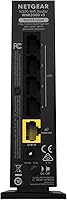
- LAN Ports: Four 10/100 Mbps Fast Ethernet LAN ports support wired connections to devices such as desktop PCs, game consoles, and smart TVs.
- WAN Port: A single 10/100 Mbps WAN port connects the router to a broadband modem or ISP-supplied gateway device.
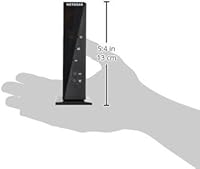
- Dimensions: The unit measures 10.24 x 8.98 x 2.56 inches, compact enough to sit behind a modem on most shelves or entertainment units without dominating the space.
- Weight: At 5.8 oz, the router is lightweight and easy to reposition without any mounting tools or additional hardware.
- Security: Wireless network protection is delivered through WPA2-PSK (AES) encryption, which represents the standard security baseline for everyday home networks.
- Management App: The free NETGEAR Genie app, available for Windows, macOS, iOS, and Android, provides a visual dashboard for monitoring connected devices, running diagnostics, and adjusting network settings.
- Parental Controls: Live Parental Controls allow per-device content filtering and time-based scheduling; activation may require a free NETGEAR account depending on the current firmware version.
- Compatible Devices: The router is designed to work with gaming consoles, desktop and laptop PCs, smartphones, and tablets from any major manufacturer.
- Warranty: NETGEAR covers the WNR2000 with a lifetime limited hardware warranty, protecting against manufacturing defects for the duration of the original owner's use.
- Model Number: The official model number is WNR2000-100NAS, which should be used when searching for firmware updates or reaching out to NETGEAR support.
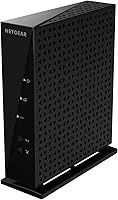
- Color: The unit ships in a matte black finish with no additional color variants currently listed by the manufacturer.
Related Reviews
NETGEAR R6200 AC1200 Dual Band Gigabit Router
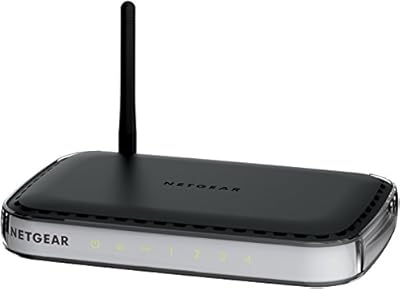
NETGEAR RangeMax Wireless Router WNR1000
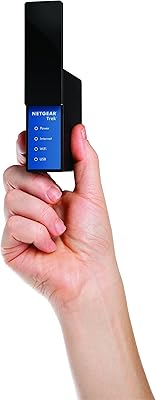
NETGEAR Trek N300 Travel Router
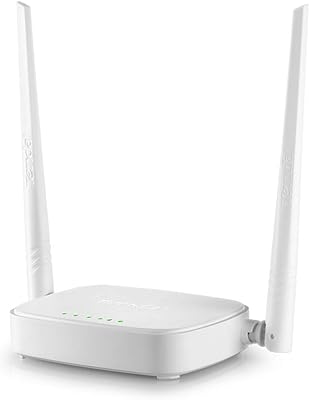
Tenda N301 N300 Wireless Router
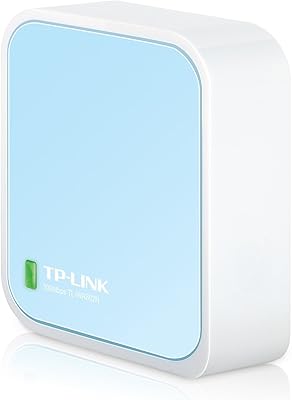
TP-Link TL-WR802N N300 Travel Router

Netgear Nighthawk AX5200 Router
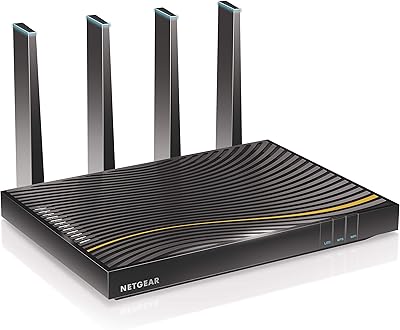
NETGEAR C7500 AC3200 Cable Modem Router Combo
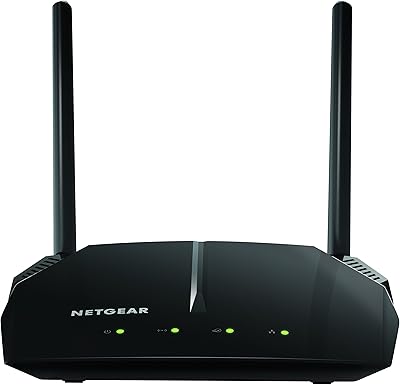
NETGEAR R6120 AC1200 Dual Band WiFi Router
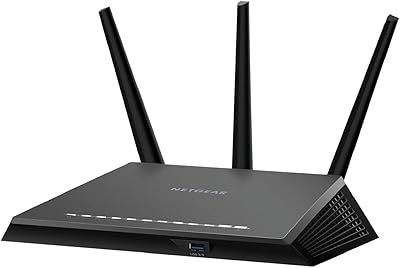
NETGEAR Nighthawk R7350 AC2400 Wi-Fi Router