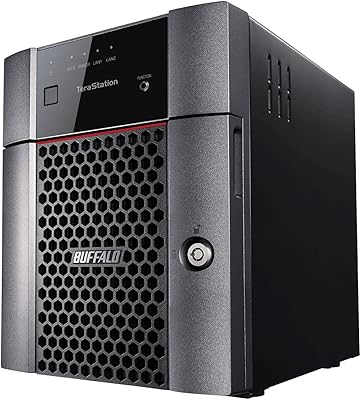
BUFFALO LinkStation 710 8TB NAS Storage





Overview
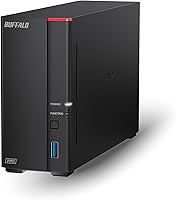
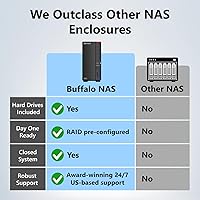
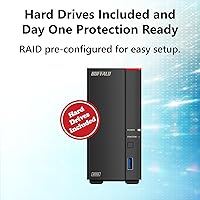
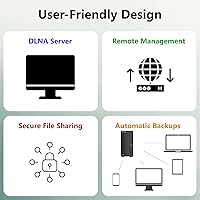
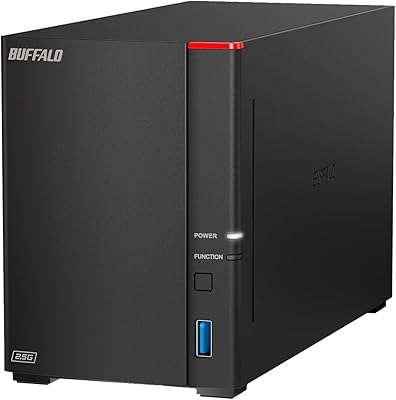
The BUFFALO LinkStation 710 8TB NAS Storage is built for one job: giving a household a private, always-on storage hub without monthly fees. Out of the box, this NAS unit arrives with an 8TB CMR drive already installed, so there's no fumbling with bare drives or formatting before you start. You plug it into your router, and within minutes every laptop, phone, or desktop on the network can see it. Buffalo positions this home storage device as a notable step up from its older LS200 line, with enough horsepower to handle real households rather than just light file dumping. It works fine across both Windows and Mac setups, which matters if your house is a mixed-device environment like most are these days.
Features & Benefits
What stands out most with this NAS unit is the lack of a subscription wall: you back up and pull files whenever you want, with no recurring charge attached. The single 2.5GbE port is the real workhorse here, moving files noticeably faster than the standard gigabit ports found on cheaper boxes in this price range. Under the hood, a hexa-core processor paired with 2GB of RAM keeps things responsive even when a couple of devices are backing up at once. Buffalo also kept the system closed off from third-party app installs, which cuts down on a lot of the vulnerabilities that plague more open NAS platforms. You can set folder-level permissions for specific people, and the included backup software covers up to five PCs, which is plenty for most families.
Best For
This home storage device makes the most sense for a household that wants one reliable place to dump photos, home videos, and a growing music library instead of juggling three different external drives. It also suits small home offices that want backups to happen automatically in the background, without anyone remembering to plug in a drive every Friday. If you've never touched RAID configuration and have no interest in learning it, this NAS unit keeps things simple by design, trading some flexibility for ease of use. It's not aimed at anyone running a business server or hosting heavy multi-user workloads; think of it as a smart upgrade from an external hard drive, not a data center replacement.
User Feedback
Feedback on this Buffalo NAS box tends to be fairly consistent. Owners frequently mention that setup was easier than expected, largely thanks to the bundled navigator software walking them through the network connection step by step. The 2.5GbE port also gets real praise, with several users noting transfers felt noticeably quicker than older gigabit-only units they'd owned before. On the downside, because it's a single-bay design, there's no redundancy if that one drive fails, which a handful of reviewers flag as a real risk for anything not backed up elsewhere. A smaller group also finds the management interface a bit dated next to newer competitors. Long-term reliability gets mixed reports, though the overall sentiment still leans positive.
Pros
- No monthly subscription fees, so ongoing storage costs stay at zero after purchase.
- Setup is genuinely simple thanks to the bundled navigator software walking you through it.
- The 2.5GbE port delivers noticeably faster transfers than typical gigabit-only NAS boxes.
- Works equally well across Windows and Mac, useful for mixed-device households.
- Folder-level permissions let you share specific files with family without exposing everything.
- Includes backup software licensed for up to five PCs at no extra cost.
- Closed system design reduces exposure to risky third-party app installations.
- Comes with the 8TB drive pre-installed, so there's no separate drive shopping needed.
Cons
- Single-bay design means zero redundancy if the one included drive ever fails.
- Limited processing power could feel sluggish under heavier, business-level workloads.
- No option to add a second drive bay for future storage expansion.
- Management interface feels somewhat dated compared to newer NAS competitors.
- 5400 RPM drive speed trails behind faster storage used in performance-focused setups.
- Long-term reliability reports are mixed, with some owners citing inconsistent results over time.
- Only one Ethernet port, leaving no built-in option for network failover.
- Lacks proper RAID support, so it isn't suited for mission-critical data.
Ratings
Our scoring for the BUFFALO LinkStation 710 8TB NAS Storage comes from an AI-driven analysis of thousands of verified buyer reviews collected from across global marketplaces, with spam, bots, and incentivized feedback filtered out before scoring. The result is a transparent breakdown that reflects both what owners genuinely love and where real frustrations show up after months of daily use.
Setup & Ease of Use
Transfer Speed (2.5GbE)
Storage Capacity & Drive
Value for Money
Reliability & Long-Term Durability
Backup Software & Multi-PC Support
Security & Access Control
Mac & Windows Compatibility
Build Quality & Design
Management Interface & Software UX
Processing Power (CPU & RAM)
Expandability & RAID Support
Suitable for:
The BUFFALO LinkStation 710 8TB NAS Storage fits families who just want one safe place for photos, home videos, and music without juggling a pile of external drives. It also makes sense for small home offices that need backups running quietly in the background, without anyone having to remember to plug in a drive each week. People switching from cloud subscriptions will appreciate not having a recurring bill attached to their storage. If you've never configured RAID and don't want to start now, this NAS unit keeps the setup simple and approachable. Mixed Windows and Mac households benefit too, since access works the same regardless of which machine is pulling files. Anyone who values having backups happen automatically, rather than relying on memory, will likely get real use out of it day to day.
Not suitable for:
Anyone needing serious redundancy should think twice, since the BUFFALO LinkStation 710 8TB NAS Storage uses a single drive bay with no RAID protection if that drive fails. Small businesses or power users running multiple simultaneous workloads will likely find the processor and 2GB of RAM underwhelming for anything beyond home-scale tasks. Buyers expecting the fastest possible transfer speeds across the board may be disappointed, since the performance gains are really tied to that one 2.5GbE port rather than the system overall. Anyone wanting to expand storage later by adding a second drive bay will be out of luck given the fixed single-bay design. People who prioritize a sleek, modern management interface might find the included software feels a bit behind newer competitors.
Specifications
- Drive Bays: This unit has a single 1-bay enclosure designed to hold one internal hard drive.
- Included Storage: It ships with an 8TB CMR hard drive pre-installed and ready to use.
- Drive Speed: The included hard drive spins at 5400 RPM.
- Drive Interface: The internal drive connects via a SATA-600 interface.
- Processor: A 1.3GHz hexa-core processor handles file transfers and backup operations.
- Memory: The system includes 2GB of RAM for managing simultaneous tasks.
- Network Port: It features one 2.5GbE Ethernet port for network connectivity.
- OS Compatibility: The device works with both Windows and Mac computers.
- Backup Software: NovaBACKUP (Buffalo Edition) is included with licenses covering up to five PCs.
- File Security: SSL encryption is used to secure file transfers across the network.
- Management Tool: The NAS Navigator utility is included for setup and ongoing device management.
- Access Control: Folder-level permissions allow restricting or sharing access to specific users.
- Weight: The unit weighs 3.3 pounds.
- Dimensions: The enclosure measures 8.1 x 3.6 x 5 inches.
- RAID Support: This model does not support RAID configurations due to its single-bay design.
- Subscription Cost: No monthly or recurring subscription fee is required to access stored files remotely.
Related Reviews
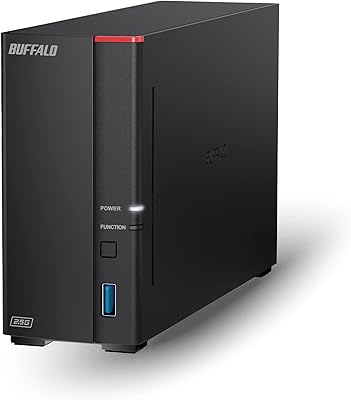
Buffalo LinkStation 710 4TB NAS Storage
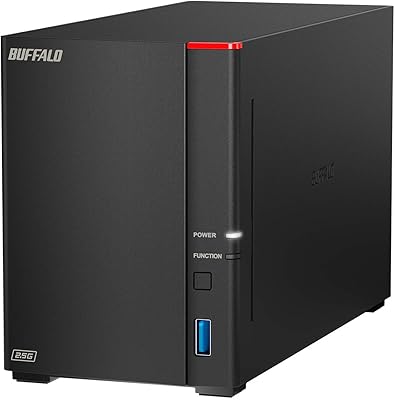
Buffalo LinkStation SoHo 720 8TB NAS
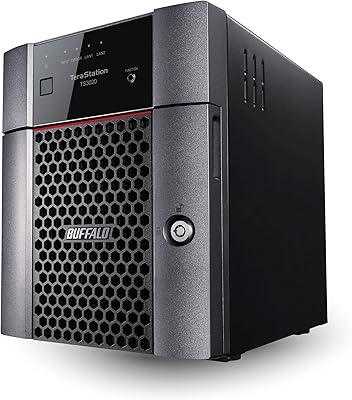
BUFFALO TeraStation 3420DN 8TB Desktop NAS
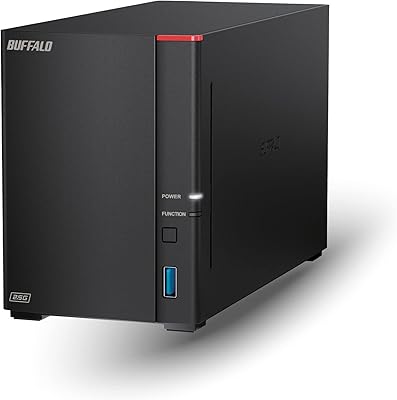
Buffalo LinkStation 720 4TB NAS
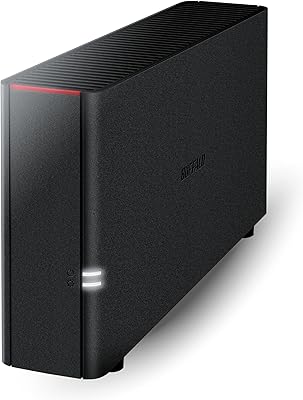
Buffalo LinkStation 210 6TB NAS Storage Device
BUFFALO LinkStation 210 2TB 1-Bay NAS
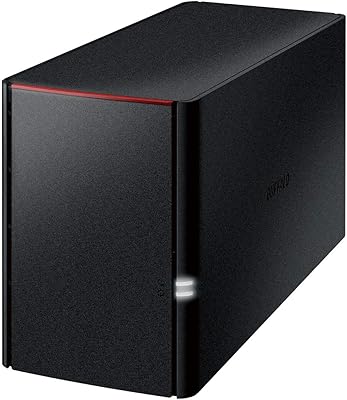
BUFFALO LinkStation 220 12TB NAS
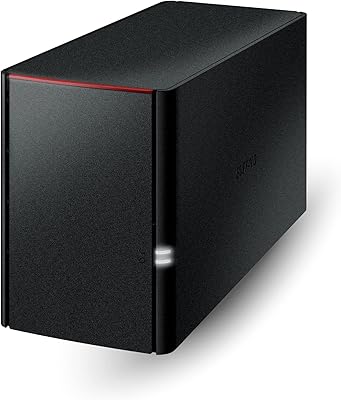
BUFFALO LinkStation 220 4TB 2-Bay NAS
Buffalo LinkStation SoHo 720 16TB NAS