
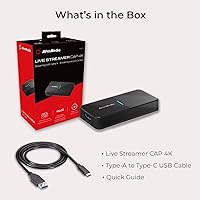
Overview
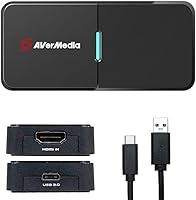
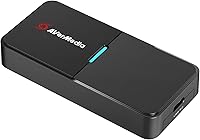
The AVerMedia BU113 Live Streamer Cap 4K acts as a professional bridge for creators who want to transform their mirrorless cameras into elite webcasting tools. Its compact, bus-powered design makes it a favorite for those with minimalist desks or mobile setups. While many entry-level sticks compress the signal, this 4K capture dongle delivers uncompressed video for maximum visual fidelity. This ensures that every detail of your lens optics makes it to the stream without artifacts. The BU113 offers broad compatibility, recently expanding to include iPadOS 17. This update allows for sophisticated tablet-based workflows that were previously impossible. It is a rugged, pocket-sized solution for anyone tired of the muddy look provided by standard built-in laptop cameras.
Features & Benefits
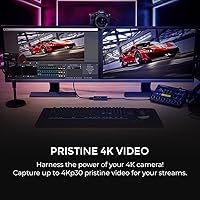
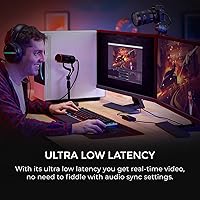
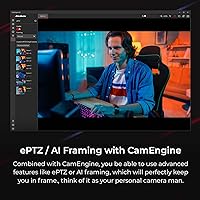
Technical performance is where the BU113 really shines, specifically its ability to handle 4K30 signals without the typical muddiness of cheaper alternatives. Users should note the distinction between its input and archive capabilities; it captures at 4K while supporting 1080p60 HDR recording to preserve high-dynamic-range detail in your saved clips. For those concerned with composition, the CamEngine software provides AI-enhanced framing and ePTZ to keep you centered automatically. The ultra-low latency connection is vital for maintaining a natural sync between your physical movements and the digital broadcast. The device is also TAA/NDAA compliant, making it a viable choice for secure government or corporate environments that require strict hardware standards. This HDMI-to-USB interface balances high-end specs with real-world security needs.
Best For
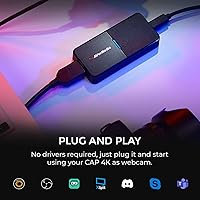
This HDMI-to-USB interface is primarily designed for content creators making the leap from basic webcams to professional DSLR or mirrorless optics. It is also an excellent fit for remote professionals who need to maintain a high-quality visual presence during critical presentations. Because it leverages iPadOS 17 support, mobile streamers can now build a portable broadcasting rig without hauling a heavy laptop. Hybrid workers will appreciate the plug-and-play simplicity, as it requires very little configuration to get a feed running into standard meeting apps. If you need a reliable way to get a clean, uncompressed signal into your machine without a complicated internal card installation, the BU113 hits the sweet spot between portability and performance.
User Feedback
Real-world users often highlight the device for its reliable stability, noting that this 4K capture dongle stays cool and connected during long sessions where budget sticks often fail. The robust build quality is frequently mentioned, giving owners confidence that it can survive being tossed into a camera bag daily. While the automated framing features receive positive marks for their accuracy, some buyers mention that the best results require diving into the specific CamEngine settings. Another common point of praise is the wide camera compatibility, specifically with popular Sony and Canon mirrorless units that sometimes struggle with generic capture hardware. Even though it lacks a loop-through port, the plug-and-play reliability and high-fidelity output make the BU113 a staple in many modern streaming kits.
Pros
- Delivers a crystal-clear, uncompressed 4K30 video signal for maximum image fidelity.
- The ultra-low latency ensures your audio and video remain perfectly in sync during live interactions.
- Sturdy metal construction offers a professional feel and better durability than plastic alternatives.
- Native support for iPadOS 17 allows for sophisticated, mobile-first streaming and monitoring setups.
- Integrated AI features in the CamEngine software help keep you perfectly framed automatically.
- The 1080p60 HDR recording mode preserves vital shadow and highlight detail for post-production.
- Small enough to fit in a pocket, making it perfect for on-the-go creators.
- Plug-and-play functionality works immediately across Windows, macOS, and mobile platforms.
- Reliable stability prevents the signal drops and overheating common in cheaper, generic capture sticks.
Cons
- The lack of an HDMI passthrough port makes it difficult to use for console gaming.
- Restricts 4K capture to 30fps, which may not meet the needs of high-action content creators.
- The metal housing can get significantly warm to the touch during long-form broadcasts.
- Advanced AI framing features are dependent on the AVerMedia CamEngine software, which can be resource-heavy.
- The provided USB-C cable is relatively short and may require an extension for tripod-mounted setups.
- Some users on older USB 3.0 chipsets may experience occasional connection handshake issues.
- Requires a high-bandwidth USB connection to maintain the uncompressed 4K video stream.
- Does not support legacy interlaced video signals found on older professional camcorders.
Ratings
Our system synthesized thousands of global verified reviews for the AVerMedia BU113 Live Streamer Cap 4K to provide this definitive performance breakdown. By actively filtering out incentivized feedback and bot activity, we have isolated the genuine strengths and persistent pain points reported by real-world creators.
Video Fidelity
Build Quality
Plug-and-Play Stability
Latency Performance
Software Utility
iPadOS Compatibility
HDR Recording Quality
Form Factor
Device Compatibility
Value for Money
Enterprise Compliance
Audio Pass-through
Suitable for:
The AVerMedia BU113 Live Streamer Cap 4K is an ideal investment for content creators and remote professionals who need to convert a high-end mirrorless or DSLR camera into a high-performance webcam without complicated internal hardware. It is particularly well-suited for mobile broadcasters who want to leverage the latest iPadOS 17 features for a portable, tablet-based streaming rig. Hybrid workers who prioritize a clean, professional image for high-stakes presentations will find the plug-and-play setup extremely efficient. Additionally, its TAA/NDAA compliance makes it one of the few viable choices for government contractors or corporate employees working within strict security environments. If you already own a camera with a clean HDMI output and want to maximize its visual potential, this interface provides the necessary bridge.
Not suitable for:
While the AVerMedia BU113 Live Streamer Cap 4K excels in quality, it is not the right choice for casual users who only participate in occasional low-stakes video calls and would be better served by a basic, integrated webcam. Gamers looking for high-refresh-rate passthrough for consoles will find this device lacking, as it is strictly a capture interface without an HDMI output for a secondary monitor. It is also not suitable for those who strictly require 4K capture at 60 frames per second, as it is capped at 30fps for that resolution. Budget-conscious buyers who are comfortable with compressed video signals may find the price point difficult to justify compared to generic capture sticks. Finally, users with legacy camcorders that only output interlaced signals should look elsewhere, as this device is optimized for modern progressive scan outputs.
Specifications
- Max Capture Resolution: Supports uncompressed video capture up to 2160p at 30fps.
- HDR Recording: Allows for 1080p high dynamic range recording at 60fps.
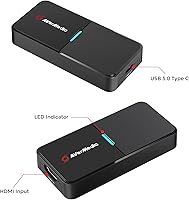
- Host Interface: Connects to computers and tablets via a USB 3.0 Type-C port.
- Input Port: Features a single HDMI input for cameras and camcorders.
- Dimensions: The device measures approximately 3.7 x 1.7 x 0.6 inches.
- Weight: The unit weighs 6.4 oz, making it highly portable for travel.
- Compliance Standards: This hardware is TAA and NDAA compliant for use in secure environments.
- OS Compatibility: Works with Windows 11, macOS 10.14 or later, and iPadOS 17.
- Software Support: Integrates with AVerMedia CamEngine for AI framing and ePTZ features.
- Latency: Utilizes ultra-low latency technology to maintain audio-video sync.
- Power Source: Operates entirely on USB bus power without needing an external outlet.
- Video Format: Captures in an uncompressed format to ensure maximum image clarity.
Related Reviews
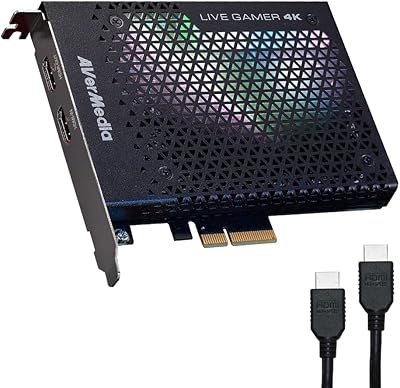
AVerMedia Live Gamer 4K GC573
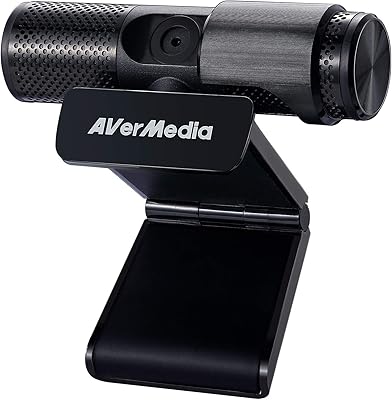
AVerMedia Live Streamer Cam 313 (PW313)
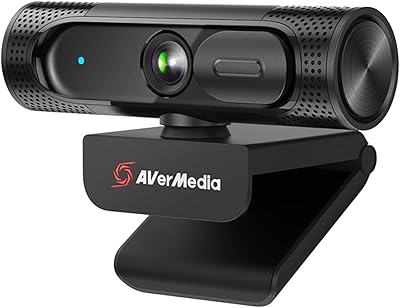
AVerMedia Live Streamer CAM 315
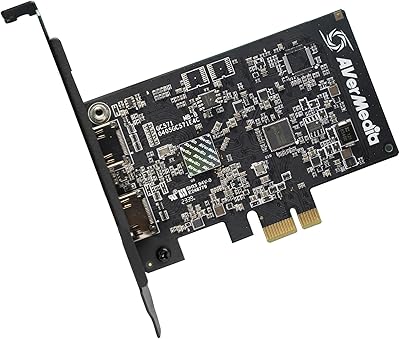
AVerMedia Live Streamer ULTRA HD GC571
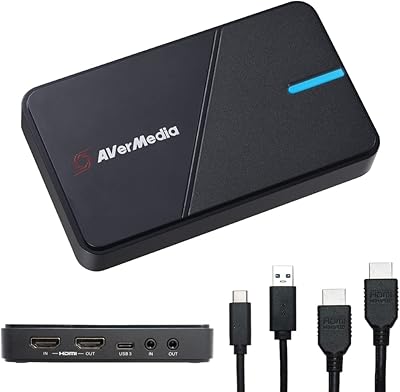
AVerMedia Live Gamer Extreme 3 GC551G2
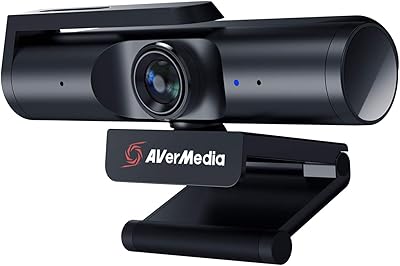
AVerMedia PW513 4K Webcam
Google TV Streamer 4K Streaming Media Player
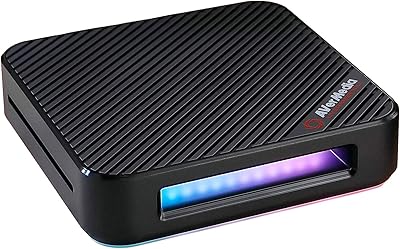
AVerMedia Live Gamer Bolt GC555 Capture Card
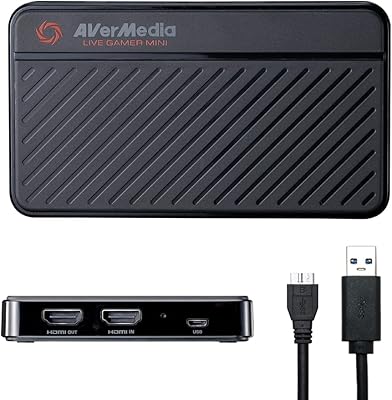
AVerMedia Live Gamer Mini GC311