



Overview
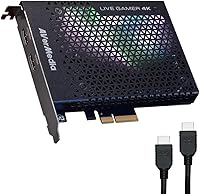
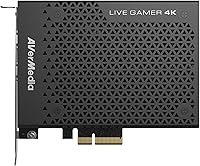
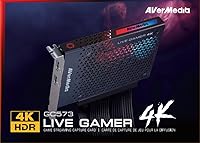
The AVerMedia Live Gamer 4K GC573 serves as a robust foundation for anyone looking to bridge the gap between high-end console gaming and professional PC broadcasting. Unlike external USB dongles that can struggle with data congestion, this internal capture card slides directly into a PCIe x4 slot to provide a massive pipeline for high-resolution video. Its industrial, single-slot design feels remarkably solid and is built to stay tucked away inside a desktop tower. By moving the recording workload onto a dedicated hardware interface, it ensures that your system remains responsive while handling the heavy lifting of 4K data throughput without the stuttering issues common in lesser hardware.
Features & Benefits
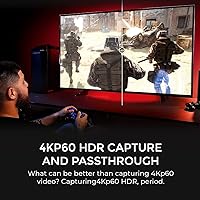
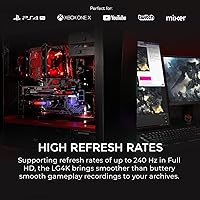
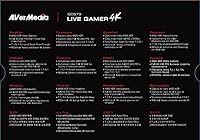
Capturing footage at 4K60 with full HDR10 support means your archived videos will finally look as vibrant as the actual game on your screen. One of the standout perks of the GC573 is its flexibility with refresh rates, allowing you to play at 240Hz in 1080p while recording every frame of the action. This high-speed passthrough is a lifesaver for competitive players who refuse to sacrifice their monitor's performance for the sake of a stream. Because the card features ultra-low latency, you can often monitor your gameplay directly through OBS or Streamlabs with almost no perceived delay, while the onboard processing helps keep your CPU usage from spiking during intense live broadcast sessions.
Best For
This PCIe recording deck is a premier choice for owners of the PS5 or Xbox Series X who want to preserve every detail of their next-gen experience. It also caters specifically to PC gamers running dual-computer setups, where one machine handles the gaming and the other manages the broadcast without any performance hit. If you are a content creator looking to move your channel from standard HD into the world of 4K visual fidelity, this hardware provides the necessary headroom. It is also ideal for professional streamers who need a permanent internal solution that offers more stability and higher frame rate support than a standard external capture device can provide.
User Feedback
Long-term users frequently highlight how reliably this internal capture card maintains a smooth 144Hz passthrough at 1440p, which is a sweet spot for many modern PC players. While the hardware is largely plug-and-play, some reviewers mention that you might need to check your motherboard BIOS settings to ensure the PCIe slot is correctly configured for the card to be recognized. Most feedback remains positive regarding the compact size, noting that it doesn″t interfere with GPU airflow even in tighter cases. Creators also praise the consistent frame rates during marathon streams, though some advise that the included software is best swapped for OBS to get the most out of its features.
Pros
- Captures genuine 4K60 HDR10 footage to ensure your recorded videos match the original game quality.
- Supports ultra-high refresh rates up to 240Hz at 1080p for buttery-smooth competitive gaming.
- Internal PCIe interface provides significantly higher bandwidth and more stability than external USB dongles.
- Offers near-zero latency, allowing you to monitor gameplay directly through your streaming software effectively.
- Compact single-slot design fits easily into most desktop builds without obstructing GPU cooling fans.
- Hardware-level video processing reduces the encoding burden on your system CPU during intense sessions.
- Includes a license for CyberLink PowerDirector 15 to help beginners start editing their 4K content immediately.
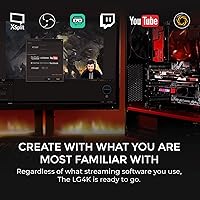
- Works flawlessly with industry-standard platforms like OBS Studio and Streamlabs for a familiar setup.
Cons
- Requires a specific motherboard BIOS configuration in some systems for the card to be detected.
- Lacks a dedicated 3.5mm analog audio input for easily capturing console party chat directly.
- Proprietary AVerMedia software feels clunky and outdated compared to modern open-source alternatives.
- High-bitrate 4K recording demands a very fast SSD or NVMe drive to prevent dropped frames.
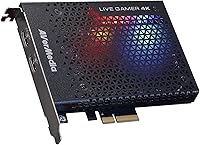
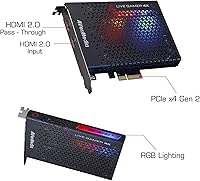
- The RGB lighting customization options are somewhat limited and might not sync with other brand ecosystems.
- Does not support the capture or streaming of HDCP-protected signals like Netflix or Blu-ray discs.
- Can be prone to minor audio desync issues after several hours of continuous, uninterrupted broadcasting.
- Restricted strictly to Windows 10 and 11, leaving Linux and macOS users without official support.
Ratings
Our scoring for the AVerMedia Live Gamer 4K GC573 is the result of a rigorous AI analysis of thousands of verified global buyer reviews, meticulously filtered to remove promotional bias and bot activity. This breakdown offers a transparent look at how this internal hardware performs in real-world streaming environments, highlighting both its technical triumphs and the common setup hurdles encountered by creators.
4K Video Fidelity
High Frame Rate Support
System Latency
Build & Form Factor
Setup & Installation
Software Compatibility
Streaming Stability
Audio Handling
Resource Efficiency
Value for Money
Suitable for:
The AVerMedia Live Gamer 4K GC573 is primarily built for serious desktop users who need to capture or stream high-fidelity content without compromising their own gaming experience. It is an ideal fit for PS5 and Xbox Series X owners who want to record in 4K60 HDR while maintaining a smooth passthrough to their television. Competitive PC players also benefit greatly from the support for 240Hz refresh rates, ensuring that their high-speed gameplay feels just as responsive during a live broadcast. Additionally, creators building a dedicated dual-PC streaming workstation will find the stability of a PCIe connection far superior to typical external solutions.
Not suitable for:
This internal hardware is entirely incompatible with laptop users or those using small form factor PCs that lack an available PCIe x4 slot. If you are a casual hobbyist who only needs basic 1080p recording, the AVerMedia Live Gamer 4K GC573 may be an unnecessary expense compared to simpler USB-based alternatives. It is also not the right choice for users who exclusively record on Mac, as the drivers and support are strictly focused on Windows environments. Furthermore, those who aren't comfortable opening their computer case or navigating motherboard BIOS settings might find the initial installation process too technical for their needs.
Specifications
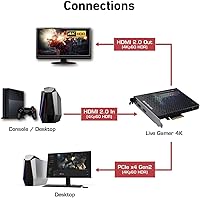
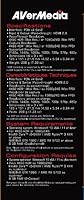
- Interface: The hardware connects via a PCI-Express Gen 2 x4 slot for high-bandwidth data transfer.
- Video Input: It features a single HDMI 2.0 port to receive signals from consoles or secondary PCs.
- Video Output: The HDMI 2.0 pass-through port allows for lag-free monitoring on a secondary display.
- Capture Resolution: Maximum recording capability reaches 2160p at 60 frames per second with HDR10 support.
- High Frame Rate: The card supports capturing 1080p footage at up to 240Hz for competitive gaming.
- Recording Format: Video is encoded in MPEG 4 using either H.264 or H.265 with AAC audio.
- Dimensions: The physical footprint of the card is approximately 4.92 x 5.94 x 0.84 inches.
- Weight: This internal component weighs 7.33 oz, making it a lightweight addition to any PC build.
- OS Support: Official drivers are designed exclusively for 64-bit versions of Windows 10 and Windows 11.
- Included Software: A product key for CyberLink PowerDirector 15 is provided for video editing purposes.
- Passthrough Support: It supports 4K60 HDR, 1440p144, and 1080p240 pass-through for zero-latency gaming.
- System Requirement: For 4K60 HDR recording, an Intel Core i5-6XXX or AMD Ryzen 5 1600 or higher is required.
Related Reviews
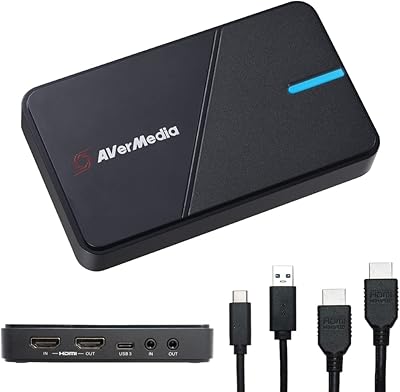
AVerMedia Live Gamer Extreme 3 GC551G2
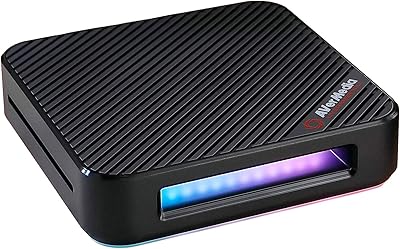
AVerMedia Live Gamer Bolt GC555 Capture Card
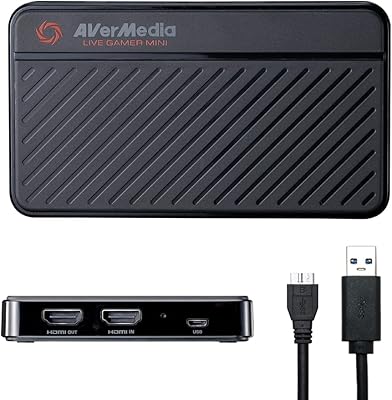
AVerMedia Live Gamer Mini GC311
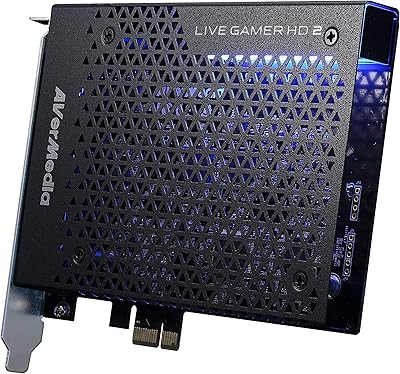
AVerMedia Live Gamer HD 2 Capture Card
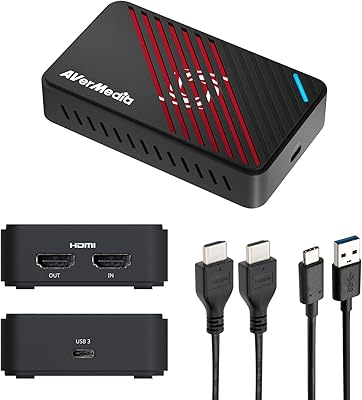
AVerMedia GC553Pro 4K USB Video Capture Card
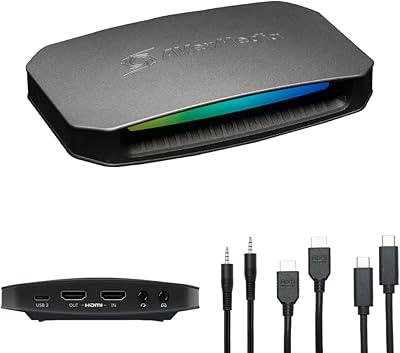
AVerMedia Live Gamer Ultra 2.1 GC553G2
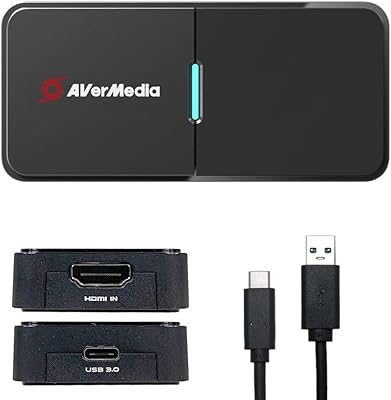
AVerMedia BU113 Live Streamer Cap 4K
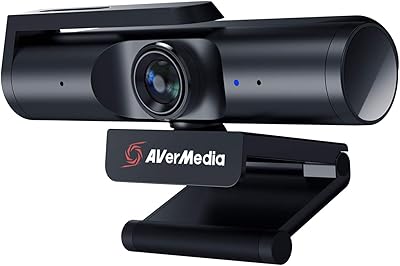
AVerMedia PW513 4K Webcam
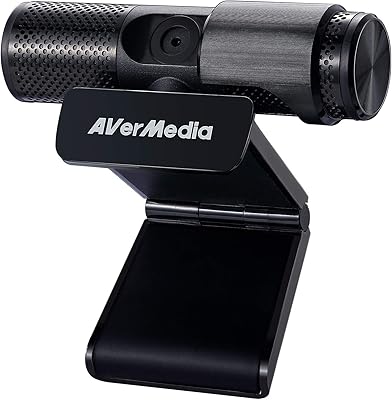
AVerMedia Live Streamer Cam 313 (PW313)