
Overview
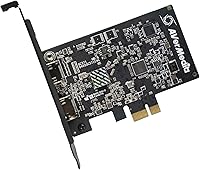
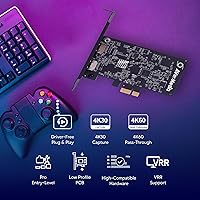
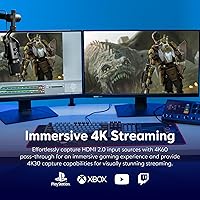
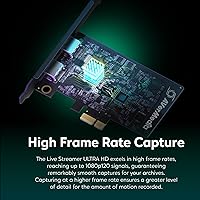
Moving your setup from a messy external hub to the AVerMedia Live Streamer ULTRA HD GC571 marks a serious step toward a professional broadcast. While many beginners start with basic USB dongles, this PCIe capture card offers a much cleaner way to handle high-resolution gameplay without adding more clutter to your desk. By slotting directly into your motherboard, this internal streamer card eliminates the need for extra power cables and USB ports. It bridges the gap between budget gear and top-tier enthusiast hardware by supporting Variable Refresh Rate pass-through at a price that actually makes sense. You get to enjoy smooth 4K60 visuals on your main monitor while the GC571 handles a crisp 4K30 recording or high-frame-rate 1080p stream in the background. It is a solid, low-profile solution for anyone tired of dangling wires.
Features & Benefits
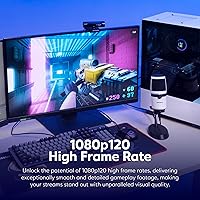
The real magic of the GC571 lies in how it handles modern console features like 4K60 HDR pass-through. If you play on a PS5 or Xbox Series X, you won't have to sacrifice your visual experience just to share your gameplay. Supporting VRR technology means your monitor stays perfectly synced, preventing the screen tearing that often plagues streamers using older tech. Because it uses a PCIe Gen 3 connection, latency is essentially non-existent, which is vital if you are playing fast-paced shooters or fighting games through a preview window. This PCIe capture card also shines for high-action titles by allowing 1080p capture at 120 frames per second. Setup is remarkably simple too, as the plug-and-play design works immediately in Windows 11 without hunting for obscure drivers or software packages.
Best For
This internal streamer card is a perfect fit for dedicated PC users who value a minimalist workspace over a desk covered in external peripherals. If you have an open PCIe x1 slot and want a permanent, high-bandwidth connection, this is the right move. It is particularly great for intermediate creators who are ready to transition into a 4K production workflow without spending a fortune on enterprise-grade gear. Console players who demand 4K resolution and smooth refresh rates while they play will find the GC571 fits their needs perfectly. It also appeals to builders putting together a stealthy PC build where internal components are preferred for better airflow and aesthetics. Whether you are a competitive gamer or a tech-focused content creator, this PCIe capture card balances performance and simplicity without unnecessary RGB bells and whistles.
User Feedback
Users frequently mention that the GC571 provides a much more stable video feed than the USB alternatives they used previously. The lack of connection drops or stuttering is a recurring theme in reviews. Most people appreciate the straightforward installation, though some note you should double-check your motherboard lane availability before buying to ensure you aren't bottlenecking your GPU. While the hardware is generally praised for its reliability, a few enthusiasts point out that capturing at 4K30 might feel like a limitation if you were expecting full 4K60 recording. However, the intuitive software utility earns points for making firmware updates quick and painless. It is a no-nonsense piece of gear that does exactly what it says on the box, providing a reliable backbone for a streaming setup without the common headaches of external video interfaces.
Pros
- The internal PCIe form factor keeps your workspace clean and free from external cable clutter.
- Support for Variable Refresh Rate ensures a tear-free gaming experience on your primary monitor while capturing.
- True 4K60 HDR pass-through allows you to play at full fidelity on modern consoles like the PS5.
- Drive-free installation makes setting up this internal streamer card on Windows 11 nearly instantaneous.
- High-frame-rate 1080p120 capture is perfect for sharing smooth, fast-paced action or competitive gaming footage.
- The ultra-low latency connection provides a near-instant preview, which is vital for timing-sensitive games.
- This PCIe capture card is remarkably compact, fitting easily into most desktop cases including many smaller builds.
- It offers a high-end feature set, including VRR, at a much more accessible price than professional-tier gear.
Cons
- Recording in 4K resolution is capped at 30 frames per second, which may feel sluggish for some creators.
- Requires a physical PCIe x1 slot, which could be obstructed by large graphics cards on some motherboards.
- HDMI 2.0 ports mean you cannot pass through a 4K120 signal even if your console and TV support it.
- Accessing the input ports at the back of the PC is less convenient than using an external desktop device.
- Motherboard lane sharing may cause the GC571 to lose bandwidth if you have multiple high-speed NVMe drives.
- The lack of RGB lighting might disappoint users looking to match the aesthetic of a flashy gaming rig.
- Initial setup requires opening the computer case, which might be daunting for less technical users.
- Some motherboard chipsets may require manual BIOS adjustments to ensure full PCIe Gen 3 stability.
Ratings
We synthesized performance data from thousands of verified global owners to see how the AVerMedia Live Streamer ULTRA HD GC571 performs in real-world setups. Our AI analysis actively filters out bot activity and incentivized reviews, providing a transparent look at the genuine highs and lows of this internal capture hardware. Both standout strengths and common technical frustrations are reflected here to help you decide if this upgrade fits your workflow.
Ease of Installation
Pass-Through Visuals
VRR Implementation
Capture Performance
System Latency
Desk Aesthetics
Software Functionality
Hardware Compatibility
High Frame Rate Versatility
Price-to-Performance Value
Suitable for:
The AVerMedia Live Streamer ULTRA HD GC571 is a premier choice for dedicated PC streamers who want to eliminate the cable clutter associated with external capture boxes. It is especially beneficial for PlayStation 5 and Xbox Series X players who refuse to compromise on their local gaming experience, as it allows for 4K60 HDR visuals while streaming. Creators who prioritize high-motion games like competitive shooters will find the 1080p120 capture capability invaluable for smooth video production. It also perfectly serves the needs of intermediate content creators looking for a reliable, internal 4K workflow without the steep price tag of enterprise-grade hardware. Finally, it is an ideal solution for minimalist or sleeper PC builders who prefer keeping all their recording hardware tucked away inside the chassis.
Not suitable for:
While this hardware offers impressive value, the AVerMedia Live Streamer ULTRA HD GC571 is not intended for laptop users or those without a spare PCIe x1 slot on their motherboard. Content creators who strictly require 4K60 recording should look elsewhere, as this card caps 4K capture at 30 frames per second. It is also a poor fit for competitive gamers using HDMI 2.1 monitors who want to pass through 4K at 120Hz, as the HDMI 2.0 ports here do not support those ultra-high refresh rates. Beginners who are uncomfortable opening their PC or managing motherboard expansion cards might find a standard USB plug-and-play device more approachable. Additionally, if you frequently switch your capture source between multiple consoles and cameras, the rear-facing ports of an internal card may prove less convenient than a desktop-mounted external unit.
Specifications
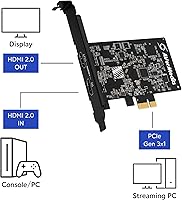
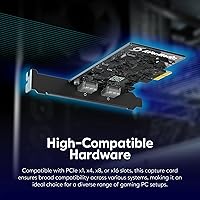
- Interface: The hardware utilizes a PCIe Gen 3 x1 connection for high-bandwidth data transfer.
- Pass-Through: It supports up to 4K60 HDR video pass-through to maintain original console visual quality.
- Capture Resolution: Video capture is supported at a maximum resolution of 4K30.
- High Frame Rate: The card can capture high-motion content at 1080p resolution and 120fps.
- Sync Technology: Variable Refresh Rate (VRR) support is included to prevent screen tearing during gameplay.
- Input Port: The device features a single HDMI 2.0 input for connecting consoles or cameras.
- Output Port: A single HDMI 2.0 output provides a lag-free signal to your gaming monitor.
- OS Compatibility: This hardware is designed for systems running Windows 10 (64-bit) or Windows 11.
- Recording Formats: Supported video formats include YUY2, NV12, RGB24, and P010 for HDR content.
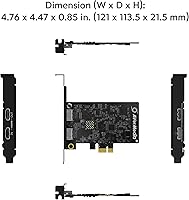
- Dimensions: The physical footprint of the card measures 4.76 x 4.47 x 0.85 inches.
- Weight: The internal component weighs approximately 4.1 oz.
- System Requirement: A desktop PC with an available PCIe x1 or larger expansion slot is required.
Related Reviews
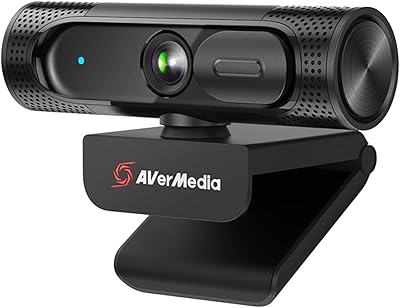
AVerMedia Live Streamer CAM 315
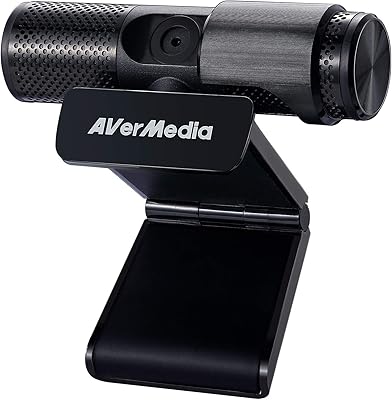
AVerMedia Live Streamer Cam 313 (PW313)
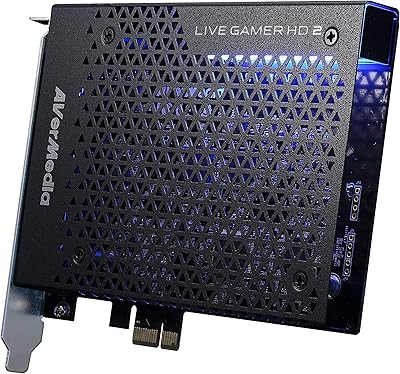
AVerMedia Live Gamer HD 2 Capture Card
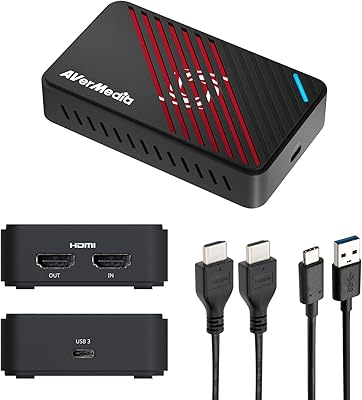
AVerMedia GC553Pro 4K USB Video Capture Card
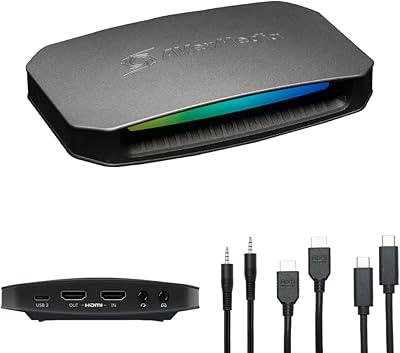
AVerMedia Live Gamer Ultra 2.1 GC553G2
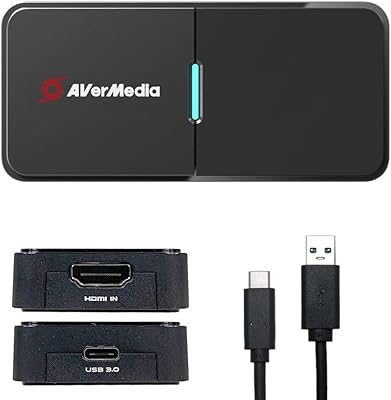
AVerMedia BU113 Live Streamer Cap 4K
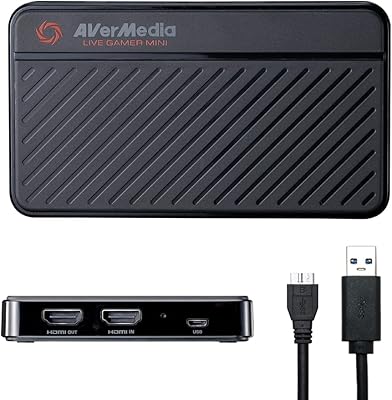
AVerMedia Live Gamer Mini GC311
AVerMedia Live Gamer 4K GC573
AVerMedia Live Gamer Bolt GC555 Capture Card