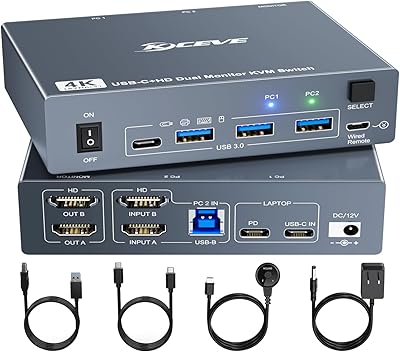
AUKOKIOULA KVM Switch 2 Computers 1 Monitor 4K@60Hz
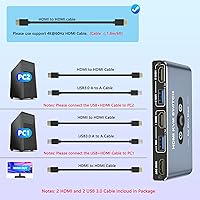
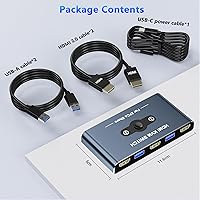
Overview
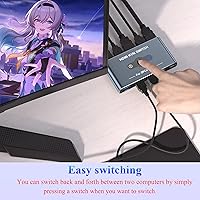
The AUKOKIOULA KVM Switch 2 Computers 1 Monitor 4K@60Hz is designed to simplify the setup for users with multiple computers. This KVM switch lets you easily connect two computers to a single monitor, reducing the clutter of multiple screens and cables. With its 4K@60Hz support, this device ensures high-quality video output, perfect for both work and entertainment. It also includes 4 USB 3.0 ports, allowing you to share peripherals like a keyboard and mouse between your computers. The quick switching feature (2-5 seconds) helps you move seamlessly between devices with minimal delay.
Features & Benefits
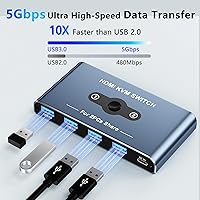
The AUKOKIOULA switch offers impressive features that enhance productivity and performance. With 4K@60Hz HDMI support, you can enjoy vibrant and sharp visuals across a wide range of applications. The 4 USB 3.0 ports ensure fast data transfer (up to 5Gbps), making it easy to connect peripherals like printers and webcams. Its stable operation is bolstered by external power support, ensuring consistent performance even with high-demand devices. Additionally, it’s backward compatible with resolutions like 1080p and 720p, giving you flexibility for different setups.
Best For
This KVM switch is ideal for users with two computers who need to share a single monitor. It’s also perfect for those looking to declutter their workspace by reducing the number of cables and devices. People who frequently switch between computers will appreciate the fast switching time of 2-5 seconds, which minimizes interruptions. Tech enthusiasts and professionals who require high-quality video output and fast peripheral connectivity will find the AUKOKIOULA switch to be a reliable addition to their setup, supporting everything from office work to media consumption.
User Feedback
Users generally appreciate the AUKOKIOULA switch’s easy switching between devices without noticeable lag, making multitasking much smoother. The reliable 4K resolution is often praised for its sharpness and color accuracy, benefiting both work tasks and entertainment. However, some users have reported minor issues with powering external hard drives through the USB ports, suggesting that the device may not provide enough power for larger devices. On the positive side, the switch’s compact design is frequently mentioned as a space-saving solution for tight work areas.
Pros
- This KVM switch provides smooth, quick switching between devices in just 2-5 seconds, making it ideal for multitaskers.
- Users report excellent 4K resolution support, ensuring crisp and vibrant visuals for both work and entertainment.
- With 4 USB 3.0 ports, this device offers fast data transfer speeds of up to 5Gbps, making it great for peripheral-heavy setups.
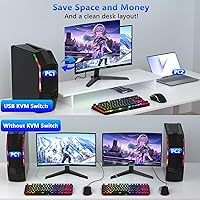
- Its compact design helps save space, making it a good option for users with limited desk space or those seeking a cleaner workspace.
- The HDMI connectivity allows for high-definition display output, perfect for users who need top-tier video quality.
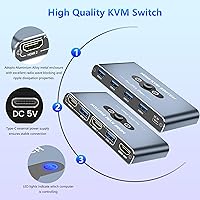
- External power support ensures stable operation, even during extended use or with multiple peripherals connected.
Cons
- Some users reported issues with powering external devices, such as external hard drives, through the USB ports.
- The device may not be the best choice for setups with multiple monitors, as it only supports a single display.
- A few users mentioned compatibility issues with certain older devices, which may cause occasional display glitches.
- The compact size, while beneficial for space-saving, may limit heat dissipation, leading to potential overheating in long sessions.
- Not all users were satisfied with the device's ability to handle higher-powered peripherals without external power sources.
- In rare cases, users have found that switching between computers can sometimes cause temporary display flickering.
Ratings
After analyzing verified user reviews of the AUKOKIOULA KVM Switch 2 Computers 1 Monitor 4K@60Hz across multiple languages and platforms, we present a comprehensive breakdown of its performance. Spam, bot-generated, incentivized, and off-topic feedback was filtered out to ensure that only authentic user experiences shaped the ratings. Both the strengths and pain points highlighted by users are reflected in the scores below, providing a well-rounded view of this device's capabilities.
Switching Speed
4K Resolution Quality
USB Port Functionality
Build Quality
Compatibility with Other Devices
Setup and Installation
Power Stability
Compact Design and Space-Saving
User Interface and Controls
Reliability Over Time
Price-Performance Ratio
Customer Support
Suitable for:
The AUKOKIOULA KVM Switch 2 Computers 1 Monitor 4K@60Hz is ideal for users who need to seamlessly switch between two computers while maintaining high-quality visuals. Professionals who work with multiple computers and need a single monitor for efficient multitasking will find this device especially useful. It's also perfect for those with limited space, as it allows for a tidy, space-saving setup by eliminating the need for two monitors. Tech enthusiasts, home office workers, and even casual users who require quick, reliable device switching and support for 4K visuals will benefit from this device's fast 2-5 second switching time and stable performance. Additionally, the 4 USB 3.0 ports offer excellent peripheral connectivity for both productivity and entertainment purposes.
Not suitable for:
While this KVM switch excels in many areas, it may not be the best choice for users with demanding power needs. Some users have reported issues with powering external devices, such as hard drives, through the USB ports, which can be a limitation for those who require more robust peripheral support. Additionally, those with extremely complex or high-end setups may find that certain hardware configurations cause compatibility issues. For example, users with multiple monitors or older systems may experience some difficulty achieving the same smooth performance as others. In such cases, this KVM switch might not meet expectations, especially if seamless 4K resolution across multiple devices is critical.
Specifications
- Resolution: Supports up to 4K@60Hz resolution for high-quality visuals.
- USB Ports: Includes 4 USB 3.0 ports for connecting peripherals like keyboards and mice.
- Switching Time: Switching between connected devices takes 2-5 seconds.
- Backward Compatibility: Compatible with lower resolutions like 1080p and 720p.
- Data Transfer Speed: USB 3.0 ports enable data transfer speeds up to 5Gbps.
- Power Supply: Requires external power for stable operation, especially when multiple peripherals are connected.
- Connector Type: Uses HDMI connectors for video input and output.
- Dimensions: Measures 4.53 x 2.36 x 0.63 inches.
- Weight: Weighs 13.28 ounces.
- LED Indicator: Features LED indicators to display which device is active.
- Supported Devices: Supports connection of two computers to a single monitor.
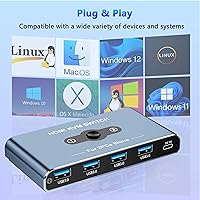
- Compatibility: Compatible with both Windows and Mac operating systems.
- Peripherals Compatibility: Supports a variety of USB devices such as keyboards, mice, and printers.
- Build Material: Compact and durable design with a plastic housing.
- Video Output: Supports HDMI video output for high-definition monitors.
- Usage Scenario: Ideal for users who need to switch between two computers quickly while using a single monitor.
- External Hard Drive Powering: Some users have reported issues with powering external hard drives through the USB ports.
- Display Support: Designed for use with HDMI-compatible displays.
- Form Factor: Compact form factor designed for easy desktop or workspace integration.
Related Reviews
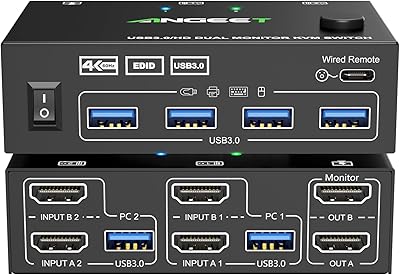
ANGEET HDMI KVM Switch 2 Monitors 2 Computers 4K@60Hz
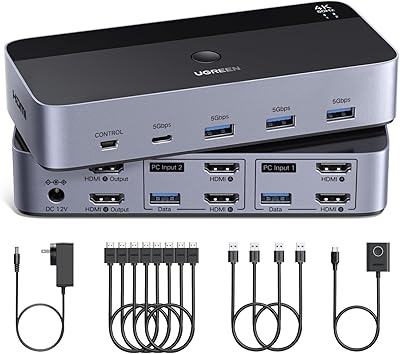
UGREEN AK500 Dual Monitor KVM Switch
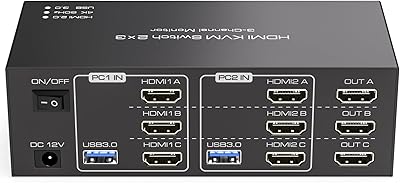
TJCXELE 3-Monitor Dual-Computer HDMI KVM Switch
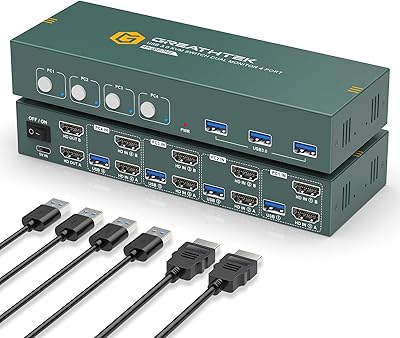
EVATEK 4-Port Dual Monitor HDMI KVM Switch
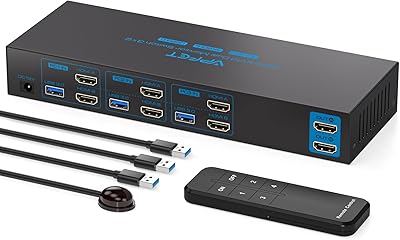
AILVLVNG SW330 Dual Monitor KVM Switch
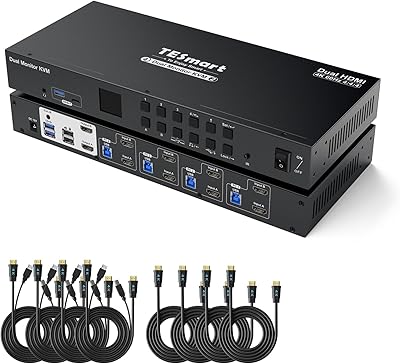
TESmart HKS402-P23 Dual Monitor KVM Switch
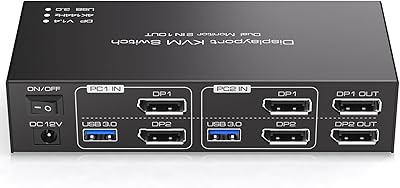
TJCXELE 4K@144Hz Dual-Monitor DisplayPort KVM Switch
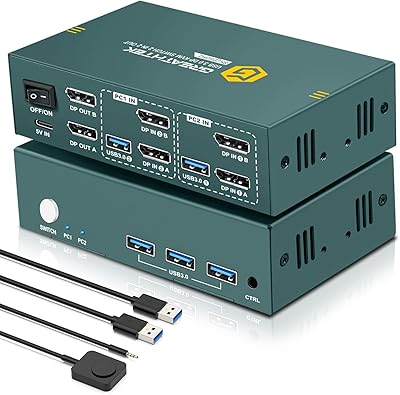
EVATEK 8K DP 2-Monitor 2-PC KVM Switch
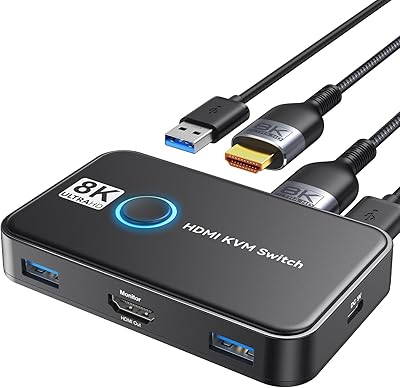
Viagkiki 2-Computer 1-Monitor KVM Switch