


Overview
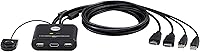
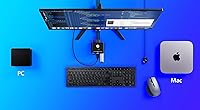
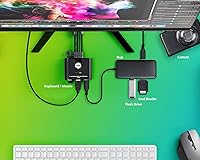
The ATEN CS22HF 2-Port HDMI KVM Switch is a compact, no-fuss solution for anyone tired of juggling two computers on a single desk. Plug it in, connect your two machines, and you're done — no drivers to install, no software to configure. The built-in cables keep things tidy right out of the box. What really stands out is the remote port selector, a small wired button that lets you flip between computers without reaching behind your monitor. It works across Windows, Mac, and Linux, which matters if your work laptop and personal desktop don't share an OS. For remote workers and home office setups, this desk-sharing device is a practical, low-effort upgrade.
Features & Benefits
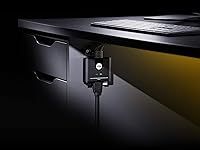
Video output holds at full HD 1080p at 60Hz, which is sharp enough for spreadsheets, video calls, and casual gaming without any noticeable lag or degradation. The integrated 1.2m USB and HDMI cables are a genuine convenience — you won't be hunting for extra cables or worrying about compatibility. This KVM switch draws power directly from a USB port, so there's no wall adapter cluttering your setup. The remote switcher sits on your desk via a 1.8m cable, meaning the unit itself can stay out of sight. USB peripherals like keyboards and mice are hot-pluggable, so you can add or swap devices without rebooting either machine. At just under an inch thick, it barely takes up any physical space.
Best For
This desk-sharing device hits its stride with work-from-home professionals who run a company laptop and a personal desktop side by side. Rather than unplugging HDMI cables every time you need to switch contexts, one button press handles it. Students running a Mac for creative work and a Windows PC for gaming or coursework will find it equally practical. It's also a solid pick for light gamers who want a second machine on standby without dedicating a second monitor to it. The ATEN two-port switch isn't built for power users who need 4K output or audio routing, but for anyone who simply wants a clean dual-PC setup without complexity, it's a well-matched option.
User Feedback
Buyers consistently highlight how quick the initial setup is — most report having both machines running through a single monitor within minutes. The remote port selector gets frequent mentions as the most-used feature day to day, especially from users who keep computers tucked under a desk. Video quality at 1080p earns solid marks, with reviewers noting stable output and no flickering during normal use. That said, some users flag the cable length as restrictive on wider desks, and the lack of audio passthrough is a recurring complaint for those who also switch headsets between machines. Compared to cheaper unbranded alternatives, most buyers consider the ATEN two-port switch more dependable — though a handful note it won't satisfy anyone needing 4K or ultrawide resolution support.
Pros
- No drivers or software needed — both machines are ready to use within minutes of unboxing.
- The remote port selector keeps the physical switch on your desk, not hidden behind your monitor.
- Works across Windows, Mac, and Linux without any configuration adjustments.
- Bus-powered via USB means one fewer power adapter and one less cable running to the wall.
- Built-in HDMI and USB cables keep the setup tidy without needing extra accessories.
- Hot-pluggable USB support lets you add or swap peripherals without rebooting connected machines.
- The compact form factor fits discreetly on or under a desk without consuming meaningful workspace.
- More consistent build quality than cheaper unbranded alternatives at a comparable price point.
- 1080p at 60Hz output is stable and flicker-free for everyday productivity and light gaming.
- Green LED indicators make it immediately clear which computer currently has control.
Cons
- No audio passthrough means shared speakers or headsets still require manual cable swapping.
- The fixed 1.2m cables cannot be extended or swapped, limiting flexibility on larger desks.
- Only two USB Type-A ports on the console side, which is not enough for multi-peripheral setups.
- No USB 3.0 support makes this KVM switch unsuitable for high-speed peripheral or storage use.
- The plastic housing shows surface wear over time with regular handling and desk repositioning.
- The remote button has no anti-slip base, so the unit tends to drift on smooth desk surfaces.
- LED indicators are dim enough to be difficult to read clearly in bright or daylight-heavy rooms.
- macOS users have occasionally reported USB peripheral delays after waking machines from sleep.
- Only two computers can be connected — anyone needing a third port must look elsewhere.
- No 4K or 1440p support locks out users who have already invested in higher-resolution monitors.
Ratings
The ATEN CS22HF 2-Port HDMI KVM Switch has been evaluated using AI analysis of verified global buyer reviews, with spam, bot-generated, and incentivized feedback actively filtered out before scoring. The ratings below reflect a balanced picture — real strengths that make this desk-sharing device a popular pick for home office users, alongside genuine pain points that matter depending on your setup. Nothing has been glossed over.
Ease of Setup
Switching Convenience
Video Quality
Build Quality
Cable Length & Management
USB Peripheral Support
Cross-Platform Compatibility
Power & Connectivity
Audio Support
Compact Design
Value for Money
Port Indicator Clarity
Long-Term Reliability
Suitable for:
The ATEN CS22HF 2-Port HDMI KVM Switch is a strong fit for anyone running two computers on a single desk who wants a clean, low-effort setup without constantly swapping cables. Remote workers managing a company-issued laptop alongside a personal desktop will get the most out of it — one button press on the remote selector routes the keyboard, mouse, and monitor to whichever machine they need, no software required. Students juggling a Mac for creative work and a Windows PC for coursework or gaming will find the cross-platform support genuinely reliable out of the box. Home office users with compact desks will appreciate how little space this desk-sharing device occupies, especially since the unit can be tucked out of sight while the remote button stays on the surface. If your monitor runs at 1080p and you simply need a dependable way to share peripherals between two machines without complexity or extra hardware, this KVM switch is a practical and well-matched solution.
Not suitable for:
The ATEN CS22HF 2-Port HDMI KVM Switch is not the right choice for anyone running a monitor above 1080p resolution — the 1440p and 4K crowd will hit a hard ceiling here, and there is no firmware update or workaround that changes that. Content creators, video editors, or designers who depend on accurate, high-resolution display output for professional work should look at higher-spec KVM options before committing. Anyone expecting to share a headset or route desktop audio through the switch will be disappointed — there is no audio passthrough at all, meaning a separate manual audio switch or Bluetooth workaround becomes necessary. Users with wide desks or tower PCs positioned further from their monitor may also find the built-in 1.2m cables frustratingly short, and since the cables are fixed rather than detachable, there is no easy remedy. Power users who need more than two computers, USB 3.0 transfer speeds, or advanced peripheral management will quickly outgrow what this desk-sharing device was designed to handle.
Specifications
- Computer Ports: Supports exactly 2 computers connected simultaneously via 2 integrated HDMI male cables.
- Console Output: Provides 1 HDMI female output port for connecting a single monitor to both computers.
- Max Resolution: Outputs video at up to 1920x1080 at 60Hz and 1920x1200 at 60Hz depending on display.
- USB Standard: Uses USB 2.0 for peripheral connections, supporting keyboards, mice, and other standard USB devices.
- Built-in Cables: Includes 2 integrated 1.2m cables combining HDMI and USB connections for each computer port.
- Remote Selector: Ships with a wired remote port selector on a 1.8m cable for desk-top switching between computers.
- Power Source: Bus-powered entirely through USB from the connected host computer, requiring no external power adapter.
- Dimensions: Measures 3.24 x 2.62 x 0.99 inches (8.24 x 6.65 x 2.52 cm) in length, width, and height.
- Weight: Weighs 0.57 lb (0.26 kg), making it light enough to mount or tuck behind a monitor base.
- Housing Material: Constructed with a plastic outer housing designed for lightweight desktop or shelf placement.
- OS Compatibility: Fully compatible with Windows, macOS, and Linux operating systems without requiring driver installation.
- Hot-Plug Support: Supports hot-plugging of USB peripherals, allowing devices to be connected or swapped without rebooting.
- Port Indicators: Features 2 green LEDs that indicate which computer port is currently active and receiving input.
- Audio Support: Does not include audio passthrough; audio signals are not routed or switched through this device.
- Operating Temp: Rated for use in environments between 0°C and 50°C for reliable day-to-day operation.
- Storage Temp: Can be safely stored in temperatures ranging from -20°C to 60°C without damage to components.
- Humidity Range: Operates reliably in non-condensing humidity conditions ranging from 0% to 80% relative humidity.
- Power Draw: Consumes DC 5V at 1.518W (approximately 11 BTU per hour) during normal operation.
- Model Number: Manufactured by ATEN under the model designation CS22HF, first made available in July 2022.
Related Reviews
BolAAzuL 2-Port HDMI 2.1 KVM Switch
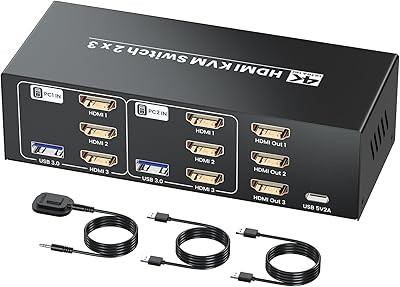
Seiryruc 2-in-3-Out 4K HDMI KVM Switch
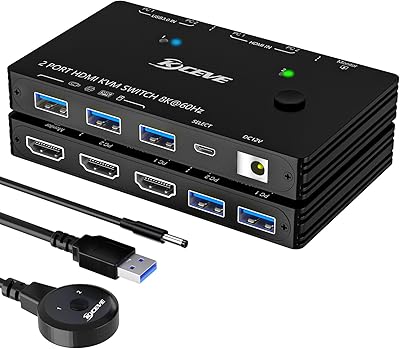
ANXQQ ANQ-A8201 HDMI KVM Switch
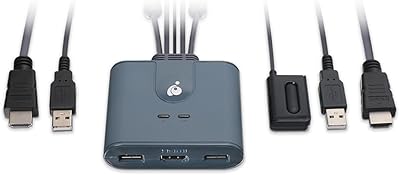
IOGEAR GCS32HU 2-Port HDMI KVM Switch
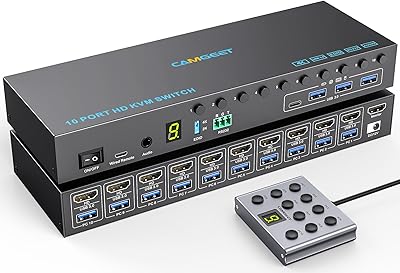
Camgeet 10-Port HDMI KVM Switch
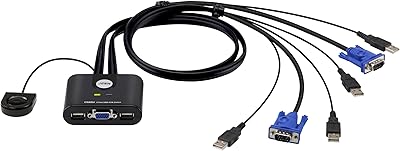
ATEN CS22U 2-Port VGA KVM Switch
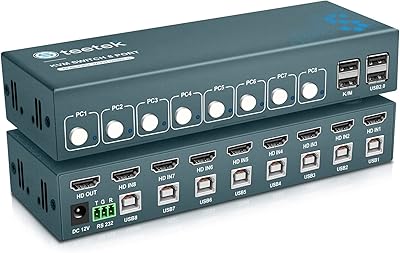
Steetek 8-Port USB 2.0 HDMI KVM Switch
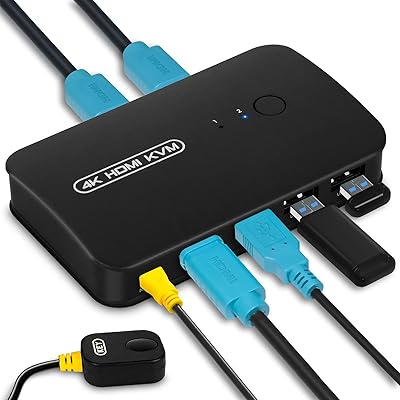
DGODRT KS602H 2-Port HDMI KVM Switch
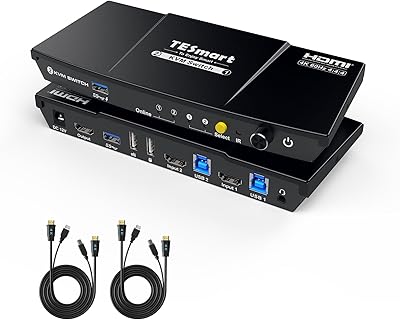
TESmart HKS201-P23 2-Port HDMI KVM Switch