ASUS ZenScreen Touch MB16AMTR 16-inch Monitor


Overview
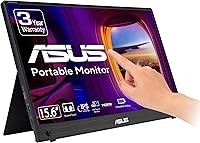
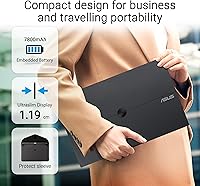
The ASUS ZenScreen Touch MB16AMTR 16-inch Monitor is one of those gadgets you don't fully appreciate until you're stuck somewhere without a second screen. It packs a 16-inch Full HD IPS panel into a remarkably slim, lightweight body that slides into a laptop bag without much fuss. What sets it apart from a typical portable display is the touchscreen layer, which adds a level of interaction you don't usually get at this size. A built-in battery means you're not always hunting for an outlet, and ASUS backs the whole thing with a 3-year warranty, which says something about how confident they are in its durability. It's not a budget pick, but it doesn't pretend to be one either.
Features & Benefits
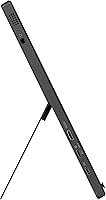
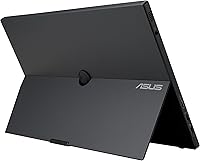
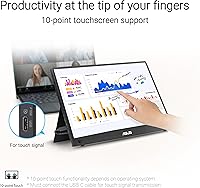
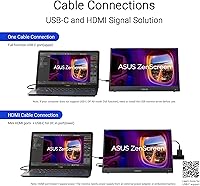
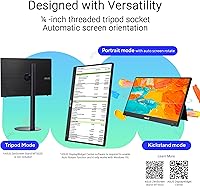
Touch input is the headline feature here, and it actually works well for tablet-style navigation, swiping through files or sketching quick notes without reaching for a mouse. Connectivity is flexible too: a hybrid USB-C port handles both DisplayPort Alt Mode and standard USB signal, while a mini-HDMI port covers older laptops or consoles that don't support USB-C video. The kickstand is genuinely useful, letting you flip between landscape and portrait in seconds, and the tripod socket opens up angles you wouldn't get otherwise, handy for presentations or filming setups. ASUS also includes Eye Care tech aimed at cutting down strain during long stretches of use, and a 3-month Adobe Creative Cloud trial sweetens the deal without being the main reason to buy it.
Best For
This portable monitor makes the most sense for people who travel for work and don't want to compromise on screen real estate once they land. Professionals juggling spreadsheets and video calls benefit from having a true second display instead of squinting at a single laptop screen. Creators who like sketching ideas or making quick touch-based edits will appreciate having that functionality built right in, rather than relying on a separate tablet. Gamers who travel with a console or want a quick setup away from home will find the extra screen useful for split-screen or co-op sessions. It also suits remote workers building a portable two-screen workflow, and anyone who occasionally needs a tripod-mounted display for demos, pitches, or content shoots.
User Feedback
Real-world feedback on this touchscreen monitor is largely positive, sitting at a 4.4 out of 5 average across more than 1,300 ratings, which is a solid showing for this category. Buyers consistently praise the build quality and how responsive the touch panel feels in daily use, comparing it favorably to pricier tablets. That said, the experience isn't flawless. A number of owners mention that battery life drops noticeably once brightness is pushed up, so don't expect the full four hours if you're working outdoors or in a bright office. A few also note it's a bit heavier in the bag than they expected, and given the asking price, some shoppers admit they weighed it against cheaper alternatives before deciding.
Pros
- Touch input genuinely works for navigation, sketching, and quick edits on the move
- Built-in battery cuts down on cable clutter during short work sessions
- Kickstand and tripod socket make landscape, portrait, and angled setups effortless
- Hybrid USB-C and mini-HDMI ports cover laptops, consoles, and tablets alike
- Strong 4.4-star average across more than 1,300 verified ratings
- Build quality and touch responsiveness are consistently praised by real owners
- 3-year ASUS warranty adds genuine peace of mind for a portable device
- Bundled Adobe Creative Cloud trial is a nice, low-pressure extra
Cons
- Battery life drops noticeably at higher brightness, falling short of the rated four hours
- Sits at a premium price point compared to basic portable monitors
- Slightly heavier than some rivals, which matters for minimalist travel packing
- Touch layer adds cost that buyers who don't need it will overpay for
- Mini-HDMI requires an adapter or specific cable many users won't already own
- Not designed as a permanent desk replacement for a full-size external monitor
- Outdoor visibility suffers in direct sun despite the matte screen finish
- Premium pricing pushes some budget-conscious shoppers toward simpler alternatives
Ratings
These scores for the ASUS ZenScreen Touch MB16AMTR 16-inch Monitor were generated by AI after analyzing thousands of verified user reviews from around the world, with spam, bots, and incentivized feedback filtered out before scoring. Every category below reflects a balanced mix of what real owners loved and what genuinely frustrated them, not just marketing claims. Use these scores as a practical snapshot of how this touchscreen monitor performs once it leaves the box and enters daily use.
Build Quality
Display & Color Accuracy
Touchscreen Responsiveness
Battery Life
Portability & Weight
Connectivity & Compatibility
Kickstand & Stand Versatility
Eye Comfort
Value for Money
Warranty & Support
Setup Ease
Software Bundle (Creative Cloud Trial)
Travel Durability
Suitable for:
The ASUS ZenScreen Touch MB16AMTR 16-inch Monitor makes the most sense for people whose work doesn't stay in one place. Frequent travelers and consultants who need a real second display for spreadsheets or video calls will notice the difference immediately compared to squinting at a single laptop window. Creators who like sketching out ideas or making quick touch edits on the fly get genuine value from the 10-point touch panel, something a standard portable display can't offer. Remote workers setting up a temporary two-screen workflow at a coffee shop or client site will appreciate the kickstand and tripod socket for fast positioning. It's also a smart pick for gamers who want to bring console gaming along on trips without hauling a TV. Anyone who regularly gives presentations or films short product demos will get extra mileage out of the mounting flexibility.
Not suitable for:
This setup isn't for everyone, and the ASUS ZenScreen Touch MB16AMTR 16-inch Monitor has some real trade-offs worth weighing first. Buyers on a tight budget should pause, since this sits in the premium tier and cheaper portable monitors exist that skip touch functionality entirely. If you need all-day battery independence, the realistic runtime drops well below the rated four hours once brightness climbs, so it's not ideal for long flights or off-grid work sessions. Anyone chasing the lightest possible travel setup may find it slightly bulkier than expected next to ultra-thin rivals. People who only need basic mirroring without touch or portrait orientation are paying for features they won't use. It's also not built for permanent desk use, where a larger, mains-powered monitor would serve better and cost less per inch.
Specifications
- Screen Size: The display measures 16 inches diagonally, offering a roomy secondary screen without becoming unwieldy to carry.
- Panel Type: An IPS panel is used to deliver consistent colors and wide viewing angles from off-center positions.
- Resolution: The screen runs at a Full HD resolution of 1920 x 1080 pixels for sharp text and imagery.
- Touch Input: A 10-point touchscreen allows multi-finger gestures for navigation, sketching, and tablet-style interaction.
- Battery Capacity: A built-in 7800 mAh battery powers the display without requiring a constant external power source.
- Battery Life: Typical battery runtime reaches up to four hours under standard brightness and usage conditions.
- Connectivity: A hybrid USB-C port supports DisplayPort Alt Mode and standard USB signal for flexible device pairing.
- Secondary Port: A mini-HDMI port is included for connecting devices that lack USB-C video output.
- Kickstand: An integrated kickstand lets the monitor stand in both landscape and portrait orientations without extra accessories.
- Mounting Option: A standard tripod socket is built into the housing for mounting at custom angles.
- Eye Care: ASUS Eye Care technology is included to help reduce eye strain during extended viewing sessions.
- Screen Surface: The display uses a matte finish to cut down on glare and fingerprint visibility.
- Weight: The monitor weighs 2.5 pounds, making it portable but slightly heavier than the lightest competitors.
- Dimensions: Physical dimensions measure 0.5 x 14.2 x 8.9 inches in its slim, slate-like housing.
- Color: The unit is finished in black across the bezel and rear housing.
- Warranty: ASUS backs the monitor with a 3-year limited warranty covering manufacturing defects.
- Software Bundle: A 3-month Adobe Creative Cloud trial is included with purchase, valid through a limited redemption window.
Related Reviews
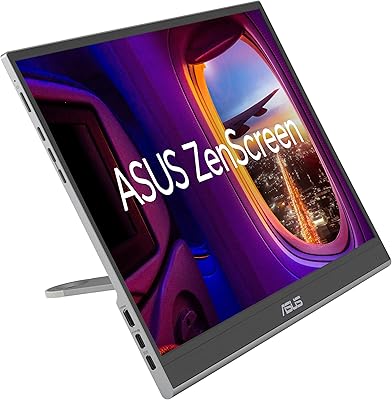
ASUS ZenScreen 16-inch OLED Portable Monitor
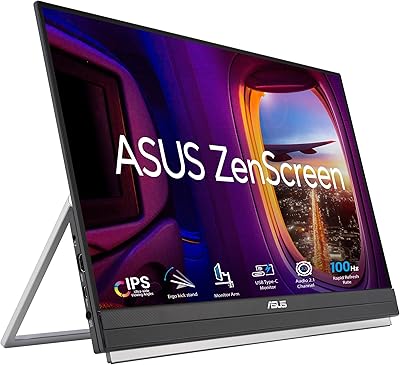
ASUS ZenScreen MB229CF 22-inch Portable Monitor
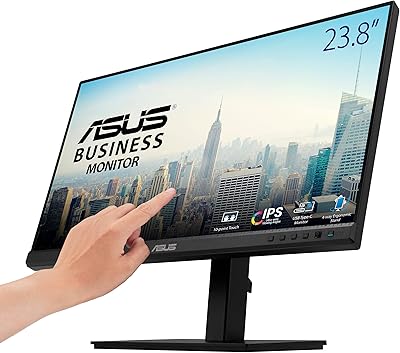
ASUS BE24ECSBT 24-inch Touch Monitor
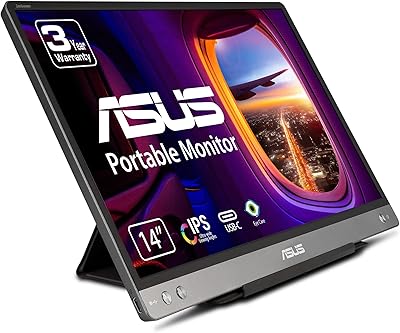
ASUS ZenScreen MB14AC 14-inch Portable Monitor
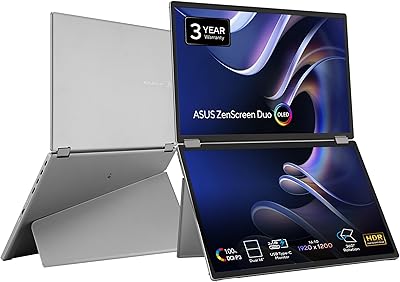
ASUS ZenScreen Duo OLED 14-inch Portable Monitor
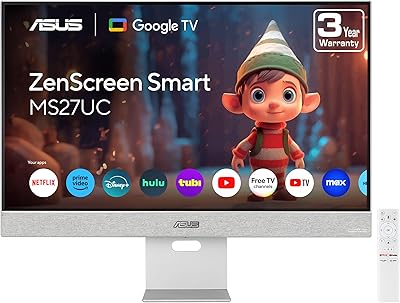
ASUS ZenScreen MS27UC 27-inch 4K Smart Monitor
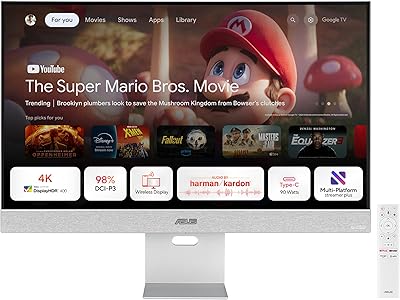
ASUS ZenScreen MS32UC 32-inch 4K Smart Monitor
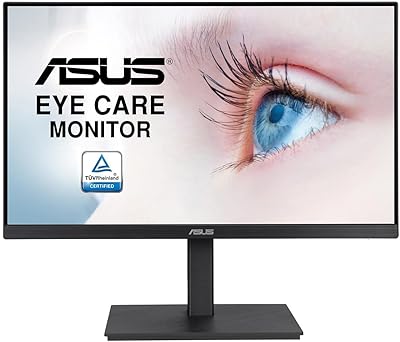
ASUS VA27EQSB 27-inch Monitor
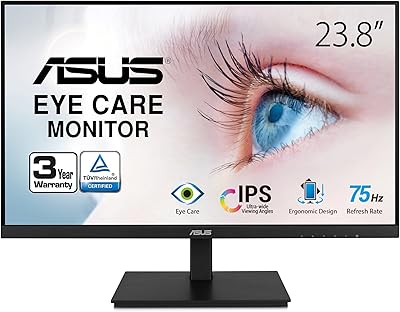
ASUS VA24DQSB 24-inch IPS Monitor