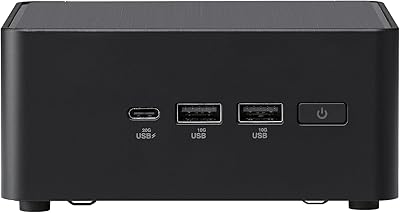
Overview
The ASUS ZenBook 14 Pro OLED Laptop enters a competitive price tier carrying one genuinely compelling advantage: a 14-inch OLED touchscreen that most rivals at this price still skip. Powered by Intel's Core Ultra 5 125H — a 14-core processor with a built-in NPU for AI tasks — it handles everyday productivity without breaking a sweat. One thing buyers should know upfront: this unit ships resealed after being upgraded to Windows 11 Pro, which is worth understanding before purchase. The chassis meets MIL-STD-810H durability standards, and at under 0.7 inches thin, it travels well. Just note that the 8GB soldered RAM cannot be expanded later — a real ceiling for anyone planning to grow into heavier workloads.
Features & Benefits
The screen is the clear standout here. Covering 100% DCI-P3 color space at 500 nits, it renders photos, video, and design work with a richness that typical IPS panels simply cannot match — even on more expensive machines. The Core Ultra 5 125H's hybrid core layout keeps routine tasks snappy while its integrated NPU handles AI-assisted features in Windows 11 Pro. Two Thunderbolt 4 ports mean you can drive dual 4K monitors or connect fast external storage without hunting for adapters. Wi-Fi 6E future-proofs the wireless side. The FHD IR webcam includes a physical privacy shutter — a small detail that matters for video calls. At just over three pounds and two-thirds of an inch thick, daily portability is effortless.
Best For
This slim ASUS laptop fits a fairly specific buyer profile well. Remote workers and frequent travelers will appreciate the compact build and solid port selection — being able to plug into a proper desk setup via Thunderbolt 4 makes a real difference. Design students and anyone doing color-sensitive work will find the OLED display genuinely useful, not just a marketing checkbox. If you're coming from a machine built around older Core i5 silicon, the performance step-up will be noticeable. What this is not built for is heavy 3D rendering, gaming, or serious multitasking with a dozen browser tabs and virtual machines running simultaneously. The Windows 11 Pro license also adds practical value for anyone who relies on BitLocker or Remote Desktop in a professional environment.
User Feedback
Owners of the ZenBook Pro consistently single out the display and build quality as highlights — the OLED screen in particular draws genuine enthusiasm from people who didn't expect it at this price. Complaints, though, tend to cluster around two areas: the non-upgradable RAM and the resealed packaging. Some buyers were caught off guard by the unit arriving resealed, even though it's disclosed — transparency matters when you're spending this much. Real-world battery life seems to land noticeably short of the 12-hour rating under mixed workloads, which is fairly common for OLED panels at higher brightness. Fan noise under sustained load has also been flagged by a handful of reviewers. Overall sentiment leans positive, but this is clearly a laptop with real trade-offs worth knowing before you buy.
Pros
- The 14-inch OLED touchscreen delivers color accuracy and contrast that is rare at this price point.
- Intel Core Ultra 5 125H handles everyday productivity tasks with headroom to spare.
- Dual Thunderbolt 4 ports make it easy to build a capable dual-monitor desk setup.
- At just over three pounds and two-thirds of an inch thick, this slim ASUS laptop travels without complaint.
- MIL-STD-810H certification gives genuine confidence for daily carry and commuting.
- Windows 11 Pro inclusion adds real enterprise value — BitLocker and Remote Desktop are ready out of the box.
- Wi-Fi 6E keeps wireless connectivity fast and future-ready.
- The FHD IR webcam with a physical privacy shutter is a practical, well-executed detail for video call users.
- 100% DCI-P3 color coverage makes the display a credible tool for color-sensitive creative work.
Cons
- The 8GB RAM is soldered to the board — there is no upgrade path if your needs grow.
- Real-world battery life under mixed workloads falls noticeably short of the 12-hour marketing claim.
- The unit ships resealed, which surprises some buyers even though it is disclosed upfront.
- Integrated graphics rule out any meaningful gaming or GPU-accelerated rendering work.
- Fan noise and warmth under sustained CPU load have been flagged by multiple owners.
- A single USB-A port is limiting if you regularly connect older peripherals without a hub.
- The 512GB SSD fills up faster than expected for users who store local media or large project files.
- OLED panels can exhibit burn-in risk over time with static UI elements — worth knowing for long-term use.
- No SD card slot, which is a frustrating omission for photographers and videographers.
Ratings
The scores below were generated by our AI engine after analyzing thousands of verified global buyer reviews for the ASUS ZenBook 14 Pro OLED Laptop, with spam, bot-submitted, and incentivized feedback actively filtered out before any scoring was applied. Each category reflects the honest distribution of real user sentiment — strengths are credited where they are earned, and recurring frustrations are weighted proportionally rather than buried. Whether this slim ASUS laptop impresses or disappoints depends heavily on your use case, and these scores are designed to make that clear.
Display Quality
Performance
RAM & Upgradability
Build Quality
Battery Life
Portability
Port Selection
Thermal Management
Webcam Quality
Keyboard & Trackpad
Wireless Connectivity
Value for Money
Packaging & Unboxing
Software & OS Experience
Suitable for:
The ASUS ZenBook 14 Pro OLED Laptop is a strong fit for professionals and students who spend most of their day writing, researching, presenting, or doing light creative work on the go. If you work remotely and occasionally need to connect to a proper desk setup with external monitors, the dual Thunderbolt 4 ports make that transition effortless. Design students and content reviewers who need accurate color reproduction will find the OLED panel genuinely useful — not just a spec-sheet highlight. Business users who rely on BitLocker encryption or Remote Desktop will appreciate having Windows 11 Pro baked in rather than paying extra for it. Anyone stepping up from a machine built around older Intel silicon will feel a real, everyday performance difference with the Core Ultra 5 125H driving their workflow.
Not suitable for:
The ASUS ZenBook 14 Pro OLED Laptop is not the right call for buyers who push their machines hard across multiple demanding tasks simultaneously. The 8GB of soldered RAM is a fixed ceiling — you cannot upgrade it later — and that becomes a genuine bottleneck if you regularly run virtual machines, keep dozens of browser tabs open, or work inside memory-intensive software like video editors or large development environments. Gamers and 3D rendering enthusiasts should also look elsewhere, since the integrated Intel graphics are capable for everyday tasks but will struggle with anything GPU-intensive. If receiving a resealed unit is a dealbreaker for you regardless of the reason, this listing requires careful consideration, as the machine ships resealed after its Windows upgrade. Buyers expecting true all-day battery life should temper expectations — real-world usage under mixed loads tends to land well below the rated 12-hour figure.
Specifications
- Display: 14-inch WUXGA OLED touchscreen with a 1920x1200 resolution, 16:10 aspect ratio, 500-nit brightness, and full 100% DCI-P3 color coverage.
- Processor: Intel Core Ultra 5 125H with 14 cores and 18 threads, base clock of 1.2 GHz and boost up to 4.5 GHz, plus an integrated NPU for AI-accelerated tasks.
- RAM: 8GB of LPDDR5 memory running at 4800 MHz, soldered directly to the motherboard with no option for future expansion.
- Storage: 512GB PCIe NVMe M.2 SSD providing fast read and write speeds suitable for everyday application loading and file transfers.
- Graphics: Intel integrated graphics (Iris Xe class) handle everyday display output and light creative tasks, with no discrete GPU onboard.
- Ports: Connectivity includes two Thunderbolt 4 ports, one HDMI 2.1, one USB 3.2 Gen 1 Type-A, and a combo audio jack.
- Wireless: Wi-Fi 6E (802.11ax) and Bluetooth 5.3 provide fast, low-latency wireless connectivity across current and next-generation network infrastructure.
- Webcam: Full HD IR webcam supports Windows Hello facial recognition and includes a physical privacy shutter to block the lens when not in use.
- Operating System: Ships with Windows 11 Professional 64-bit, which was installed during a resealing process prior to sale.
- Battery: Manufacturer-rated battery life of up to 12 hours, though real-world endurance under mixed workloads is typically lower.
- Weight: The laptop weighs 3.09 pounds, making it practical for daily commutes and travel without significant bag strain.
- Dimensions: The chassis measures 12.67 x 8.88 x 0.67 inches, maintaining a slim profile across its footprint.
- Durability: Certified to the US MIL-STD-810H military standard, covering resistance to temperature extremes, humidity, vibration, and drop stress.
- Keyboard: Full backlit keyboard with touchscreen input supported on the display, enabling tap and swipe interaction in compatible applications.
- Monitor Support: Supports up to two external monitors simultaneously via the HDMI 2.1 and Thunderbolt 4 ports, with maximum output resolution of 4K at 60Hz.
Related Reviews
ASUS Zenbook 14 OLED 2024 Laptop
ASUS Vivobook S 14 OLED M5406WA
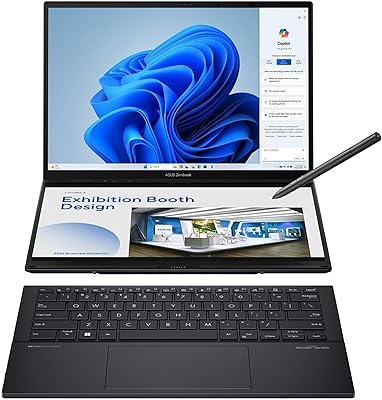
ASUS Zenbook DUO 14 Core Ultra 9 285H 32GB/1TB

ASUS Chromebook CM14 (CM1402CM2A-DS44)
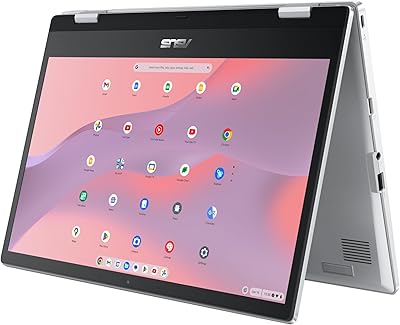
ASUS Chromebook Flip CX1 14″ 8GB/128GB
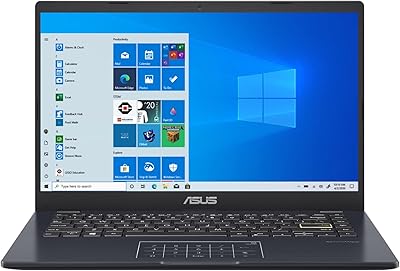
ASUS E410MA 14-Inch Celeron Laptop
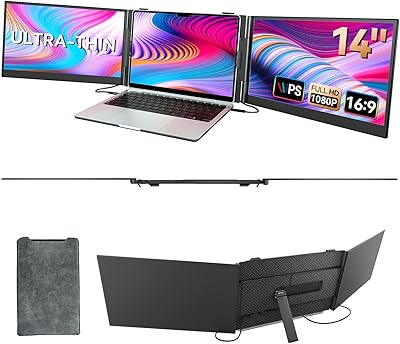
BOSII S8 Pro 14-inch Portable Triple Monitor
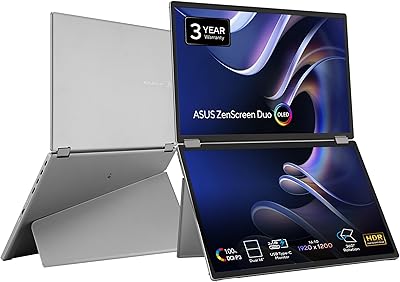
ASUS ZenScreen Duo OLED 14-inch Portable Monitor
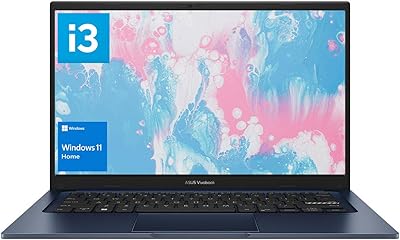
ASUS Vivobook 14 i3-1215U 16GB/512GB