
Overview
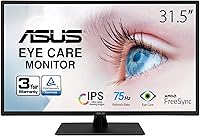
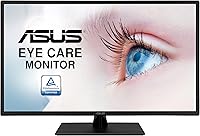
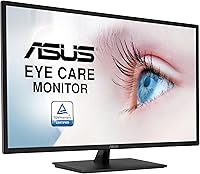
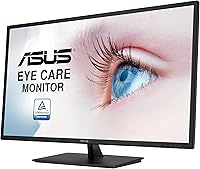
The ASUS VA329HE 32-inch IPS Monitor sits in an interesting spot — it offers a genuinely large screen without demanding a premium price. At this size, the IPS panel is a real differentiator; competing monitors at similar price points often use VA panels, which can struggle with color accuracy and off-angle viewing. ASUS has a solid track record in the monitor space, and this display reflects that reliability. One thing worth saying upfront, though: 1080p spread across 32 inches produces a lower pixel density than you get on a 24 or 27-inch screen. If you sit close and work primarily with fine text, you will notice some softness.
Features & Benefits
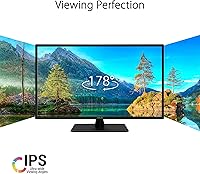
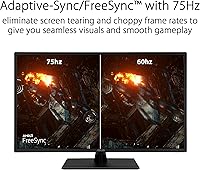
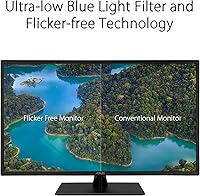
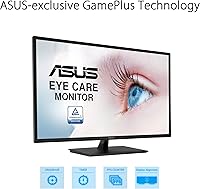
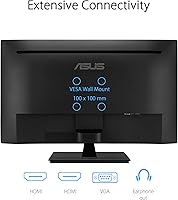
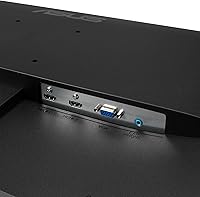
The IPS panel delivers wide 178-degree viewing angles in both directions, which matters more than people expect — color stays consistent whether you are directly in front or off to the side, making it practical in shared spaces or larger desks where you are not always perfectly centered. The 75Hz refresh rate pairs with Adaptive-Sync to reduce screen tearing, a genuine step up over a standard 60Hz display for everyday use and light gaming. Two HDMI ports and a VGA input keep older hardware in play without adapters. The matte surface handles ambient light well, and the TUV Rheinland-certified flicker-free technology helps reduce fatigue during long sessions.
Best For
This budget IPS monitor makes the most sense for home office users who spend long stretches reading documents, managing spreadsheets, or jumping between browser tabs — the extra screen space genuinely reduces the constant switching that smaller displays force on you. Students working from a desk will find the size practical without the cost being prohibitive. Casual gamers can get real value from the FreeSync support, but be realistic: this is not built for fast-paced competitive titles, and the refresh rate reflects that. The dual HDMI and VGA combination also suits anyone juggling a laptop, desktop, and an older console simultaneously. VESA compatibility opens up clean arm or wall configurations for tight desk setups.
User Feedback
With over a thousand ratings averaging 4.4 stars, buyers are broadly satisfied, and the most consistent praise centers on screen size value — people feel they are getting a lot of display for the money. Eye comfort features get frequent positive mentions from users logging long hours at their desk. That said, recurring criticism points to the stand, which offers tilt but no height adjustment, a real limitation if ergonomics matter to you. The pixel density issue surfaces in reviews too — text-heavy work at close distances can look noticeably soft compared to a 27-inch 1080p panel. Common setups mentioned include dual-monitor rigs, dedicated home offices, and living room console use, which reflects how versatile buyers find this screen.
Pros
- 32 inches of screen space makes multitasking genuinely easier without a premium price.
- The IPS panel delivers accurate, consistent color across wide viewing angles — better than VA alternatives at this price.
- Flicker-free and low blue light certifications add real comfort during long daily sessions.
- Dual HDMI ports let you connect two devices at once without swapping cables.
- VGA input keeps the VA329HE compatible with older desktops, projectors, or legacy hardware.
- FreeSync support reduces screen tearing during casual gaming and everyday video playback.
- Matte screen coating cuts down on glare in bright rooms noticeably better than glossy panels.
- VESA mount compatibility opens up arm and wall-mount setups for cleaner, more flexible workspaces.
- ASUS brand reliability means firmware and build quality tend to hold up well over time.
- Buyers consistently rate overall satisfaction highly, with screen size-to-value being the top praised quality.
Cons
- 1080p across 32 inches produces soft-looking text at close viewing distances — a real concern for heavy readers or coders.
- The stand only tilts; there is no height adjustment or swivel, which limits ergonomic flexibility.
- 75Hz is entry-level — competitive or fast-paced gaming at high frame rates is not where this display shines.
- No USB hub or built-in ports beyond HDMI and VGA means fewer connectivity options for modern setups.
- The lack of DisplayPort may be a dealbreaker for users with higher-end GPUs or multi-monitor configurations.
- Build materials feel lightweight for a 32-inch panel — the stand in particular does not feel premium.
- No height-adjustable stand means most buyers will need a separate arm or riser to hit a comfortable eye level.
- Color accuracy out of the box is decent but not calibrated to professional standards — not suitable for color-critical work.
- At 15.65 pounds, repositioning or mounting solo is manageable but awkward without a second pair of hands.
- No built-in speakers mean you will need external audio for any screen that doubles as a media display.
Ratings
The scores below were generated by AI after analyzing thousands of verified global user reviews for the ASUS VA329HE 32-inch IPS Monitor, with spam, bot activity, and incentivized feedback actively filtered out to ensure accuracy. Both the standout strengths and the recurring frustrations buyers experience in real-world daily use are transparently reflected in every category. No score has been inflated — where this budget IPS monitor earns high marks, it genuinely earns them, and where it falls short, that is reflected too.
Value for Money
Image Sharpness
Eye Comfort
Screen Size & Real Estate
Gaming Performance
Color Accuracy
Viewing Angles
Connectivity
Stand & Ergonomics
Build Quality
Glare & Reflections
Setup & Installation
Brightness & Contrast
VESA & Mounting
Suitable for:
The ASUS VA329HE 32-inch IPS Monitor is a strong fit for anyone who wants a large, comfortable display without spending heavily — particularly home office workers who spend most of their day in documents, spreadsheets, or video calls. The generous screen size genuinely helps with multitasking, letting you keep multiple windows open side by side without constantly resizing. Students setting up a first real workspace will find this a practical choice that does not demand a big upfront investment. Remote workers sensitive to eye strain will appreciate the flicker-free and low blue light features, which are meaningful when you are staring at a screen for six to eight hours a day. Casual gamers who primarily play slower-paced titles — RPGs, strategy games, or console ports — can also get solid value from the FreeSync support and smooth 75Hz output. Anyone wanting to wall-mount a display or use a monitor arm will find the VESA compatibility a genuine plus, especially in tighter spaces where the stand would otherwise eat up desk room.
Not suitable for:
Buyers who sit close to their screen and do detailed text-heavy work — coding, writing, or reading dense documents — may find the pixel density of this 32-inch IPS monitor noticeably lower than they would like; 1080p at this screen size simply does not deliver the sharpness that a 24 or 27-inch 1080p panel provides. Competitive gamers looking for high refresh rates and ultra-low response times should look elsewhere — 75Hz is entry-level, and this display is not designed with fast-paced multiplayer in mind. Creative professionals working with color-critical tasks like photo editing or video grading will need a monitor with better factory calibration and a higher color accuracy specification. Ergonomics-conscious buyers should also be cautious: the stand only tilts, with no height or swivel adjustment, which is a real limitation for anyone who needs precise monitor positioning. Finally, if screen real estate matters less to you than razor-sharp image quality, a smaller 1440p display at a comparable price may be a smarter spend.
Specifications
- Screen Size: The display measures 32 inches diagonally, providing generous screen real estate for multitasking and media consumption.
- Resolution: Native resolution is 1920x1080 Full HD, delivering standard high-definition output across the full panel area.
- Panel Type: Uses an IPS (In-Plane Switching) panel, which produces consistent color accuracy and wide viewing angles compared to VA or TN alternatives.
- Refresh Rate: Supports a maximum refresh rate of 75Hz, offering smoother motion than a standard 60Hz panel during everyday use and light gaming.
- Adaptive Sync: Compatible with Adaptive-Sync and AMD FreeSync, which reduces screen tearing when the GPU and display frame rates are mismatched.
- Viewing Angle: Rated at 178 degrees both horizontally and vertically, meaning color and brightness stay accurate when viewed from wide off-center positions.
- Connectivity: Includes two HDMI ports and one VGA port, allowing simultaneous connection of multiple devices including both modern and legacy hardware.
- VESA Mounting: The monitor is VESA wall-mount compatible, enabling use with third-party monitor arms or wall brackets to free up desk space.
- Screen Surface: Features a matte anti-glare coating that diffuses ambient light and reduces reflections in bright or mixed-lighting environments.
- Eye Care: TUV Rheinland-certified Flicker-Free and Low Blue Light technologies are built in to help reduce visual discomfort during prolonged screen sessions.
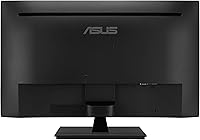
- Ergonomics: The stand supports tilt adjustment only; height adjustment, swivel, and pivot are not available without a third-party arm.
- Dimensions: The monitor measures 28.6 x 18.8 x 7.9 inches (width x height x depth) including the stand.
- Weight: The unit weighs 15.65 pounds with the stand attached, which is typical for a 32-inch display in this category.
- Screen Aspect Ratio: Standard 16:9 widescreen aspect ratio, matching the native format of HD video content, presentations, and most productivity software.
- Input Voltage: Rated for 110 Volts, making it suitable for standard North American electrical outlets without a converter.
- Color: Available in a matte black finish that blends cleanly into most home office and desk setups.
- Pixel Density: At 1920x1080 across 32 inches, the pixel density is approximately 69 PPI, which is lower than smaller 1080p panels and may be noticeable at close viewing distances.
- Date Available: This model was first made available in August 2022 and remains an active listing in ASUS's monitor lineup.
Related Reviews
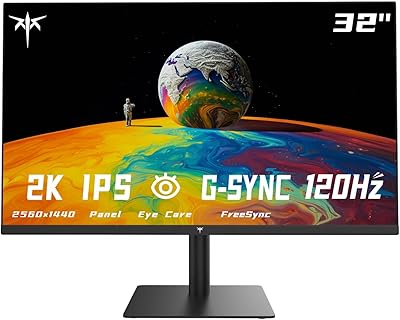
KTC H32T13 32-Inch QHD IPS Monitor
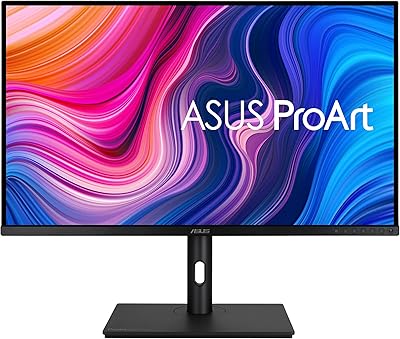
ASUS ProArt PA328CGV 32-inch Monitor
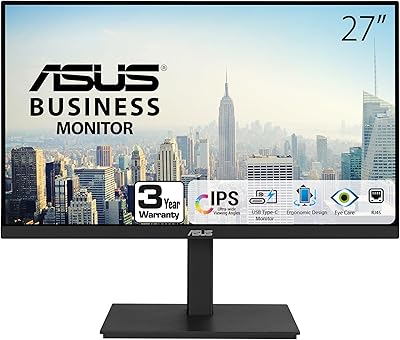
ASUS VA27ECPSN 27-inch Docking Monitor
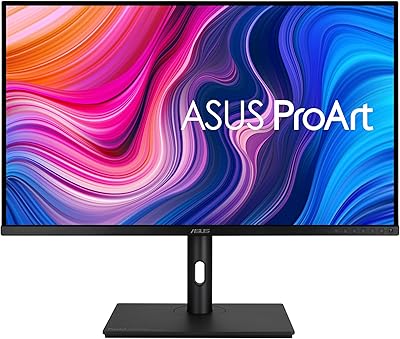
ASUS ProArt PA329CV 32-inch 4K Monitor
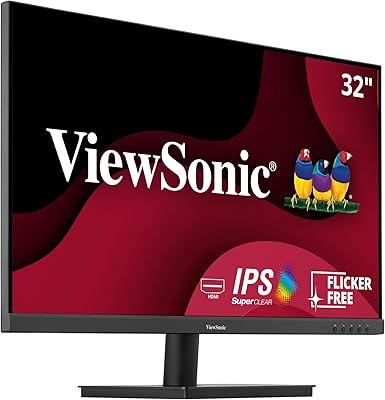
ViewSonic VA3209M 32-inch FHD IPS Monitor
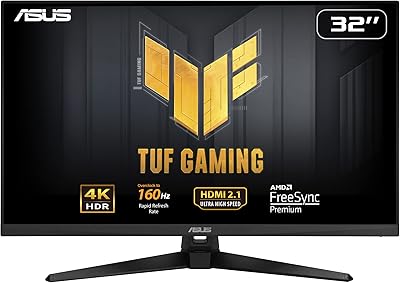
ASUS TUF Gaming VG32UQA1A 32-inch Gaming Monitor
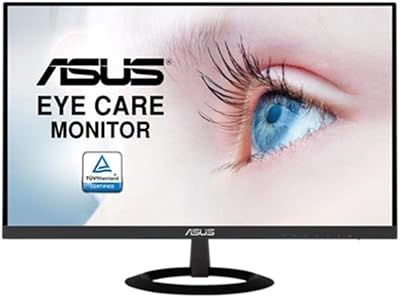
ASUS VZ279HE 27-inch IPS Monitor
ViewSonic VX3276-MHD 32-inch 1080p IPS Monitor
Gigastone LM-32FA51 32-inch FHD Monitor