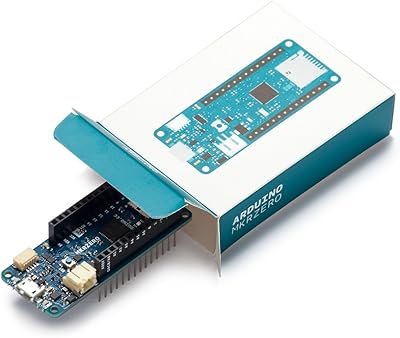
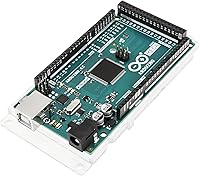
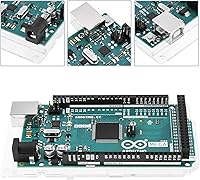
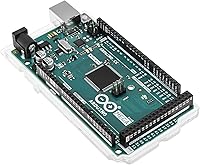
Arduino Mega 2560 REV3
Overview
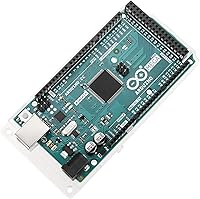
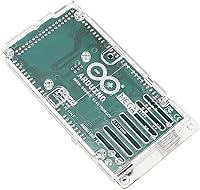
The Arduino Mega 2560 REV3 is essentially the point where hobbyist tinkering starts to look a lot more like real engineering. When the Uno runs out of pins or memory halfway through a project, this microcontroller board is what most makers reach for next. Around since 2011, it has built a reputation for reliability that holds up across classrooms, hackerspaces, and professional prototyping labs alike. The jump in I/O capacity and onboard memory is not subtle — you get a board designed to handle genuine complexity, not just a slightly bigger Uno.
Features & Benefits
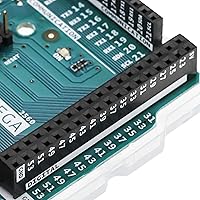
With 54 digital I/O pins — 15 of which support PWM — you can wire up motors, LEDs, servos, and sensors without the juggling act that smaller boards force on you. The 16 analog inputs are especially handy for sensor-dense builds; most competing boards cap out at six. At 256KB of flash memory, your sketches have room to breathe, so you can write cleaner, more structured code rather than trimming everything to fit. Four dedicated hardware serial ports let you talk to multiple peripherals at the same time, which matters a lot in robotics or automation rigs. The ATmega2560 running at 16MHz is not blazing fast by modern standards, but for embedded control tasks it is more than capable.
Best For
The Mega 2560 is practically the default choice for anyone building a robot that needs to juggle multiple motors, sensors, and actuators at once. It is also a staple in engineering classrooms for this reason — the pin count and memory give students enough room to prototype ambitious capstone projects without hitting artificial limits. The RAMPS shield, used in countless DIY 3D printers and CNC machines, is specifically designed around this board’s form factor. If you have been working through a project on a smaller board and keep running out of I/O or flash, this is the natural next step.
User Feedback
Most long-term owners point to build quality and consistency as the standout strengths — boards that keep working months or years into a project without surprises. The official Arduino Mega does cost more than the clone versions flooding the market, and plenty of people use those clones without issue. That said, a recurring theme among repeat buyers is that the official board tends to behave more predictably, especially when using less common libraries or shields. A small number of users mention the physical size as a drawback for tight enclosures. Overall, the community support around this microcontroller board remains one of its most underrated practical advantages.
Pros
- Pin count alone solves problems that would otherwise require additional hardware and complex wiring workarounds.
- 256KB of flash gives your code room to grow without constant optimization sacrifices.
- Four hardware serial ports let you run multiple communication channels simultaneously without software hacks.
- The official Arduino Mega has one of the largest and most active support communities of any microcontroller platform.
- Near-universal IDE compatibility means setup is fast and library conflicts are rare.
- RAMPS shield users get an exact-fit, firmware-ready platform that requires no hardware modification.
- Consistent build quality translates to boards that keep working reliably through long projects and repeated handling.
- Decades of tutorials, forum answers, and open-source projects make troubleshooting dramatically faster.
- 16 analog inputs handle sensor-heavy builds without multiplexing complexity.
- Repeat buyers consistently report confidence in the official board’s long-term stability.
Cons
- The board’s physical size makes it awkward or impossible to fit inside compact or embedded enclosures.
- Power draw is noticeably higher than modern alternatives, limiting practical battery-powered use cases.
- The Type-B USB connector is outdated and requires an adapter on most current laptops.
- 16MHz processing speed becomes a real bottleneck for computation-heavy or signal-processing applications.
- SRAM is limited to 8KB, which causes hard-to-diagnose crashes in memory-intensive sketches.
- The official pricing is substantially higher than third-party clones that perform adequately for casual use.
- Some popular Uno-targeted libraries and shields require manual pin remapping to work correctly.
- Beginners can find the sheer volume of pins and configuration options genuinely overwhelming at first.
- Older community tutorials sometimes reference deprecated functions, creating confusion for newcomers.
- USB port durability degrades with frequent plug-and-unplug cycles during active development sessions.
Ratings
The Arduino Mega 2560 REV3 scores here reflect an AI-driven analysis of verified global buyer reviews, with spam, bot activity, and incentivized feedback actively filtered out before any score is calculated. The result is an honest, balanced picture of where this microcontroller board genuinely excels and where real users have run into friction. Both the strengths that keep makers coming back and the limitations worth knowing before you buy are transparently represented below.
Build Quality
Pin & I/O Versatility
Memory Capacity
IDE & Software Compatibility
Value for Money
Serial Communication
PWM Output Quality
Form Factor & Size
Power Management
USB Connectivity
Community & Documentation
RAMPS Shield Compatibility
Processor Performance
Out-of-Box Experience
Suitable for:
The Arduino Mega 2560 REV3 is the natural choice for makers and engineers who have genuinely outgrown smaller boards and need serious I/O headroom to bring ambitious projects to life. Robotics builders running multiple motors, servo controllers, and sensor arrays simultaneously will find the 54 digital pins and 16 analog inputs transform what is buildable without piling on external expander chips. Students and educators working on engineering coursework or capstone projects benefit enormously from the memory depth and the massive library of documented examples that have accumulated around this platform over more than a decade. It is also the standard baseline for anyone building a DIY 3D printer or CNC machine using a RAMPS shield, where the pin assignments and firmware like Marlin are already written around this exact hardware. Professionals using it for early-stage IoT or automation prototyping appreciate being able to validate complex multi-peripheral systems before committing to a custom PCB.
Not suitable for:
The Arduino Mega 2560 REV3 is genuinely the wrong tool if your project is simple, compact, or power-sensitive. Someone building a basic LED blinker, a single-sensor data logger, or a small wearable device is paying a significant premium for pin count and memory they will never touch, while carrying a board that simply will not fit neatly into a small enclosure. Battery-powered field projects are also a poor match, since power consumption is higher than modern alternatives and runtimes on portable power will disappoint. If raw processing speed matters to your application, such as signal processing, image analysis, or anything requiring fast floating-point math, the 16MHz ATmega2560 will hit its ceiling faster than you expect, and a more capable platform would serve you better from the start. Finally, budget-focused hobbyists who just want to experiment casually should honestly weigh whether the official board price makes sense for their needs, since capable clone alternatives exist at a fraction of the cost.
Specifications
- Microcontroller: Powered by the ATmega2560, an 8-bit AVR microcontroller well-suited for multi-peripheral embedded control applications.
- Clock Speed: Runs at 16 MHz, which is sufficient for sensor polling, motor control, and serial communication tasks typical in maker and educational projects.
- Digital I/O: Provides 54 digital input/output pins, of which 15 support PWM output for controlling motors, servos, and variable-brightness LEDs.
- Analog Inputs: Offers 16 analog input channels, enabling direct connection of multiple sensors without requiring external multiplexer circuits.
- Flash Memory: Equipped with 256KB of flash memory for storing sketches, with approximately 8KB reserved for the bootloader.
- SRAM: Includes 8KB of SRAM for runtime data storage, which sets practical limits on buffer sizes and dynamic memory use during execution.
- EEPROM: Features 4KB of onboard EEPROM for storing small amounts of persistent data that survives power cycles.
- Serial Ports: Has 4 independent hardware serial ports (UART), allowing simultaneous communication with multiple peripherals such as GPS modules, Bluetooth adapters, and displays.
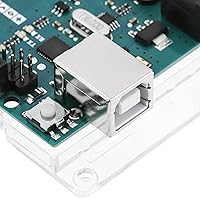
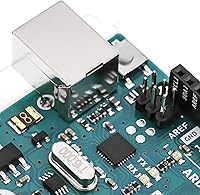
- USB Interface: Uses a Type-B USB connector for programming and serial monitoring, compatible with standard USB-A to USB-B cables.
- Operating Voltage: Operates at 5V logic level, consistent with a wide range of sensors, shields, and peripheral modules commonly used in Arduino projects.
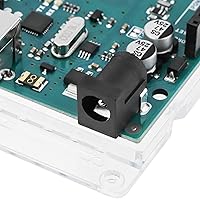
- Input Voltage: Accepts a recommended input voltage of 7 to 12V via the barrel jack connector for stable onboard regulation.
- Dimensions: Measures 4.61 x 2.36 inches (approximately 117 x 60 mm), which is notably larger than the Uno and requires adequate enclosure planning.
- Weight: Weighs 1.27 ounces (approximately 36 grams), making it lightweight despite its larger board footprint.
- IDE Compatibility: Fully compatible with all versions of the Arduino IDE, including the legacy 1.x releases and the current 2.x environment.
- First Released: Originally introduced in 2011, with the REV3 revision representing the current and actively supported production version.
- Manufacturer: Designed and manufactured by Arduino, the original creator of the Arduino open-source hardware and software platform.
- Form Factor: Uses the Mega form factor, which is the standard base for RAMPS shields used in DIY 3D printers and CNC machine builds.
- Connectivity Headers: Exposes all I/O pins via standard 2.54mm pitch headers, compatible with breadboards, jumper wires, and most Arduino shields.
Related Reviews
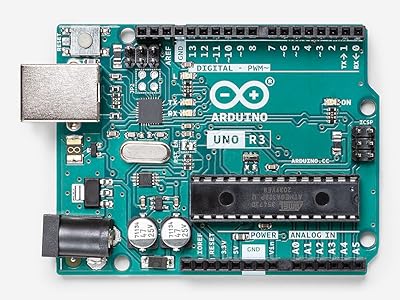
Arduino Uno REV3 Microcontroller Board
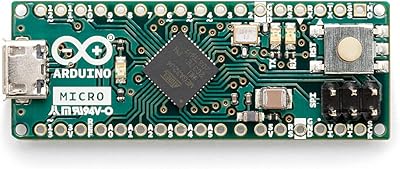
Arduino Micro A000093 Microcontroller Board
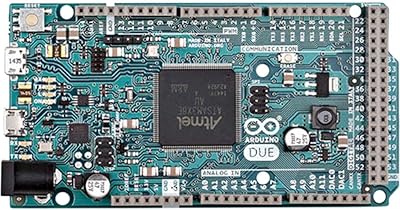
Arduino Due A000062
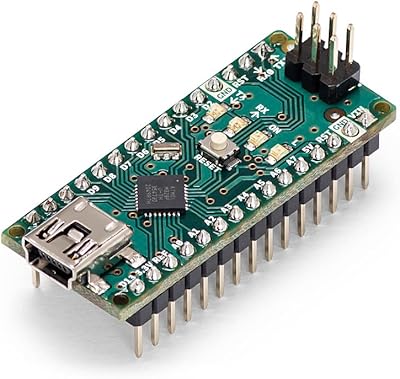
Arduino Nano A000005
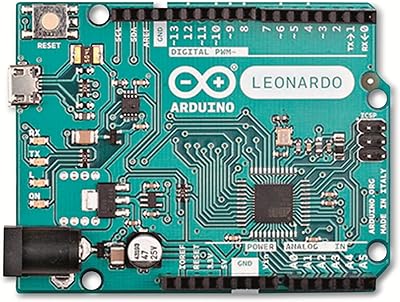
Arduino Leonardo A000057
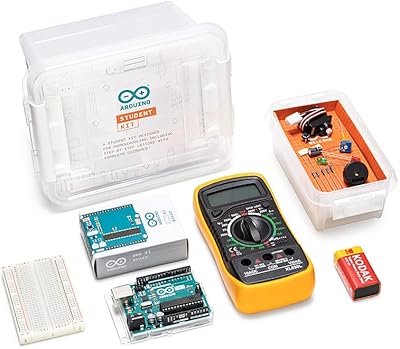
Arduino Student Kit AKX00025
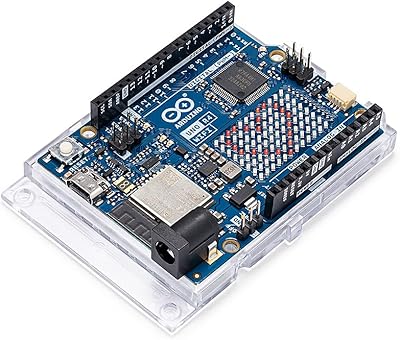
Arduino UNO R4 WiFi
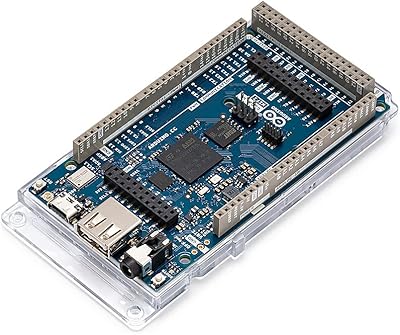
Arduino Giga R1 WiFi Microcontroller Board
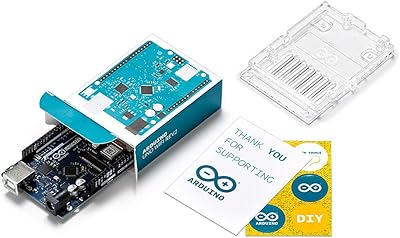
Arduino UNO WiFi REV2 Microcontroller Board