Arduino UNO R4 WiFi




Overview
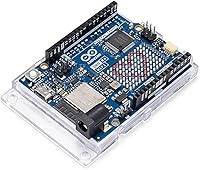
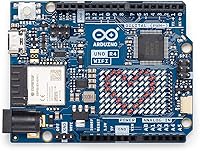
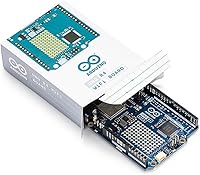
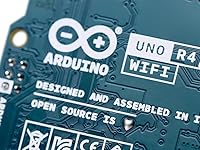
The Arduino UNO R4 WiFi arrived in mid-2023 as a genuine step forward for one of the most recognized boards in the maker world. Rather than a simple refresh, Arduino paired a Renesas RA4M1 ARM Cortex-M4 processor with an ESP32-S3 handling wireless duties — a dual-chip setup that punches well above what the original UNO ever offered. Importantly, this UNO R4 WiFi board keeps the standard UNO footprint, so existing shields and the familiar Arduino IDE still work without fuss. It sits at a mid-range price point, making it approachable for hobbyists who have outgrown basic projects but aren't ready to jump into more complex embedded platforms.
Features & Benefits
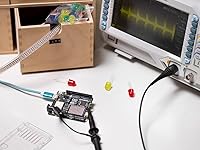
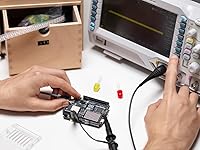
What really sets the R4 WiFi apart from its predecessor is how many capabilities are packed onto the board itself. Built-in Wi-Fi and Bluetooth 5.0 mean you can start building connected devices without wiring up separate radio modules. The 12x8 LED matrix is a surprisingly handy addition — useful for displaying sensor readings, status codes, or simple animations during testing. For analog work, a 12-bit DAC paired with an integrated OP-AMP gives you clean signal output that was simply unavailable on older UNO boards. The Qwiic connector lets you snap in I2C sensors without soldering, and the switch to USB-C makes the daily programming loop noticeably less annoying.
Best For
This Arduino board hits a sweet spot for makers who have moved past blinking LEDs and basic sensor reads but aren't yet building full embedded Linux systems. IoT developers who want reliable cloud connectivity without bolting on extra hardware will find it particularly capable. Educators love having wireless, analog output, and a visual display all on one board — it reduces setup time in classroom demos considerably. For robotics or automation work, CAN bus support and the ability to manage multiple tasks concurrently, thanks to the underlying real-time OS, open up use cases the older R3 simply couldn't handle. Edge-AI and data-logging projects benefit noticeably from the dual-core architecture.
User Feedback
With a 4.7-star rating across well over a thousand reviews, this UNO R4 WiFi board has clearly earned broad approval. Buyers consistently highlight the LED matrix as a standout feature that sparks immediate project ideas, and most report stable Wi-Fi performance in real deployments. The build quality feels solid and purposeful. That said, some users — particularly those updating firmware for the ESP32-S3 co-processor — report a steeper-than-expected learning curve, and a handful of libraries haven't fully caught up with the newer hardware yet. Compared to the R3, the overall feature density earns consistent praise, and the Qwiic connector is frequently called a genuine time-saver in rapid prototyping workflows.
Pros
- Built-in Wi-Fi and Bluetooth 5.0 eliminate the need for separate wireless modules in IoT builds.
- The 12x8 LED matrix lets you display real-time data or status indicators without any extra wiring.
- USB-C connectivity makes daily programming and power delivery noticeably cleaner than older boards.
- A 12-bit DAC delivers analog output quality that previously required dedicated external hardware.
- Native CAN bus support is a rare and valuable feature at this price tier for robotics and automotive work.
- The Qwiic connector allows sensor swapping in seconds during prototyping, with zero soldering required.
- Standard UNO footprint means most existing shields and accessories remain fully compatible.
- Dual-core architecture keeps wireless tasks from interfering with time-sensitive application logic.
- The R4 WiFi earns strong real-world ratings across a large, verified buyer base — not just early adopters.
- FreeRTOS support enables multi-task project structures that would be impractical on a single-threaded board.
Cons
- Configuring the ESP32-S3 co-processor for firmware updates has a steeper learning curve than expected.
- Some third-party libraries written for older AVR-based UNO boards do not port cleanly to this architecture.
- Official documentation for advanced features like CAN bus wiring and multi-core task coordination is thin.
- The single DAC channel limits more complex or multi-channel analog output applications.
- The on-board LED matrix is single-color and low-resolution, making it a prototyping aid rather than a display solution.
- CAN bus functionality still requires an external transceiver for full real-world electrical compatibility.
- Certain older community shields may experience pin conflicts due to the new dual-chip hardware layout.
- The standard UNO form factor is bulkier than compact alternatives when board size is a project constraint.
Ratings
Our AI-generated scores for the Arduino UNO R4 WiFi were produced by analyzing thousands of verified global user reviews, with spam, bot activity, and incentivized feedback actively filtered out before scoring. The result is an honest, data-driven snapshot that reflects both what buyers genuinely love and where real frustrations surface. Strengths and weaknesses are weighted equally so you can make a fully informed decision.
Wireless Connectivity
Ease of Setup
Build Quality
On-Board LED Matrix
Analog Output Quality
Backward Compatibility
Library & Community Support
CAN Bus Functionality
Value for Money
Qwiic Connector Usability
Dual-Core Performance
USB-C Port & Power Delivery
Documentation Quality
Form Factor & Portability
Suitable for:
The Arduino UNO R4 WiFi is the natural next step for makers who have already cut their teeth on basic Arduino projects and are ready to build something genuinely connected. If you are working on a home automation node, a remote environmental sensor, or a Bluetooth-controlled robot, this board covers the hardware side without requiring a pile of add-on modules. Educators and students get particular mileage from it since wireless communication, analog signal generation, and a visual display all exist on a single board — drastically reducing the time spent on wiring during lab sessions or classroom demos. Robotics tinkerers who need reliable real-time task management will appreciate how the underlying OS lets multiple processes run concurrently, keeping motor control and sensor polling from stepping on each other. Developers exploring edge-AI prototypes or lightweight data-logging applications will also find the dual-core architecture genuinely useful, especially when offloading wireless communication frees up the main processor for heavier computation.
Not suitable for:
Complete beginners who have never touched a microcontroller before may find that the Arduino UNO R4 WiFi introduces more complexity than they are ready to navigate, particularly around firmware management for the wireless co-processor. If your projects involve only simple input/output tasks — blinking LEDs, reading a temperature sensor, driving a servo — the added capabilities here go entirely unused, and a cheaper board serves you just as well. Users who need a very small physical footprint for wearables or space-constrained enclosures will likely find the standard UNO dimensions a limiting factor, with smaller form-factor boards being a more practical fit. Anyone heavily dependent on older AVR-based Arduino libraries should also be aware that not all third-party code ports cleanly to the Renesas RA4M1 architecture, which can mean unexpected debugging sessions. Finally, if CAN bus and high-quality analog output are irrelevant to your work, you may be paying for a feature set that simply sits idle.
Specifications
- Main Processor: The primary microcontroller is a Renesas RA4M1 running an ARM Cortex-M4 core at 48 MHz, handling application logic and I/O tasks.
- Wireless Co-Processor: An Espressif ESP32-S3 module manages all Wi-Fi and Bluetooth communication independently from the main processor.
- Wi-Fi Standard: Wi-Fi operates on the 802.11 b/g/n protocol over the 2.4 GHz band, suitable for standard home and industrial network environments.
- Bluetooth: Bluetooth 5.0 is supported, enabling low-energy peripheral connections alongside standard classic Bluetooth profiles.
- Flash Memory: The board includes 256 KB of onboard flash memory for storing sketches and application firmware.
- SRAM: 32 KB of SRAM is available for runtime variables, buffers, and stack allocation during program execution.
- DAC Resolution: A single 12-bit Digital-to-Analog Converter provides 4,096 discrete output levels for precise analog signal generation.
- On-Board Display: A 12x8 LED matrix is built directly onto the board, offering 96 individually addressable single-color LEDs for visual output.
- USB Connector: A USB-C port handles both board programming and 5V power delivery, replacing the micro-USB connector found on older UNO models.
- Input Voltage: The board accepts an external supply voltage between 6V and 24V via the barrel jack connector for standalone operation.
- Operating Voltage: All GPIO and logic operate at 5V, maintaining compatibility with the broad ecosystem of 5V UNO shields and peripherals.
- Digital I/O: Fourteen digital input/output pins are available, several of which support PWM output for motor control and dimming applications.
- Analog Inputs: Six analog input pins are connected to the onboard ADC for reading sensors and other variable-voltage sources.
- Communication Buses: The board supports CAN bus, Qwiic (I2C), SPI, and UART communication interfaces for a wide range of peripheral and network integrations.
- Qwiic Connector: A JST SH 4-pin Qwiic connector provides a solderless I2C interface compatible with the broad SparkFun and Qwiic sensor ecosystem.
- Operating System: FreeRTOS is included, enabling real-time multi-task scheduling across concurrent processes on the Renesas RA4M1 core.
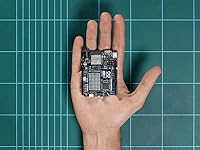
- Form Factor: The board uses the standard Arduino UNO footprint, ensuring mechanical and pin-header compatibility with most existing UNO shields.
- Weight: The assembled board weighs approximately 0.7 oz (around 20 g), making it light enough for mobile and mounted project enclosures.
- OP-AMP: An integrated operational amplifier works alongside the 12-bit DAC to support analog signal amplification and conditioning on-board.
- First Available: The board was first listed for sale in June 2023 as part of the second-generation Arduino UNO R4 product line.
Related Reviews
Arduino UNO WiFi REV2 Microcontroller Board
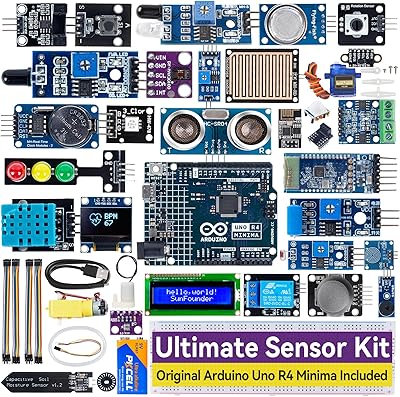
SunFounder Ultimate Sensor Kit Arduino R4 Minima
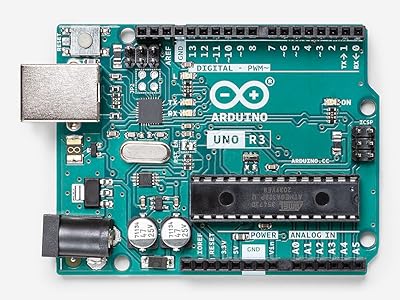
Arduino Uno REV3 Microcontroller Board
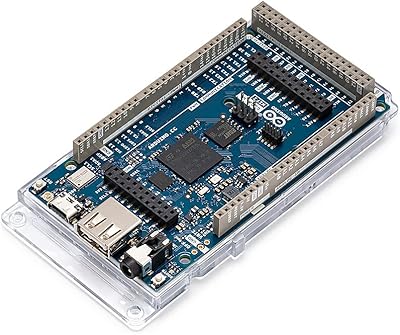
Arduino Giga R1 WiFi Microcontroller Board
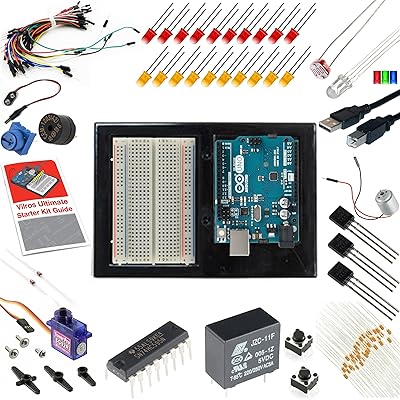
Vilros Arduino Uno R3 Starter Kit
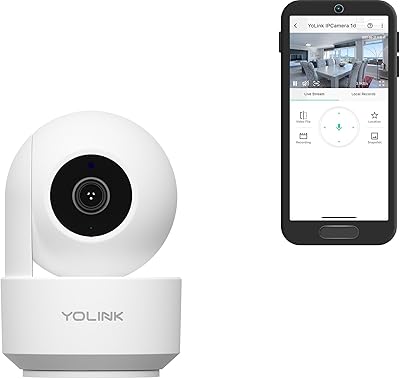
YoLink Uno Indoor Wi-Fi Security Camera
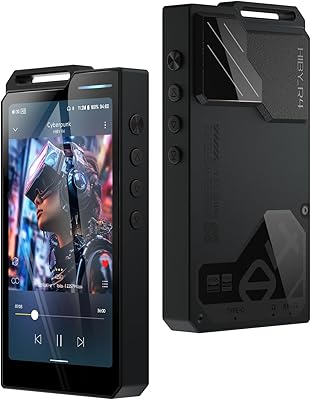
HiBy R4 Digital Audio Player
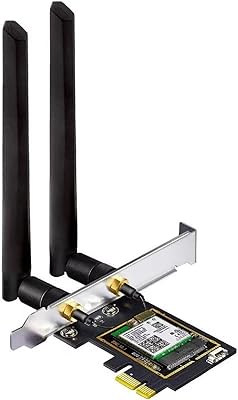
OKN AX210 WiFi 6E PCIe Card
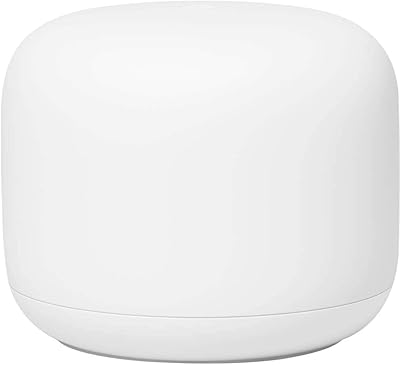
Google Nest Wifi Router 1-Pack