Alxum D1078A Bidirectional USB-C KVM Switch
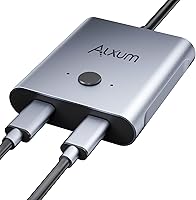



Overview
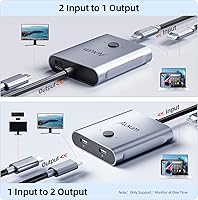
The Alxum D1078A Bidirectional USB-C KVM Switch is a compact little box that solves a surprisingly common desk problem: two computers, one monitor, and no desire to swap cables every time you switch between them. Launched in early 2024, the Alxum switcher fits in the palm of your hand and handles both 2-in-1-out and 1-in-2-out configurations, meaning you can also route one source across two displays. One thing to know before you buy — power adapter required. The included 5V adapter must be connected for the unit to operate reliably, and skipping that step is the number one cause of setup frustration. Also worth stating plainly: Thunderbolt interfaces are not supported, so Mac Studio Display owners and anyone with a Thunderbolt dock should look elsewhere.
Features & Benefits
What sets this bidirectional switcher apart from cheaper alternatives is the combination of modes packed into a single unit. Most USB-C switches only go one direction; this one handles both, toggled with a single button press. Video resolution tops out at 8K at 60Hz, though hitting that ceiling depends entirely on your display and cable — 4K at 120Hz or 1080P at 165Hz are more realistic targets for most setups. Data transfer runs at 10Gbps via USB 3.1 Gen 2, which is genuinely quick for moving large files between machines. The 100W pass-through charging keeps your laptop topped up while you work, provided your monitor supports reverse charging. No drivers to install — just plug in and go.
Best For
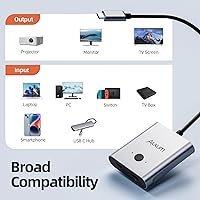
This USB-C switch is a natural fit for home office workers running a personal and a work laptop side by side, eliminating the cable-swap routine entirely. It works equally well for students and creators bouncing between a tablet and a laptop on a single USB-C monitor. Light gamers sharing a display between two consoles — or a console and a PC — will find the one-button toggle refreshingly low-friction. It holds up well in meeting rooms or classrooms where presenters need a fast, clean handoff without unplugging anything. That said, if you need simultaneous output to two displays at once, the Alxum switcher cannot do that — it handles one active connection at a time, so set expectations accordingly.
User Feedback
With 75 ratings and a 3.8 out of 5 average, buyer opinion on this bidirectional switcher is genuinely split. Those who are happy tend to highlight the easy plug-and-play setup, the quality of the included cables, and the peace of mind from a two-year warranty. On the other side, a recurring complaint involves compatibility — some monitors don't cooperate with the unit, and a handful of buyers ran into issues with USB-C hubs behaving unexpectedly. The power adapter dependency catches people off guard too; several reviewers were frustrated to find it isn't optional. Alxum's responsive customer support earns occasional mentions as a saving grace. Not a perfect score, but a fair one for what it is.
Pros
- Bidirectional switching lets you run two computers into one display, or one source out to two displays — genuinely flexible.
- One-button toggle with an LED indicator makes switching fast and foolproof, no software needed.
- Plug-and-play across Windows, macOS, and Linux means zero driver headaches out of the box.
- Supports video up to 4K@120Hz and 1080P@165Hz for sharp, smooth output on capable displays.
- 10Gbps data transfer (USB 3.1 Gen 2) lets you move large files between machines quickly alongside video.
- 100W pass-through charging keeps your laptop powered during use, provided your monitor supports reverse charging.
- Compact footprint — under two inches square — takes up almost no desk space.
- Comes with two USB-C cables and a USB-A to USB-C cable included, so most buyers can set up immediately.
- Two-year warranty provides solid after-purchase reassurance for an accessory at this price point.
- Alxum's customer support is noted positively by reviewers, which matters when compatibility questions arise.
Cons
- Requires a 5V power adapter to function — it cannot operate passively, which catches many buyers off guard.
- Thunderbolt interfaces are fully unsupported, ruling out popular monitors and docks in the Apple ecosystem.
- Cannot output to two displays simultaneously; only one active connection is supported at a time.
- Real-world 8K performance depends entirely on your monitor and cable — most users will never hit that ceiling.
- Some USB-C hubs behave unexpectedly when connected through this bidirectional switcher, causing intermittent issues.
- 100W charging is only available if the connected monitor supports reverse charging — not all do.
- With 75 ratings and a 3.8-star average, the compatibility track record is mixed and worth researching for your specific setup.
- The power adapter tethers the unit to a wall outlet, limiting placement flexibility on tidy or minimalist desks.
Ratings
Our editorial team trained an AI model on verified global buyer reviews for the Alxum D1078A Bidirectional USB-C KVM Switch, actively filtering out incentivized, repeated, and bot-generated submissions to surface what real users actually experience. The scores below reflect a balanced synthesis of genuine praise and recurring frustrations — nothing is smoothed over to make the product look better than it is. Where buyers consistently struggled or succeeded, those patterns are reflected honestly in each category.
Ease of Setup
Compatibility
Video Performance
Build Quality
Switching Reliability
Pass-Through Charging
Data Transfer Speed
Value for Money
Physical Design
Included Accessories
Indicator & Feedback
Warranty & Support
Suitable for:
The Alxum D1078A Bidirectional USB-C KVM Switch is built for people who live at a desk with two machines and one monitor, and are tired of swapping cables every time they change context. Home office workers running a personal laptop alongside a work-issued machine will get the most value here — one button press handles the handoff cleanly. Students and creators who split time between a tablet and a laptop on a single USB-C display will find this bidirectional switcher equally practical. It also holds up well in shared spaces like small meeting rooms or classrooms where a presenter needs to hand off the screen quickly without fumbling with connectors. Light gamers alternating between two consoles, or a console and a PC, on the same display will appreciate the low-friction toggle. If your workflow is straightforward and your gear is standard USB-C compatible, this switcher punches well above its price bracket.
Not suitable for:
Buyers relying on Thunderbolt-based peripherals should stop here — the Alxum D1078A Bidirectional USB-C KVM Switch explicitly does not support Thunderbolt interfaces, which rules out the Apple Mac Studio Display, Thunderbolt docks, and Thunderbolt storage enclosures entirely. Anyone expecting to drive two displays simultaneously from a single source will also be disappointed; the unit handles one active output at a time, by design. Power users who need keyboard and mouse sharing — the hallmark of a true KVM switch — will find this unit limited to video and data switching only. If your monitor does not support reverse charging, the 100W pass-through charging feature becomes unavailable, removing one of its more compelling selling points. Those with niche or older USB-C monitors should check compatibility carefully before purchasing, as the roughly 3.8-star rating reflects real-world compatibility hiccups that not every buyer can troubleshoot easily.
Specifications
- Switch Modes: Supports both 2-in-1-out and 1-in-2-out configurations, allowing bidirectional routing between two computers and one display, or one source and two displays.
- Max Resolution: Video output reaches up to 8K@60Hz when connected hardware supports it, with additional modes at 4K@120Hz and 1080P@165Hz.
- Data Transfer: Operates at up to 10Gbps via USB 3.1 Gen 2, enabling fast file transfers between connected devices alongside active video output.
- Charging: Supports pass-through charging at up to 100W, provided the connected monitor supports reverse charging and the cables are rated accordingly.
- Connector Type: All primary ports use USB Type-C, making it compatible with modern laptops, tablets, smartphones, and gaming consoles with full-function USB-C ports.
- Power Supply: Requires a 5V 1A DC power adapter to operate; a compatible adapter is included in the box and must be connected for stable performance.
- Dimensions: The unit measures 1.97 x 1.97 x 0.79 inches, offering a compact footprint suitable for desktop or shelf placement without occupying significant space.
- Weight: The switcher weighs 8.8 ounces, making it lightweight enough to reposition easily while still feeling solid on a desk.
- OS Support: Compatible with Windows 11, 10, 8.1, 8, 7, Vista, and XP, as well as macOS and Linux, requiring no driver installation on any supported platform.
- Driver Required: No drivers are needed; the device operates as plug-and-play across all supported operating systems immediately upon connection.
- LED Indicator: A built-in LED indicator light shows which device is currently active, removing guesswork when switching between connected sources.
- Toggle Control: A single physical button on the unit cycles between connected devices, allowing instant switching without any software or keyboard shortcut.
- Thunderbolt: Thunderbolt interfaces are explicitly unsupported; connecting Thunderbolt monitors, docking stations, or Thunderbolt storage enclosures will not work with this unit.
- Warranty: Alxum includes a two-year warranty with the unit, covering manufacturing defects and offering direct access to technical support staff.
- In-Box Contents: The package includes the switcher unit, two USB-C to USB-C cables (each 1m), one USB-A to USB-C cable (1m), a 5V 1A power adapter, and a printed user manual.
- Simultaneous Output: Only one active output connection is supported at a time; two displays cannot receive a signal simultaneously regardless of the mode selected.
- Compatibility Note: Connected devices must have full-function USB-C ports to support video output; not all USB-C ports on all devices carry a video signal.
- Brand: Manufactured by Alxum, a brand specializing in USB connectivity accessories, with the D1078A model introduced to the market in early 2024.
Related Reviews
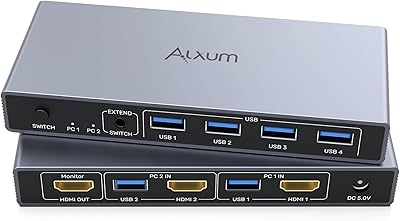
Alxum SJW-KM201B 2-Port HDMI KVM Switch
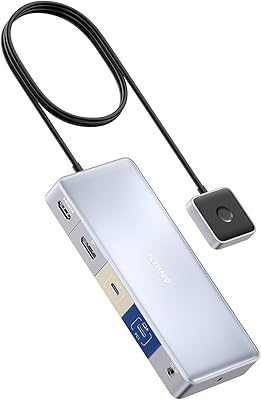
Anker 554 USB-C KVM Docking Station
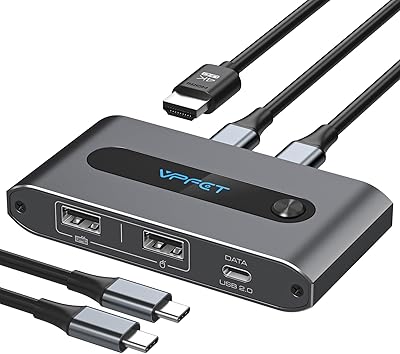
AILVLVNG SW520 2-Port USB-C KVM Switch
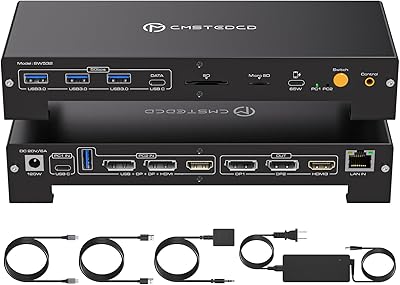
CMSTEDCD SW532 KVM Docking Station
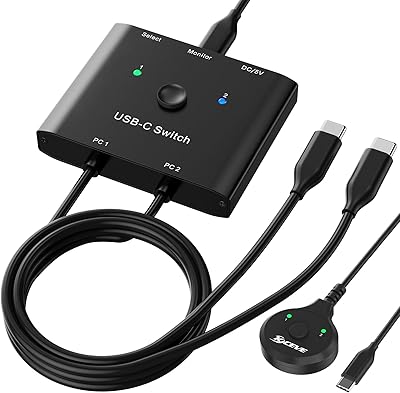
MLEEDA USB-C 2-Computer KVM Switch
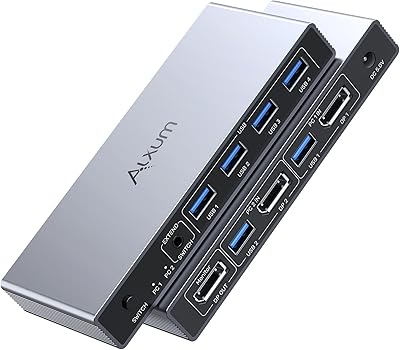
Alxum DP 1.4 KVM Switch
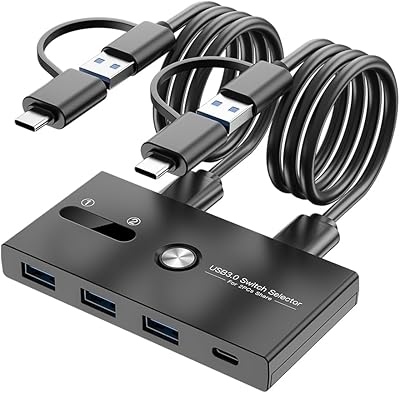
ZIYUETEK USB A&C 4-Port KVM Switch
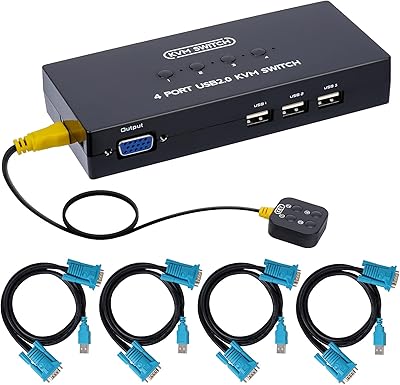
DGODRT KS204V 4-Port VGA KVM Switch
IOGEAR 2-Port USB DisplayPort KVM Switch