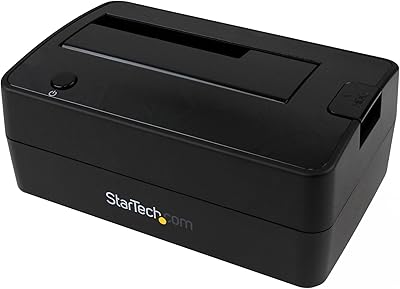
Alxum S1235A 3-in-1 Hard Drive Enclosure
Overview
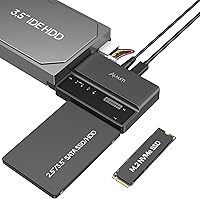
The Alxum S1235A 3-in-1 Hard Drive Enclosure occupies an interesting niche: a single compact adapter that speaks fluently to NVMe M.2 SSDs, SATA drives, and aging IDE spinners all at once. If you have a drawer full of drives from three generations of computers, this 3-in-1 drive reader is designed exactly for you. It sits comfortably in the mid-range — not a bare-bones dongle, not a professional docking station — and that positioning matters. One important note upfront: this is a data transfer tool, not a cloning device. If your goal is to clone a drive, look elsewhere. For moving files, recovering data, or consolidating storage from old machines, it makes a strong case for itself.
Features & Benefits
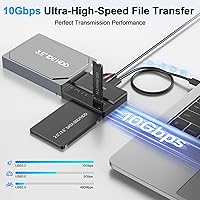
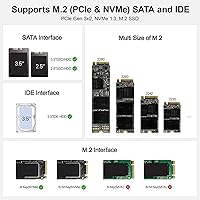
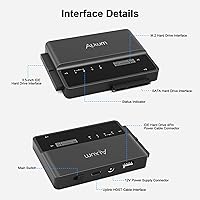
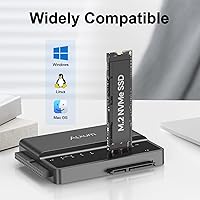
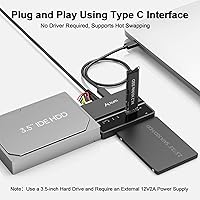
Plug in the USB-C cable, slot your drives, and the Alxum enclosure immediately mounts all three as separate volumes — no software installs, no reboots. That reliability is backed by a USB 3.2 Gen 2 connection capable of 10Gbps throughput, which in practice means a large video project or multi-gigabyte backup transfers in seconds rather than minutes when paired with a fast NVMe drive. The adapter handles M.2 sticks in sizes from 2230 up to 2280, accommodates 2.5-inch and 3.5-inch SATA, and even reads 3.5-inch IDE drives. A built-in auto-sleep function kicks in after 30 seconds of idle time, protecting your drives from unnecessary spin cycles during longer sessions.
Best For
This multi-format adapter is a natural fit for anyone staring at a pile of orphaned drives with no good way to access them. IT techs and hobbyists will appreciate being able to recover data from an old IDE desktop drive, a 2.5-inch SATA laptop disk, and a modern NVMe SSD in a single workflow without swapping adapters. Photographers and video editors benefit from the fast NVMe throughput when offloading large media files. Home users decommissioning an old PC will find it equally useful. Where it shines most is in that awkward transitional period — when you have drives from multiple eras and just need everything accessible at once, quickly and without fuss.
User Feedback
With a 4.5-star average across over 500 ratings, the reception for this 3-in-1 drive reader has been genuinely positive, especially given how recently it launched. Buyers consistently highlight the reliable device recognition — all three drive types mounting cleanly on both Windows and macOS without any driver installation. The included power adapter for 3.5-inch SATA drives surprises some first-time users; it is not a flaw, just something to expect and plan for. A small number of reviewers noted that speeds felt underwhelming on older USB 3.0 ports, which is a host limitation rather than a unit defect. The one recurring confusion is cloning: several buyers expected that feature, so it is worth repeating that cloning is not supported.
Pros
- Mounts all three drive formats simultaneously — NVMe M.2, SATA, and IDE — as separate volumes without any driver installation.
- Plug-and-play operation works reliably on both Windows and macOS right out of the box.
- USB 3.2 Gen 2 delivers genuinely fast transfers when paired with a modern NVMe drive and a capable host port.
- Tool-free drive insertion makes swapping between jobs quick and frustration-free.
- The 30-second auto-sleep protects idle drives and reduces unnecessary wear during longer sessions.
- Supports a wide range of M.2 sizes from 2230 to 2280, covering virtually every common NVMe form factor.
- The included power adapter and IDE cable mean you have everything needed for older drives right in the box.
- LED activity indicator gives a clear visual confirmation that the adapter is reading correctly.
- Backward compatibility with USB 3.0 and 3.1 ports adds flexibility across older host systems.
- At its price point, the breadth of format support is hard to match with single-purpose adapters.
Cons
- Drive cloning is not supported at all, which catches many buyers off guard before purchase.
- 3.5-inch SATA drives require the external power brick — it cannot run on bus power alone.
- Actual transfer speeds on USB 3.0 host ports are significantly lower than the advertised ceiling.
- Optical drives are not supported on either the SATA or M.2 interfaces, a gap not always obvious from the listing.
- The unit is on the heavier side for a portable adapter, limiting how travel-friendly it really is.
- No software utilities are included for advanced drive diagnostics or health monitoring.
- Long-term thermal performance under sustained heavy use has limited user data given the product is relatively new.
- The power cable requirement for larger SATA drives adds desk clutter that defeats the compact form factor.
Ratings
The scores below for the Alxum S1235A 3-in-1 Hard Drive Enclosure were generated by our AI review engine after analyzing verified global buyer feedback, actively filtering out incentivized, bot-generated, and duplicate submissions. Each category reflects the honest distribution of real-world experiences — strengths and frustrations alike — so you get a transparent picture before committing to a purchase.
Multi-Format Compatibility
Plug-and-Play Reliability
Transfer Speed
Format Coverage Breadth
Build Quality
Thermal Management
Power Setup Experience
Value for Money
Ease of Setup
Auto-Sleep Function
Cable & Accessory Quality
LED Indicator Usefulness
Cloning Capability
Cross-Device Compatibility
Suitable for:
The Alxum S1235A 3-in-1 Hard Drive Enclosure is a genuinely practical tool for anyone who regularly deals with drives from different eras of computing. IT professionals handling data recovery across mixed hardware environments will get the most mileage out of it, since they can mount an NVMe SSD, a SATA laptop drive, and an old IDE desktop disk all at the same time without swapping adapters mid-job. Home users who are finally cleaning out that box of old hard drives from retired PCs will find it equally capable — plug it in, pull your files, and move on. Photographers and video editors who work across multiple storage types benefit from the fast USB 3.2 Gen 2 throughput when offloading large media. If your goal is straightforward data access, file migration, or backup from a mix of drive formats, this multi-format adapter covers the bases without demanding any technical setup.
Not suitable for:
Buyers expecting to clone a drive — whether for OS migration or disk duplication — should look elsewhere; the Alxum S1235A 3-in-1 Hard Drive Enclosure does not support cloning under any configuration, and this trips up a meaningful number of purchasers. Anyone needing to connect optical drives will also be disappointed, as neither the SATA nor M.2 interfaces support them. If you exclusively use modern NVMe drives and have no legacy storage to deal with, a simpler single-format enclosure would likely serve you better and cost less. Users on older machines with USB 3.0 ports should also temper their speed expectations — the 10Gbps ceiling is a host-dependent figure, and real-world transfers on older ports will fall well short of that. Finally, this 3-in-1 drive reader is not designed for permanent always-on use; it is best treated as a transfer and recovery tool rather than a daily-driver enclosure.
Specifications
- Interface: Connects to the host computer via a USB 3.2 Gen 2 Type-C port, delivering a maximum theoretical transfer rate of 10Gbps.
- Supported Formats: Compatible with NVMe M.2 (PCIe), 2.5″ and 3.5″ SATA SSDs and HDDs, and 3.5″ IDE hard drives.
- M.2 Form Factors: Accepts NVMe M.2 drives in 2230, 2242, 2260, and 2280 sizes with M Key or B+M Key connectors.
- Max Simultaneous Drives: Up to three drives of different formats can be connected and accessed at the same time as separate volumes.
- Transfer Protocols: Supports UASP and TRIM protocols to optimize transfer efficiency and maintain SSD health during use.
- Auto-Sleep: The adapter automatically enters a low-power sleep state after 30 seconds of drive inactivity.
- Power Supply: Includes a 12V 2A external power adapter required when connecting 3.5″ SATA or IDE hard drives.
- Included Cables: Package contains one USB Type-C to Type-C cable and one 4-pin IDE hard disk power cable in addition to the power adapter.
- Driver Requirement: No driver installation is needed; the adapter operates as a plug-and-play device on all major operating systems.
- USB Compatibility: Backward compatible with USB 3.1 and USB 3.0 host ports, though maximum speeds depend on the host port standard.
- Status Indicator: An onboard LED provides real-time visual feedback on drive activity and connection status.
- Dimensions: The unit measures 3.78 x 2.76 x 0.63 inches, making it compact enough for desktop or workbench use.
- Weight: The adapter weighs 10.6 ounces (approximately 0.3 kg) including the enclosure body.
- Cloning Support: Drive cloning is not supported; the adapter is designed exclusively for data access, transfer, and backup tasks.
- Optical Drive Support: Neither the SATA nor the M.2 interface supports optical drives such as DVD or Blu-ray readers.
- Smartphone Compatibility: The Type-C interface can connect to compatible smartphones, with exFAT, FAT, or FAT32 formatted drives recommended for mobile use.
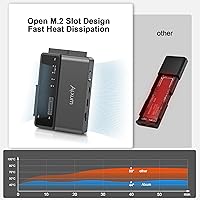
- Heat Management: The enclosure incorporates an improved thermal dissipation design intended to reduce heat buildup during extended transfer sessions.
- Model Number: The official Alxum model identifier for this unit is S1235A.
Related Reviews
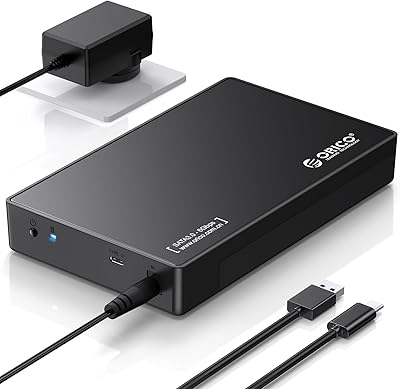
ORICO 3588C3 3.5″ Hard Drive Enclosure

ikuai 3.5″ USB 3.0 Hard Drive Enclosure
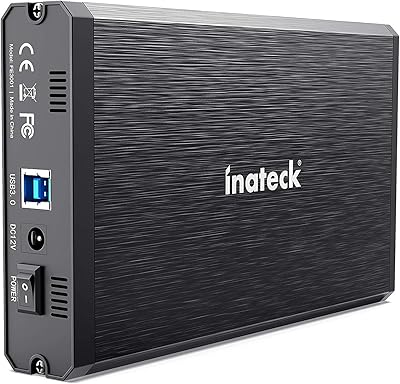
Inateck FE3001 3.5-inch Hard Drive Enclosure
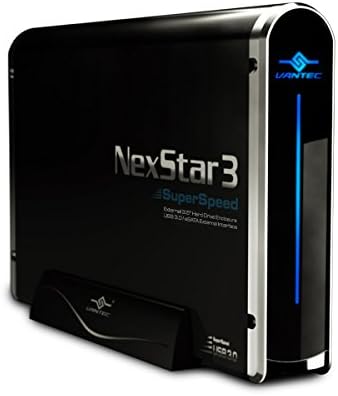
Vantec NexStar3 3.5″ External Hard Drive Enclosure
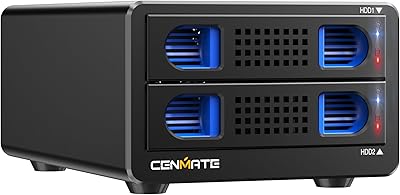
Cenmate 2-Bay Aluminum Hard Drive Enclosure
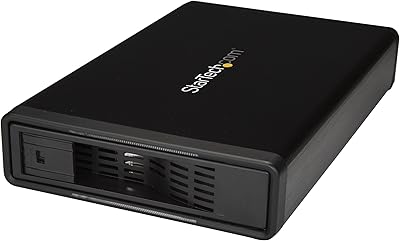
StarTech S351BMU33ET 3.5″ Hard Drive Enclosure
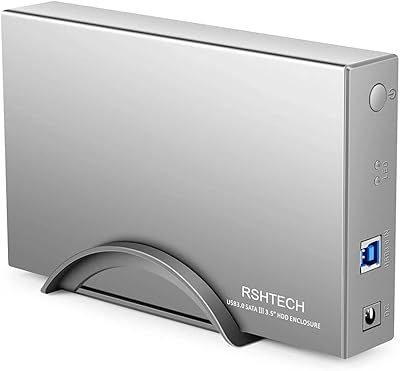
RSHTECH RSH-339 3.5-Inch Hard Drive Enclosure
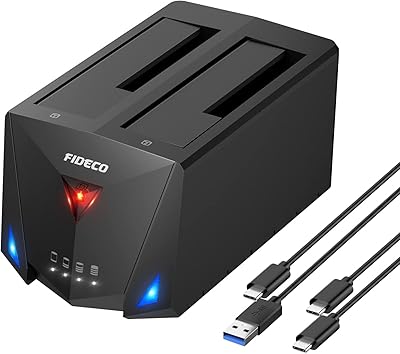
FIDECO YPZ220C Dual Bay USB 3.2 Gen 1 Hard Drive Docking Station
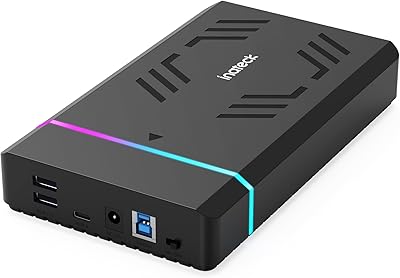
Inateck FE3003 3.5-Inch Hard Drive Enclosure
Avolusion 1.5TB PS4 Portable External Hard Drive