

Overview
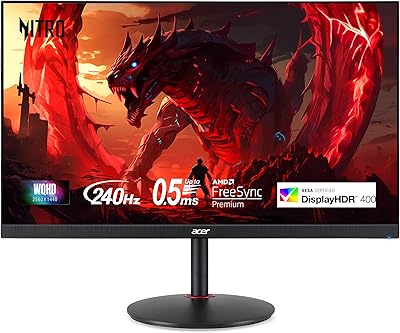
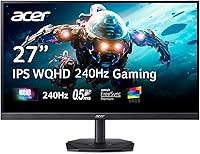
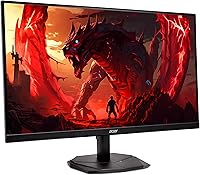
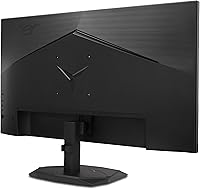
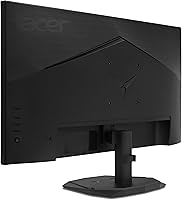
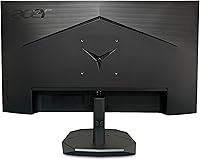
The Acer Nitro KG271U 27-inch IPS Gaming Monitor sits squarely in Acer's entry-to-mid Nitro lineup, targeting gamers who want a genuine upgrade without spending a fortune. At this price point, getting WQHD 1440p resolution on an IPS panel is a real win — IPS panels deliver noticeably better color accuracy and wider viewing angles than TN alternatives, which matters whether you're deep in a late-night session or doing something more detail-oriented. The zero-frame design keeps things looking clean and modern on any desk, and the overall package makes this Acer Nitro display genuinely competitive in a crowded segment.
Features & Benefits
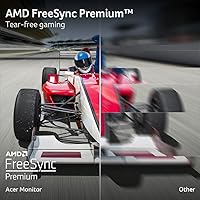
The 240Hz refresh rate paired with AMD FreeSync Premium is where this display pulls ahead of budget 1080p panels — motion stays crisp and tearing essentially disappears during fast-paced gameplay. On response time, Acer lists both 1ms and 0.5ms figures, which trips people up: the 0.5ms applies under optimal overdrive conditions, while 1ms is the more typical GTG rating. Either way, ghosting is not a practical concern here. The IPS panel covers 99% sRGB, making it a capable choice for photo editing or color-sensitive work alongside gaming. Two HDMI 2.0 ports plus a DisplayPort 1.4 give real flexibility across devices. The built-in speakers exist, but don't plan around them.
Best For
The KG271U hits a sweet spot for 1080p upgraders who've been waiting for 1440p to become accessible — the jump in clarity at 27 inches is genuinely noticeable, especially in open-world games or any title with detailed environments. Content creators on a tighter budget will appreciate the color accuracy for editing work, even if it's not a professional-grade display. Dual HDMI inputs make console-plus-PC setups straightforward, and the borderless design works well in multi-monitor arrangements. If you're currently on a 60Hz or 144Hz panel, the difference at 240Hz is hard to ignore once you've used it for a few hours.
User Feedback
With a 4.2-star average across nearly 400 ratings, this 27-inch 1440p monitor earns consistent praise for image sharpness and color vibrancy right out of the box — most buyers are pleasantly surprised by how good the panel looks at this price. That said, the stand is a recurring sore point: it tilts, and that's about it. No height adjustment, no swivel, which frustrates anyone who cares about ergonomics. Some users also note mild IPS glow in dark-room conditions, which is typical for the panel type but worth knowing upfront. Buyers comparing it to pricier alternatives tend to land on the same conclusion: strong value, modest compromises.
Pros
- WQHD 1440p resolution at 27 inches hits a sweet spot between sharpness and GPU demand.
- The IPS panel delivers accurate, vibrant colors that hold up for both gaming and creative work.
- 240Hz refresh rate is genuinely smooth and a major step up from 144Hz panels.
- AMD FreeSync Premium eliminates screen tearing without requiring expensive hardware.
- Two HDMI 2.0 ports plus DisplayPort 1.4 make multi-device setups straightforward.
- The zero-frame design looks clean on a desk and works well in dual-monitor configurations.
- VESA 100x100mm compatibility gives buyers a real upgrade path with a third-party arm.
- Matte anti-glare coating handles ambient light well without washing out colors.
- 99% sRGB coverage makes this Acer Nitro display a capable pick for light creative work.
- At this price point, the overall spec-to-value ratio is hard to beat in the 1440p category.
Cons
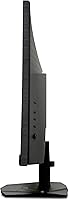
- The stand offers tilt only — no height adjustment or swivel, which limits ergonomic flexibility.
- IPS glow is noticeable in dark rooms, particularly in the corners during dark scenes.
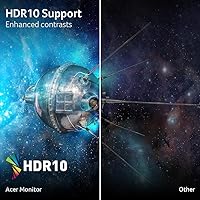
- HDR10 support exists on paper, but real-world HDR performance is underwhelming at this brightness level.
- The built-in speakers are barely adequate for system alerts and far from a usable audio solution.
- The 0.5ms response time is only achieved under specific overdrive settings, which can introduce overshoot artifacts.
- No USB hub or built-in KVM functionality, which would have added practical value at this price.
- At 15 pounds, the monitor is on the heavier side if you plan to reposition it frequently.
- The stand base has a moderate footprint that may feel bulky on smaller desks.
Ratings
The scores below for the Acer Nitro KG271U 27-inch IPS Gaming Monitor were generated by AI after analyzing verified purchase reviews from buyers worldwide, with spam, bot submissions, and incentivized feedback actively filtered out. Each category reflects the honest balance of what real users praised and what genuinely frustrated them — nothing is glossed over. Both the standout strengths and the recurring pain points are transparently captured in the ratings.
Image Quality
Refresh Rate Performance
Response Time
Color Accuracy
Adaptive Sync
Stand & Ergonomics
Build Quality
Port Selection
Built-in Speakers
HDR Performance
Setup & Connectivity
Value for Money
Glare & Matte Coating
Gaming Experience Overall
Suitable for:
The Acer Nitro KG271U 27-inch IPS Gaming Monitor is a strong fit for PC gamers who have outgrown 1080p but aren't ready to invest in a 4K setup — the jump to WQHD at 27 inches delivers a meaningful clarity upgrade that's immediately noticeable in both games and everyday desktop use. Competitive players will appreciate the 240Hz ceiling and FreeSync Premium support, which keeps fast-paced titles smooth without requiring a flagship GPU. This display also works surprisingly well for budget-conscious content creators: the IPS panel's 99% sRGB coverage is more than adequate for photo editing, color grading, or illustration work where accuracy matters but professional-tier specs aren't required. The dual HDMI inputs make it easy to connect a console alongside a PC, which is a genuine convenience for mixed-platform households. Anyone planning to wall-mount their monitor will also find the VESA compatibility a welcome inclusion.
Not suitable for:
Buyers who prioritize ergonomic flexibility should look carefully before committing to the KG271U — the stand only tilts, with no height adjustment or swivel, which is a real limitation for anyone who needs to dial in their viewing position precisely. Professional colorists or photographers working to strict print or broadcast standards will find 99% sRGB coverage adequate but not exceptional, and the absence of wide color gamut (DCI-P3) coverage means it falls short of genuinely color-critical workflows. If IPS glow bothers you in dark room environments, this panel, like most IPS displays in this tier, will show some glow in the corners under challenging lighting conditions. Gamers who rely on HDR for an immersive experience should also temper expectations — HDR10 support is present, but panel brightness in this price range rarely produces a convincing HDR effect. Finally, anyone hoping for usable built-in audio will be disappointed; the 2-watt speakers are functional in a pinch and nothing more.
Specifications
- Panel Type: This display uses an IPS (In-Plane Switching) panel, which provides wider viewing angles and better color consistency than TN alternatives.
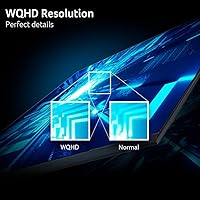
- Resolution: The native resolution is 2560x1440 (WQHD), delivering noticeably sharper detail than 1080p at the 27-inch screen size.
- Screen Size: The active display area measures 27 inches diagonally, making it a comfortable size for both gaming and productivity tasks.
- Refresh Rate: The panel supports a maximum refresh rate of 240Hz, enabling ultra-smooth motion in fast-paced games when paired with a capable GPU.
- Response Time: Rated at up to 0.5ms GTG (Gray-to-Gray) under optimal overdrive settings, with a standard GTG rating of 1ms under typical conditions.
- Adaptive Sync: AMD FreeSync Premium is supported, synchronizing the monitor's refresh rate with the GPU's output to eliminate tearing and reduce stuttering.
- Color Coverage: The panel covers 99% of the sRGB color space, making it suitable for color-sensitive design and editing work alongside everyday gaming use.
- HDR Support: HDR10 is supported at the hardware level, though peak brightness constraints typical of this panel tier limit the practical impact of HDR content.
- Ports: Connectivity includes one DisplayPort 1.4, two HDMI 2.0 ports, and one 3.5mm audio output jack; an HDMI cable is included in the box.
- VESA Mount: The display is VESA-compatible with a standard 100x100mm pattern, allowing use with most third-party monitor arms and wall mounts.
- Tilt Range: The included stand supports tilt adjustment from -5° to 25°, but does not offer height adjustment or swivel.
- Built-in Audio: Two integrated speakers rated at 2 watts each provide basic audio output suitable only for system sounds or casual background use.
- Aspect Ratio: The panel uses a standard 16:9 widescreen aspect ratio, compatible with all modern gaming resolutions and media formats.
- Surface Finish: The screen features a matte anti-glare coating that reduces reflections from ambient light sources without significantly affecting color vibrancy.
- Dimensions: The monitor measures 24.2 inches wide, 18.14 inches tall, and 8.28 inches deep with the stand attached.
- Weight: The complete unit with stand weighs 15.22 pounds, which is within the typical range for a 27-inch display of this class.
- Design: The KG271U features a zero-frame (borderless) design on three sides, reducing visual bulk and making it well-suited for side-by-side multi-monitor setups.
- Pixel Pitch: The pixel pitch is 0.233mm, which contributes to the sharp, dense image quality experienced at typical desktop viewing distances.
Related Reviews
Acer Nitro KG273 27-inch Gaming Monitor
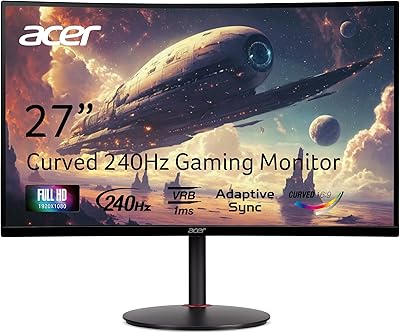
Acer Nitro XZ270 27-inch Curved Gaming Monitor
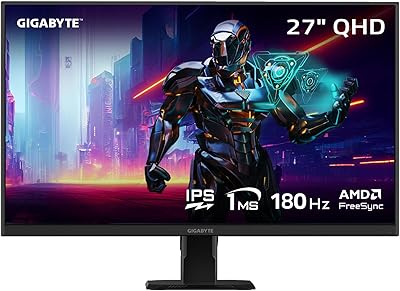
GIGABYTE GS27QA 27-inch QHD Gaming Monitor
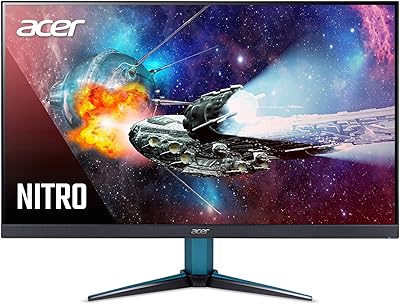
Acer Nitro VG271U 27-inch Gaming Monitor
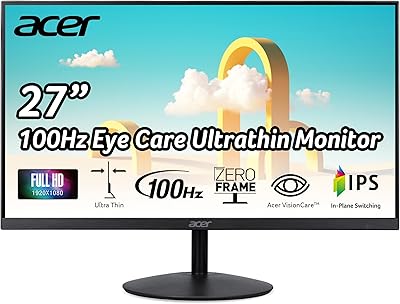
Acer SB272 27-inch FHD IPS Monitor
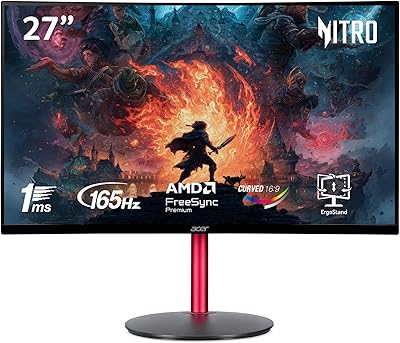
Acer Nitro ED270R 27″ Curved Gaming Monitor
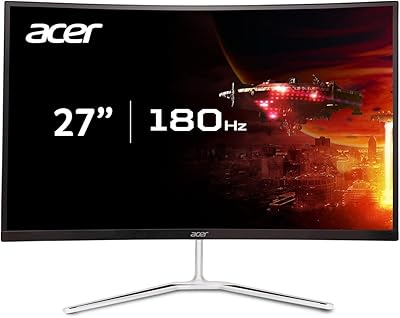
Acer Nitro EDA270U 27″ Curved Gaming Monitor
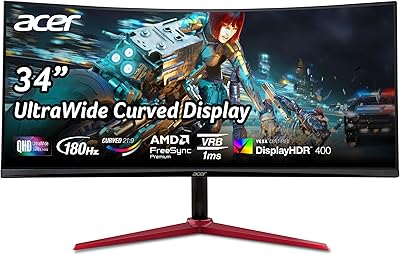
Acer Nitro XZ342CU 34″ Curved Gaming Monitor
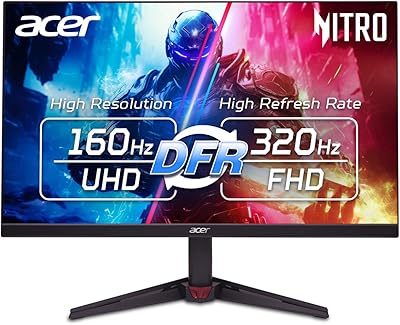
Acer Nitro VG270K 27-inch 4K Gaming Monitor