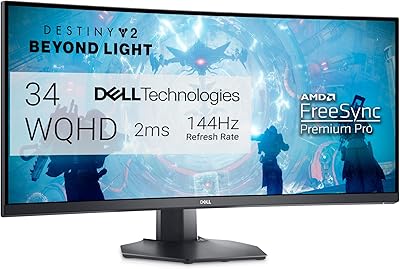
Acer Nitro XZ342CU 34″ Curved Gaming Monitor


Overview
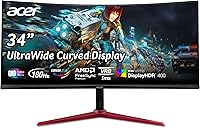
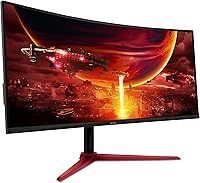
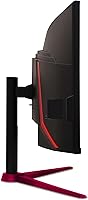
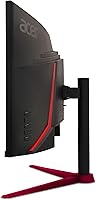
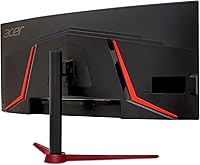
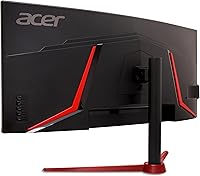
The Acer Nitro XZ342CU 34″ Curved Gaming Monitor lands in a crowded mid-range ultrawide market and manages to hold its own. Built around a 34-inch 1500R curved panel running at UWQHD resolution, it offers a noticeably wider and more immersive picture than the typical 27-inch flat monitor most people are upgrading from. Acer's Nitro line has always targeted performance-minded buyers who don't want to pay flagship prices, and this display fits that philosophy well. Released in early 2024, it has earned a 4.5-star rating from over 1,300 buyers — a solid signal that the real-world experience backs up the spec sheet.
Features & Benefits
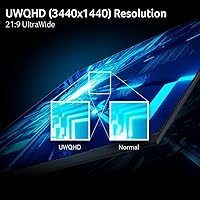
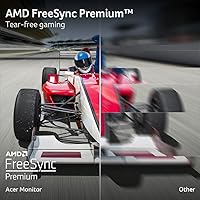
At 3440×1440 across a 21:9 panel, the XZ342CU puts noticeably more real estate on screen than a standard widescreen — whether that means a wider battlefield in a shooter or two full documents side by side. The refresh rate reaches up to 180Hz, keeping motion sharp in fast-paced games, though hitting that ceiling requires a DisplayPort 1.4 connection; the HDMI 2.0 ports are useful but cap out lower, which trips up some buyers. AMD FreeSync Premium handles tearing cleanly for Radeon GPU owners. The stand offers nearly four inches of height adjustment range plus VESA mount compatibility, giving you genuine flexibility in how you position it.
Best For
This ultrawide gaming monitor makes the most sense for PC gamers who spend real time in titles that reward a wider field of view — open-world RPGs, strategy games, and racing simulators where the curve pulls you into the scene. It's also a natural fit for anyone running an AMD Radeon GPU, since FreeSync Premium works without any additional cost or compatibility headaches. Upgraders coming from a 24- or 27-inch 1080p display will notice an immediate difference in both space and sharpness. The wide canvas also doubles well as a work-and-play setup, letting browser tabs, reference windows, and a game sit comfortably side by side.
User Feedback
Across a large pool of verified buyers, a few consistent themes stand out. Out-of-box color accuracy and the immersive depth of the 1500R curve draw frequent praise — most users report not needing to adjust settings before getting a picture they're happy with. The stand build quality also earns positive remarks, particularly the height adjustment, which many note feels more substantial than competing options nearby in price. The built-in speakers, though, are a near-universal compromise — usable for casual audio but not a reason to skip headphones. The HDR experience is honest but modest; buyers who have used OLED or high-end Mini-LED panels will feel the difference quickly, so expectations matter here.
Pros
- The 3440×1440 resolution gives you noticeably more screen room than a standard 16:9 monitor at the same size.
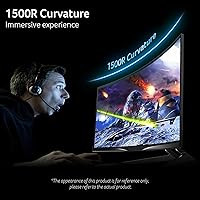
- The 1500R curve feels genuinely immersive at a 34-inch viewing distance, not just a cosmetic choice.
- Up to 180Hz keeps fast-paced gameplay smooth and responsive with minimal motion blur.
- AMD FreeSync Premium eliminates screen tearing cleanly for Radeon GPU users without extra setup.
- Out-of-box color accuracy is consistently praised — most buyers do not need to run a calibration before being satisfied.
- The stand offers real height adjustment range and feels solid, which is not a given at this price point.
- VESA 100×100mm support means you can swap to an aftermarket arm if the stand does not suit your desk.
- Both DisplayPort and dual HDMI ports are included, along with cables, making multi-device setups straightforward.
- The matte screen surface handles ambient light well, reducing glare during daytime use.
- A 4.5-star average across more than 1,300 buyers is a reliable signal of consistent real-world satisfaction.
Cons
- Reaching 180Hz requires a DisplayPort 1.4 connection — HDMI 2.0 users will be limited to a lower refresh rate.
- The built-in speakers are barely adequate; a headset or external audio solution is effectively required.
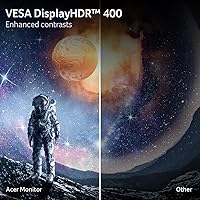
- DisplayHDR 400 certification delivers only a modest HDR experience — do not expect dramatic contrast improvements.
- At 20.6 pounds, the assembled monitor is on the heavier side, which matters if you plan to move or reposition it often.
- The tilt range is practical but limited; there is no swivel adjustment on the stand.
- NVIDIA GPU owners may not get a fully stable variable refresh rate experience since G-Sync compatibility is not certified.
- The 21:9 aspect ratio can create black bars or cropping in older games and films that do not natively support ultrawide.
- Ultrawide resolution at high frame rates demands a capable GPU — budget graphics cards will struggle to push smooth frame rates at native resolution.
Ratings
The scores below for the Acer Nitro XZ342CU 34″ Curved Gaming Monitor were generated by AI after analyzing thousands of verified buyer reviews worldwide, with spam, bot activity, and incentivized feedback actively filtered out. Each category reflects real patterns in how owners experience this display day-to-day — strengths and frustrations alike are represented without sugarcoating. Where the monitor genuinely delivers, the scores show it; where trade-offs exist, they are called out plainly.
Image Quality
Refresh Rate Performance
Ultrawide Immersion
HDR Performance
Build Quality
Value for Money
Connectivity
Ergonomics
Response Time
Audio
Screen Uniformity
Setup & Installation
Glare & Visibility
Suitable for:
The Acer Nitro XZ342CU 34″ Curved Gaming Monitor is a strong match for PC gamers who want a meaningful upgrade without stepping into premium territory. If you spend most of your time in open-world RPGs, simulation titles, racing games, or real-time strategy — genres where peripheral vision and screen real estate genuinely change how the game feels — the 21:9 ultrawide format will make a noticeable difference from the first session. AMD GPU owners get an especially clean experience here, since FreeSync Premium works natively without any extra configuration. The wide canvas also suits the hybrid user: someone who keeps a game running on one side and a browser, spreadsheet, or communication app on the other. If you are coming from a 24- or 27-inch 1080p flat panel, the jump in both width and sharpness will feel substantial and immediately justified.
Not suitable for:
Buyers chasing a truly premium visual experience — particularly those who have used OLED or high-end Mini-LED displays — are likely to find the HDR implementation underwhelming, and they would not be wrong to feel that way. DisplayHDR 400 is an entry-level certification; it delivers a brightness bump over standard panels but does not produce the deep blacks or vivid contrast that the word HDR often implies to experienced buyers. Nvidia GPU users should also note that this curved Nitro display relies on AMD FreeSync Premium, so G-Sync compatibility is not guaranteed and variable refresh performance may vary depending on your setup. Anyone who depends on built-in audio for serious listening will find the 2-watt speakers too limited for anything beyond background sound. Finally, content creators who need color-critical accuracy — photo editing, video grading — would be better served by a professionally calibrated display rather than a gaming-first panel like the XZ342CU.
Specifications
- Screen Size: The panel measures 34 inches diagonally, providing a wide viewing area suited to ultrawide gaming and multitasking.
- Resolution: Native resolution is 3440×1440 (UWQHD), delivering noticeably sharper detail than standard 1080p or 1440p 16:9 panels.
- Aspect Ratio: The 21:9 aspect ratio provides a substantially wider field of view compared to conventional 16:9 widescreen monitors.
- Panel Curvature: The screen uses a 1500R curvature radius, meaning the curve is optimized for immersive single-viewer use at typical desk distances.
- Refresh Rate: The panel supports a maximum refresh rate of 180Hz, reducing motion blur and improving fluidity in fast-paced games.
- Response Time: Rated at 1ms using VRB (Visual Response Boost) technology, which minimizes ghosting during rapid on-screen motion.
- HDR Support: Carries VESA DisplayHDR 400 certification with a peak brightness of 400 nits, representing an entry-level HDR implementation.
- Adaptive Sync: AMD FreeSync Premium is supported, eliminating screen tearing and stuttering when paired with a compatible AMD Radeon GPU.
- Connectivity: Ports include one DisplayPort 1.4, two HDMI 2.0 inputs, and one 3.5mm audio output; both a DisplayPort and HDMI cable are included in the box.
- Built-in Audio: Two integrated speakers rated at 2 watts each provide basic audio output for casual use.
- Stand Tilt: The monitor stand supports tilt adjustment from -5° to +20°, allowing comfortable angle positioning for most desk setups.
- Height Adjustment: The stand provides up to 3.93 inches of vertical height adjustment, enabling ergonomic positioning for different desk heights and seating arrangements.
- VESA Compatibility: The display is VESA mount compliant at the standard 100×100mm pattern, allowing aftermarket monitor arms to be used.
- Screen Surface: The panel uses a matte anti-glare coating that reduces reflections from ambient light sources in typical indoor environments.
- Pixel Pitch: Individual pixels are spaced 0.233mm apart, contributing to the sharp, detailed image quality at the UWQHD resolution.
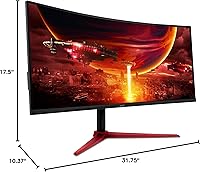
- Physical Dimensions: With the stand attached, the monitor measures approximately 31.75 inches wide, 17.5 inches tall, and 10.37 inches deep.
- Weight: The fully assembled unit weighs 20.6 pounds, which is typical for a 34-inch curved monitor with an integrated stand.
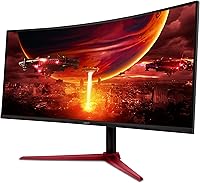
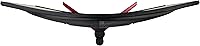
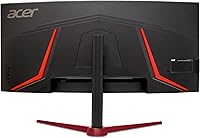
- Color & Finish: The monitor is finished in black with a zero-frame bezel design that minimizes visual distraction around the panel edges.
Related Reviews
Acer Nitro EDA343CUR 34″ Curved Gaming Monitor
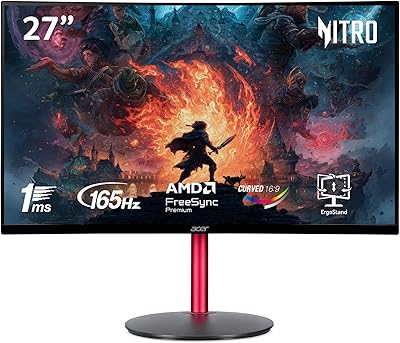
Acer Nitro ED270R 27″ Curved Gaming Monitor
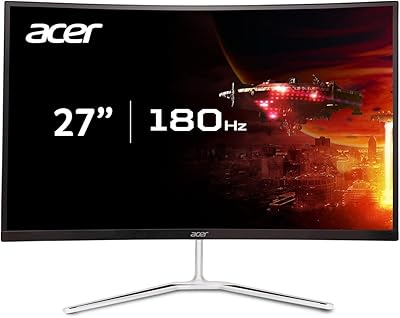
Acer Nitro EDA270U 27″ Curved Gaming Monitor
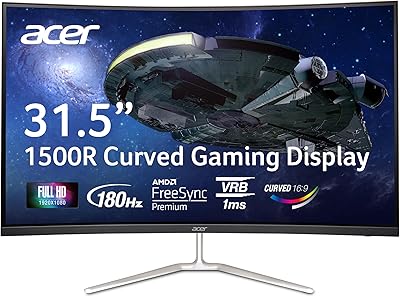
Acer Nitro EDA320Q 31.5″ Curved Gaming Monitor
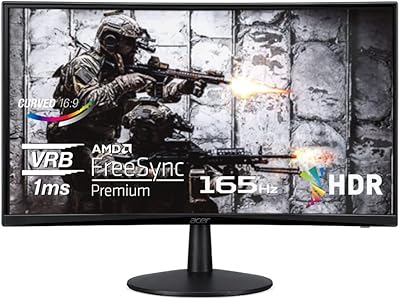
Acer Nitro ED240Q Sbiip 23.6″ Curved Gaming Monitor
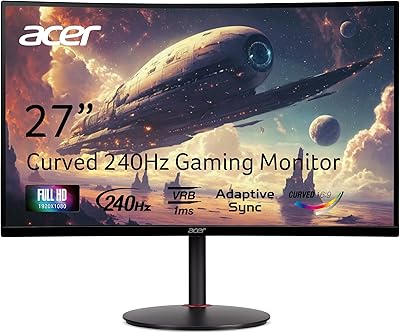
Acer Nitro XZ270 27-inch Curved Gaming Monitor
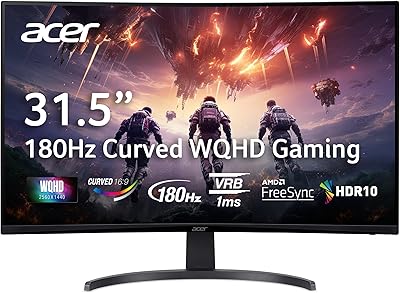
Acer Nitro EDA323QU 31.5-inch Curved Gaming Monitor

Alienware AW3425DWM 34-inch Curved Gaming Monitor
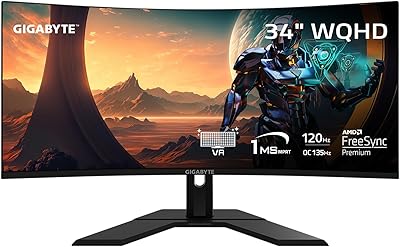
GIGABYTE GS34WQC 34-inch Curved Gaming Monitor