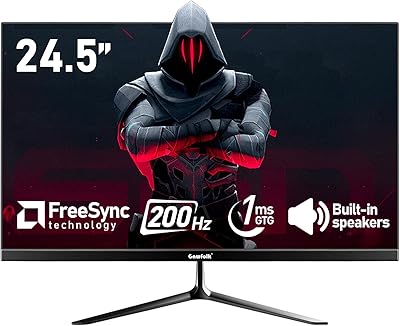
Acer Nitro KG251Q 24.5-inch Gaming Monitor


Overview
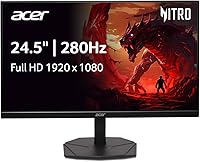
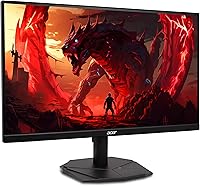
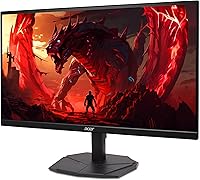
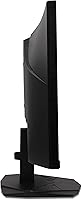
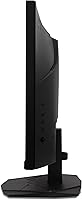
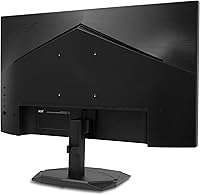
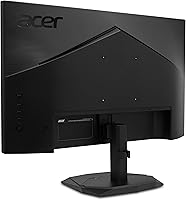
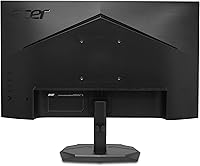
The Acer Nitro KG251Q 24.5-inch Gaming Monitor arrived in late 2024 as a quietly confident entry in the budget gaming monitor space — and it has a legitimate case for punching above its price tier. Built around a VA panel with a ZeroFrame bezel, it looks noticeably cleaner on a desk than monitors with chunky borders. The headline spec is a 280Hz refresh rate, which is genuinely rare at this price point; most competitors top out at 144Hz or 165Hz. That said, this is still a 1080p display aimed squarely at esports and casual gaming — not a tool for designers or photographers chasing color accuracy.
Features & Benefits
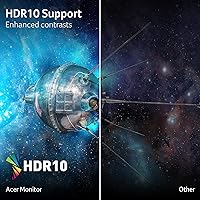
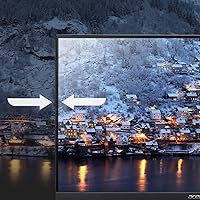
At 280Hz refresh rate, fast-paced games like Valorant or Call of Duty feel noticeably crisper — enemy movement is easier to track and the screen feels more responsive than a standard 144Hz display. The 1ms spec is worth clarifying: it refers to VRB, or Visual Response Boost, a backlight-strobing method that reduces perceived blur but also dims the image when active. AMD FreeSync Premium handles frame sync across both AMD and Nvidia setups. The VA panel delivers strong contrast and deep blacks, useful in darker game environments. HDR10 is present but modest — helpful for contrast range, not a cinematic HDR experience. Connectivity covers two HDMI 2.0 ports plus a DisplayPort 1.4, a solid spread for this segment.
Best For
The KG251Q hits a sweet spot for a specific type of gamer. Competitive FPS players are the obvious primary audience — if you play Apex Legends, CS2, or Valorant regularly, that 280Hz headroom is a tangible advantage over opponents still running 144Hz displays. Budget-conscious buyers upgrading from an older 60Hz or 144Hz screen will also find the jump genuinely impactful. The dual HDMI ports make it a natural pick for anyone running a PC and a console side by side. It also works well as a multi-monitor setup anchor, since the slim bezel keeps the gap between panels minimal. Graphic designers or video editors needing accurate color profiles should look elsewhere.
User Feedback
Across over 200 ratings, this Acer Nitro monitor holds a 4.5-star average — a score that feels earned rather than inflated. The most consistent praise centers on how smooth the display feels in motion and the genuine surprise buyers express at the performance relative to the price. The clean, minimal aesthetic draws positive mentions too. On the downside, some users flag that the stand offers limited adjustment — mostly tilt only — which can be a real inconvenience depending on desk height. A handful of reviewers note the VA color accuracy falls short in well-lit rooms, and the HDR effect is subtle at best. Setup and port access are generally described as straightforward, with no major compatibility complaints.
Pros
- 280Hz refresh rate is genuinely rare at this price point, giving competitive gamers a real edge.
- AMD FreeSync Premium keeps gameplay smooth and tear-free on both AMD and Nvidia GPU setups.
- The ZeroFrame bezel design looks sharp on a desk and pairs cleanly in multi-monitor configurations.
- Two HDMI 2.0 ports make switching between a PC and a console quick and hassle-free.
- VA panel delivers noticeably deeper blacks and stronger contrast than typical IPS screens in this tier.
- Setup is straightforward out of the box, with no major driver or compatibility headaches reported.
- The matte screen surface reduces glare, which is helpful in mixed-lighting environments.
- At its price, the KG251Q offers a refresh rate ceiling most competing monitors charge significantly more to match.
- Clean, minimal aesthetic fits both gaming setups and everyday home office desks without looking out of place.
Cons
- The stand only tilts — no height adjustment or swivel, which is a real ergonomic limitation for many users.
- VRB response time dims the backlight when active, which is a trade-off not clearly communicated in marketing.
- HDR10 performance is entry-level at best; the effect is too subtle to meaningfully enhance most games.
- VA viewing angles are narrower than IPS, so color and contrast shift noticeably when viewed off-center.
- 1080p resolution on a 24.5-inch panel starts to show pixel density limits on high-DPI content.
- Color accuracy out of the box is average, and most users will not bother with manual calibration.
- No USB hub or built-in audio output, which limits desk cable management options.
- The 9.55-pound weight combined with the limited stand makes repositioning the monitor slightly awkward.
Ratings
The scores below for the Acer Nitro KG251Q 24.5-inch Gaming Monitor were generated by our AI system after analyzing verified purchaser reviews from global markets, with spam, bot activity, and incentivized feedback actively filtered out. Each category reflects the honest distribution of buyer sentiment — not just the highlights — so both the strengths and the friction points are represented as accurately as the data allows. Where buyers consistently agreed, the scores reflect that consensus; where opinions split, the numbers land in the middle.
Refresh Rate Performance
Value for Money
Motion Clarity
Image Contrast & Blacks
Color Accuracy
HDR Quality
Connectivity & Ports
Stand & Ergonomics
Build Quality
ZeroFrame Bezel Design
Setup & Out-of-Box Experience
Gaming Performance Overall
Screen Surface & Glare
Suitable for:
The Acer Nitro KG251Q 24.5-inch Gaming Monitor is built for one core audience: gamers who want a high refresh rate without spending a lot of money. If you play competitive titles like Valorant, CS2, or Apex Legends regularly, the 280Hz ceiling is a meaningful advantage — you will genuinely notice the difference over a 144Hz or 165Hz panel, especially when tracking fast-moving targets. Budget-conscious buyers upgrading from an older 60Hz screen will find the jump particularly striking. The dual HDMI inputs also make it a smart pick for anyone running a PC and a console from the same desk, since you can switch between them without unplugging anything. Students or home-office users who game casually in the evenings will also get solid mileage out of it, as the matte screen and slim ZeroFrame design look clean in a dual-purpose workspace.
Not suitable for:
The Acer Nitro KG251Q 24.5-inch Gaming Monitor has clear limitations that certain buyers should take seriously before purchasing. If you do any kind of color-sensitive work — photo editing, video grading, or digital illustration — this VA panel at this price tier simply will not deliver the color accuracy or coverage you need. The stand is another practical concern: it offers tilt adjustment only, with no height or swivel control, so users with specific ergonomic requirements may need to budget for a separate monitor arm. The HDR10 support sounds appealing on paper, but in practice the effect is subtle — buyers expecting a vivid, high-contrast HDR image similar to higher-end displays will be disappointed. At 1080p resolution, it is also a tough sell for anyone who values sharp, detailed visuals for single-player story games or cinematic experiences over raw frame rate. Ultrawide enthusiasts or those who have already moved to 1440p should look at higher-tier options rather than stepping back to full HD.
Specifications
- Panel Type: This monitor uses a VA (Vertical Alignment) panel, which delivers stronger contrast ratios and deeper blacks compared to typical IPS panels at this price tier.
- Screen Size: The viewable screen measures 24.5 inches diagonally, offering a solid gaming footprint without dominating a standard desk setup.
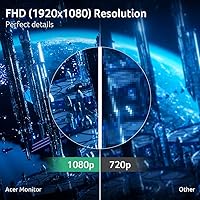
- Resolution: Native resolution is 1920x1080 Full HD at a 16:9 aspect ratio, optimized for high frame rate output rather than pixel density.
- Refresh Rate: The panel supports a maximum refresh rate of 280Hz, which is significantly higher than the 144Hz or 165Hz ceiling common among competing monitors in this segment.
- Response Time: Rated at 1ms using VRB (Visual Response Boost), a backlight-strobing method that reduces perceived motion blur but dims overall brightness when active.
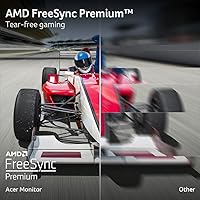
- Sync Technology: AMD FreeSync Premium is supported, dynamically matching the monitor's refresh rate to the GPU output to eliminate screen tearing and reduce stutter.
- HDR Support: The display carries HDR10 certification, providing a modest improvement in contrast range, though it does not qualify as a true peak-brightness HDR experience.
- Screen Surface: The matte anti-glare coating reduces reflections from ambient light sources, making it practical for use in mixed-lighting environments.
- Connectivity: Port options include one DisplayPort 1.4 and two HDMI 2.0 inputs, supporting multi-device connections such as a PC and console simultaneously.
- Bezel Design: The ZeroFrame design features near-borderless edges on three sides, reducing the visual gap in multi-monitor configurations.
- Aspect Ratio: Standard 16:9 widescreen aspect ratio, compatible with the vast majority of PC games, consoles, and video content without letterboxing.
- Dimensions: The monitor measures 21.93 inches wide, 16.9 inches tall, and 8.67 inches deep with the stand attached.
- Weight: Total weight with stand is 9.55 pounds, which is typical for a monitor of this size class.
- Color: Available in a matte black finish that keeps the aesthetic neutral and compatible with most desk and peripheral setups.
- Stand Adjustment: The included stand supports tilt adjustment only; height, swivel, and pivot adjustments are not available without a third-party VESA mount.
- VESA Compatibility: The display panel is VESA mount compatible, allowing users to attach a third-party arm for more ergonomic positioning flexibility.
- Release Date: This monitor was first made available in October 2024, making it a recent addition to the budget gaming monitor category.
- Model Number: The official model number is UM.KX1AA.101, part of the Acer Nitro KG251Q Z1biip product line.
Related Reviews
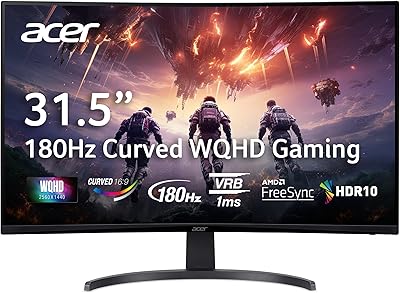
Acer Nitro EDA323QU 31.5-inch Curved Gaming Monitor
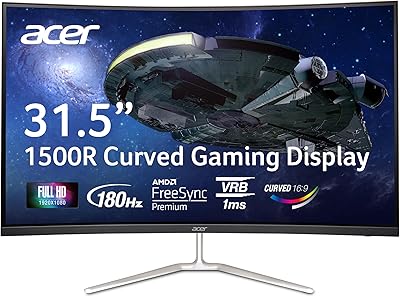
Acer Nitro EDA320Q 31.5″ Curved Gaming Monitor

CRUA CR245ZB 24.5″ Gaming Monitor

KOORUI G2511E 24.5-Inch 320Hz Gaming Monitor
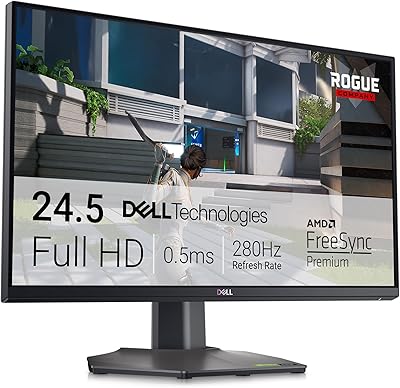
Dell G2524H 24.5-inch Gaming Monitor
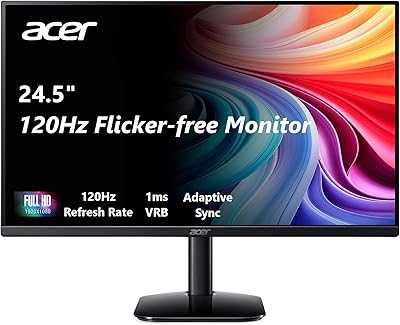
Acer KB252Q G0bi 24.5″ IPS Monitor
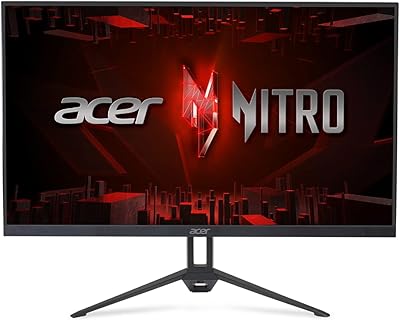
Acer Nitro KG273 27-inch Gaming Monitor

Gawfolk GF245A 24.5-Inch Curved Gaming Monitor
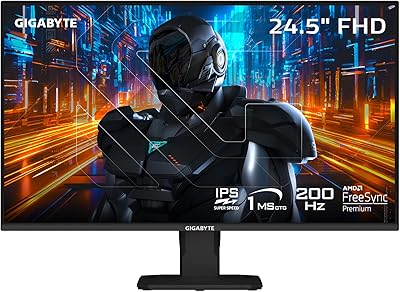
GIGABYTE GS25F2 24.5″ FHD Gaming Monitor