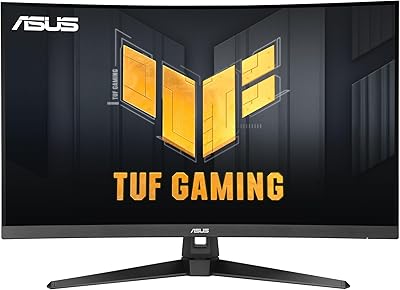
Acer Nitro EDA320Q 31.5″ Curved Gaming Monitor

Overview
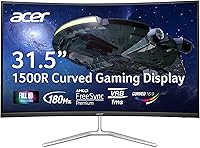
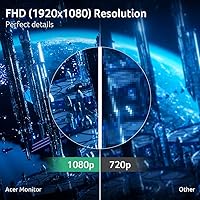
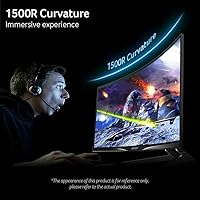
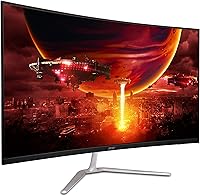
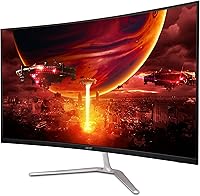
The Acer Nitro EDA320Q 31.5″ Curved Gaming Monitor enters the budget large-screen space with a compelling pitch: a lot of display for not a lot of money. The 1500R curved VA panel wraps your peripheral vision more aggressively than the flatter screens common at this price, and that curvature genuinely changes how immersive open-world and story-driven games feel. Within Acer's own Nitro lineup, this sits at the accessible end — you're not getting IPS-level color accuracy or QHD sharpness. One honest caveat worth stating upfront: spreading 1080p across 31.5 inches means pixel density takes a noticeable hit compared to a smaller 24-inch FHD screen. If you sit close, that softness is visible.
Features & Benefits
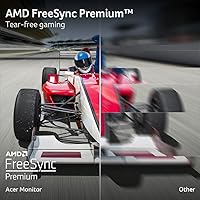
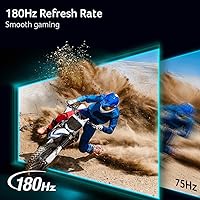
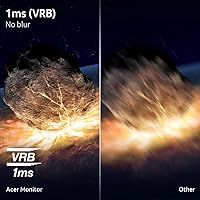
The EDA320Q runs at 165Hz over DisplayPort, which in practice means smoother motion during fast-paced shooters and racing games — though you drop to 144Hz when connecting via HDMI. The advertised 1ms response time carries an important asterisk: that figure refers to VRB (Visual Response Boost), a backlight strobing technique, not the panel's actual pixel transition speed. Real-world ghosting on VA panels can surface during very fast motion, so temper that expectation accordingly. On the upside, AMD FreeSync Premium eliminates screen tearing across a wide refresh range and works on most recent Nvidia cards too. Connectivity is functional — one DisplayPort and two HDMI inputs — but there is no USB hub or built-in audio to speak of.
Best For
This 31.5-inch gaming display makes the most sense for someone stepping up from a smaller flat monitor and wanting that sense of being inside the game without spending a fortune. The dual HDMI ports are a practical bonus for anyone juggling a PC and a console on the same desk. Story-driven RPGs, open-world exploration, and cinematic titles benefit most from the curve and the VA panel's rich contrast output. That said, this is not a strong choice for serious competitive players — if pixel-perfect clarity and razor-sharp response are your priorities, a smaller, sharper display will serve you better. Limited desk depth is less of an issue here, since the curvature compensates for the absence of an ultrawide field of view.
User Feedback
Owners of this curved Nitro monitor tend to arrive pleasantly surprised. Assembly is straightforward, and most buyers note the colors look punchy and warm right out of the box with minimal calibration needed. The sheer screen size at this price earns consistent praise — people feel they're getting more than they paid for. The friction points are real, though. Backlight bleed at the panel edges appears on some units, most noticeable during dark loading screens or cutscenes. The stand offers tilt only — no height adjustment, no swivel — which is a genuine inconvenience for shared desks or users with precise ergonomic needs. Buyers migrating from a 24-inch 1080p screen also flag that text sharpness feels softer, an expected but worth-acknowledging trade-off.
Pros
- A genuinely large 31.5-inch curved screen at a price that undercuts most comparable options on the market.
- The 1500R curve creates real immersion in open-world and cinematic games without requiring a full ultrawide setup.
- VA panel produces rich contrast and deep blacks that make dark game environments look far better than typical budget IPS screens.
- AMD FreeSync Premium keeps gameplay tear-free, and it works reliably with most recent Nvidia GPUs as well.
- Dual HDMI inputs make switching between a PC and a gaming console genuinely convenient.
- The zero-frame bezel design looks clean and works well in multi-monitor configurations.
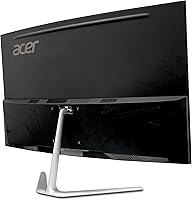
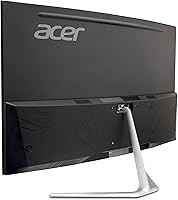
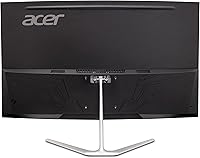
- VESA 100x100mm support lets you replace the basic stand with a third-party monitor arm.
- Refresh rate headroom is strong enough that mid-range gaming GPUs can actually take advantage of it at 1080p.
- Colors look punchy and well-saturated straight out of the box with minimal tuning required.
- Assembly is simple and straightforward, with most users up and running in under 15 minutes.
Cons
- Pixel density at 1080p across 31.5 inches is noticeably soft, especially for users coming from smaller FHD screens.
- The 1ms VRB rating is a marketing figure — actual pixel response leaves some ghosting visible in fast motion sequences.
- The stand only tilts, with no height adjustment or swivel, making ergonomic positioning frustrating for many users.
- Backlight bleed at panel edges has been reported on a meaningful number of units, most visible during dark scenes.
- No built-in speakers or USB hub means more desk clutter and added peripheral costs for some setups.
- HDMI connections cap the refresh rate below the DisplayPort maximum, which matters if you connect via HDMI expecting top performance.
- The stand base takes up a fair amount of desk depth despite the monitor not being ultrawide.
- No height or rotation adjustment makes this a poor fit for shared workstations or users with strict ergonomic requirements.
- Color accuracy out of the box, while pleasing, is not calibrated for professional creative work or color-critical tasks.
- Limited port selection means expanding connectivity requires an external hub at additional cost.
Ratings
The scores below for the Acer Nitro EDA320Q 31.5″ Curved Gaming Monitor were generated by our AI engine after processing verified buyer reviews from global markets, with spam, bot submissions, and incentivized feedback actively filtered out. Each category reflects the honest distribution of real user experiences — not just the positives — so both the strengths and the recurring frustrations are accurately represented.
Value for Money
Image Quality
Gaming Performance
Curvature & Immersion
Ergonomics & Adjustability
Build Quality
Contrast & Blacks
Connectivity
Setup & Assembly
Panel Uniformity
Color Accuracy
Motion Clarity
Viewing Angles
Stand Stability
Suitable for:
The Acer Nitro EDA320Q 31.5″ Curved Gaming Monitor is a strong match for casual to mid-level PC gamers who want a noticeably larger, more immersive screen without stretching their budget. If you spend most of your gaming time in open-world RPGs, adventure titles, or cinematic story-driven games, the 1500R curve and VA panel's deep contrast will genuinely enhance how those environments feel. PC and console hybrid players will appreciate having two HDMI inputs, making it easy to keep a desktop and a gaming console connected simultaneously without swapping cables. It also suits desk setups where mounting flexibility matters — the VESA-compatible design means you can ditch the stand and put it on a monitor arm for a cleaner workspace. For anyone stepping up from a 24-inch flat display and wanting that first taste of curved-screen immersion at a sensible price, the EDA320Q delivers a meaningful upgrade.
Not suitable for:
Buyers who prioritize pixel sharpness above all else should think carefully before committing to the Acer Nitro EDA320Q 31.5″ Curved Gaming Monitor, because stretching 1080p across a 31.5-inch panel does produce a noticeably softer image compared to smaller FHD screens or same-sized QHD alternatives. Competitive esports players who rely on the crispest possible visuals and fastest panel response will find that the VA panel's real-world motion handling falls short of what a high-end IPS or TN display can offer at comparable refresh rates. The 1ms VRB spec is a backlight strobing measurement, not a true pixel transition figure, so frame-by-frame clarity in ultra-fast titles may disappoint anyone used to a dedicated esports panel. Ergonomics-focused users — particularly those who share a desk, work long hours, or need precise monitor positioning — will hit a wall quickly with the tilt-only stand and no height or swivel adjustment. Anyone who needs a USB hub, built-in speakers, or a more feature-rich port selection should also look elsewhere.
Specifications
- Panel Type: VA (Vertical Alignment) panel delivers strong contrast ratios and deep blacks compared to standard IPS alternatives at this price tier.
- Screen Size: 31.5 inches measured diagonally, offering a wide viewing area suited to immersive gaming and multimedia use.
- Resolution: Full HD 1920x1080 resolution across a 16:9 aspect ratio, resulting in a pixel pitch of 0.364mm.
- Curvature: 1500R curvature radius wraps the panel moderately around the viewer's field of vision for enhanced depth perception.
- Refresh Rate: Runs at 165Hz when connected via DisplayPort 1.2, and steps down to 144Hz over HDMI 1.4.
- Response Time: Rated at 1ms using VRB (Visual Response Boost) backlight strobing — not a native pixel transition measurement.
- Sync Technology: AMD FreeSync Premium is supported natively and functions with most Nvidia RTX-series GPUs via adaptive sync compatibility.
- Connectivity: Ports include one DisplayPort 1.2 and two HDMI 1.4 inputs; no USB hub, audio out, or built-in speakers are provided.
- VESA Mount: Standard 100x100mm VESA pattern allows the monitor to be mounted on most third-party monitor arms or wall mounts.
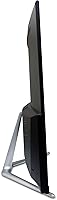
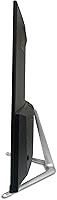
- Ergonomics: Stand supports tilt adjustment between -5° and 20° only; height adjustment, swivel, and pivot are not available.
- Surface Finish: Matte anti-glare coating reduces reflections from ambient light sources without significantly affecting color saturation.
- Bezel Design: Zero-frame bezel on three sides creates a clean edge-to-edge appearance well suited to side-by-side multi-monitor configurations.
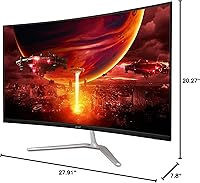
- Dimensions: Assembled unit measures 27.91″ wide, 20.27″ tall, and 7.8″ deep including the stand base.
- Weight: Complete unit with stand weighs 13.77 pounds, which is typical for a curved display of this size and panel type.
- Included Cable: An HDMI cable is included in the box; a DisplayPort cable is not included and must be purchased separately.
- Power: The monitor uses an internal power supply, eliminating the need for an external power brick on the desktop.
- Aspect Ratio: Standard 16:9 widescreen aspect ratio is maintained, compatible with all conventional gaming and streaming content formats.
- Series: Part of Acer's Nitro lineup, which targets gaming-oriented buyers at the accessible end of the performance monitor market.
Related Reviews
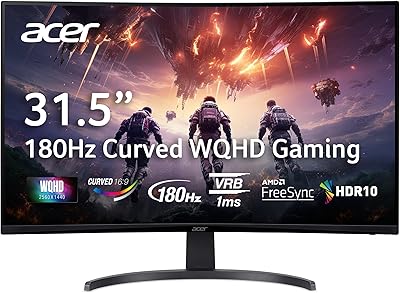
Acer Nitro EDA323QU 31.5-inch Curved Gaming Monitor
Acer Nitro EDA343CUR 34″ Curved Gaming Monitor
AOPEN 32HC5QR 31.5″ Curved Gaming Monitor
Acer Nitro ED270R 27″ Curved Gaming Monitor
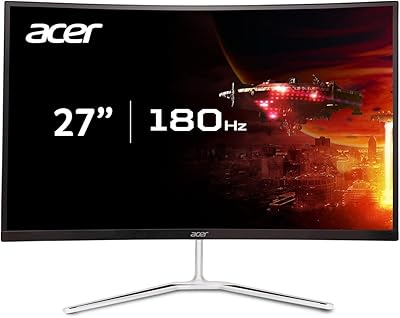
Acer Nitro EDA270U 27″ Curved Gaming Monitor

Acer Nitro KG251Q 24.5-inch Gaming Monitor
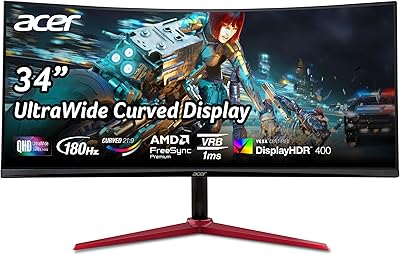
Acer Nitro XZ342CU 34″ Curved Gaming Monitor
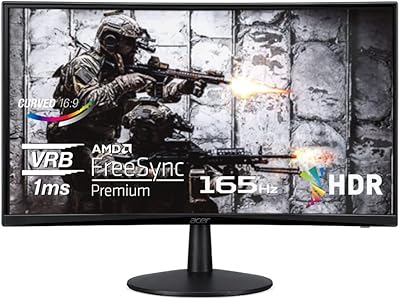
Acer Nitro ED240Q Sbiip 23.6″ Curved Gaming Monitor
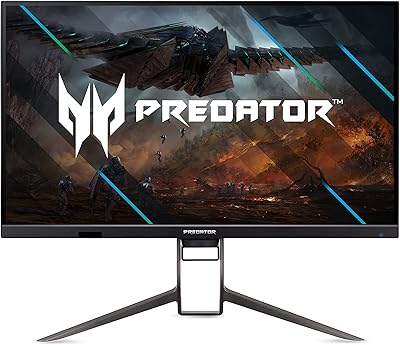
Acer Predator XB323QK 31.5″ 4K Gaming Monitor